What is Ad Lab?+
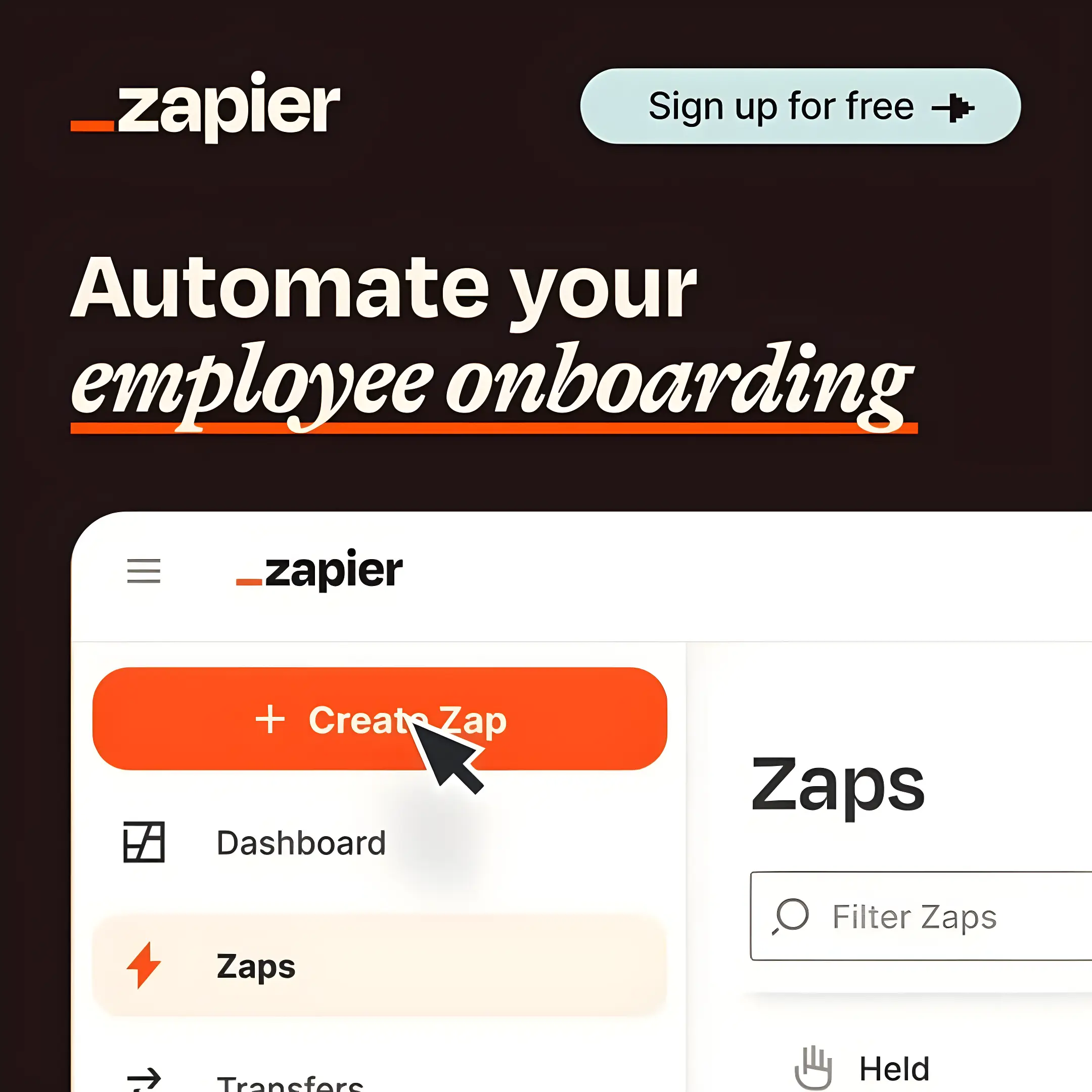
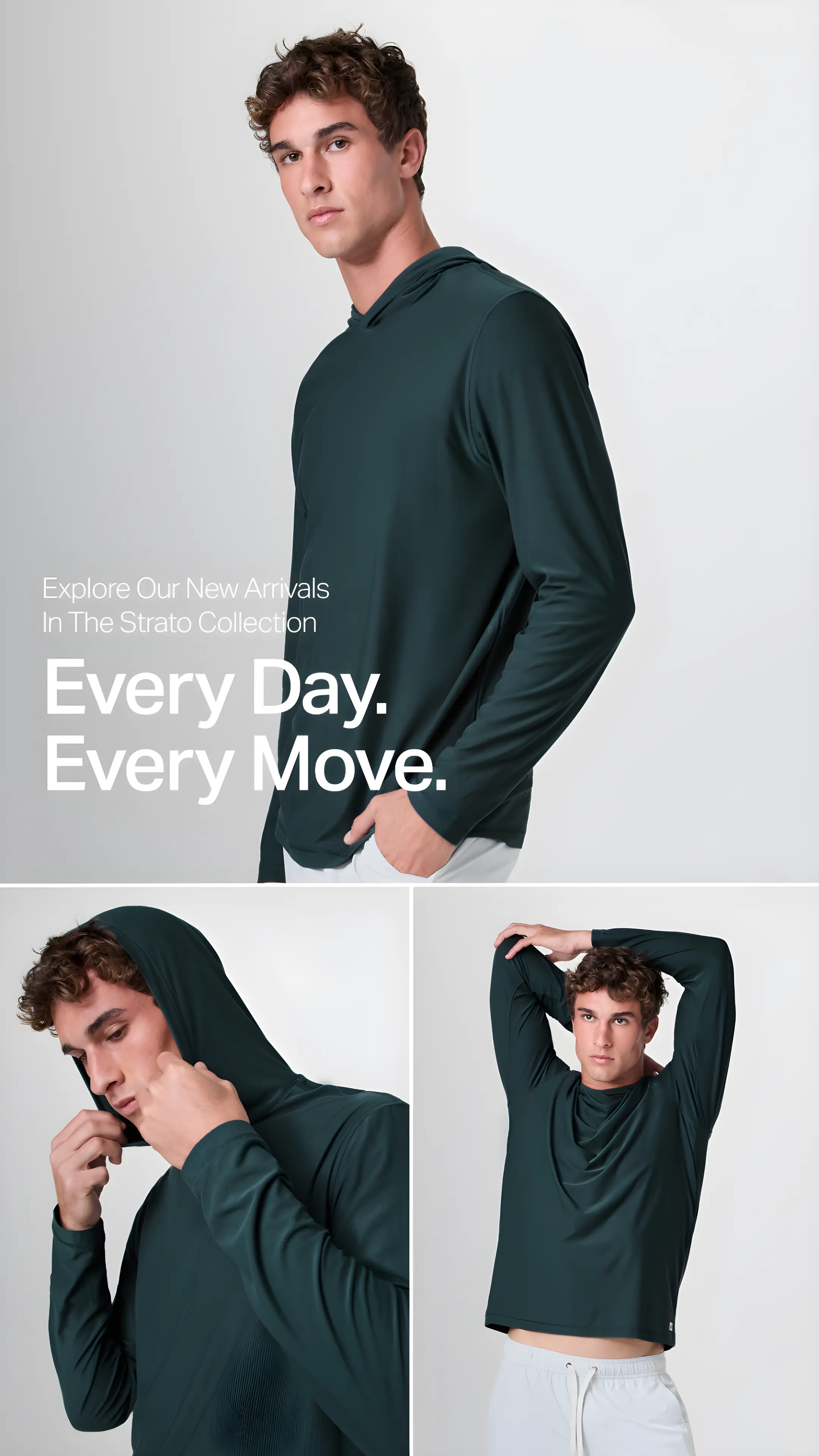
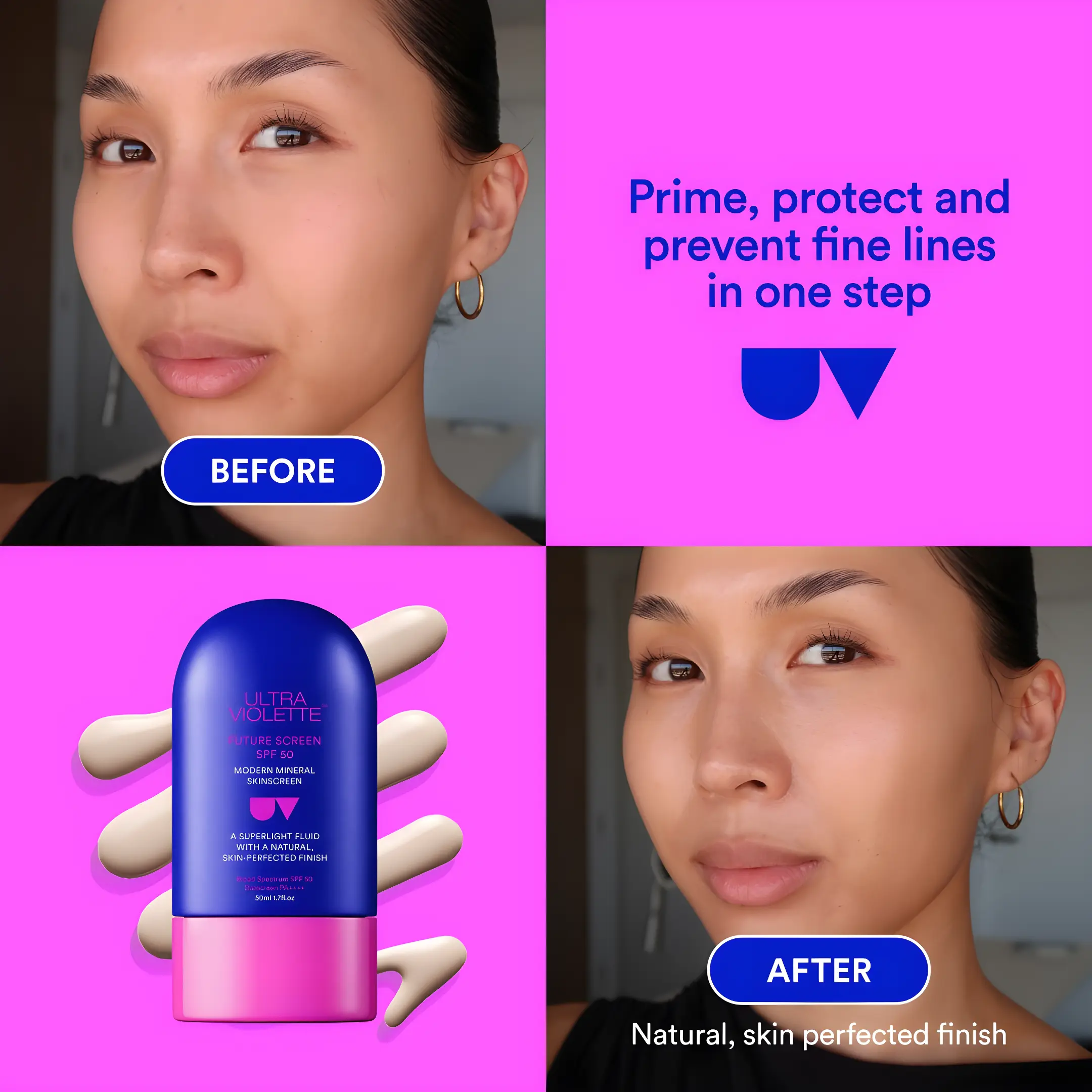
Ad Lab generates on-brand static ads from a website, cinematic tip packs and Proof carousels for feed, and Explain ads from a product photo. Paste a website to capture company DNA, lock a layout and marketing angle, then render stills. Or open tip pack, Proof, or Explain mode without a company.
Is this video or stills?+
Both. Static ads, tip packs, and Proof packs are stills you can run on Meta, TikTok, or display. Explain mode is a stitched 9:16 film with voice, captions, and clay-character motion from a product photo and a brief.
Do I have to write a prompt from scratch?+
No. The company record holds product, audience, and visual identity. You choose layout, angle, and aspect ratio. Optional instructions refine the set without replacing the DNA. Tip packs start from a topic. Proof packs start from a niche and a short brief. Explain ads start from a product photo and a brief.
Can I use my own product photos?+
Yes. On static ads, attach company assets or product photo URLs alongside a layout reference. Explain mode requires a product photo. Proof packs can composite an optional product screenshot on the last slide. Tip packs do not need product cutouts.
Can Ad Lab make a tip pack?+
Yes. Tip pack mode writes a hook and numbered tips, then creates a distinct image for each slide that matches its message, with a consistent visual style across the pack. You get per-slide JPEGs and a zip. Default size is 4:5; 9:16 is optional. Tip packs do not need a company.
Can Ad Lab make a Proof pack?+
Yes. Proof mode takes a niche and a short brief, then builds a 4:5 carousel: a hook line, in-the-life stills invented for that niche, and a soft CTA. Upload a product screenshot to composite it on the last slide; otherwise the last slide is a text CTA. You get per-slide PNGs and a zip. No company required.
Can Ad Lab make an explainer video?+
Yes. Explain mode needs a product photo and a brief. An optional style still can lock the clay look. It writes a hook, science, problem, and solution, then returns one 9:16 film with voice and captions. Open Ad Lab and choose Explain.
Where do finished ads go?+
Find static ads, tip packs, Proof packs, and Explain films in your Ad library. Open a set to preview and download its assets. Explain films also appear in your clip library.
How is this different from Video Lab?+
Video Lab directs frontier video models from a prompt or still. Ad Lab builds static ad creatives from company DNA and a locked layout, a tip pack from a topic, a Proof pack from a niche, or an assembled Explain film from a product photo. Explain stitches stills, motion, voice, and captions; it is not a single Video Lab prompt.