
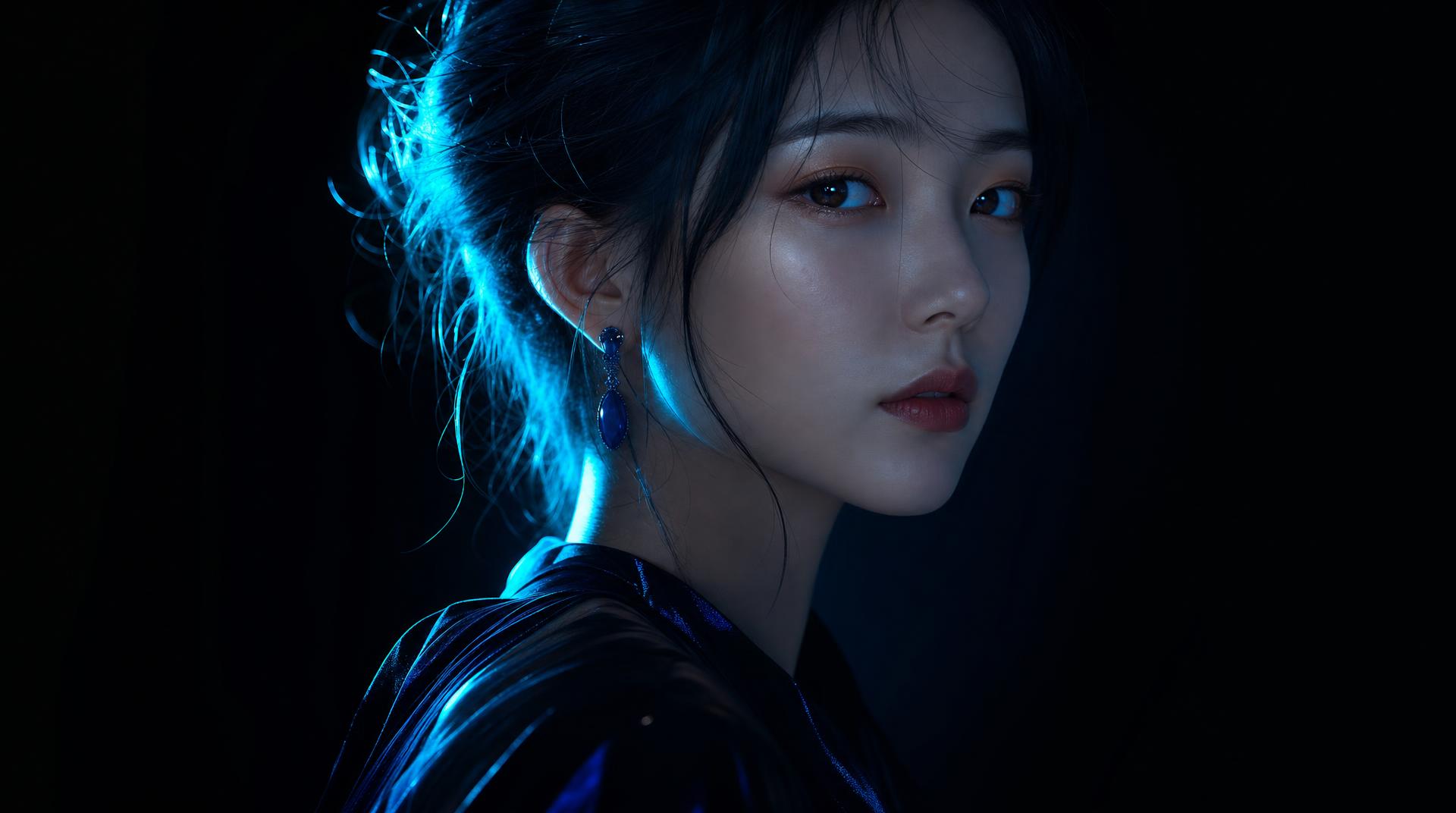

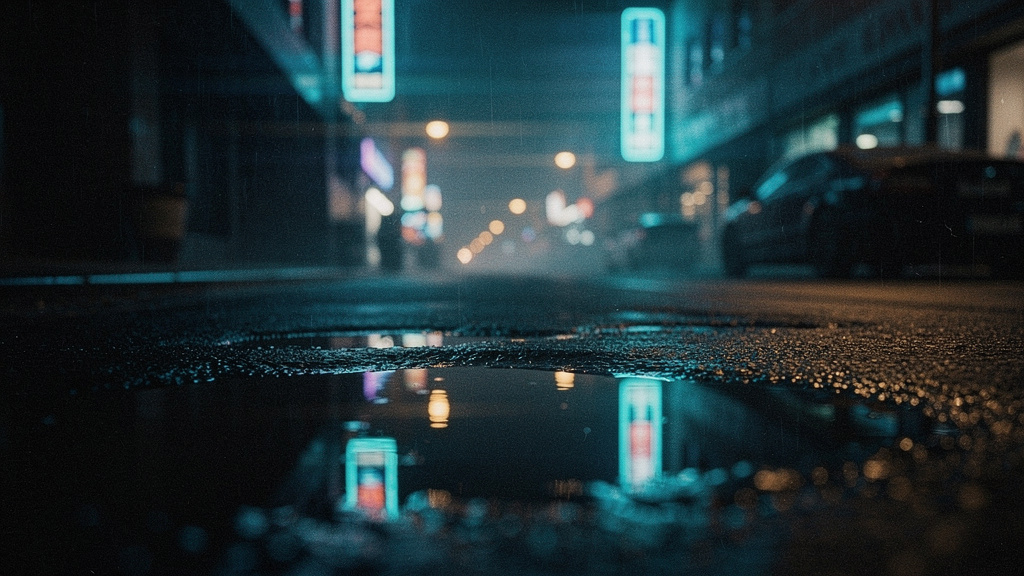
Lo-fi study beat
1:07Lo-fi hip-hop · instrumental
A 30-second lo-fi hip hop instrumental: dusty vinyl crackle, mellow Rhodes chords, a lazy swung drum loop and a warm bassline. Chill study-beat mood, 75 BPM, no vocals.
AI video studio
Films, shorts, ads, images, music, and voice in one studio. Clip Pro from $19/mo.

Examples from Character Films, Topic Shorts, Talking Shorts, Paint Lab, Last Frame, and Video Lab. See Character Films
From the community
Real Clip Studio generations people published. Open one to watch it, then Generate this.
Character Films
Pick a narrator, give them a topic, and get back a narrated animated film.
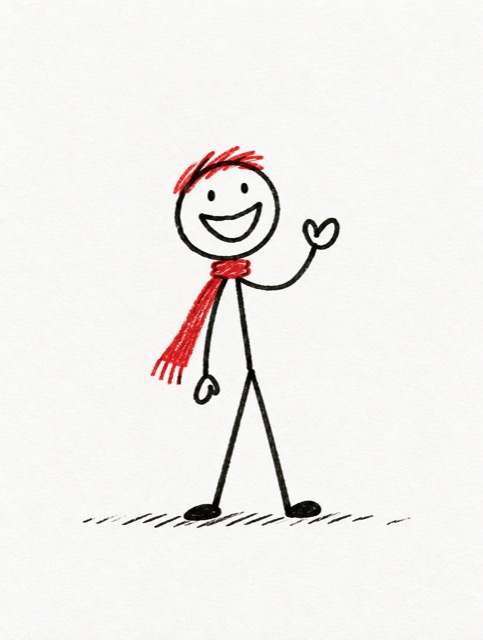
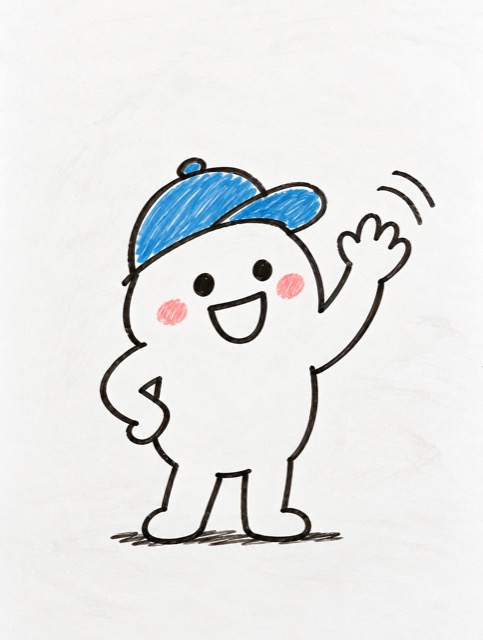
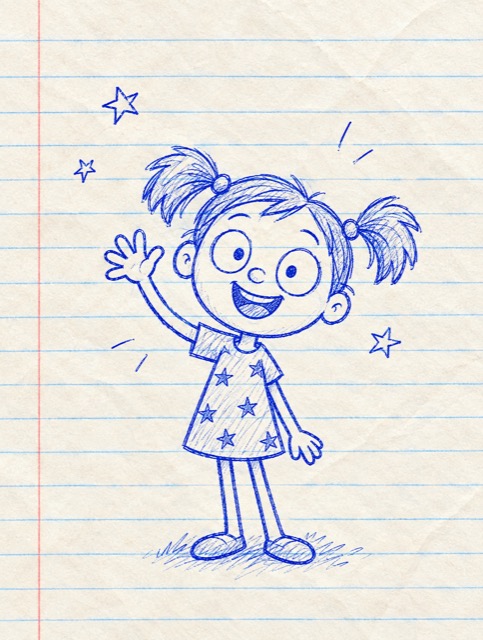
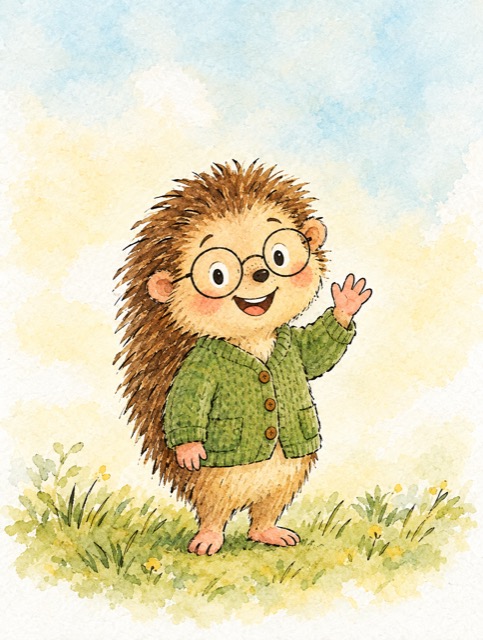
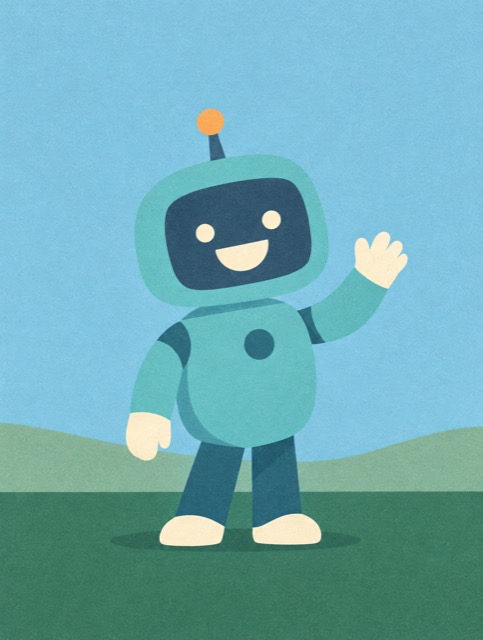
50 narrators·29 looks·85 example films
Meet the narrators
PipA curious little explainer who asks why about everythingMoAn upbeat whiteboard teacher who draws ideas as he talksLuluA daydreamer who doodles her way through big questionsHazelA gentle naturalist who knows every leaf, bird and bugOttoA tidy robot who loves explaining how things work, step by step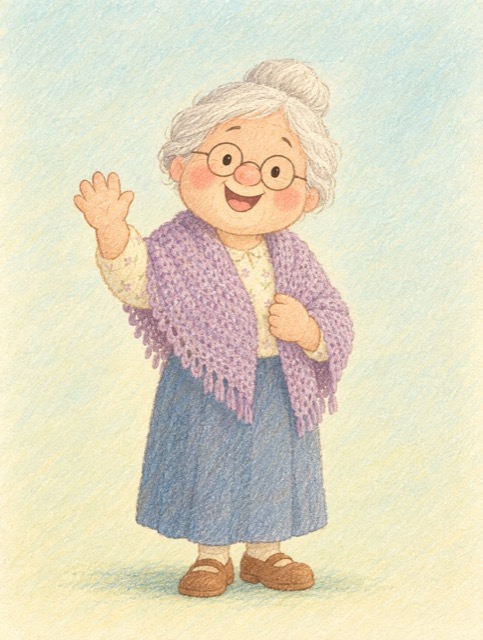 Grandma RoseA cozy storyteller who has a story for every question
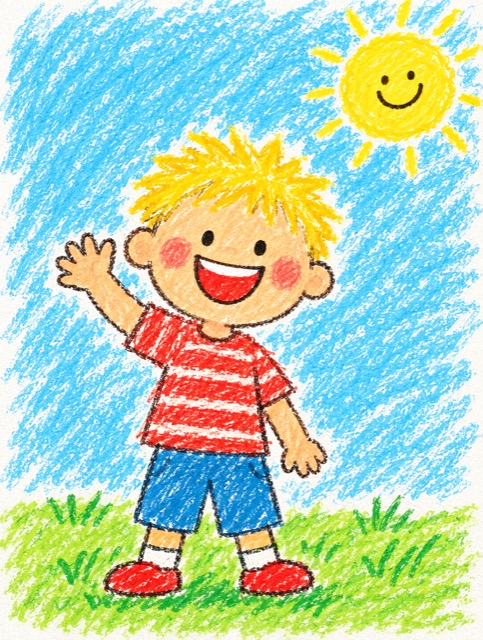 BoA seven-year-old who explains the world the way a kid sees it
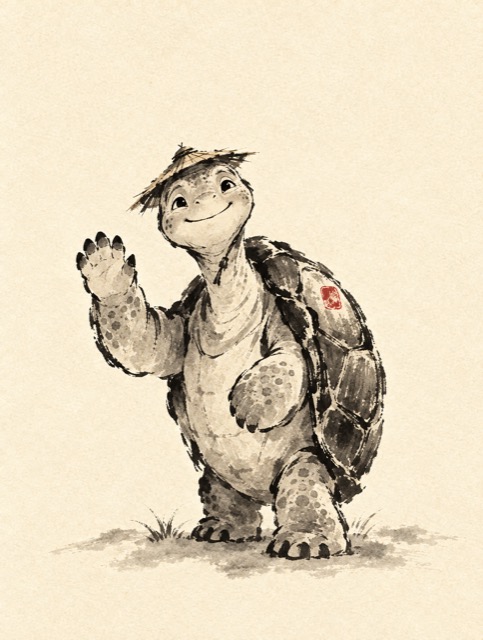 SageA calm old tortoise who has watched centuries pass
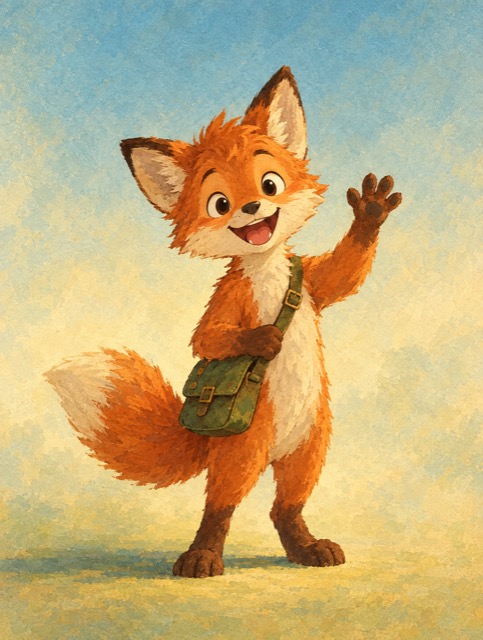 WrenAn adventurous fox who travels through time and faraway places
 KikoA sky-watcher who chases storms, stars and seasons
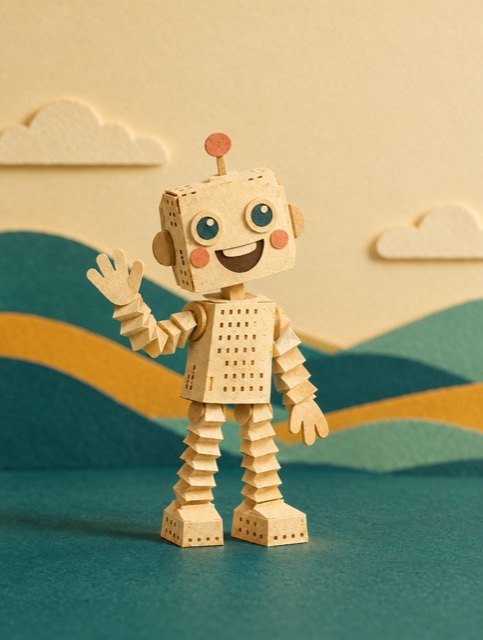 TallyA paper robot obsessed with numbers, codes and clever machines
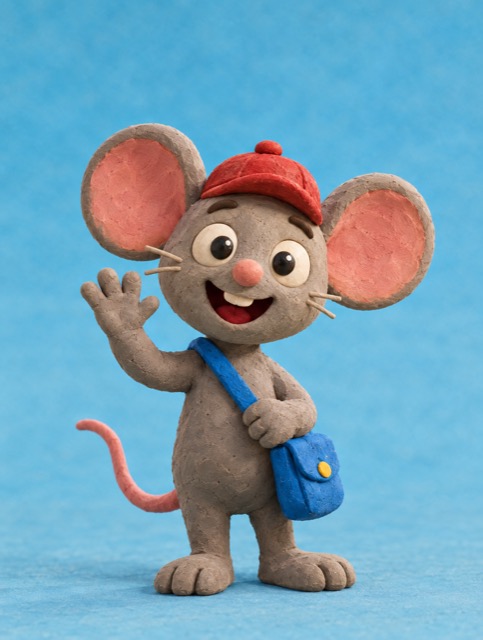 NibA brave little mouse who follows how everyday things are made and travel
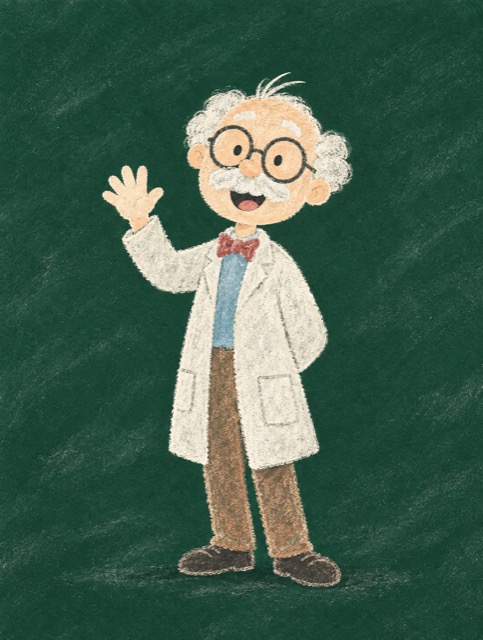 Professor ChalkAn enthusiastic professor who makes big ideas feel simple
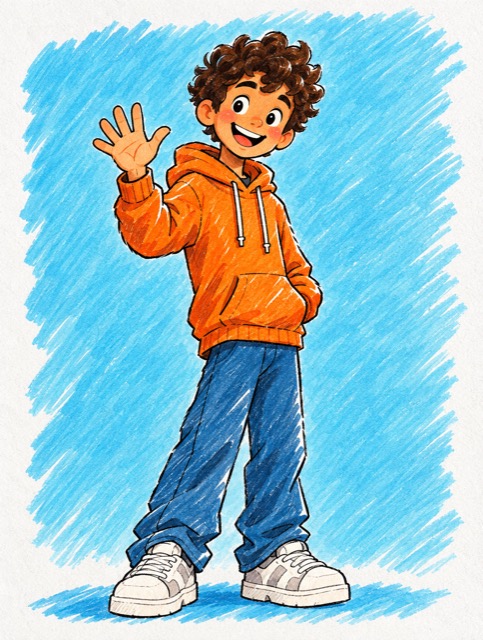 RioA fast-talking explorer of cities, music and sport
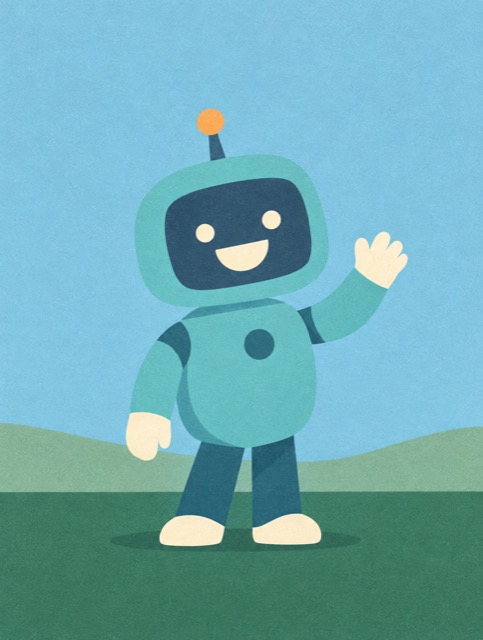 Captain JunoA globe-trotting adventurer on the trail of history's mysteries
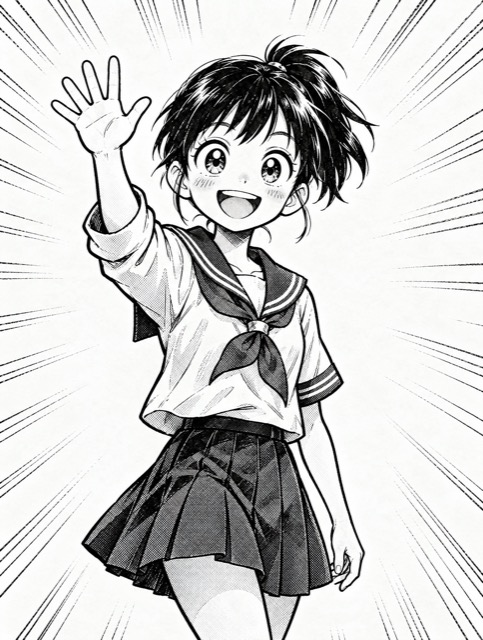 YumiA super-fan who turns every topic into an epic
 Old KenjiA fisherman who tells tales of the sea, the sky and the seasons
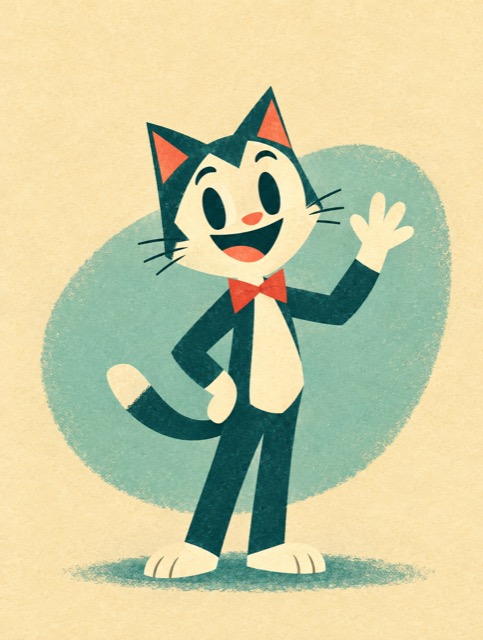 DotA jazzy cartoon cat who explains inventions with style
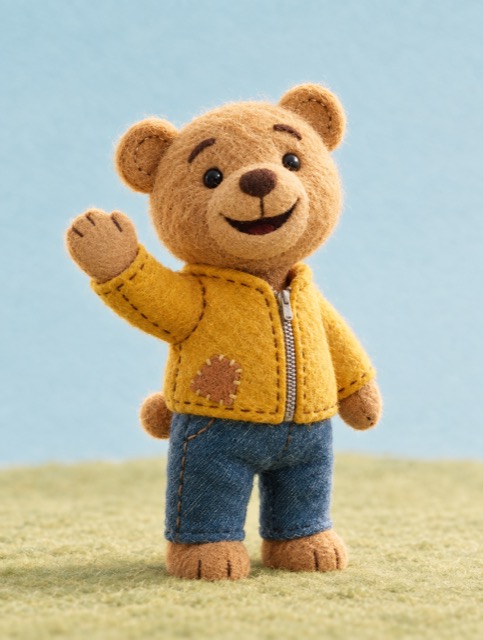 PatchA cuddly bear who turns any topic into a bedtime story
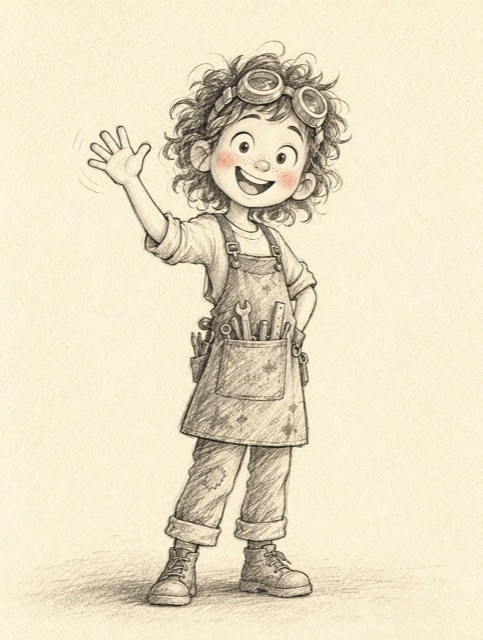 AdaA tinkering inventor who builds things to understand them
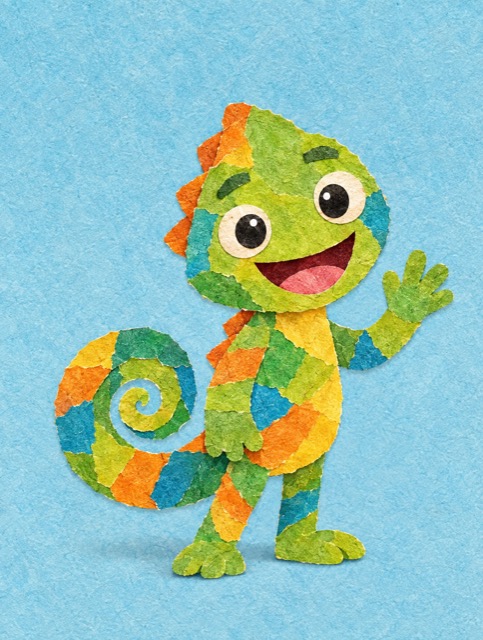 MarloA colorful chameleon who blends into any topic
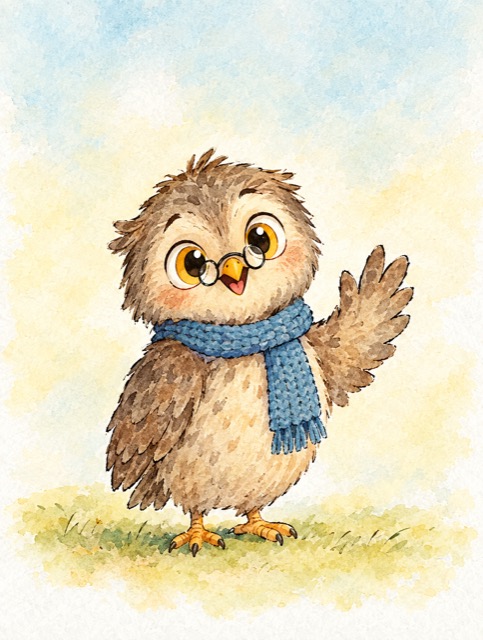 OllieA night-owl librarian who knows a story about everything
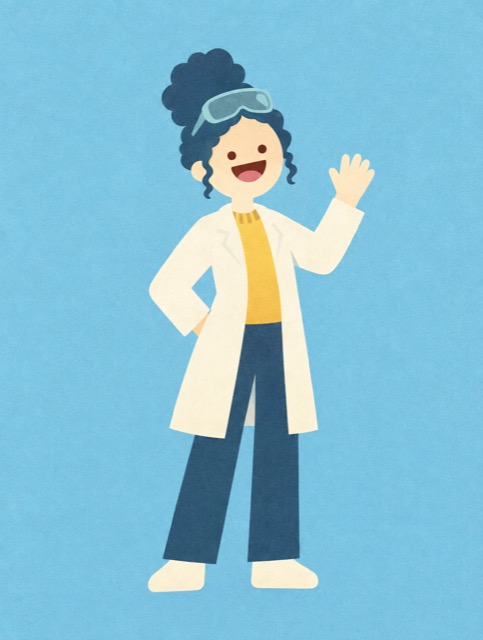 ZaraA lab scientist who can't resist a good experiment
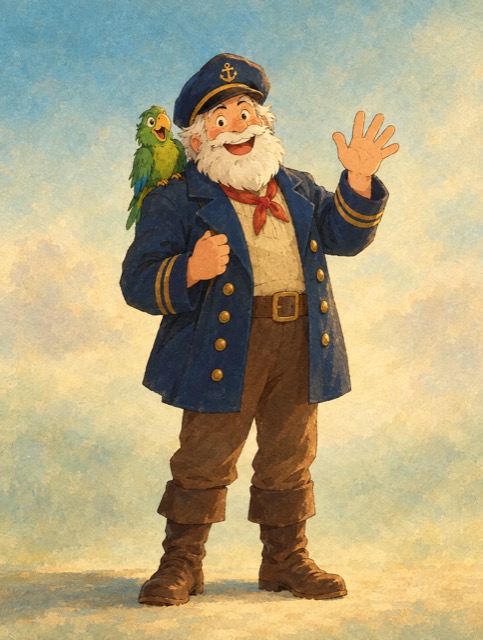 Captain BarnabyA salty old captain full of tall tales from the seven seas
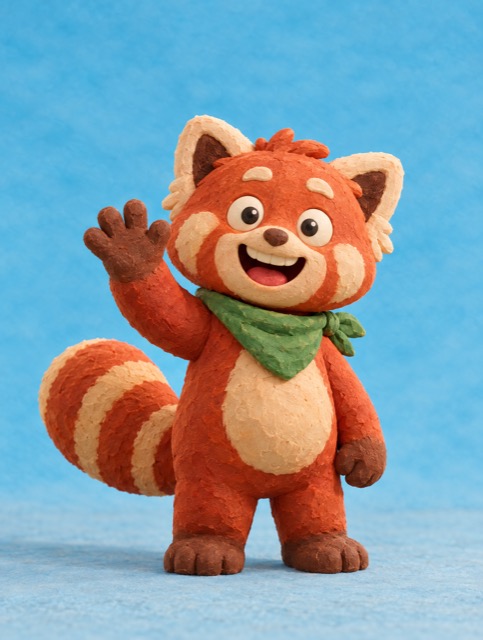 MomoA snack-loving red panda who explains food and where it comes from
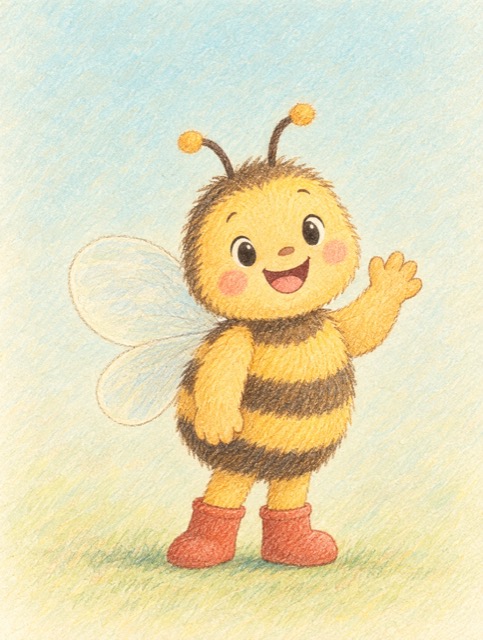 BeaA busy little bee who loves nature's teamwork
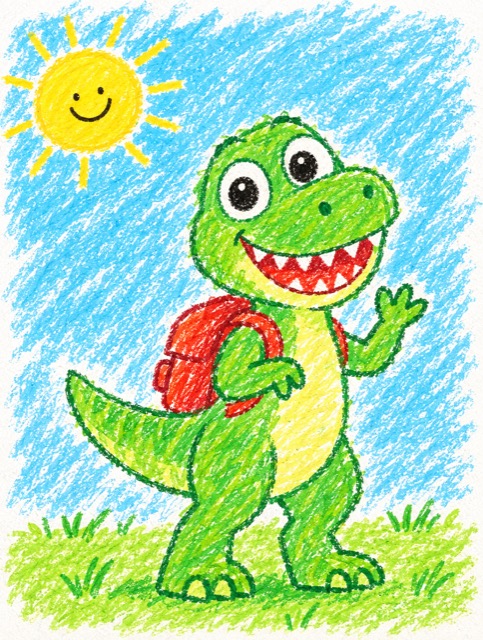 RexA friendly dinosaur who explains the ancient world
 NovaA young astronaut who explains space, planets and stars
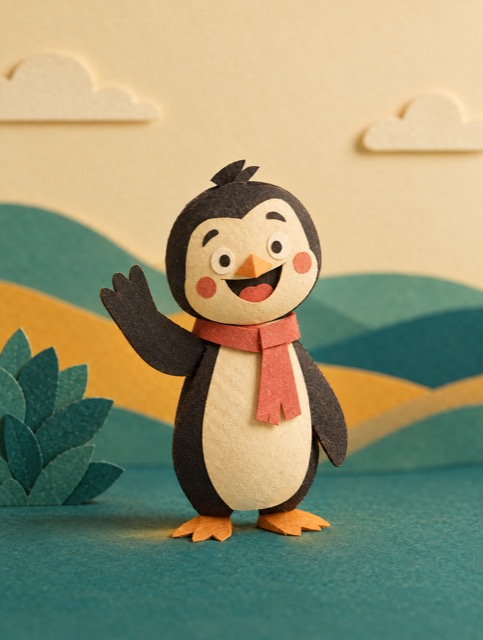 GusA penguin who explains ice, oceans and the coldest places on Earth
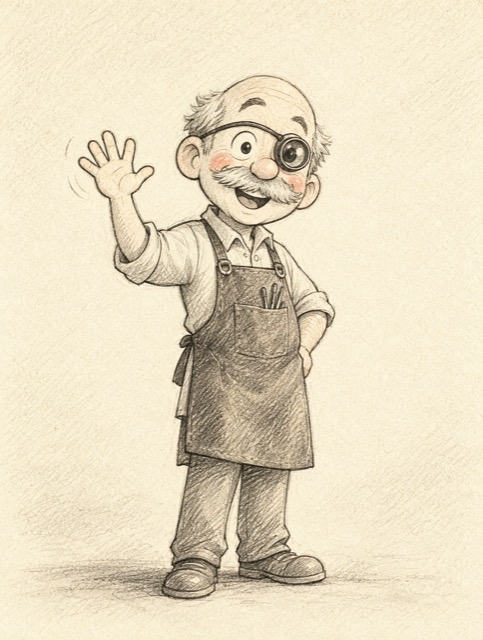 Mr. TockA clockmaker who explains time and tiny mechanisms
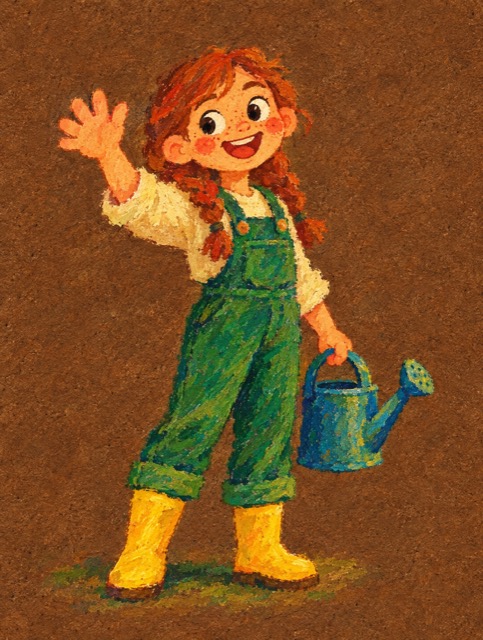 FernA gardener who explains plants, food and the seasons
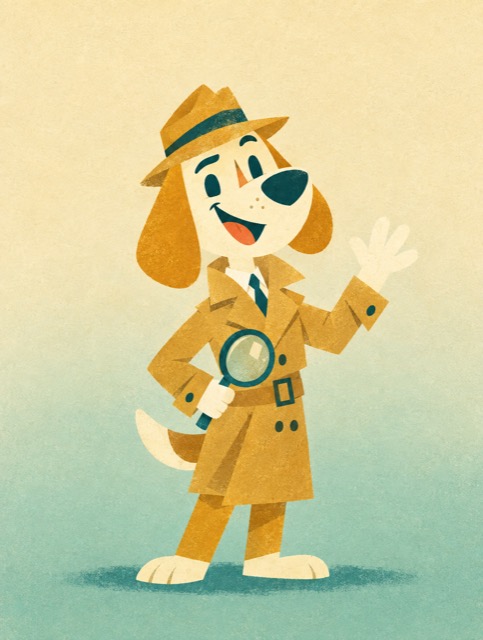 DukeA detective dog who cracks the mysteries behind everyday things
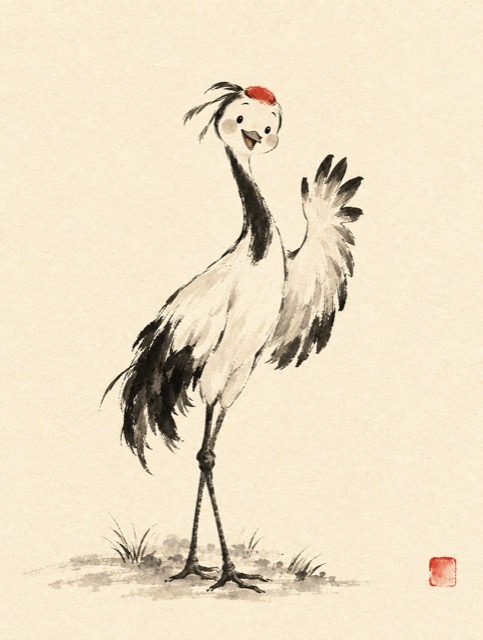 LumiA graceful crane who tells calm stories of nature and balance
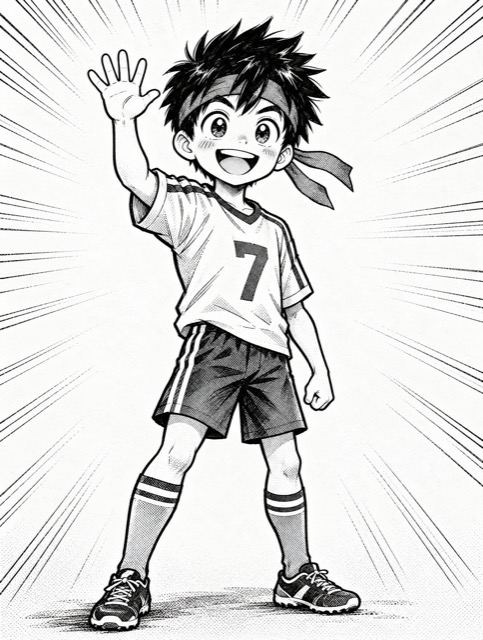 TaroA sporty kid who explains how bodies, games and records work
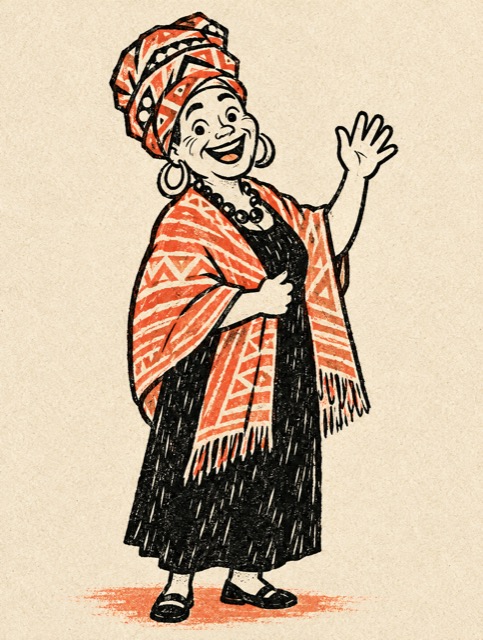 Mama OyaA village storyteller who carries a thousand old tales
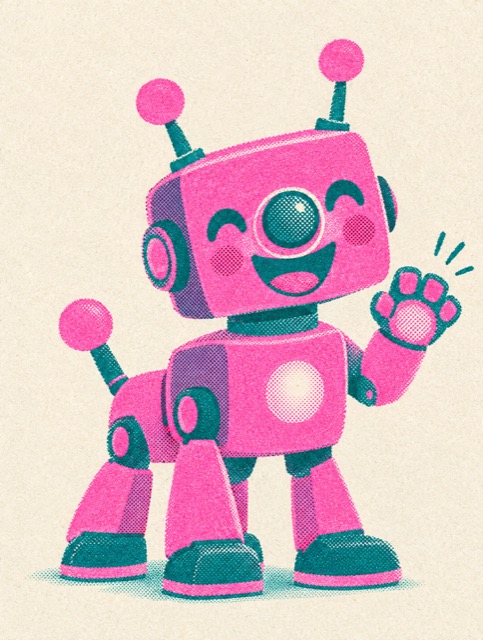 BoltA speedy robot dog who explains electricity and energy
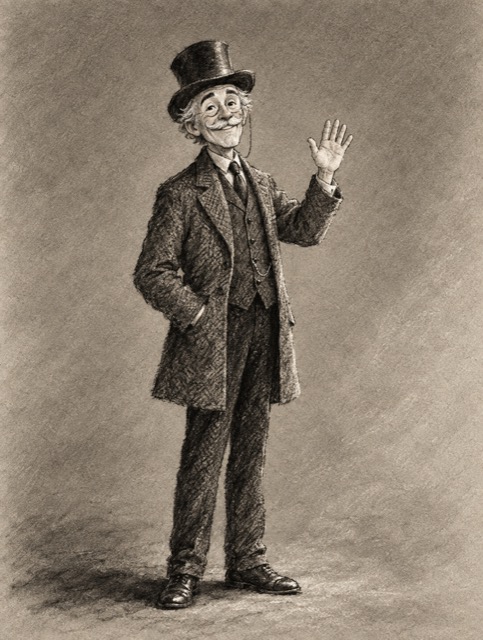 Sir ReginaldA Victorian gentleman who explains history and great inventions
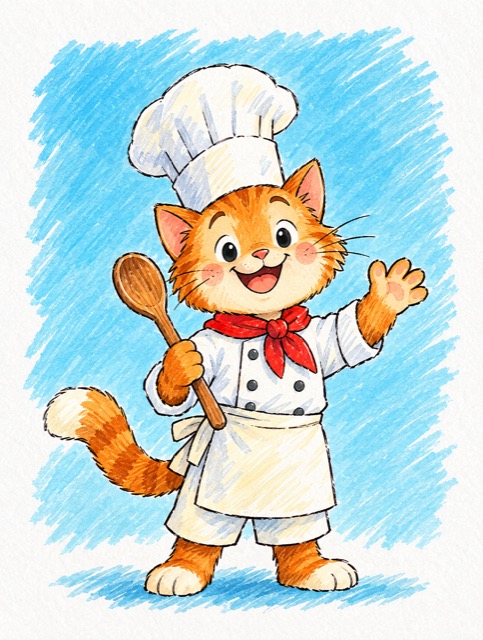 PepperA chef cat who explains the science of cooking
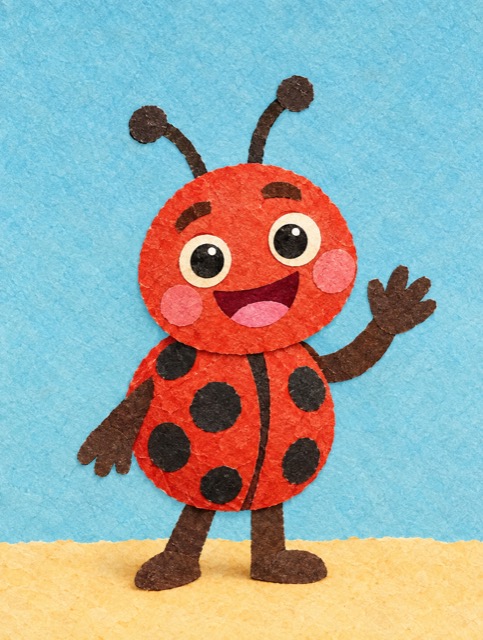 LolaA tiny ladybug who sees the world up close
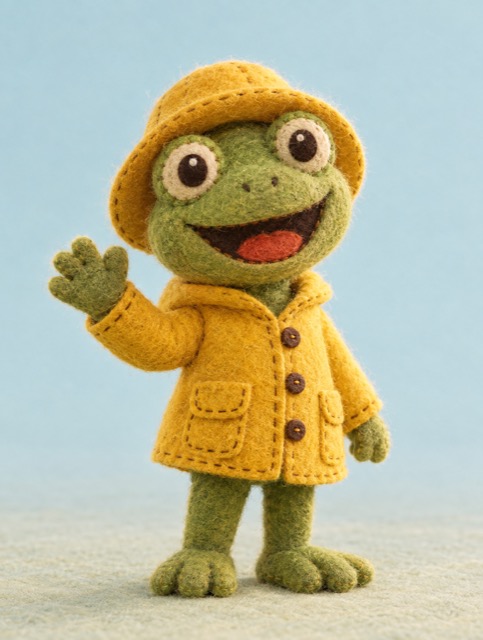 MossA rainy-day frog who explains water and weather
 NoorA stargazer who loves maths, maps and the night sky
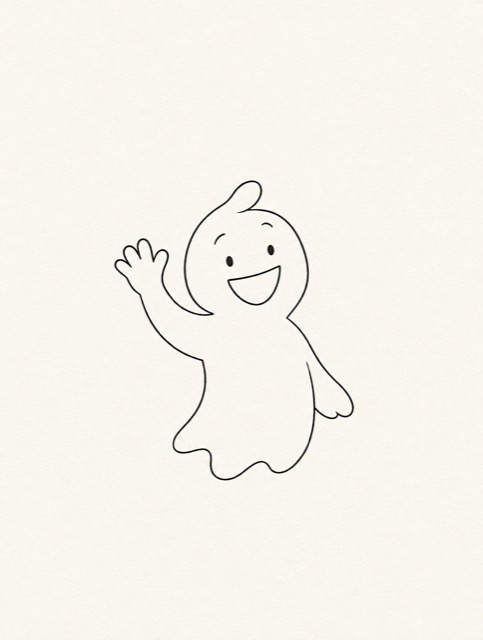 ArloA shy, friendly ghost who has watched history from the inside
 Granny MeiA grandma who tells family stories and old legends
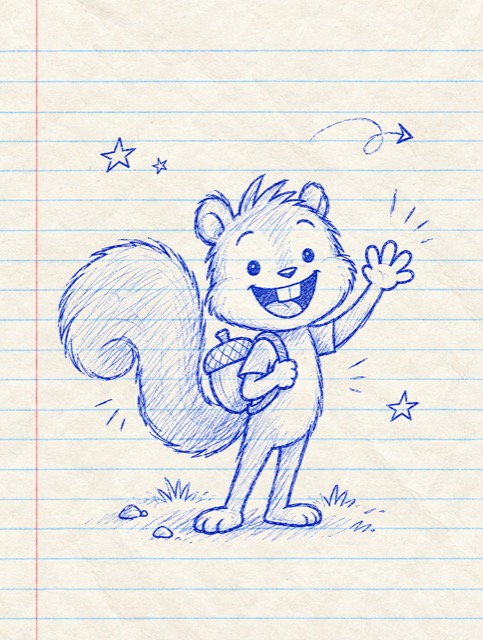 ChipA hyper squirrel who explains saving, storing and planning ahead
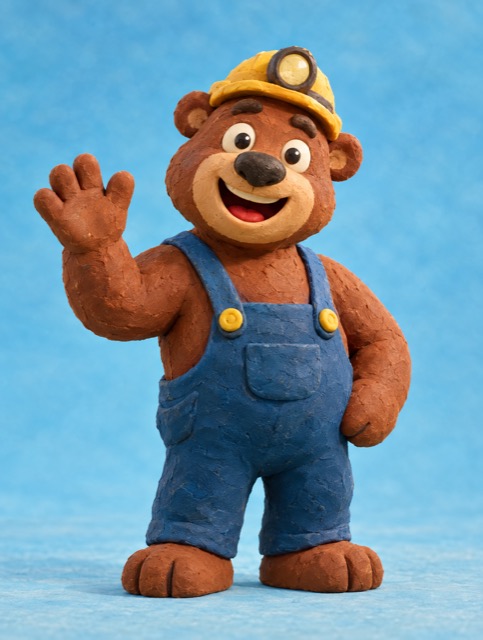 BrunoA miner bear who explains rocks, caves and what lies beneath
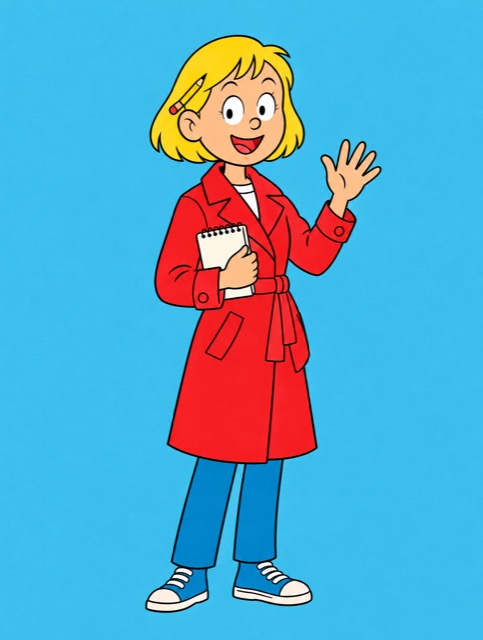 StellaA reporter who digs up the stories behind the news
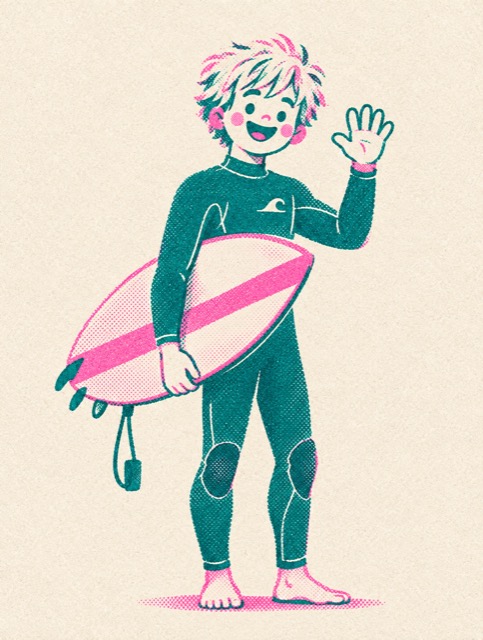 KaiA laid-back surfer who explains waves, oceans and wind
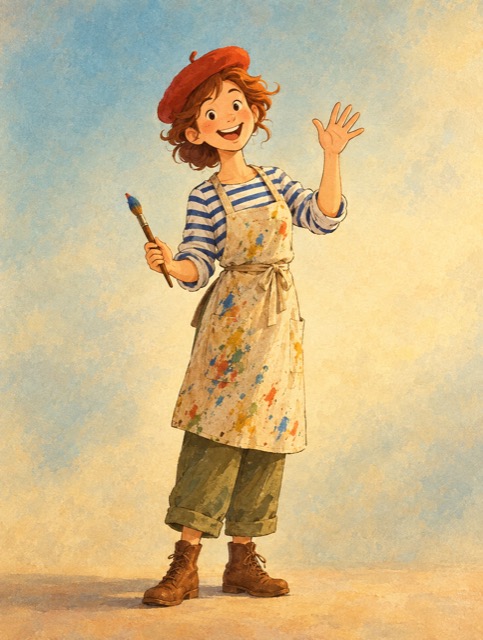 Madame PlumeA painter who explains colors, art and famous artists
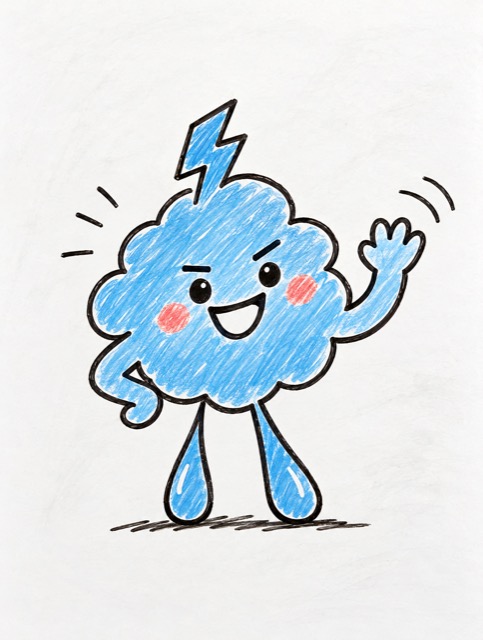 GrumbleA grumpy little cloud who secretly loves explaining weather
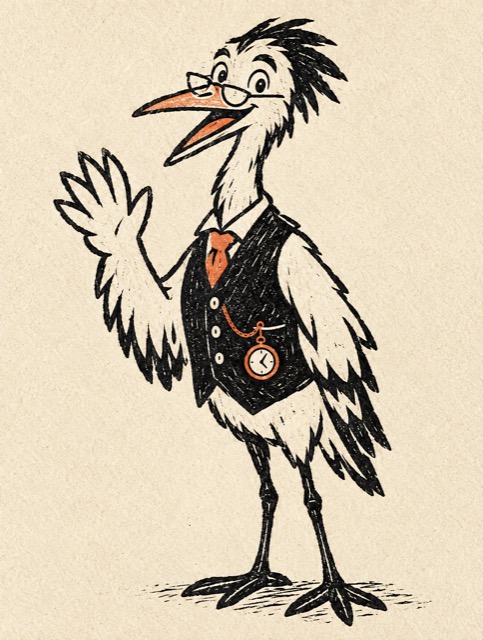 Professor QuillA heron professor of science and nature
Library
Kai and the secret of the wind
English · Kai · Risograph
Stella and the cable under the sea
English · Stella · Comic ligne claire
Chip and the secret of the frozen summer
English · Chip · Notebook doodle
Granny Mei and the first kites in the wind
English · Granny Mei · Watercolor anime
Arlo and the long nights before light
English · Arlo · Minimal line
Moss and the cloud that sat down
English · Moss · Felt craft
Find your starting point
Paste a story. Get a narrated multi-shot film.
Script, footage, voice, and captions.
Start with a prompt or an image.
An angle, a presenter, a talking ad.
Static ads, tip packs, Proof packs, and Explain films.
Draw free. AI finishes, colors, and animates your sketch.
Video Lab · 32 models
Explore the models, see a sample, and choose a starting point for your own shot.
Kuaishou
A controllable text-and-image model for expressive movement, first/last frames, subject references, and optional audio.
Image Lab · 26 models
Create a still from a description, or edit a source image with a supported model. Your finished images stay in your library.
Paint Lab · sketch to art
Sketch on a canvas. AI finishes it, colors your line art, or turns it into a video.
Finish sketch
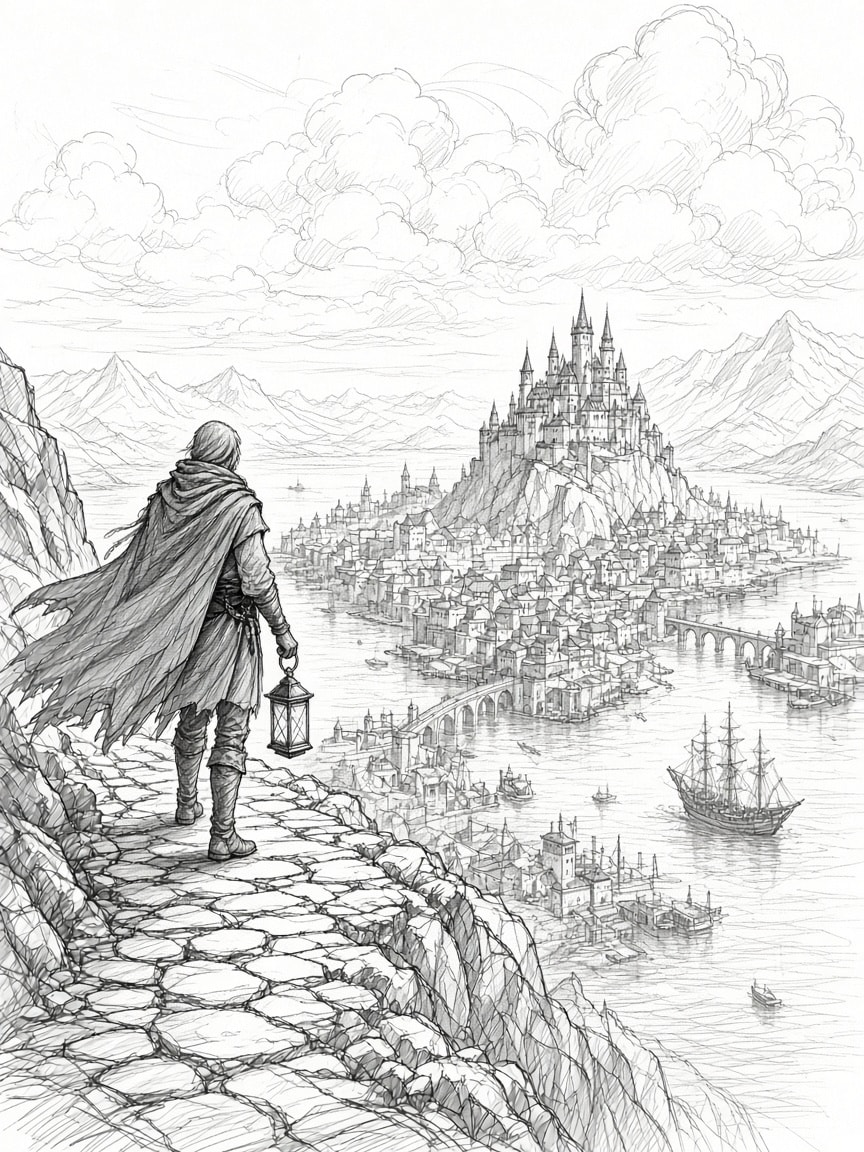
Concept art style. The traveller, the castle, the bridges, and the tall ship stay exactly where you drew them.
Lands as a new layer. Your sketch stays.
Real Paint Lab output · drag the divider or use the arrow keys
A real canvas in your browser
Pressure brushes and layers on a GPU paint engine. Drawing is free.
Every AI result is a new layer
Hide the AI layer to get your drawing back, or undo once to remove it. Nothing you drew is deleted.
Animate it
Your painting becomes the first frame of a video. Video Lab quotes it before anything renders.
Music LabNew
Describe a song in one sentence and hear it with vocals in about a minute. It opens as a multitrack project: split it into stems, rewrite the chorus, extend the outro, add a bass line in the same key, and master it for TikTok.
Music Lab runs on a monthly plan. Clip Pro from $19/mo.
Windows Down
Indie pop · vocals · 2:08
Made with Mureka 9.5 in Clip Studio. The stem lanes show what Split into stems turns a song into.
Lo-fi hip-hop · instrumental
A 30-second lo-fi hip hop instrumental: dusty vinyl crackle, mellow Rhodes chords, a lazy swung drum loop and a warm bassline. Chill study-beat mood, 75 BPM, no vocals.
Synthwave · instrumental
Dark ambient synthwave instrumental: pulsing analog bass arpeggio, distant reverb pads, gated snare. Tense, nocturnal neon-city mood, 95 BPM.
Vocals, verses and a chorus. No lyrics? We write them first and you edit every line.
Vocals, drums, bass, guitar, keys and the rest, each with its own volume, mute and solo.
Rewrite a section or re-sing one line. Each result lands as a new take you can audition.
Master it for TikTok and Reels, then use it in Video Lab or as a Topic Shorts music bed. No watermark.
Audio Lab / 12 named voices
Hear the difference before you choose. Preview a narration voice here, then bring your script to Audio Lab to generate and download an MP3.
Open Audio LabReady
Voice preview / CH 01
Russ · American English
Listen to the sample
Preview sample · no generation
Choose a voice
Named Clip Studio voices. Write the line, generate the MP3, and keep it in your library.
Pricing
Each plan opens every studio. Bigger plans just hold more, and you can switch anytime.
Cancel anytime
| Each monthEach count is the whole month spent on that one job. Mix studios any way you like.What a month makesAbout how many of each job a plan covers. Mix studios any way you like. | Clip Pro |
|---|---|
| Video | |
Topic Shorts30-second short | About 7 |
Character FilmsOne-minute film | About 1 |
Video Lab5-second clip, depends on the model | About 2–64 |
StoryOne-minute story part | About 3 |
Talking Shorts & Ad Studio30-second talking ad | About 2 |
Last Frame10-second shot | About 14 |
DirectorOne-minute live session | About 1 |
| Images | |
Image LabStill image | About 208 |
Paint LabAI-finished sketch | About 227 |
Ad LabAd still | About 78 |
| Audio | |
Audio LabOne-minute voiceover | About 178 |
Audio LabMusic track | About 64 |
Audio LabSound effect | About 86 |
Music Lab2:45 song with vocals | About 43 |
| Every job is quoted before it runs. | Get Clip Pro · $19 Cancel anytime |
Each count is the whole month spent on one job. Mix studios any way you like, and every job is quoted before it runs.
The screening room
Watch a film, find your direction, then open the studio that makes it.
Video Lab
People in moving light: a Veo 3.1 shot generated in Video Lab from a text prompt.
Story to Video
A shot from a narrated fantasy story that keeps one look across every part.
Every format
Pick vertical, square, or wide where your studio offers it. Download the finished file and publish it anywhere.
MP4 download from your library
Vertical
TikTok · Reels · Shorts
Square
Instagram feed · Meta ads
Wide
YouTube · Web · Decks
A little idea. A lot of possibility.
Pick a starting point, try a frame, and watch an existing sample come to life.
Example brief
“A running shoe. A wet track. That split second before takeoff.”
Give it a different starting point
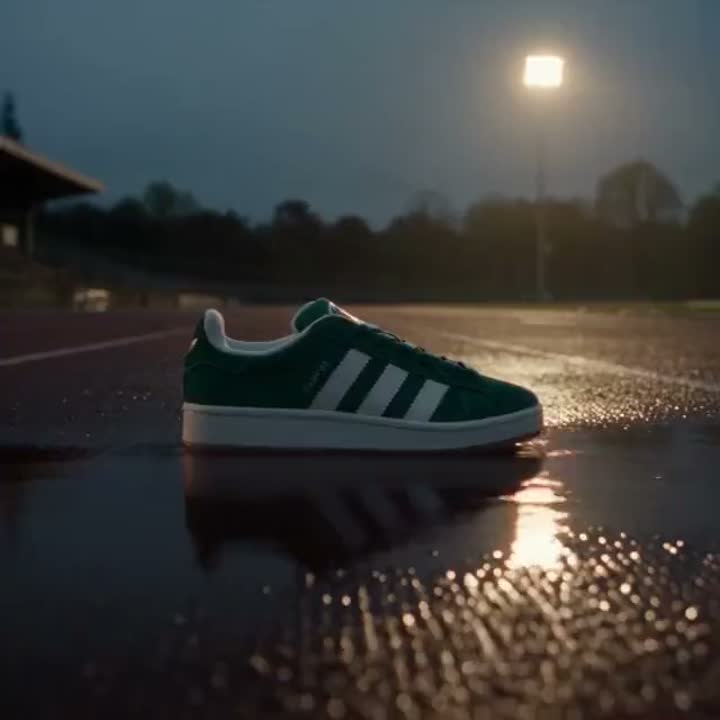
A framing sketch, not a new render. Available formats depend on your studio and model.
Demo: The product shot, portrait framing. No generation has started.
Just exploring here. Your own creations start in the studio and stay in your library.
Connect your agent
Add one URL to Claude, ChatGPT, Cursor, or Grok and sign in once. Your agent quotes, generates, and finds clips on the plan you already have.
Works with the agents you already use
Paste it into your agent, then approve Clip Studio sign-in.
Example request
“Prepare a product video from this photo.”
quote_video_labgenerate_video_labget_video_lab_generationYour agent quotes the setup before it starts the generation.
Before you create
Find the right starting point for your idea.
Explore all FAQsSign up and pick what you want to make. Video Lab generates from a prompt or a still. Character Films have a narrator explain a topic as a narrated animated film. Topic Shorts turn a topic into a faceless short with stock, voice, and captions. Set up the job first, then generate. Every studio runs on one monthly plan. Clip Pro from $19/mo. Finished clips land in your library.
Paste a full story or script. Clip Studio plans cinematic shots, keeps the characters and visual theme consistent, adds AI narration, and renders a multi-shot film part you can download. Save the bible and cast, set a Story Series cadence, and the next part waits for your review in Clip Studio so you can continue the film later.
Yes. Topic Shorts turn a written topic into a faceless stock short with voice and captions. Video Lab generates from a prompt or a still across frontier models. Talking Shorts make talking-head ads from a URL, and Ad Studio turns a product into a UGC-style ad.
Type a topic and Clip Studio drafts a script, matches stock footage, adds a voiceover and captions, and renders a short you can post — no camera or editor.
A Topic Short is usually ready in about five minutes; Video Lab and the other studios depend on the model and length.
Yes. Clip Studio supports vertical, square, and landscape workflows so one idea can become multiple channel-ready versions.
Yes. Add https://clipstudio.ai/api/mcp as a remote MCP server in Claude, Cursor, ChatGPT, or Grok. Sign in once. The agent uses the same public products and plan as the website.
No. Clip Studio handles structure, footage, voice, captions, pacing, and formatting so you can focus on the offer and the angle.
Paint Lab is a canvas in Clip Studio. Sketch with brushes and layers, then let AI finish the sketch, color your line art, fill a selection, upscale, or remove the background. Every AI result lands as a new layer, and any painting can become a video.
No. Clip Studio AI (clipstudio.ai) is an independent AI video and image studio and is not affiliated with, endorsed by, or sponsored by CELSYS, Inc. CLIP STUDIO and CLIP STUDIO PAINT are trademarks of CELSYS, Inc.
Your next creation
Narrated films, shorts, ads, stills, voice, painting, and 32 video models in one studio. Clip Pro from $19/mo.
