
Paint Lab · AI paint studio
AI sketch to image — finish, color, and animate your drawings
Draw on a real canvas with pressure brushes and layers. When you want help, AI finishes the sketch, colors your line art under the ink, or fills just the area you brush. Every result lands as a new layer, so your drawing is never overwritten.
Drawing is free. AI actions use your monthly generation allowance.
- Every AI result is a new layer
- Colorize never repaints your ink
- Layered PSD export that keeps your groups
Finish sketch · Concept art
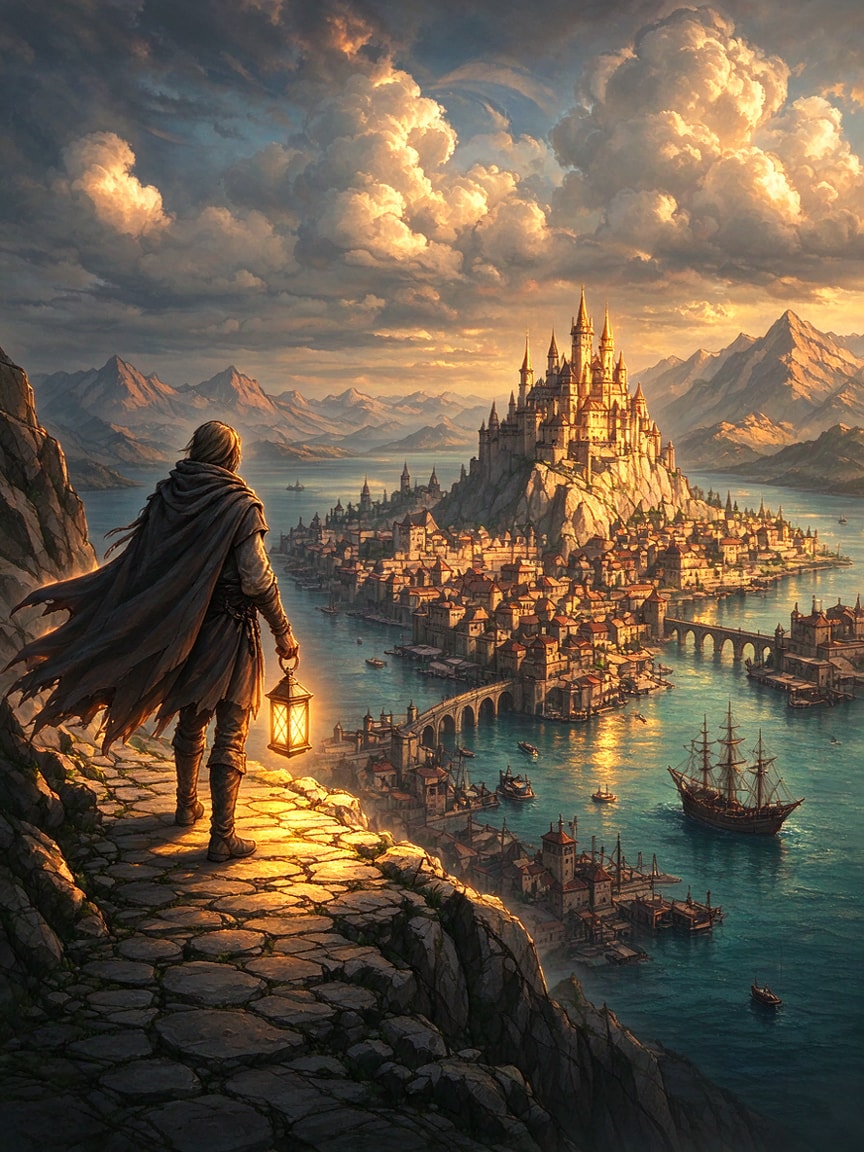
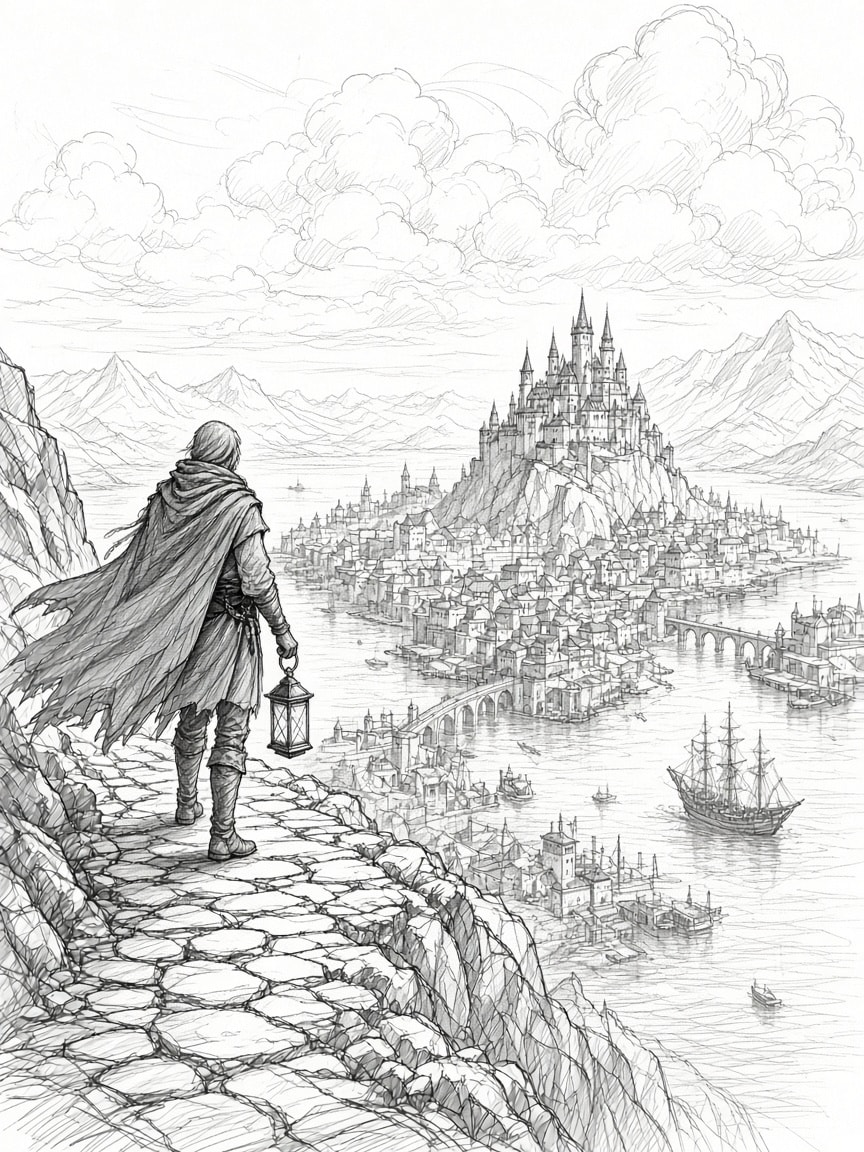
- Finished · Concept artAI · new layer
- SketchYour layer · untouched
Real results
Same drawing. Every AI action.
Each example is a real Paint Lab result. Pick an action, then drag across the image to compare it with the drawing it started from.
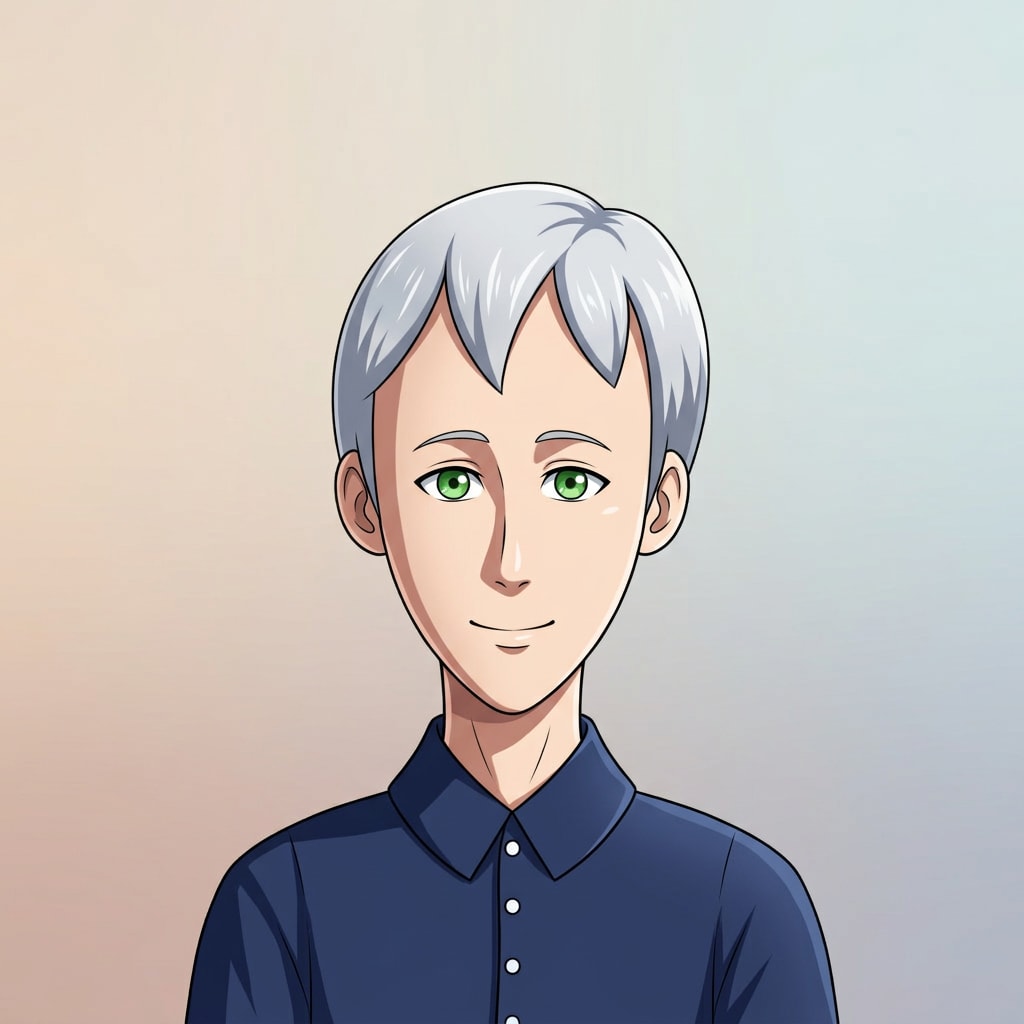
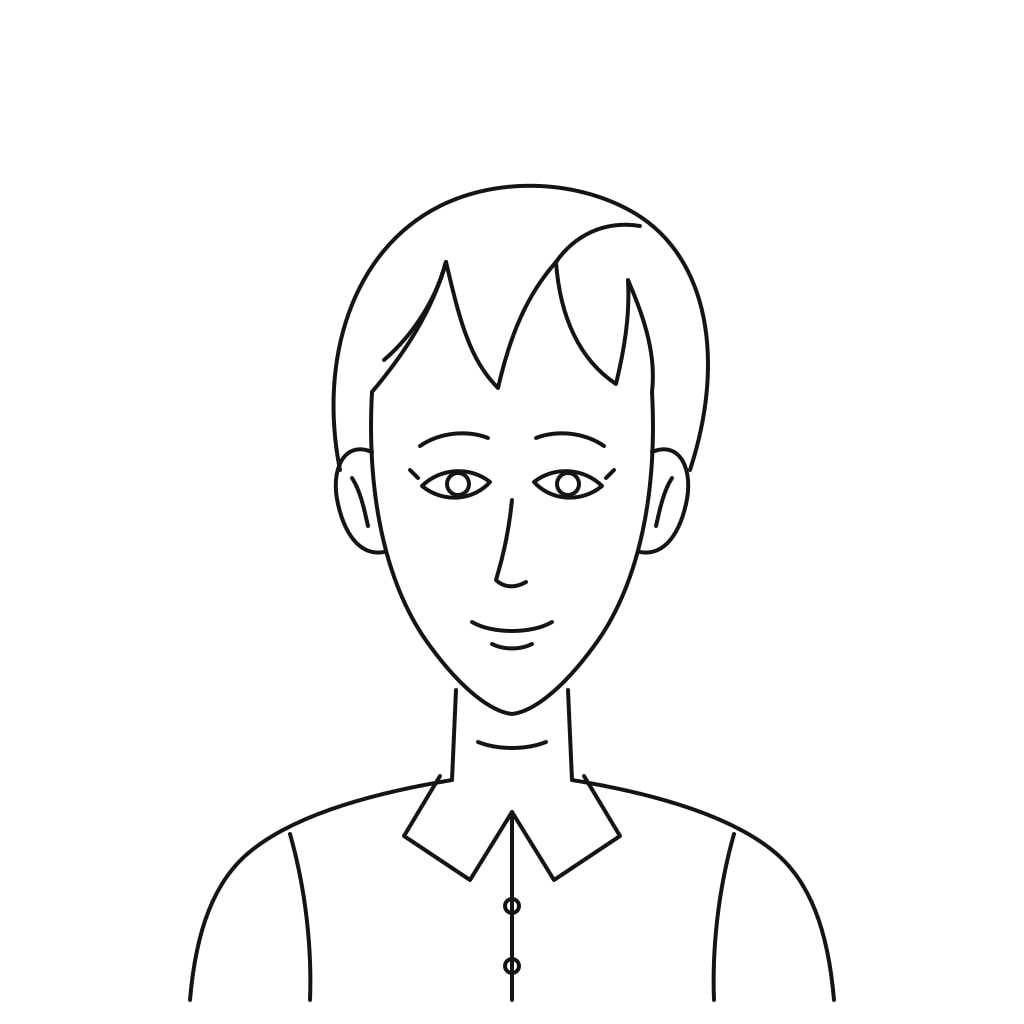
Finish
Finish sketch
Turn a rough drawing into finished art. Your lines decide the composition.
Lands as a new layer. Your sketch stays.
Line sketch to a finished anime portrait
Anime style. Eyes, hair, and proportions follow your lines. The sketch stays on its own layer.
Example
Colorize
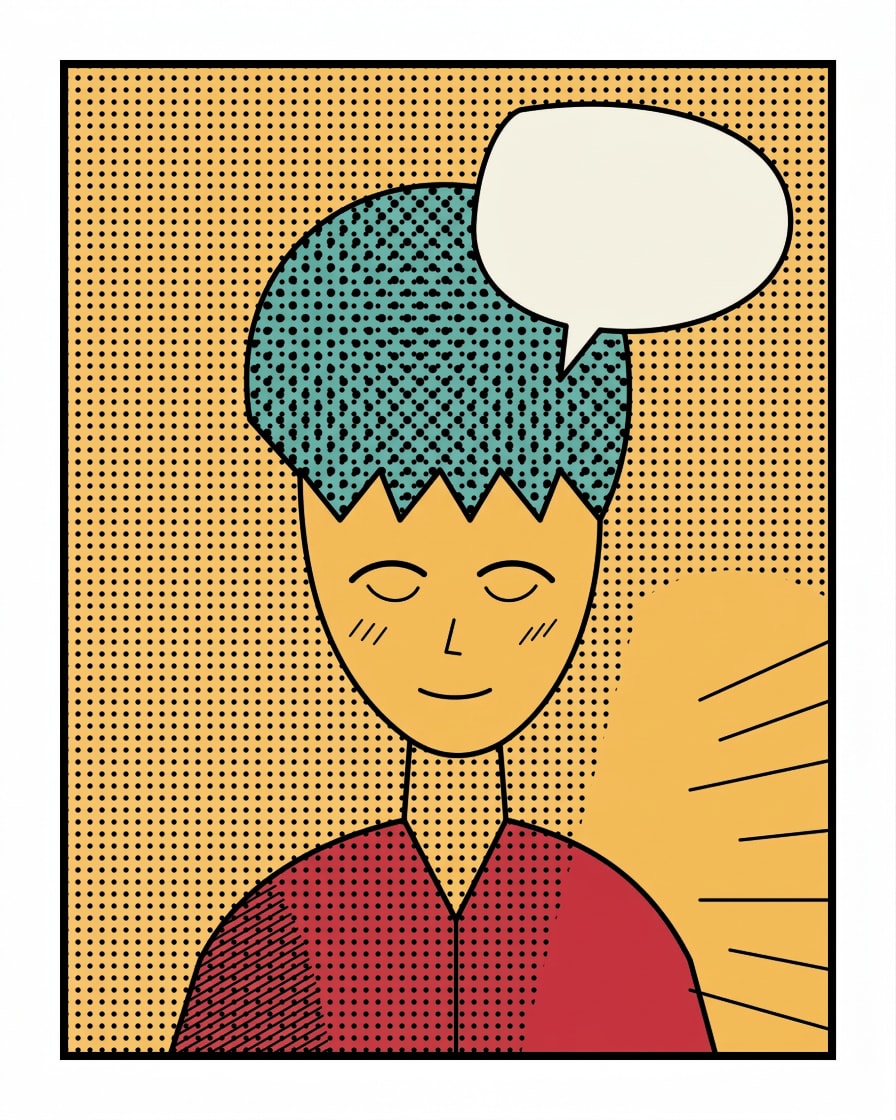
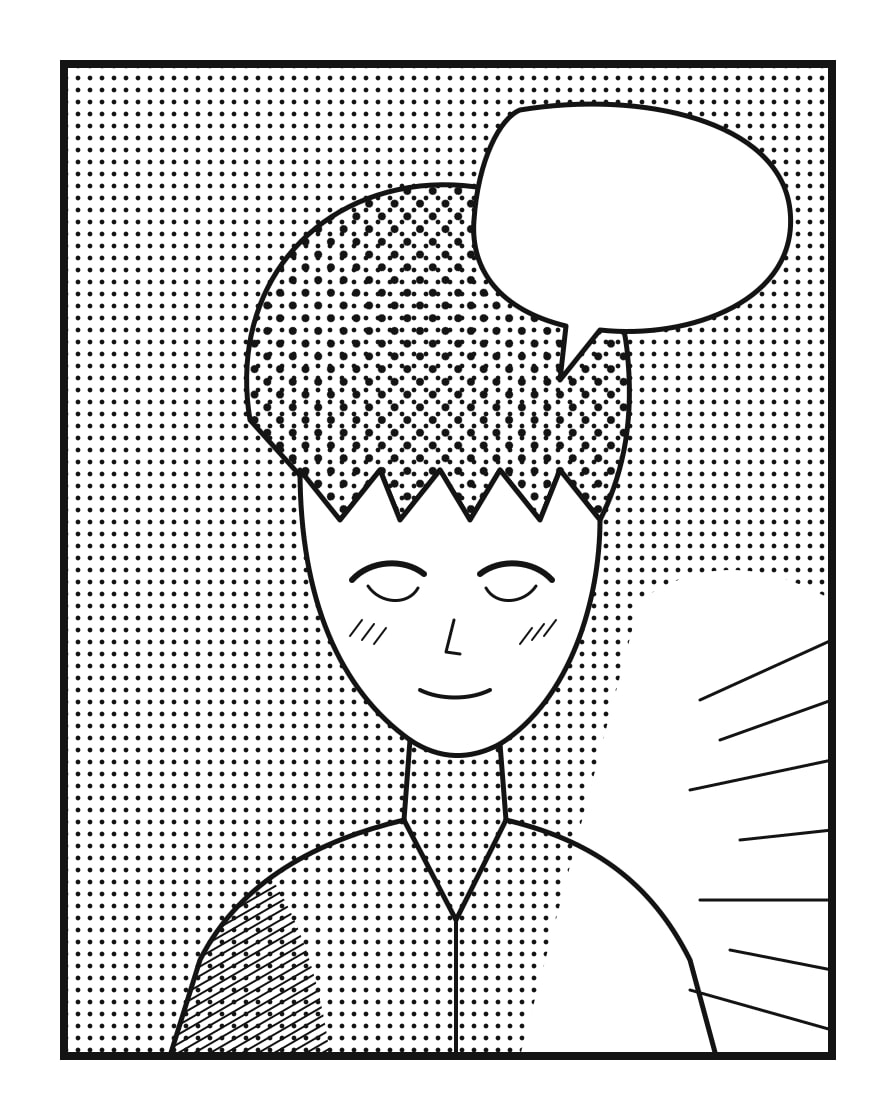
Colorize line art
AI paints flat color on a new layer under your ink. Your lines stay exactly as you drew them.
Ink stays on top, untouched.
A manga panel, colored under the ink
Screentone, hatching, and every ink line stay exactly as drawn. Color sits on its own layer below.
Same crop, before and after: the lines do not move
Fill
Generative fill
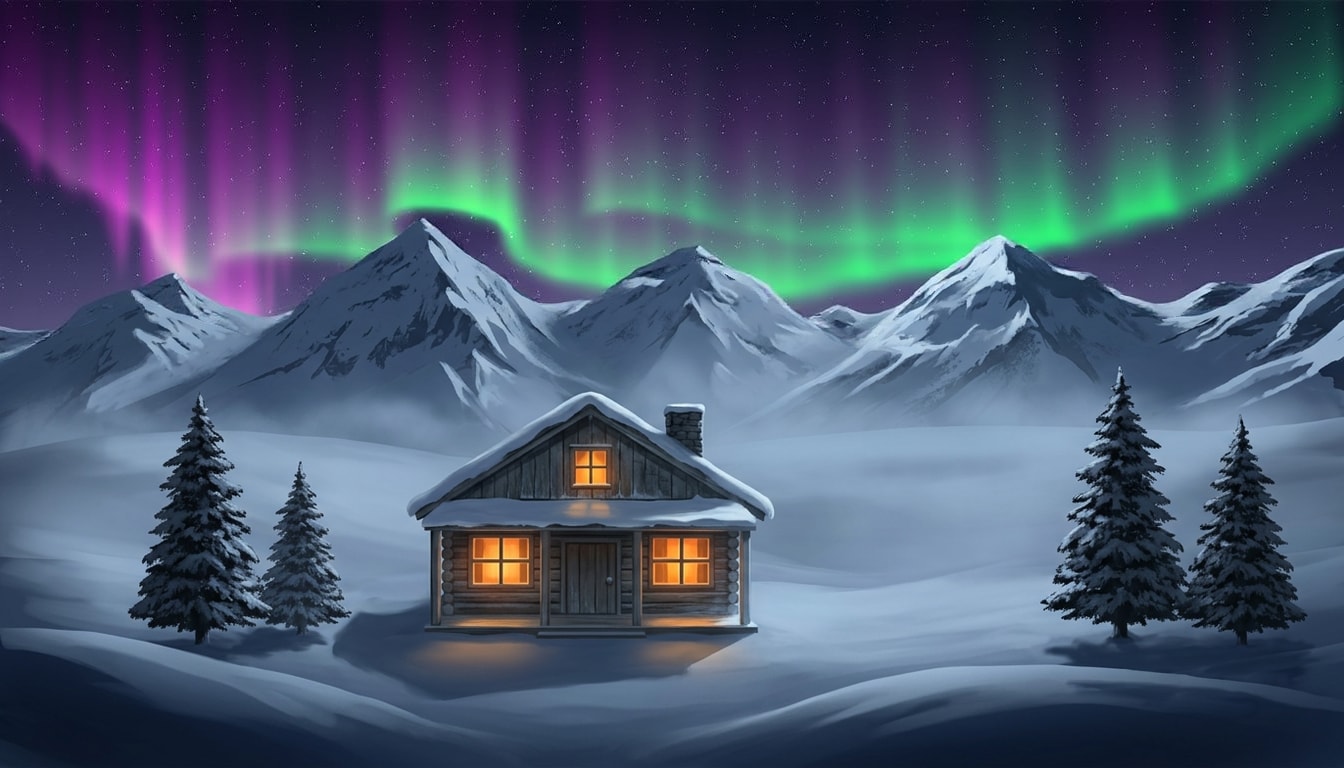
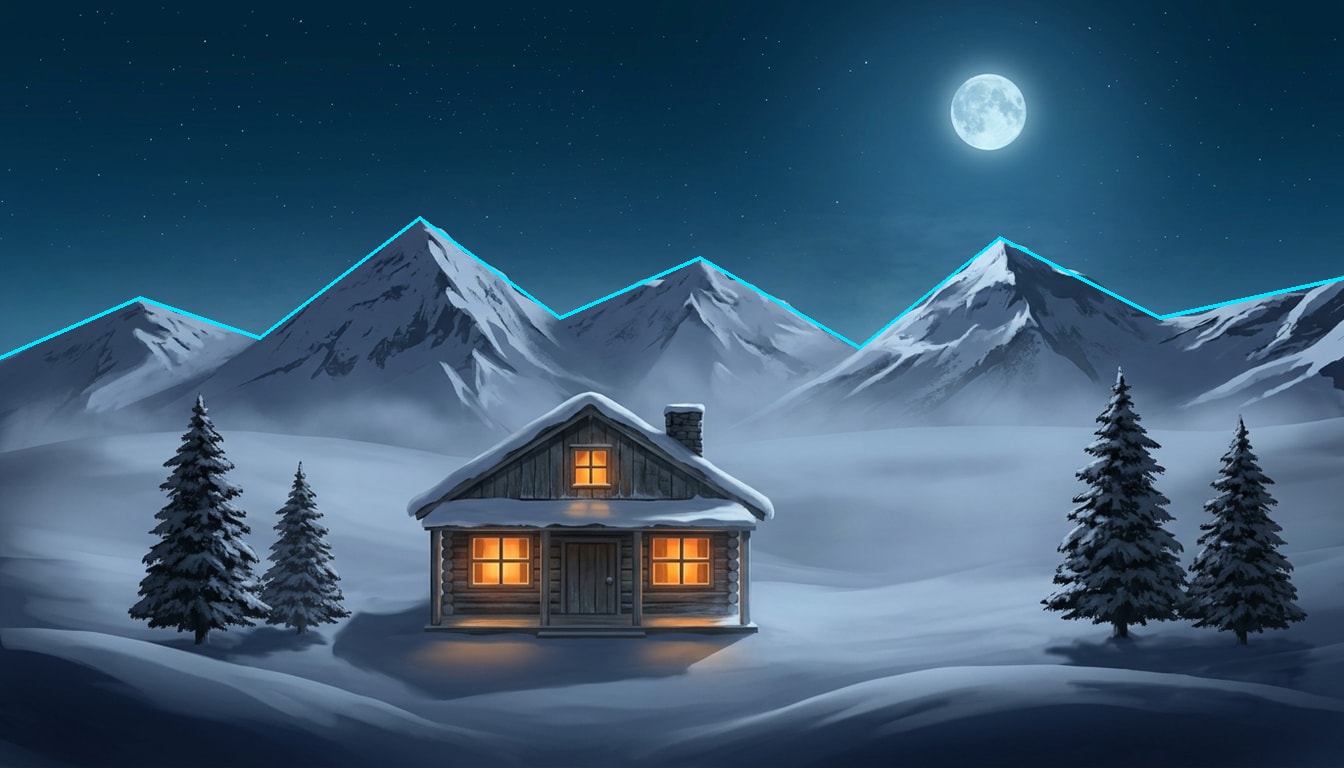
Brush over what should change, then describe it. Everything outside the mask stays exactly as it is.
Lands as a new layer, trimmed to your mask. Hide it any time to get the original back.
Brush the sky, describe an aurora
Only the masked sky changes. The cabin and the pines below the ridge are untouched.
The cyan outline is the area that was brushed. Nothing outside it changed.
Cutout
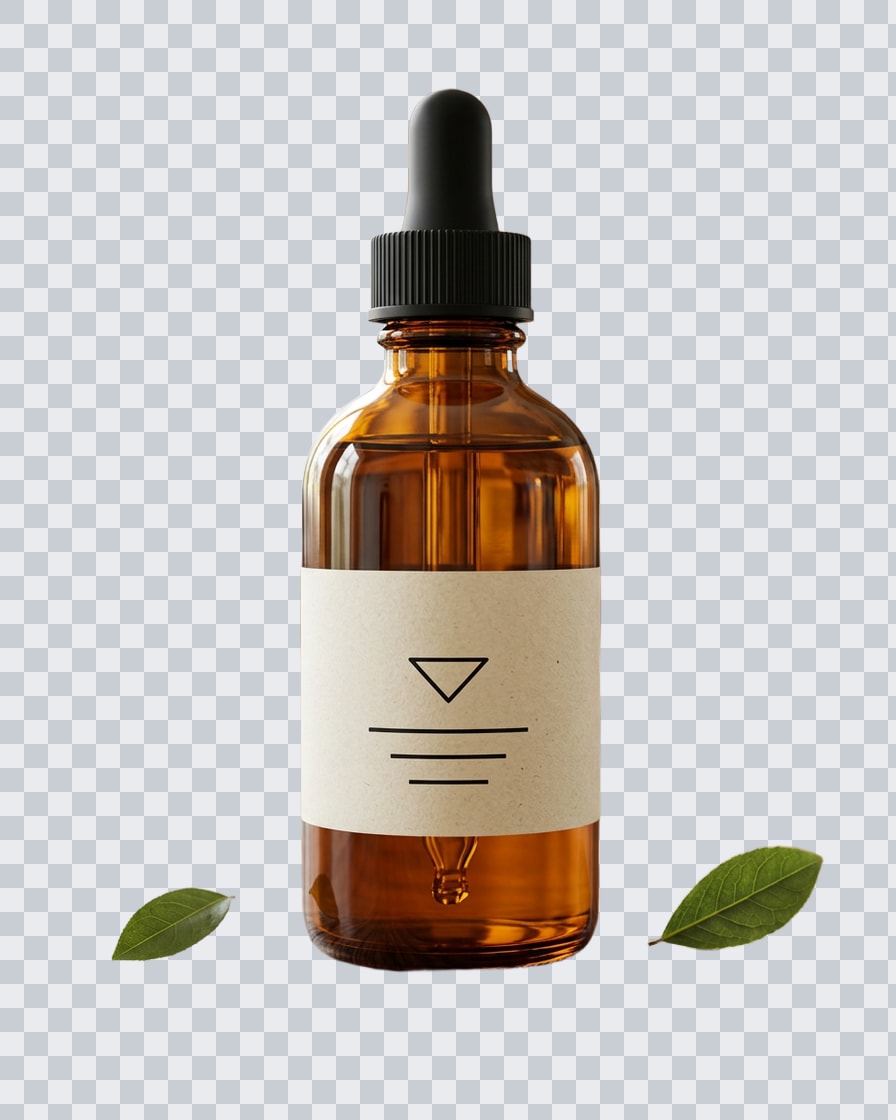
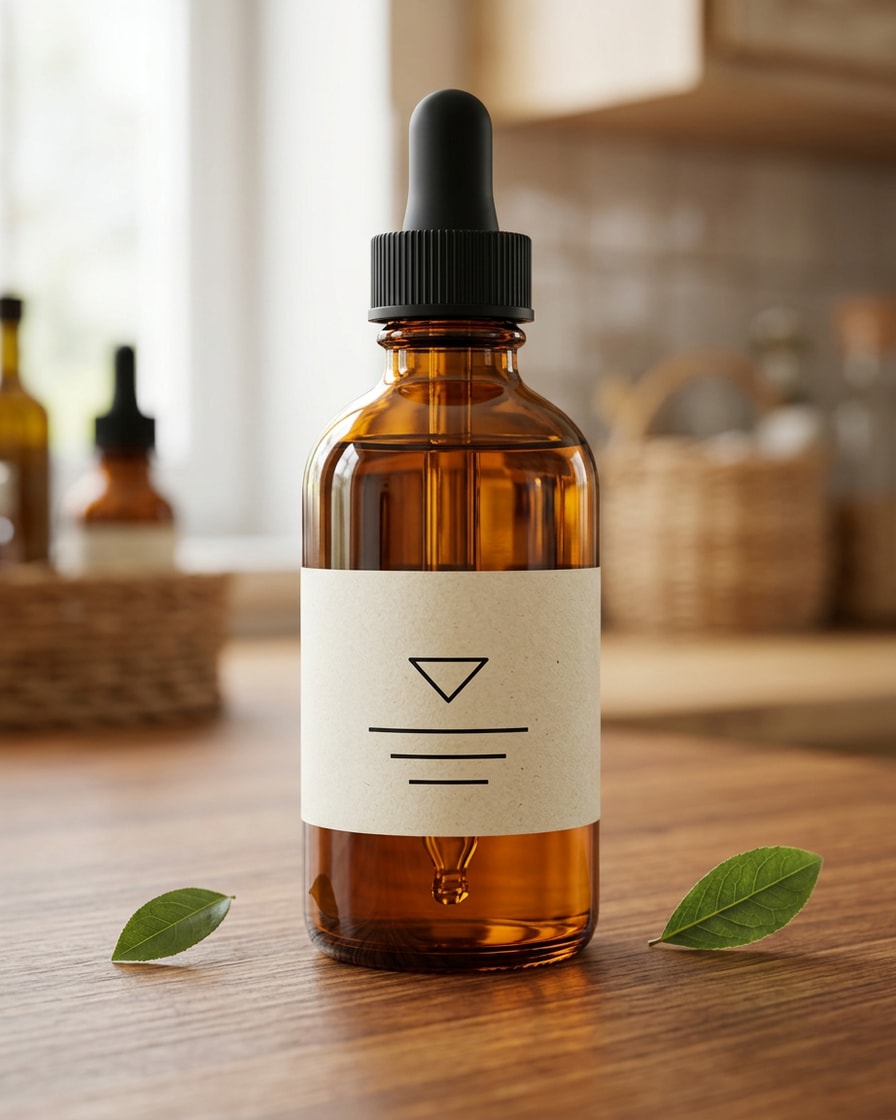
Remove background
Cuts your subject out onto a transparent layer.
Lands as a new layer. The source layer is hidden, not deleted.
A clean cutout on a transparent layer
The subject lands on a new layer. The source layer is hidden, not deleted.
Upscale
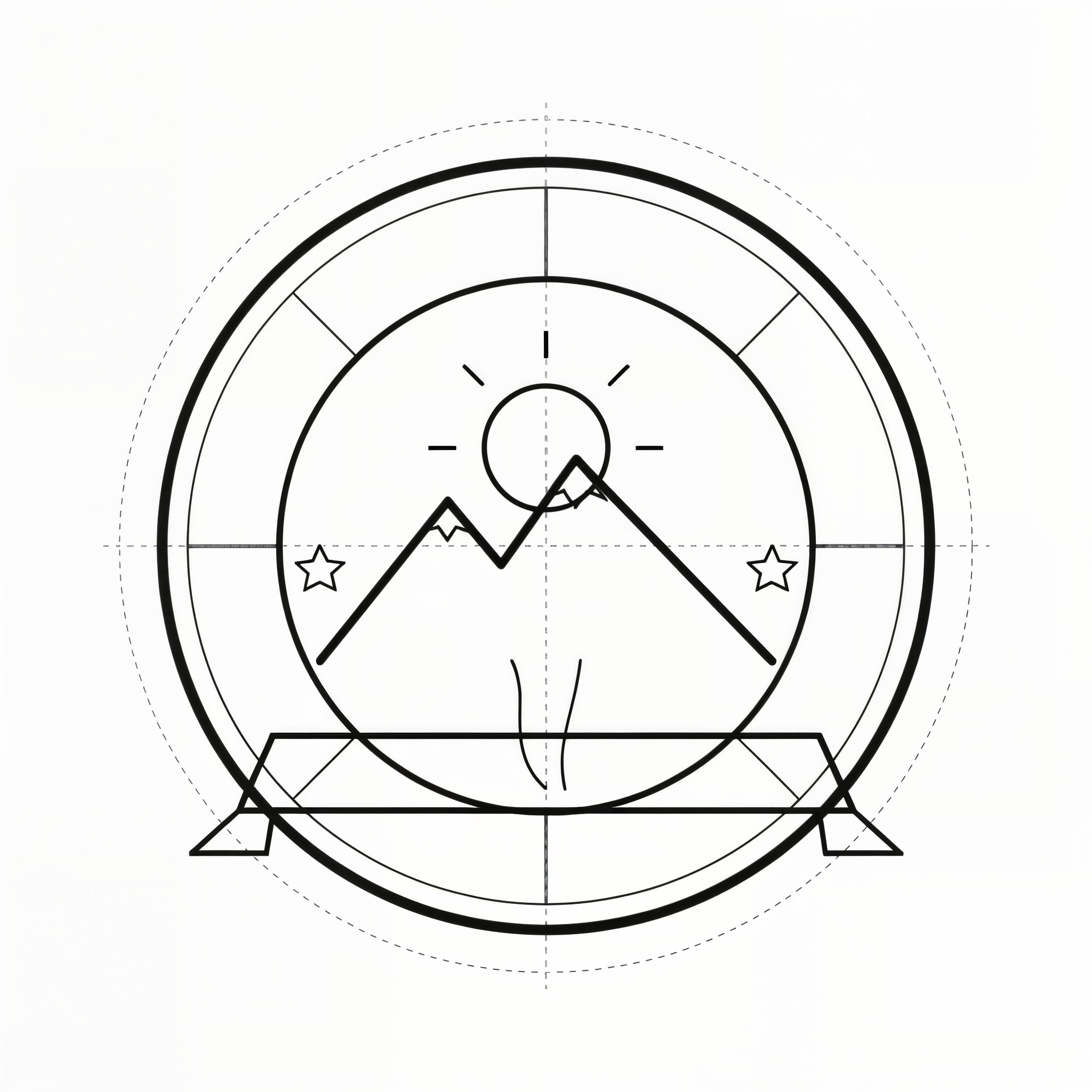
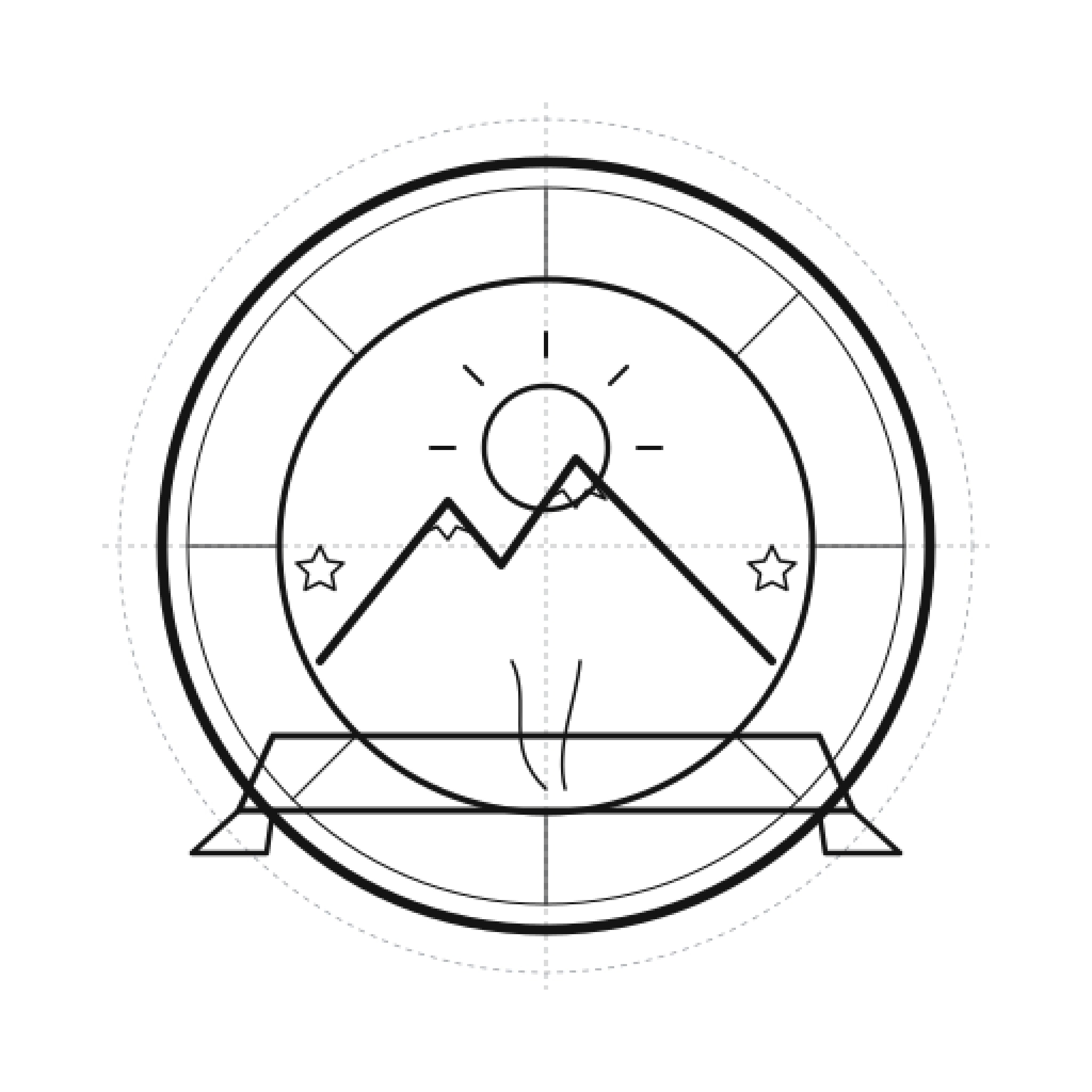
Upscale 2× or 4×
A sharper, larger copy for print and download. Your canvas stays the same size.
Saved to your library as a larger PNG.
Upscaled 4× for print
Thin rings and tick marks stay crisp at 2048 × 2048. Your canvas stays the same size.
Same crop at full size
Every AI result is a new layer
Nothing you drew is overwritten.
Paint Lab treats your drawing as the source of truth. Each AI action adds one layer and one undo step. Hide the layer to see your drawing again.
Same rule for every action
- Finish sketch. Lands as a new layer. Your sketch stays.
- Colorize line art. Ink stays on top, untouched.
- Generative fill. Lands as a new layer, trimmed to your mask. Hide it any time to get the original back.
- Remove background. Lands as a new layer. The source layer is hidden, not deleted.
- Upscale 2×. Saved to your library as a larger PNG.
- Every AI result is one undo step.
Ink on top, AI color underneath
Layers
- InkMultiply · never written
- AI colorNew layer · under the ink
- PaperBackground
The drawing engine
A real paint engine, not a prompt box.
Paint Lab runs its own GPU paint engine in the browser, on desktop and in iPad Safari. Brushes, layers, guides, and exports are part of the canvas, and none of them needs an AI action.
GPU brushes with pressure and tilt
10 brushes, from HB pencil and G-pen ink to watercolor wet edge and gouache, plus smudge and erasers. Strokes render on the GPU with WebGPU, or WebGL2 where it is missing. Once a pen touches the canvas, fingers only pan, zoom, and rotate.
 G-pen ink
 6B pencil
 Watercolor wet edge
 Gouache
 Airbrush soft
Layers that behave like layers
Blend modes, clipping masks, alpha lock, and opacity on up to 32 layers on desktop, 16 on tablet, and 12 on phone. Paintings save as you go.
Layer groups
Fold layers into groups up to 3 levels deep, then hide, fade, lock, or blend them together. Groups do not count toward your layer limit.
Symmetry and perspective rulers
Mirror every stroke vertically, horizontally, in four, or radially in 2 to 12 segments, or snap straight lines to 1-, 2-, or 3-point perspective. Guides never show up in exports.
Reference images
Float up to 6 photos or sketches over the workspace, fade or flip them, and pick your brush color straight from them. References stay on your device and are never uploaded.
Turn your painting into a timelapse
Every stroke replays, then the sketch turns into your AI finish. Pick 15 s, 30 s, or 60 s, vertical or square. Made on this device. Nothing is uploaded.
15 s30 s60 sVertical · 1080 × 1920Square · 1080 × 1080Layered PSD export
Download a flattened PNG, a single layer, or a PSD that keeps your layers, groups, blend modes, and opacity for any PSD app. Import a PNG, JPG, or PSD to keep working on it.
Train your own style
Pick 8 to 20 of your own drawings and Paint Lab learns your look, so Finish sketch and Edit with words can work in it. Training is quoted first and uses your monthly generation allowance.
AnimeManga inkWatercolorOil paintConcept art3D renderPhotoreal
Animate it
Every painting can become a video.
When the painting is done, Animate it flattens your visible layers and opens Video Lab with your art as the first frame of an image-to-video clip. Describe what moves, pick a length, and your canvas stays open.
Video Lab
Start frame
Flattened from your visible layers. Your canvas stays open.
What moves?
The lantern flickers, the cloak lifts in the wind, and the tall ship drifts into the harbor
Image to video · Seedance 2.5
Video Lab quotes it before anything renders.
How it works
From sketch to finished art in four steps.
- 01
Draw or import
Sketch with pressure brushes on layers, or import a PNG, JPG, or layered PSD you already have.
- 02
Pick an AI action
Finish the sketch, colorize the line art, fill a brushed area, or edit with words. The size and settings show before it runs.
- 03
Keep what works
The result lands as a new layer. Compare it with your drawing, hide it, or paint on top of it.
- 04
Export or animate
Download a PNG or layered PSD, or send the painting to Video Lab as the first frame of a clip.
Questions
Before you pick up the pen.
Is drawing free?
Yes. Brushes, layers, selections, and PNG or PSD export are free with a Clip Studio account. AI actions such as Finish sketch, Colorize, and Generative fill use your monthly generation allowance, and each one shows its size and settings before it runs.
Does colorize change my line art?
No. Colorize paints flat color on a new layer under your ink. The ink layer is never written: it stays on top, set to multiply, so every line keeps its exact position and weight. Hide the color layer to get your original back.
Can I use a stylus?
Yes. Paint Lab reads pen pressure and tilt from Apple Pencil in iPad Safari and from pressure-sensitive pens in desktop browsers. Once a pen touches the canvas, fingers only pan, zoom, and rotate, so a resting palm leaves no marks.
Can I turn my painting into a video?
Yes. Animate it sends your flattened painting to Video Lab as the first frame of an image-to-video clip. Video Lab quotes the clip before anything renders, and your canvas stays open.
Can I start from a sketch or reference I already have?
Yes. Import a PNG, JPG, or layered PSD, and PSD layers come in as separate layers ready to colorize or finish. To paint from a photo instead, float up to 6 reference images over the workspace and pick colors from them. References stay in your browser and are never uploaded.
Can Paint Lab learn my own drawing style?
Yes. Train your own style from 8 to 20 of your own drawings. Training is quoted before it runs and uses your monthly generation allowance; if it does not finish, nothing is used. Once it is ready, Finish sketch and Edit with words can work in your style, and the result still lands on a new layer.
Last reviewed 2026-10-04
Keep going
More studios in Clip Studio
- Image LabGenerate stills from a prompt with a dozen image models.
- Video LabAnimate a painting with text- and image-to-video models.
- AI image modelsCompare the image models behind Clip Studio, side by side.
- Character FilmsTurn a topic into a narrated animated film.
- Topic ShortsType a topic and get a voiced, captioned short.
- DirectorSteer a live AI video session while it streams.
Start with a sketch.Keep every line.
Drawing is free. AI actions use your monthly generation allowance.
Start painting