
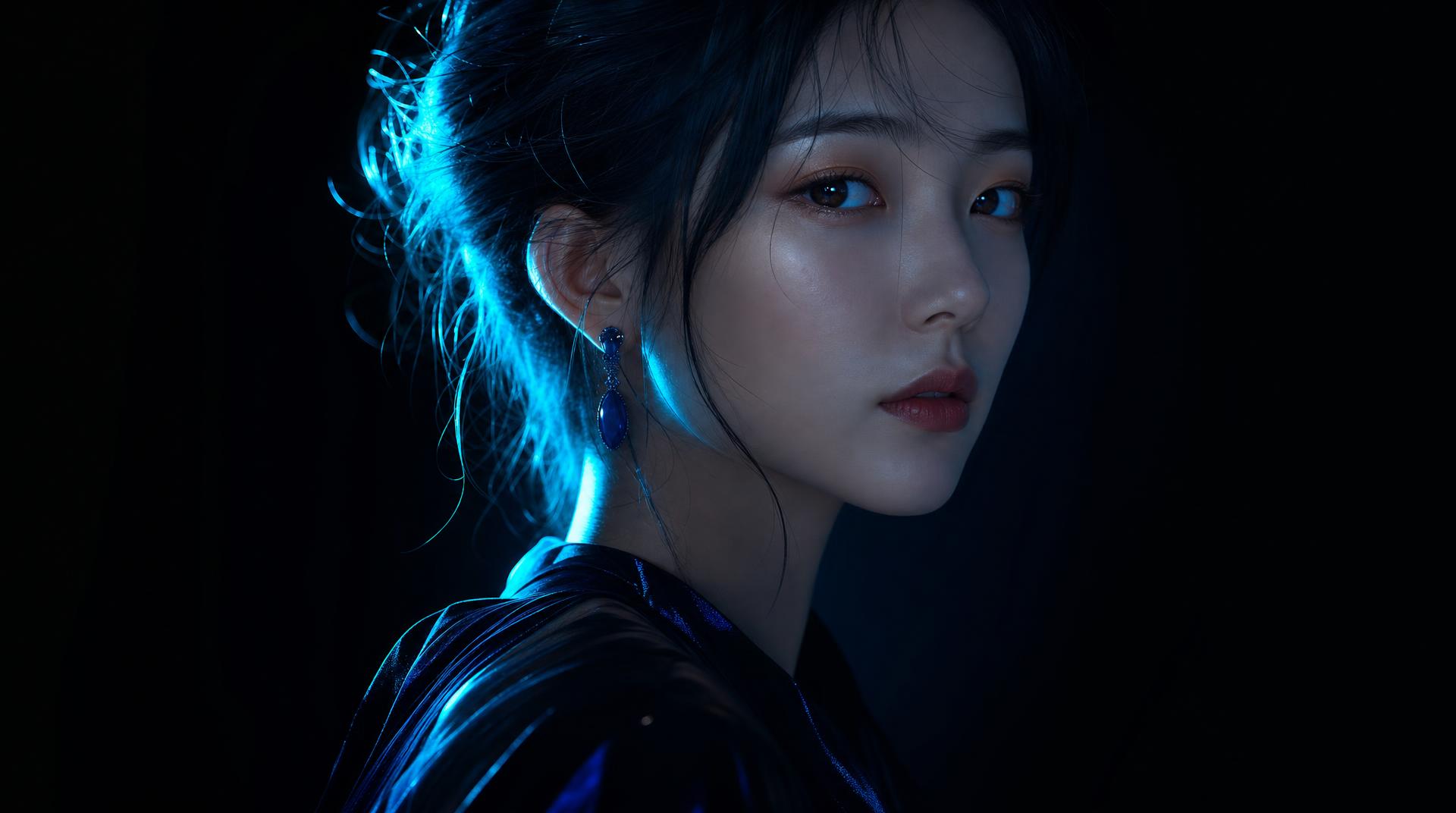
Clip Studio testOutput 01

OpenAI
Original model creator
ChatGPT Image 2.5
Product shots and image-to-image edits.
- Modes
- Text to image · Image to image
- Frame
- 9:16 · 1:1 · 4:5 · 16:9
- Output
- Still
Image Lab model directory
Image Lab gives creators one prompt-and-aspect workflow for ChatGPT Image 2.5, Nano Banana, FLUX 3 Image, FLUX 2 Pro, Ideogram V4.5, Microsoft MAI, Seedream 5, Muse Image, Grok Imagine Image 2.0, Qwen Image 3, Kling Omni 3, and Recraft V4.1 Flash—without juggling provider accounts.
Editorial selection · Last reviewed 6 October 2026
The screening slate
There is no universally best model. Start with edit support, aspect, or look, then generate.
OpenAI
Original model creator
Product shots and image-to-image edits.
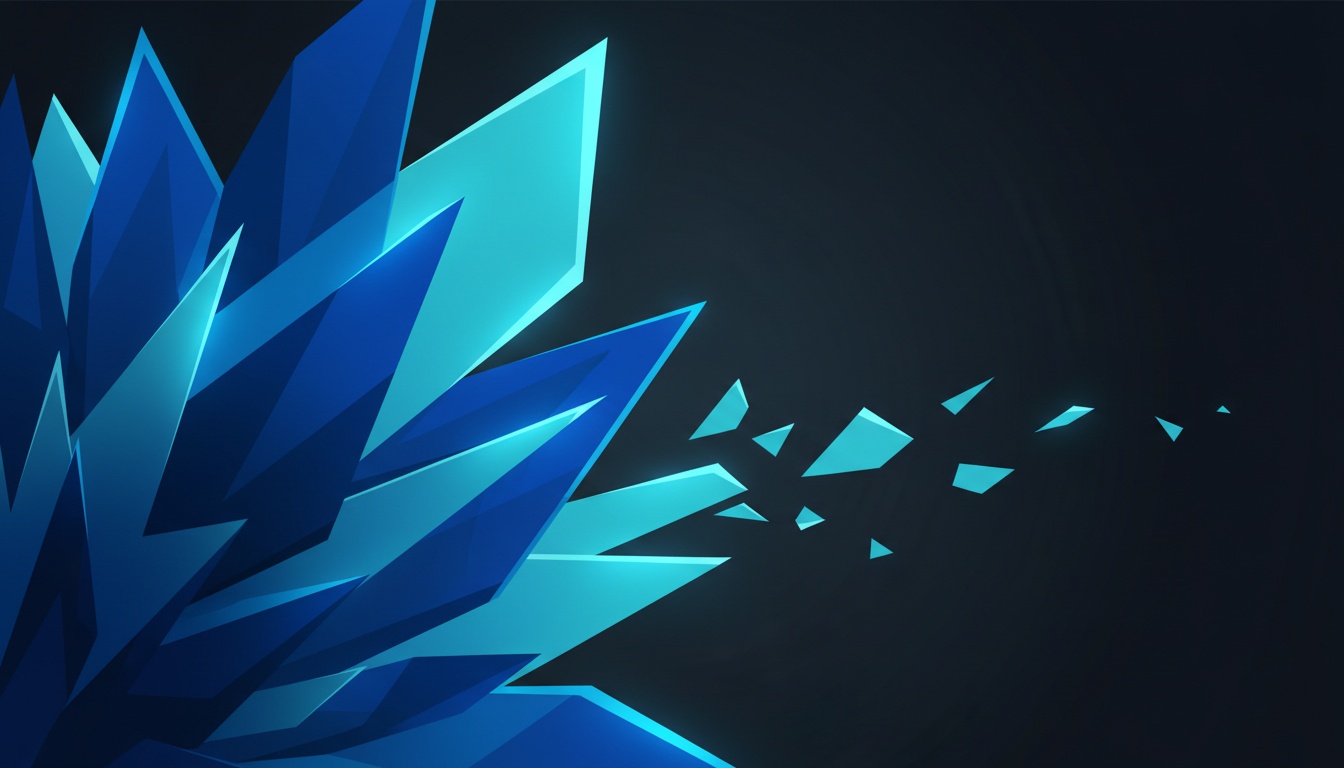

Original model creator
Graphic and editorial stills.

Original model creator
Graphic stills and image-to-image edits.
NewNano Banana 2.1Sample still coming soonOriginal model creator
The newest Nano Banana stills and image-to-image edits.

Original model creator
Higher-fidelity Nano Banana stills and edits.
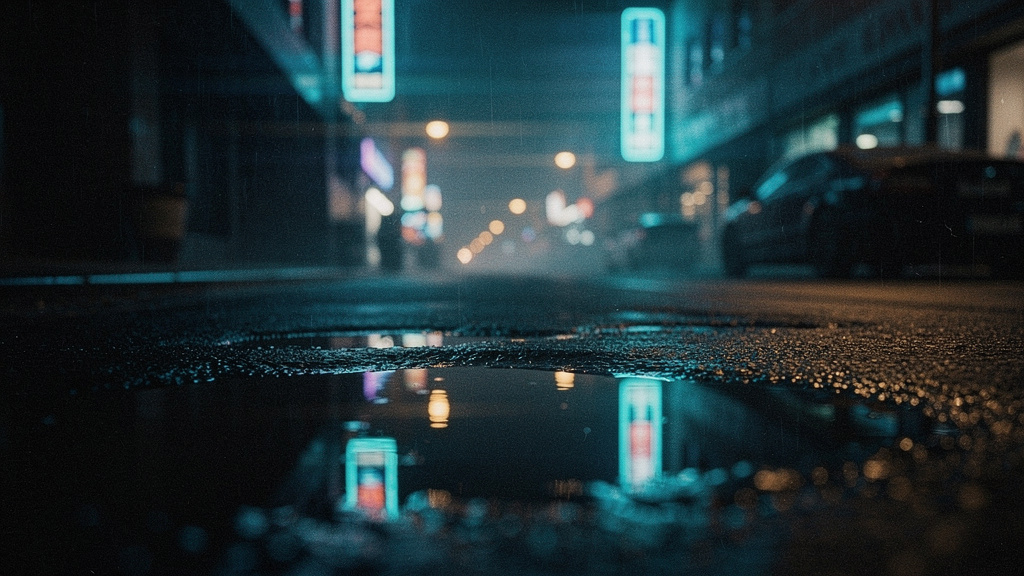

Black Forest Labs
Original model creator
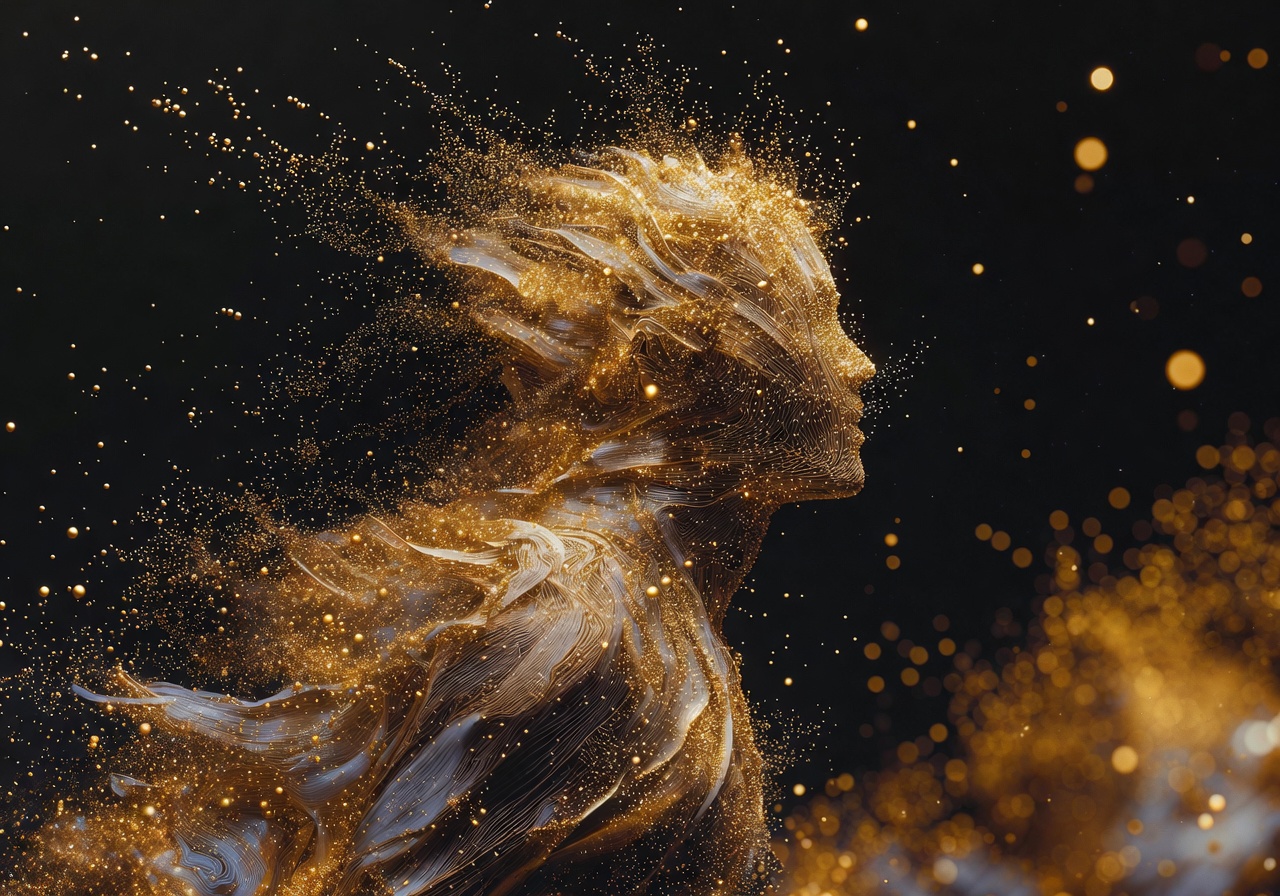
Photoreal cinematic stills.
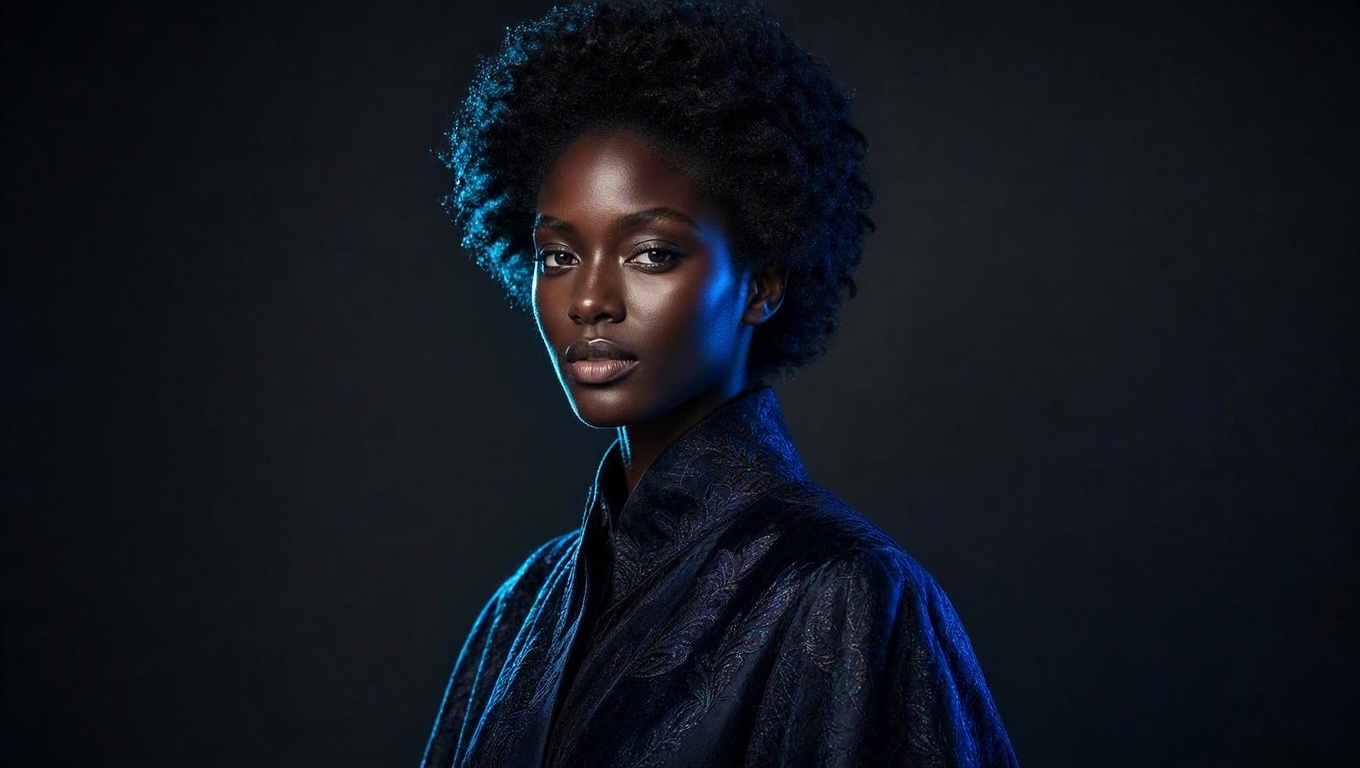

Microsoft
Original model creator
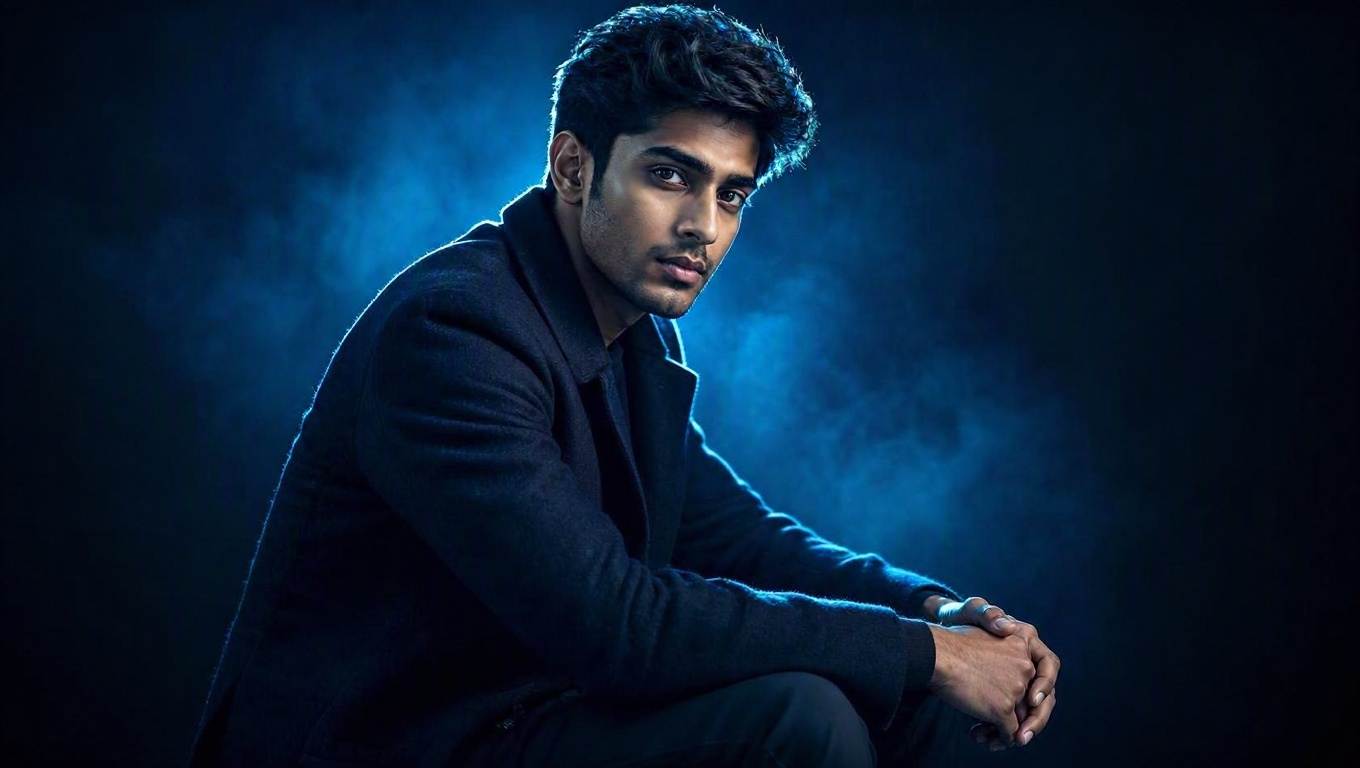
Design-ready photoreal stills and image-to-image edits.
Microsoft
Original model creator
Flagship cinematic stills and image-to-image edits.

ByteDance
Original model creator
Fast ByteDance stills and image-to-image edits.

Meta
Original model creator
Editorial stills and instruction edits.

xAI
Original model creator
Cinematic stills and image-to-image edits.
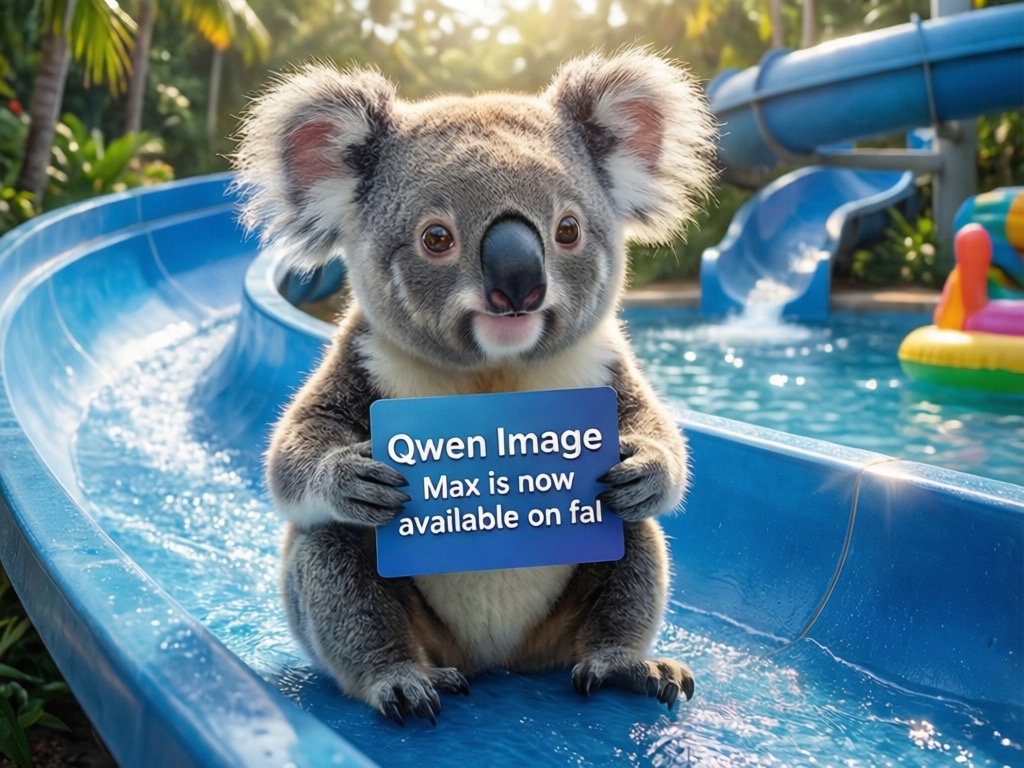
Alibaba
Original model creator
Typography stills, CJK text, and image-to-image edits.
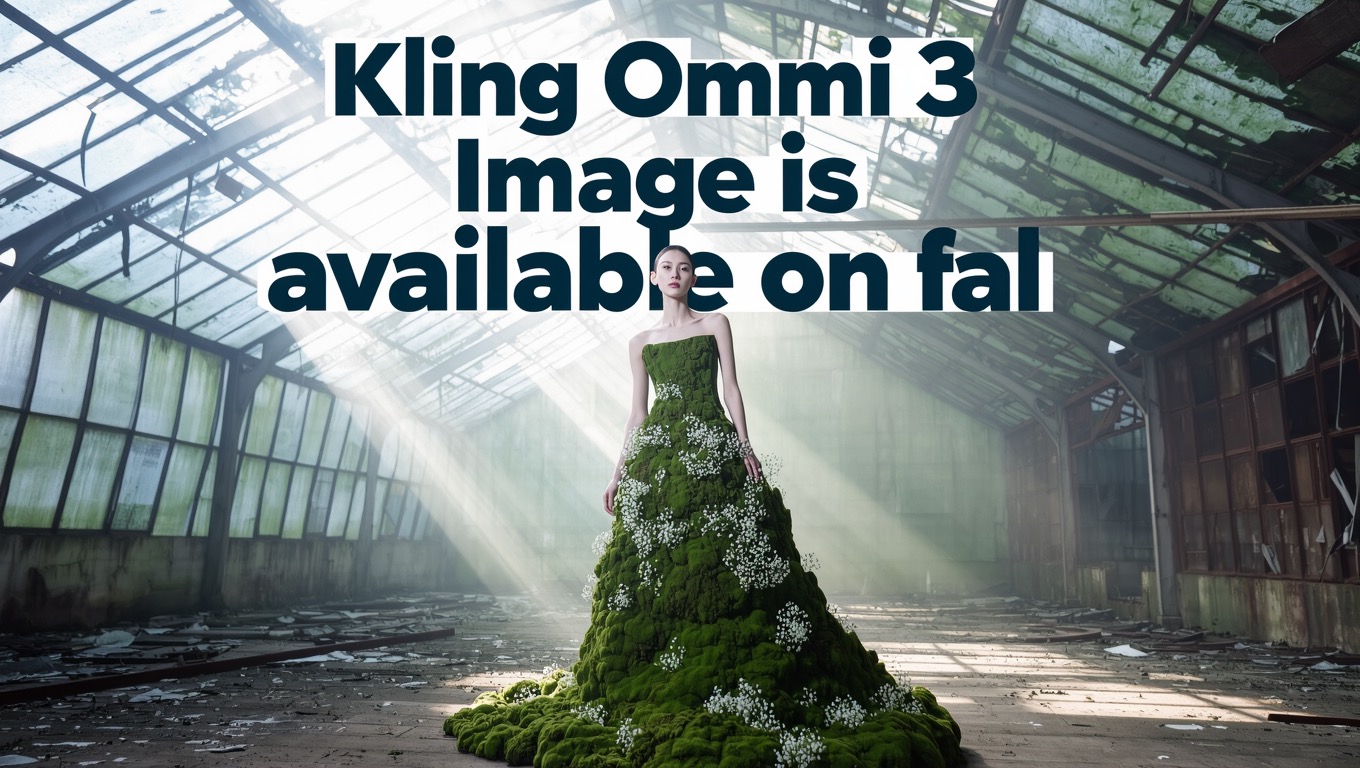
Kuaishou
Original model creator
Fashion stills and image-to-image edits.
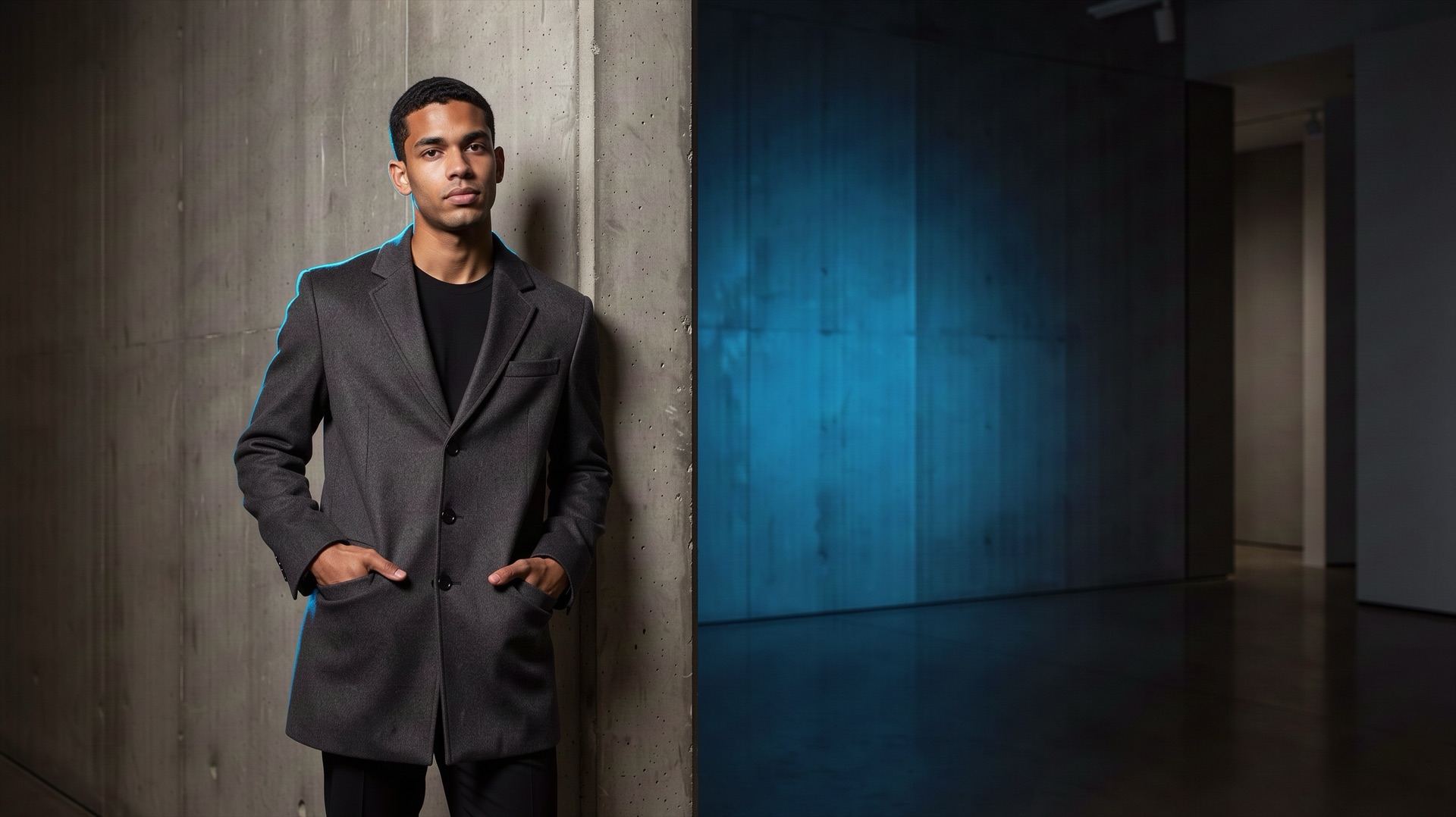
Black Forest Labs
Original model creator
Photoreal stills and precise local edits.
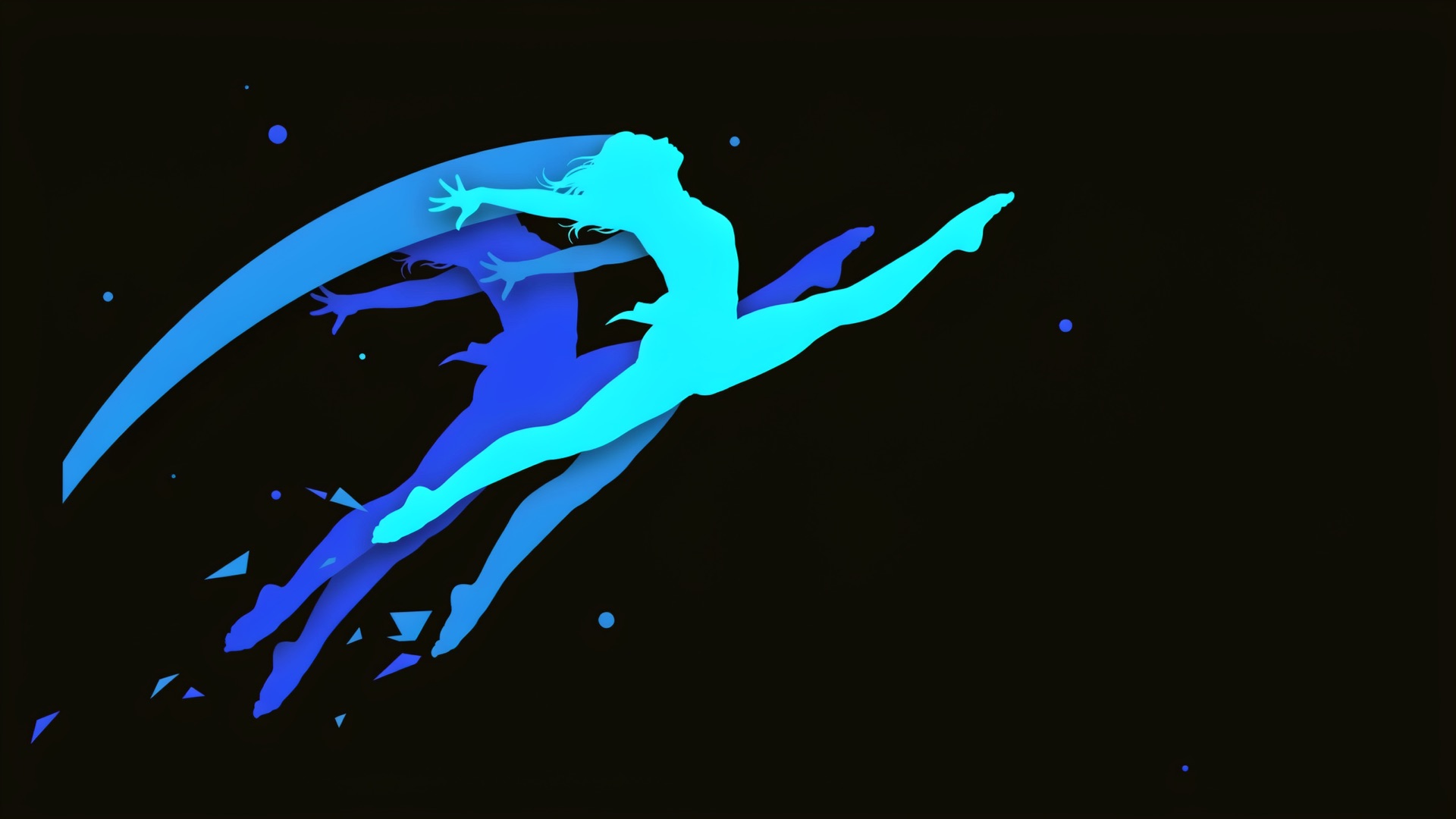

Ideogram
Original model creator
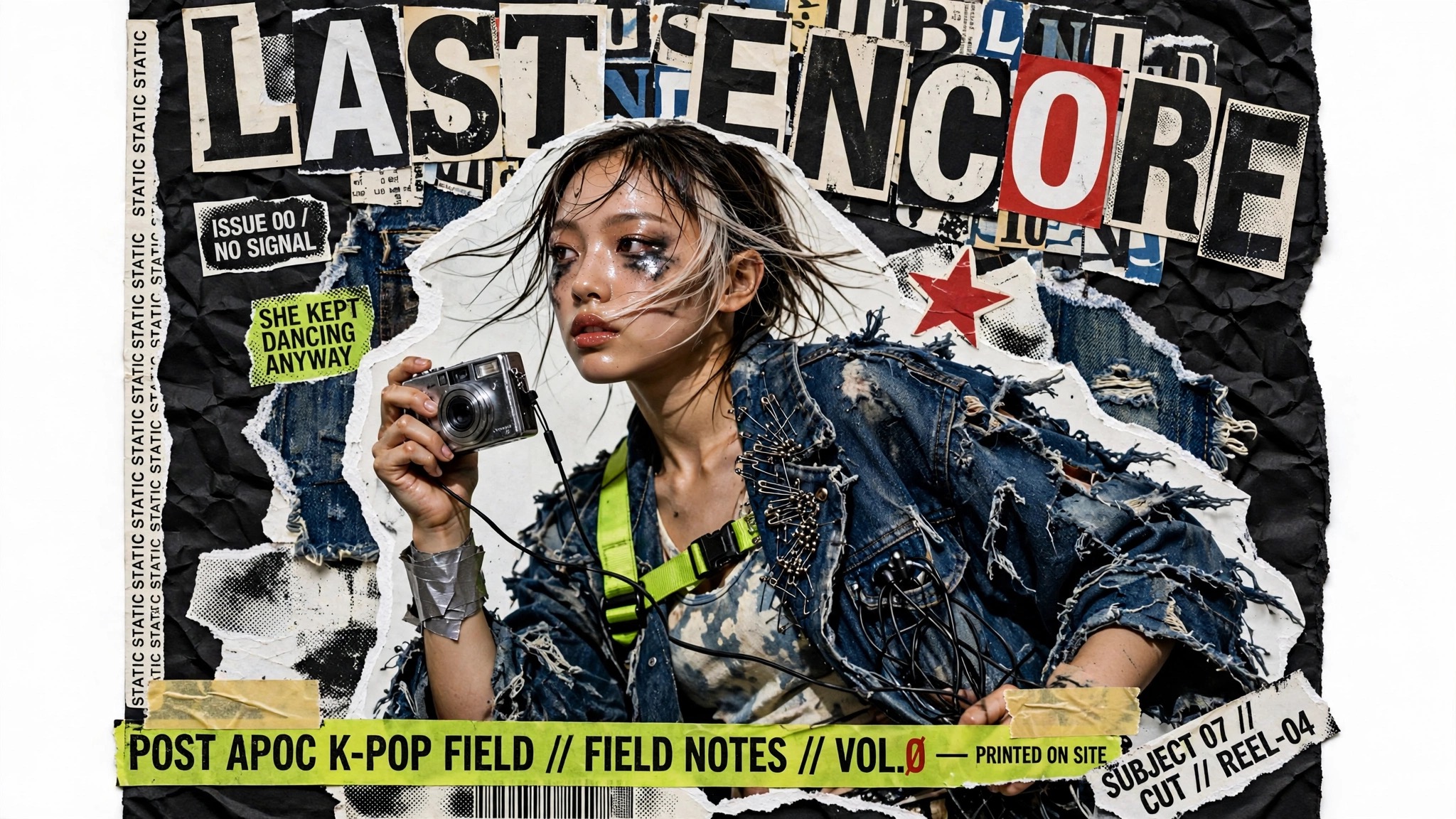
Posters, logos, and stills with readable text.
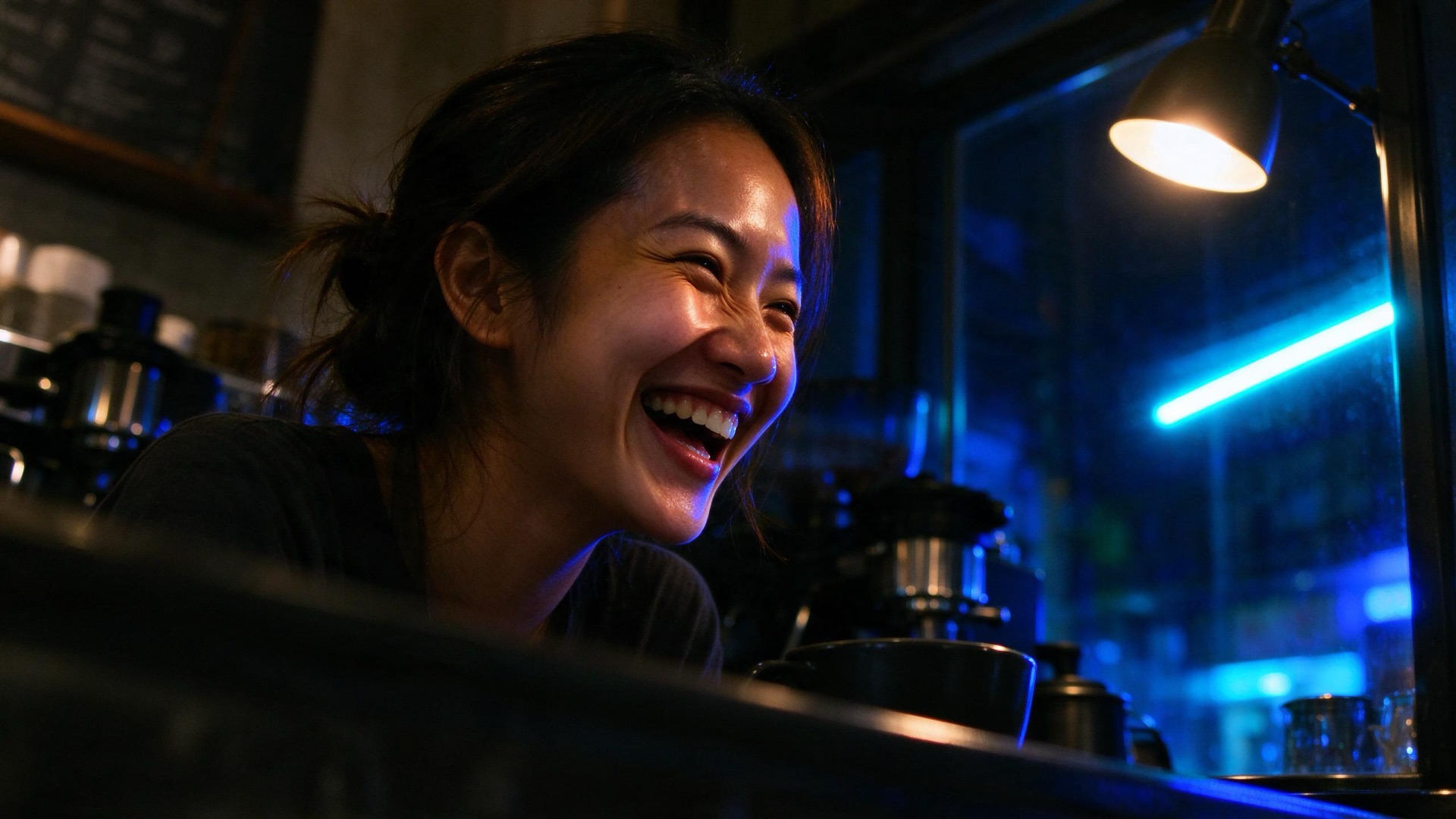
ByteDance
Original model creator
Fast lifestyle stills and image-to-image edits.
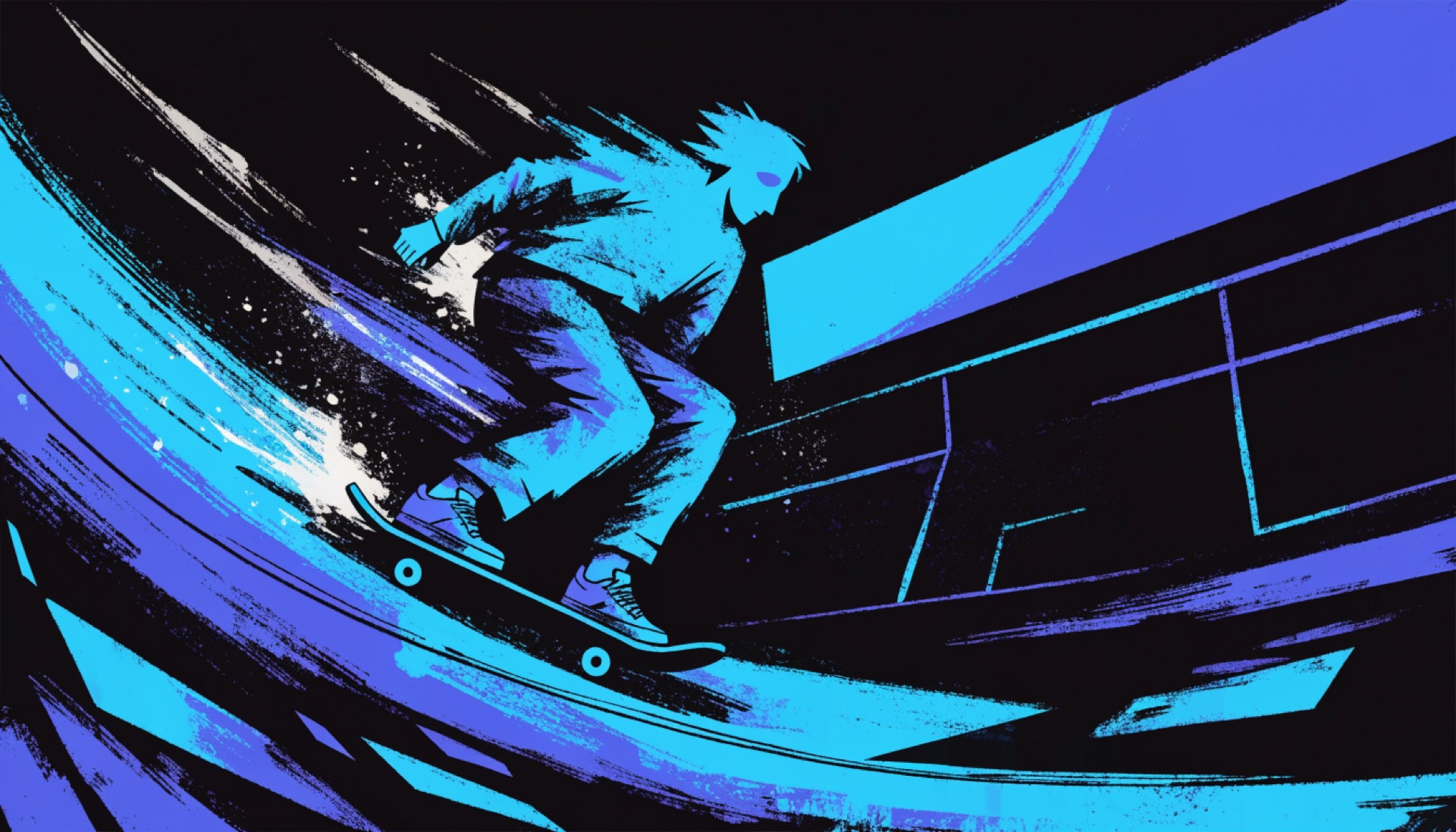

Recraft
Original model creator
Illustrations, design stills, and quick drafts.
One production path
Describe the still. Optionally attach a source image when you want ChatGPT Image 2.5, Nano Banana 2, Nano Banana 2.1, Nano Banana Pro, FLUX 3 Image, Ideogram V4.5, MAI Image 2.5, MAI Image 2.5 Pro, Seedream 5 Lite, Seedream 5 Flash, Muse Image, Grok Imagine Image 2.0, Qwen Image 3, or Kling Omni 3 to edit.
Choose ChatGPT Image 2.5, a Nano Banana SKU, FLUX 3 Image, FLUX 2 Pro, Ideogram V4.5, MAI Image 2.5, MAI Image 2.5 Pro, Seedream 5 Lite, Seedream 5 Flash, Muse Image, Grok Imagine Image 2.0, Qwen Image 3, Kling Omni 3, or Recraft V4.1 Flash and an aspect ratio that model actually accepts.
When the still finishes, it lands in your Clip Studio Library.
Ready before you generate
Model, aspect ratio, and a source still all matter.
Image Lab quotes each setup before you generate. Monthly plan allowance is used first. Failed generations that do not produce a usable still are refunded.
Questions, answered
Image Lab is one workspace for generating stills across 17 image models in Clip Studio: OpenAI ChatGPT Image 2.5, Google Nano Banana, Nano Banana 2, Nano Banana 2.1, Nano Banana Pro, Black Forest Labs FLUX 3 Image and FLUX 2 Pro, Ideogram V4.5, Microsoft MAI Image 2.5, Microsoft MAI Image 2.5 Pro, ByteDance Seedream 5 Lite and Seedream 5 Flash, Meta Muse Image, xAI Grok Imagine Image 2.0, Alibaba Qwen Image 3, Kuaishou Kling Omni 3, and Recraft V4.1 Flash. Write a prompt, pick a model and aspect ratio, generate, and keep the still in your library.
Ad Lab turns a website into locked ad layouts, plus cinematic tip packs, Proof packs, and Explain films. Video Lab turns a prompt or a still into a motion clip. Image Lab is still generation: you leave with a downloadable image, not an ad set or a film.
Each generation is quoted before you run it. Model, aspect ratio, and whether you attach a source still change the quote. Each generation uses your monthly generation allowance.
ChatGPT Image 2.5, Nano Banana 2, Nano Banana 2.1, Nano Banana Pro, FLUX 3 Image, Ideogram V4.5, MAI Image 2.5, MAI Image 2.5 Pro, Seedream 5 Lite, Seedream 5 Flash, Muse Image, Grok Imagine Image 2.0, Qwen Image 3, and Kling Omni 3 support image-to-image when a source still is attached. Original Nano Banana, FLUX 2 Pro, and Recraft V4.1 Flash are text-to-image here.
ChatGPT Image 2.5 (OpenAI), Nano Banana, Nano Banana 2, Nano Banana 2.1, and Nano Banana Pro (Google), FLUX 3 Image and FLUX 2 Pro (Black Forest Labs), Ideogram V4.5 (Ideogram), MAI Image 2.5 and MAI Image 2.5 Pro (Microsoft), Seedream 5 Lite and Seedream 5 Flash (ByteDance), Muse Image (Meta), Grok Imagine Image 2.0 (xAI), Qwen Image 3 (Alibaba), Kling Omni 3 (Kuaishou), and Recraft V4.1 Flash (Recraft). Choose the model that fits your image.
The prompt is ready
Start with one model. Keep the prompt. Try another. Every successful still stays in your Clip Studio Library.
Open Image Lab