Google
Veo 3.1
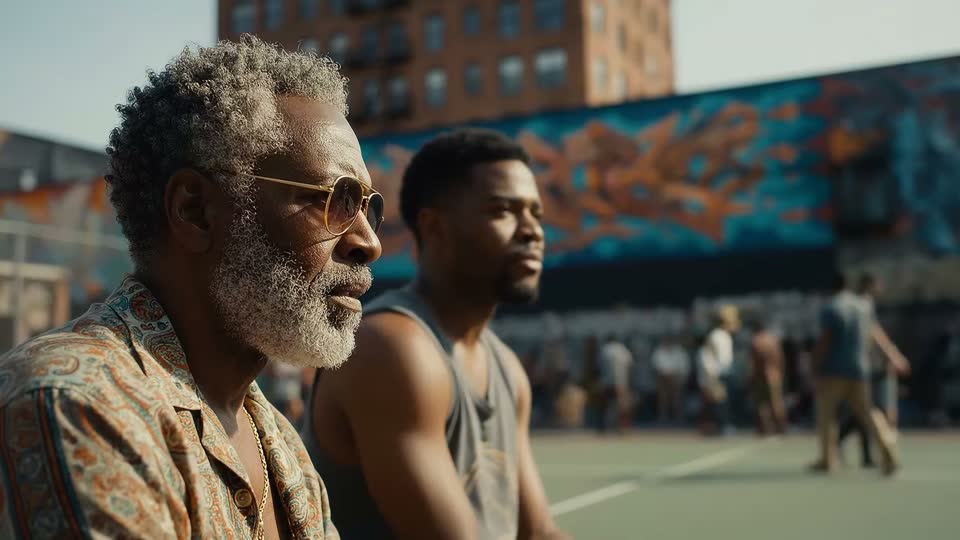
A premium text-and-image video model for cinematic shots, guided frames, references, optional audio, and up to 4K output.
Text promptAnimate imageFirst → lastUp to 3 reference images
Video Lab runs on a monthly plan. Clip Pro from $19/mo.
 Veo 3.1GoogleVeo 3.1 FastGoogleVeo 3.1 LiteGoogle
 Seedance 2.5ByteDanceSeedance 2.0ByteDanceSeedance 2.0 MiniByteDance
 Kling 4.0KuaishouKling 3 ProKuaishouKling 3 4KKuaishouKling 3 Turbo ProKuaishouKling O3Kuaishou
 Happy Horse 1.1AlibabaGemini Omni FlashGoogleWan 3.0AlibabaWan 3.0 PrimeAlibabaWan 2.7Alibaba
 MiniMax H3 MaxMiniMaxMiniMax H3 Max TurboMiniMaxMiniMax H3MiniMax
 Grok Imagine Video 1.5xAIGrok Imagine Video 1.5 LitexAI
 FLUX 3Black Forest LabsFLUX 3 MaxBlack Forest Labs
 PixVerse C1PixVersePixVerse V6PixVerse
 LTX 2.3 ProLightricksKling O3 ProKuaishouKling O3 4KKuaishouLTX 2.5 ProLightricksLTX 2.5 FastLightricks
Director note
Describe the subject, action, camera move, lighting, and sound as separate beats in one concise shot direction.
Sample credited to official sample. Results vary with prompt, settings, and provider updates.
Begin with text, animate a frame, direct a transition, restyle an existing MP4 with FLUX 3 Edit clip, or use references when the selected model supports them.
Set the model, duration, format, and controls before any generation is submitted.
Completed shots and their settings stay together in your history and Clip Studio Library.
A premium text-and-image video model for cinematic shots, guided frames, references, optional audio, and up to 4K output.
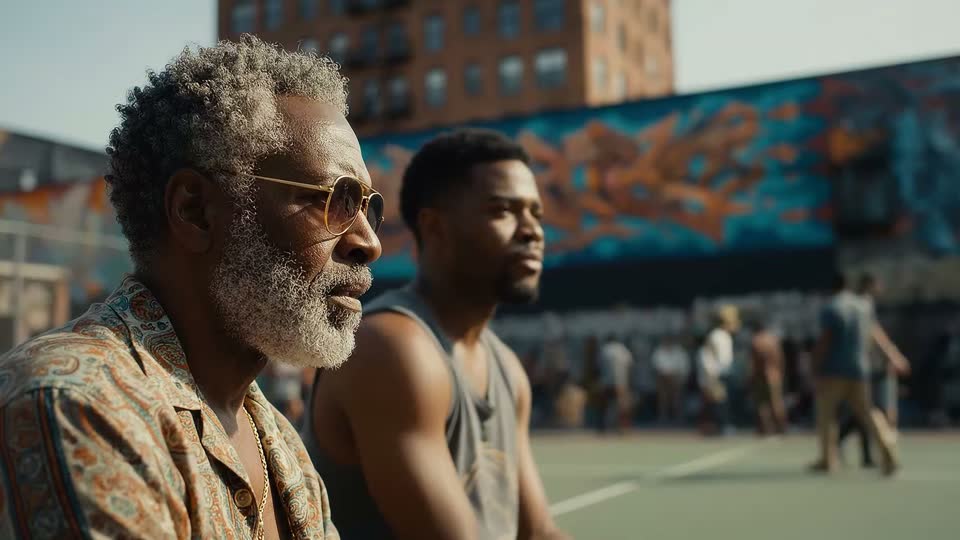
A faster, lower-cost Veo 3.1 SKU for cinematic shots, guided frames, references, optional audio, and up to 4K.
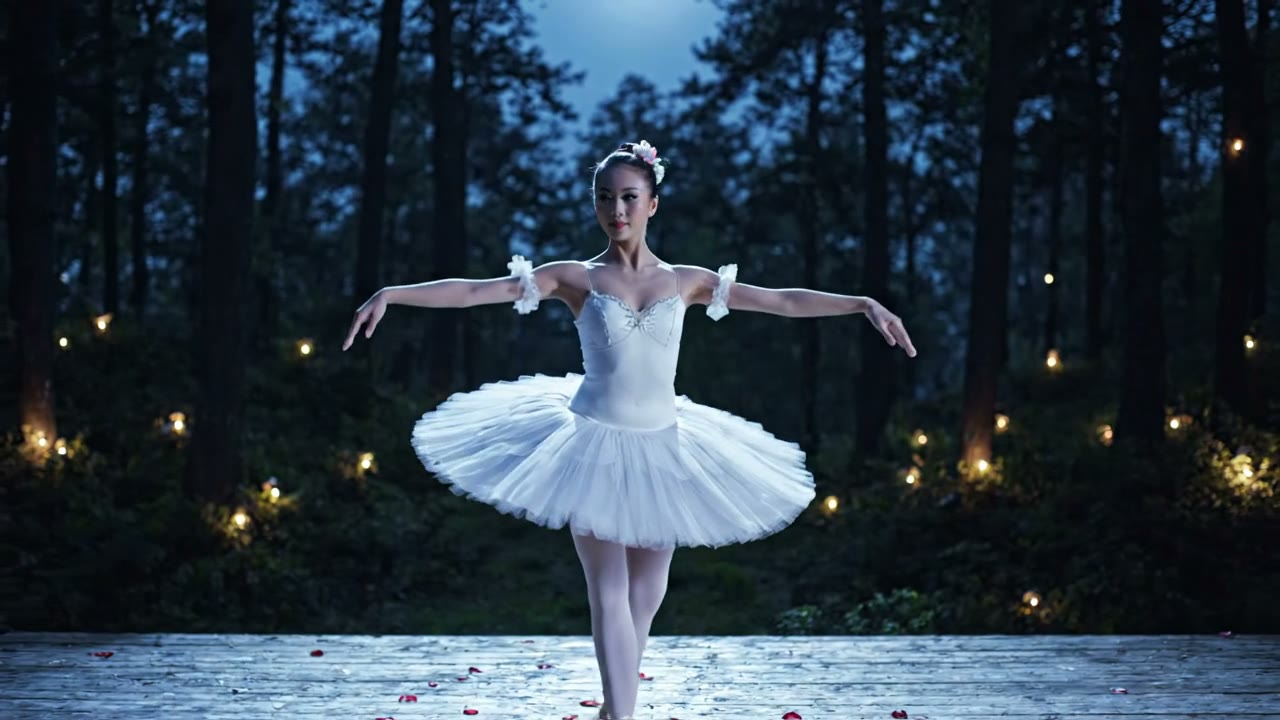
The lightest Veo 3.1 SKU for 4–8 second 720p or 1080p cinematic clips from text, a still, or first and last frames.
A next-generation text-and-image video model with native audio, 30-second shots, first/last frames, and deep reference control.
A flexible text-and-image model with first/last-frame direction, up to nine references, broad formats, and optional audio.

ByteDance’s faster, lower-cost Seedance 2.0 for 4–15 second drafts at 480p or 720p, with optional audio, first and last frames, and up to 9 references.
Kuaishou’s Kling 4.0 for 3–30 second clips with audio at 720p or 1080p, from text, a still, first and last frames, or up to 10 reference images.
A controllable text-and-image model for expressive movement, first/last frames, subject references, and optional audio.
Kling 3’s dedicated native-4K SKU for 3–15 second clips with first/last frames, subject elements, and optional audio.
A faster Kling 3 Pro SKU for native-audio 1080p clips from text or a starting image, without first/last frames or references.
Kling’s newer O3 Standard generation for realistic motion, optional audio, intelligent multi-shot, first-to-last frames, and references.
A native-audio text-and-image model with source-image animation, multi-image references, and broad social formats.
A fast multimodal 1.1 model for text, image animation, first/last frames, and references with native audio up to 4K.
A longer 1080p one-pass text-and-image model with optional native audio, first/last frames, and up to ten references.

A faster Wan 3.0 SKU for 2–30 second 1080p shots with optional native audio, first/last frames, and up to ten references.
A practical text-and-image generator with first/last frames, multi-image references, 1080p, and repeatable controls.
fal’s post-trained MiniMax H3 variant for native-audio clips, image animation, first/last frames, and references at 480p, 768p, or 1080p.
A higher-throughput MiniMax H3 Max SKU for native-audio clips, image animation, first/last frames, and up to nine reference images at 480p, 768p, or 1080p.
A high-detail native-audio model with first/last frames, references, and 480p through 4K output.
HeyGen Video, built on MiniMax H3 and post-trained by HeyGen, for 5–15 second clips with generated sound at 480p through 2K from text, a still, or up to 9 references.

A flexible native-audio model for text, single-image animation, and multi-reference clips from 480p to 1080p.
The lighter Grok Imagine Video 1.5 tier for 1–15 second native-audio clips from text or one start still, at 480p to 1080p.
Black Forest Labs’ frontier video model for text, single-image motion, first-to-last frames, optional native audio, clips up to 20 seconds, and Edit clip restyles of an existing MP4.
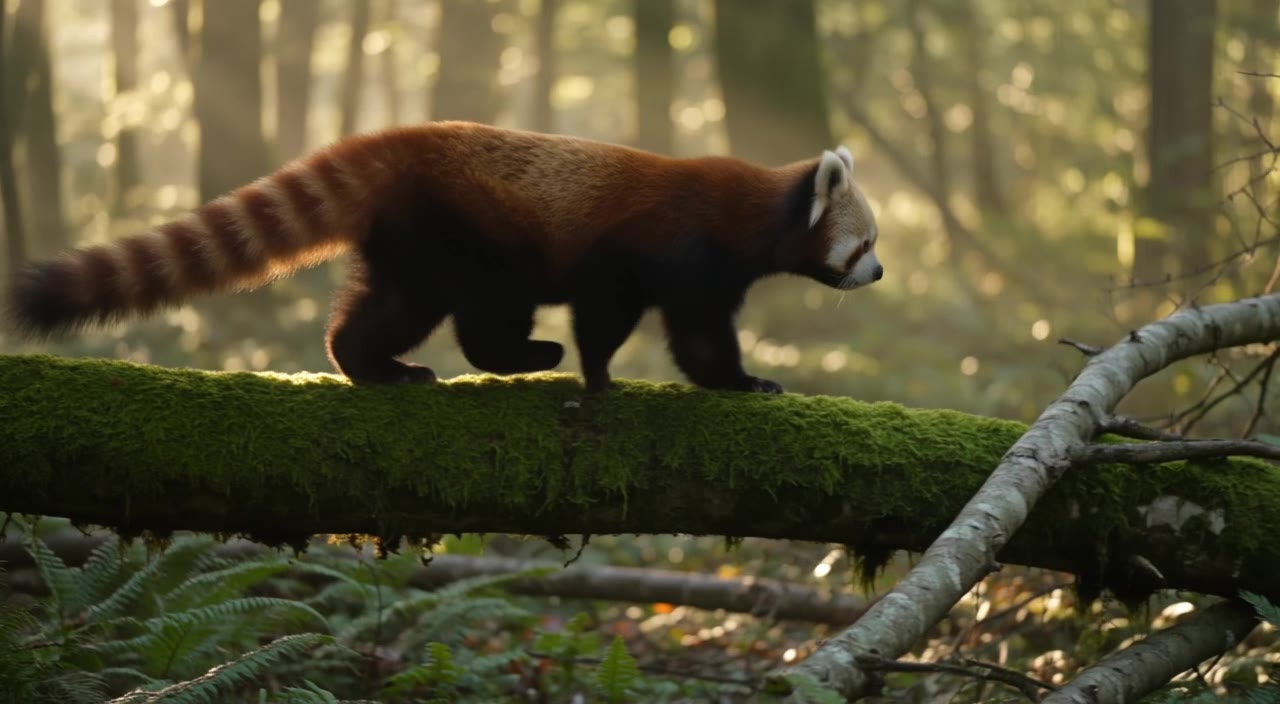
Black Forest Labs’ post-trained FLUX 3 Max for text, a start still, or first-to-last frames, with optional native audio and clips up to 20 seconds at 720p or 1080p.
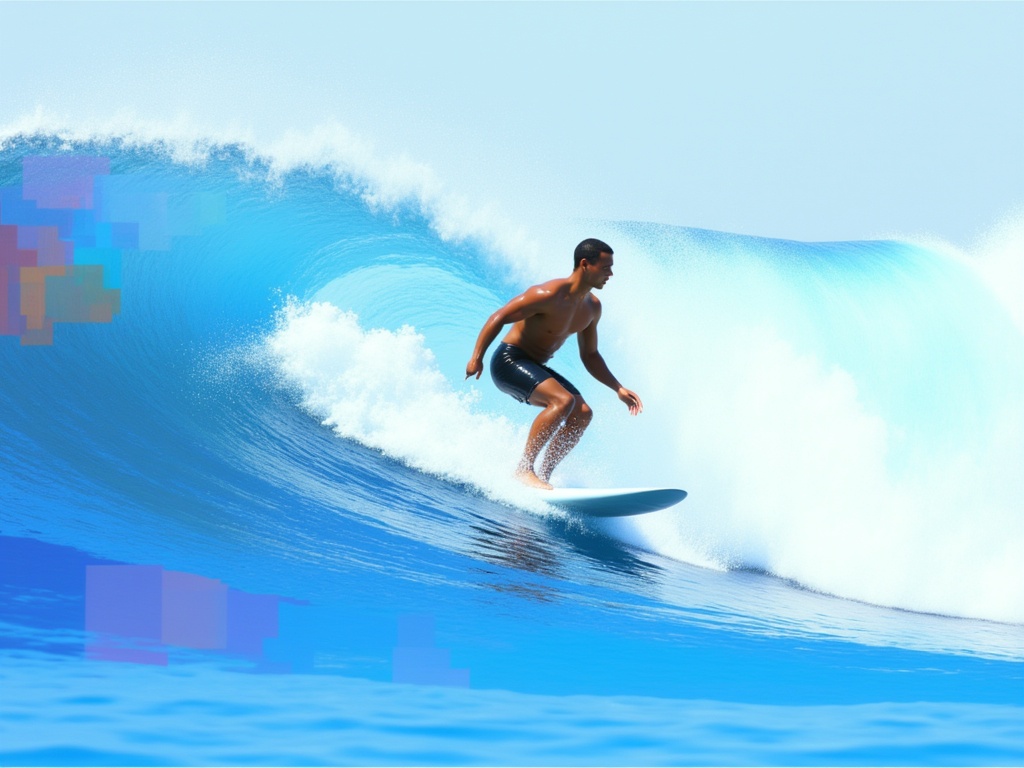
Luma Ray 3.2 for cinematic, silent shots: 5 or 10 seconds from text, or 5 seconds from a still or first and last frames, at 540p, 720p, or 1080p.

A film-grade PixVerse generation for text, image animation, first/last transitions, and up to seven reference images, from 360p to 1080p.

A broad text-and-image toolkit with image animation, first/last transitions, four resolutions, and style controls.
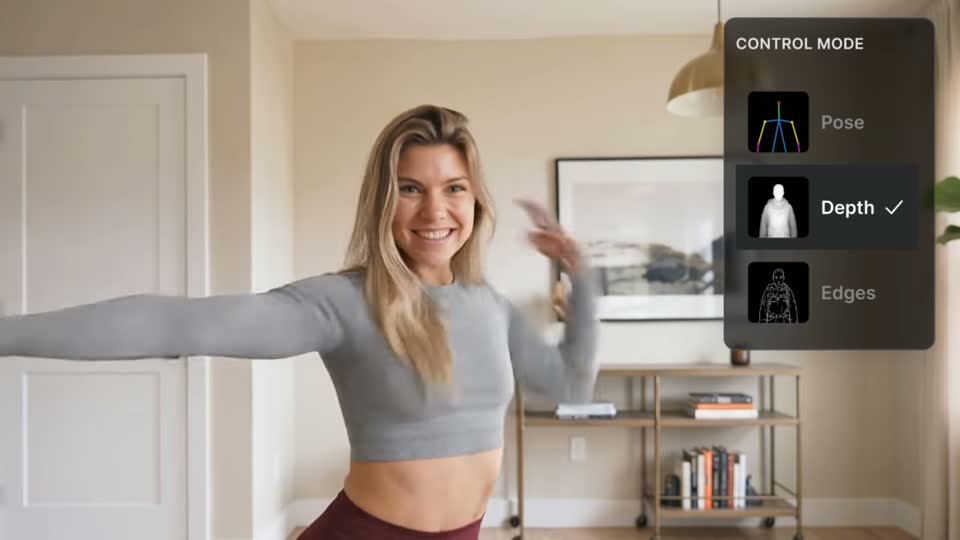
A production-oriented text-and-image model with first/last frames, 1080p to 4K output, and frame-rate controls.
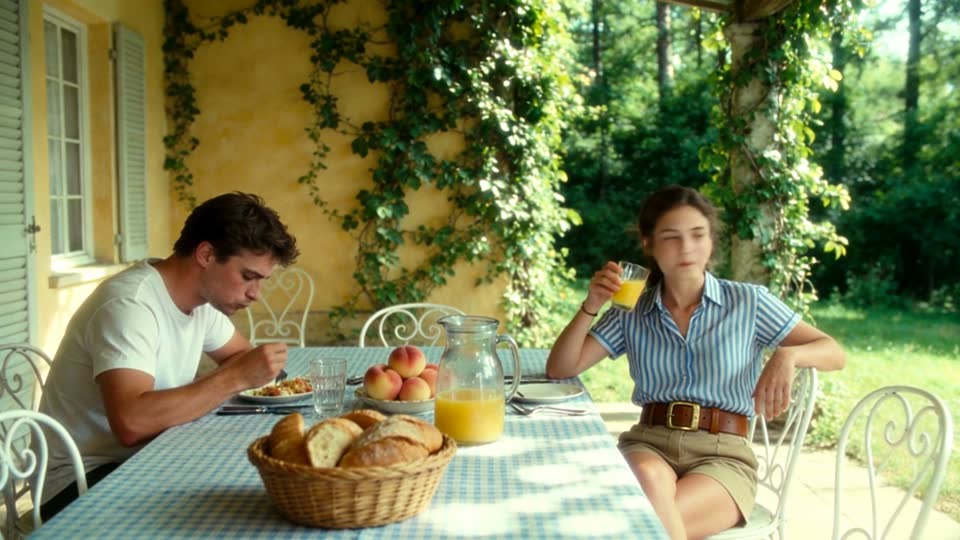
Kling O3 Pro for realistic motion, optional audio, intelligent multi-shot, first-to-last frames, and references.
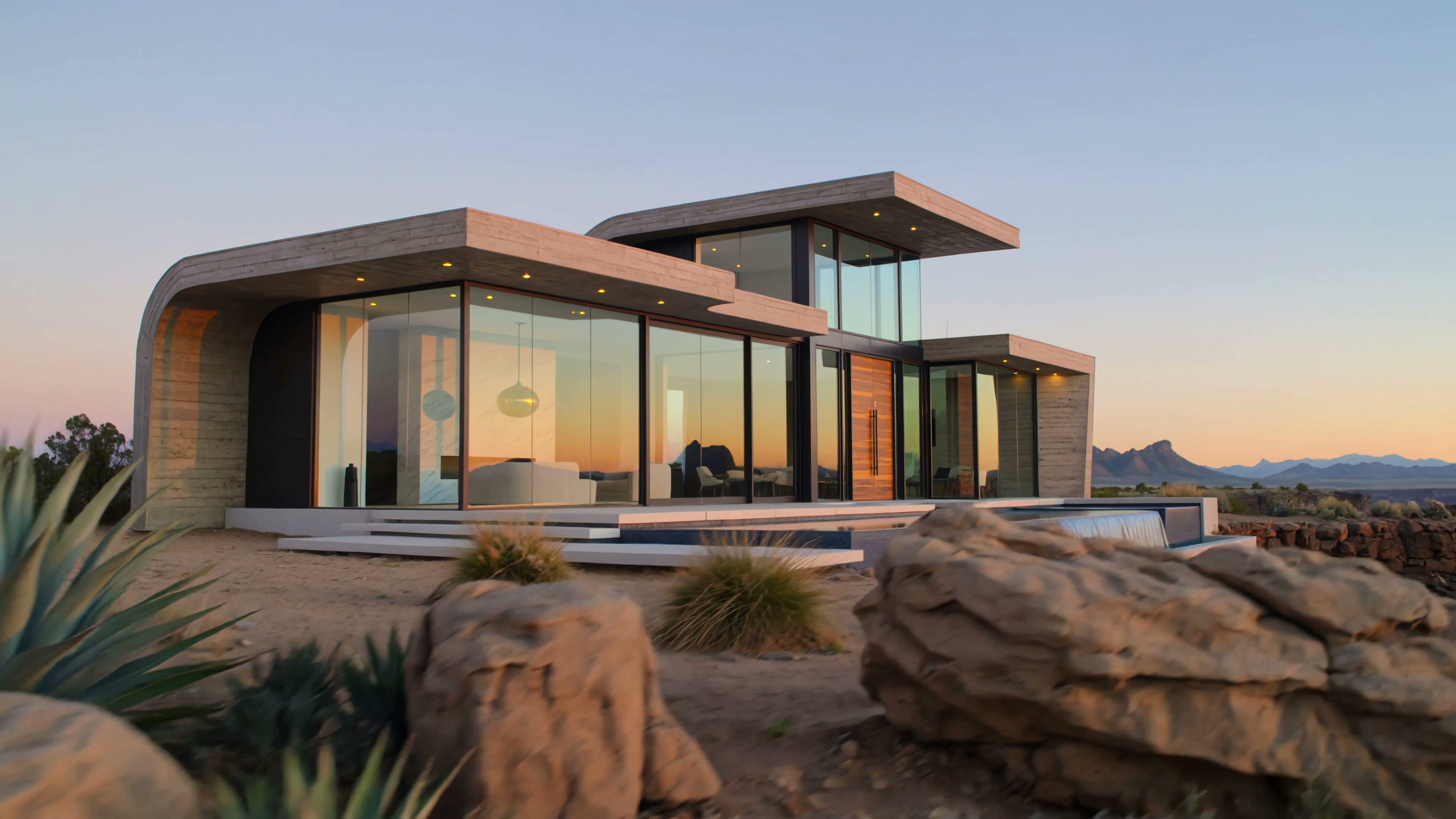
Kling O3’s native-4K SKU for realistic motion, optional audio, intelligent multi-shot, first-to-last frames, and references.
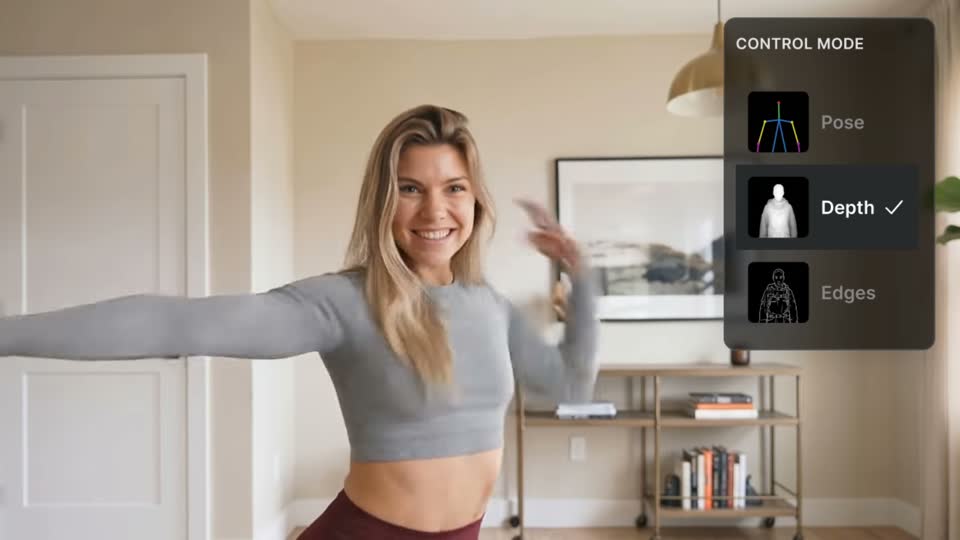
Lightricks’ newer Pro SKU for 720p and 1080p clips with first/last frames, optional audio, and 24, 25, or 50 fps.
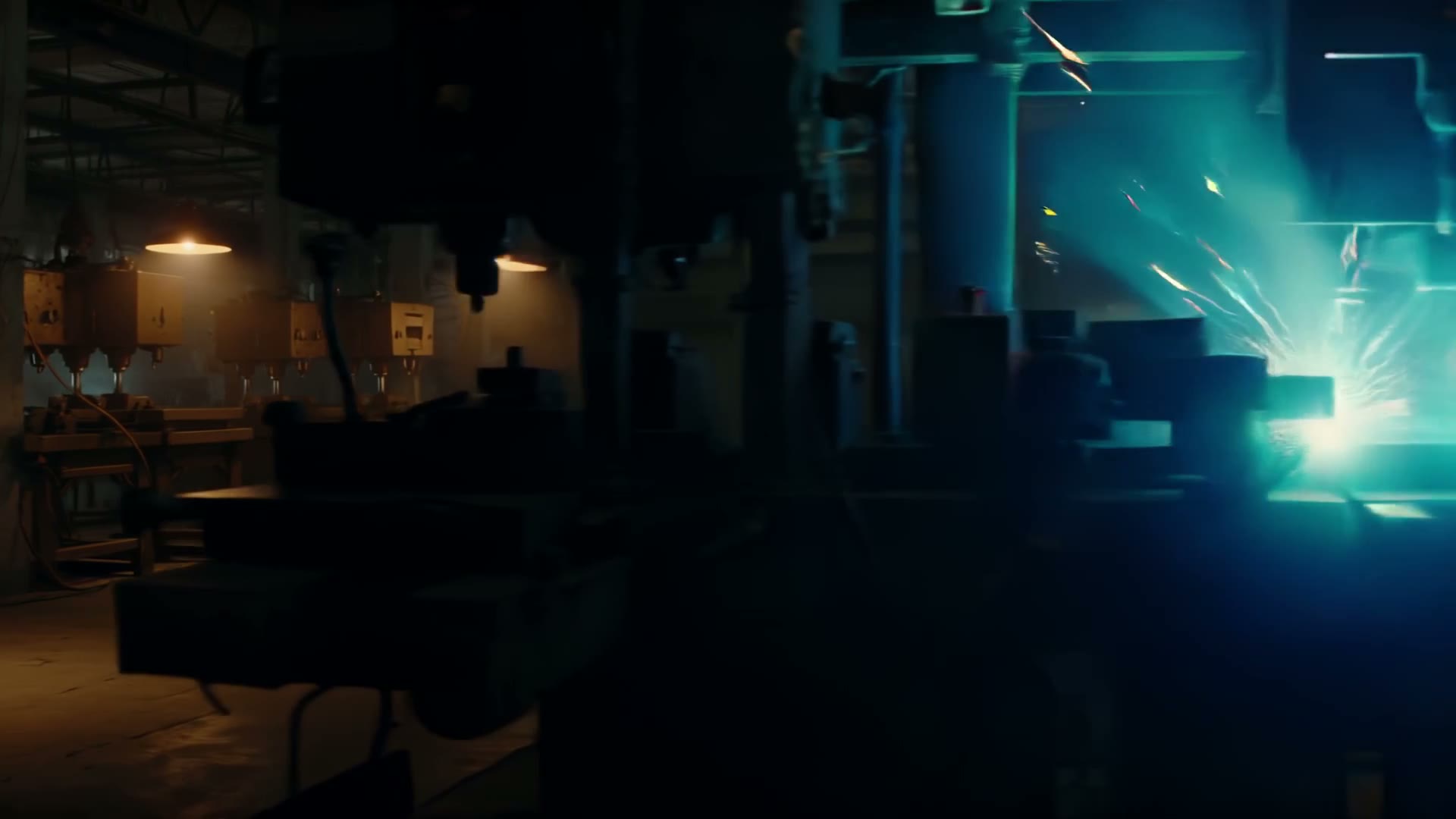
The quicker LTX 2.5 SKU for 6–20 second clips at 720p through 4K, with first/last frames, optional audio, and 24–50 fps.
Editorial selection · Last reviewed 3 October 2026
Video Lab is one workspace for generating videos with text prompts, source images, or an existing clip across 32 curated frontier models. Choose a model, add a prompt, image, or source MP4, generate, and keep the completed clip in your Clip Studio Library.
No objective cross-provider popularity ranking exists. This is an editorial selection of 32 frontier video models chosen for useful differences in quality, speed, control, format support, audio, and resolution.
Each plan includes a monthly generation limit. Model, duration, resolution, and other settings use that allowance. Upgrade anytime for a higher monthly limit.
Yes. Generate with one model at a time, then use Try another model to preserve your prompt, compatible settings, and available source images while you select a different model.
Every Video Lab model can animate a starting image. Veo, Seedance (including Seedance 2.0 Mini), Kling 4.0, Kling 3 Pro, Kling 3 4K, Kling O3, Kling O3 Pro, Kling O3 4K, Wan, MiniMax, Gemini, PixVerse, LTX, Luma Ray 3.2, FLUX 3, and FLUX 3 Max also support first-to-last-frame direction, including MiniMax H3 Max Turbo. Kling 3 Turbo Pro is animate-only—no first/last frames. Veo 3.1 and Veo 3.1 Fast, Seedance, Kling 4.0 (up to 10), HeyGen Video (up to 9), Happy Horse, Gemini, Wan, MiniMax H3, MiniMax H3 Max, MiniMax H3 Max Turbo, Kling O3, Kling O3 Pro, Kling O3 4K (up to 7), PixVerse C1 (up to 7), and Grok offer multi-image reference workflows. Veo 3.1 Lite is text, animate, and first/last only—no references or 4K. Kling 3 Pro and Kling 3 4K use subject reference elements inside the image workflow. H3 Max Turbo has first/last frames and up to nine references like H3 Max. HeyGen Video takes a start image or references but no first/last frames. FLUX 3 can also restyle an existing MP4 with Edit clip (up to 15 seconds and 50 MB).
Yes, on FLUX 3. Choose Edit clip, pick a library clip or upload an MP4. Clips must be MP4, under 15 seconds and 50 MB. Lip sync follows new dialogue, including translations. Duration and aspect follow the source. Output is 720p and keeps the source clip’s audio unless you rewrite or translate the dialogue. Other Video Lab models generate from text or images.
Bring a prompt or source image, choose the right model, and generate.
