
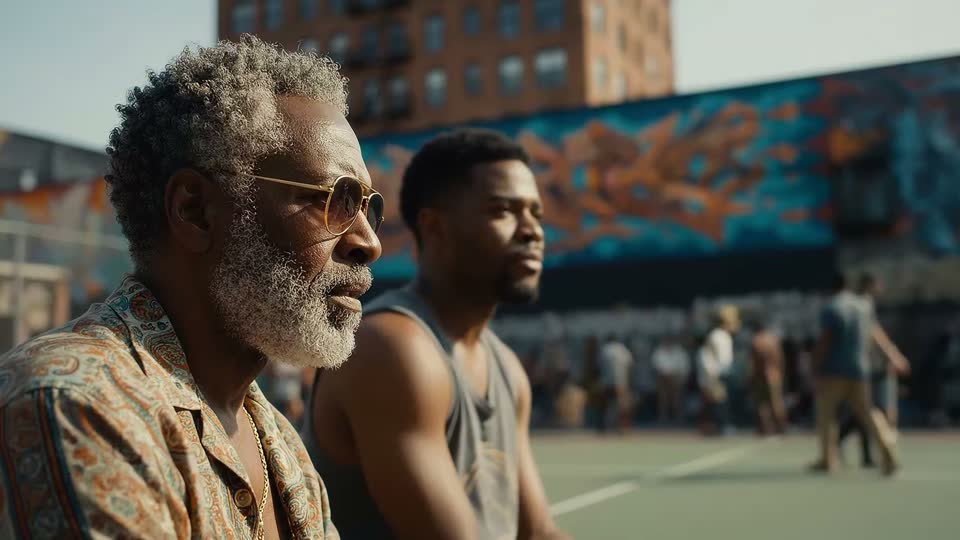
Official sampleOutput 01

Original model creator
Veo 3.1
Cinematic campaign shots, product worlds, and scenes where motion and audio should be planned together.
- Duration
- 4, 6, or 8 seconds
- Resolution
- 720p, 1080p, or 4K
- Audio
- Optional generated audio
Video Lab model directory
Video Lab gives creators one prompt-and-control workflow for Veo, Seedance, Kling, Wan, PixVerse, LTX, and more—without juggling provider accounts or unfamiliar APIs.
Editorial selection · Last reviewed 3 October 2026
The screening slate
There is no universally best model. Start with the production constraint that matters most—audio, resolution, duration, format, or advanced control—then test the creative direction.
Hover or focus a card to preview motion when available. Every example links to its original source.
Original model creator
Cinematic campaign shots, product worlds, and scenes where motion and audio should be planned together.
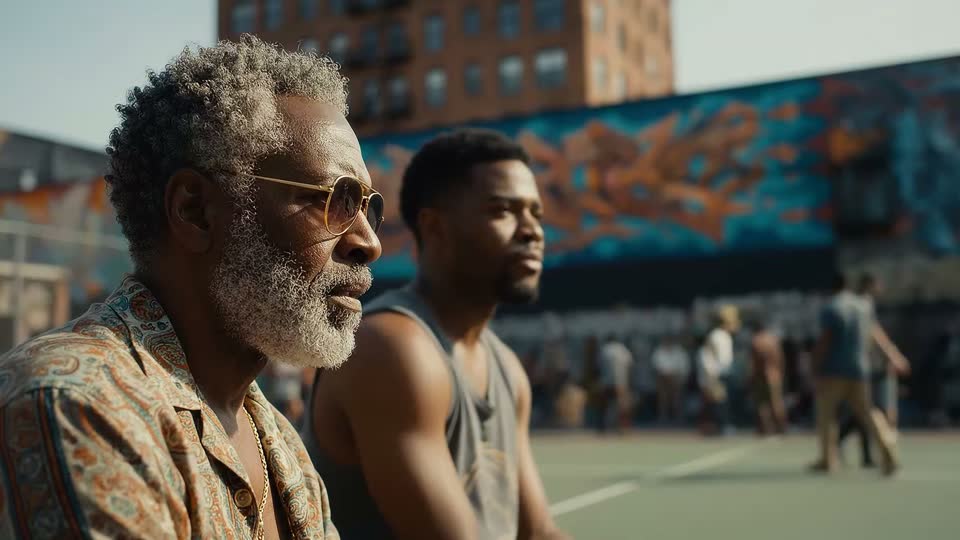
Original model creator
Faster Veo drafts, campaign tests, and 720p–4K shots where turnaround and cost matter as much as look.
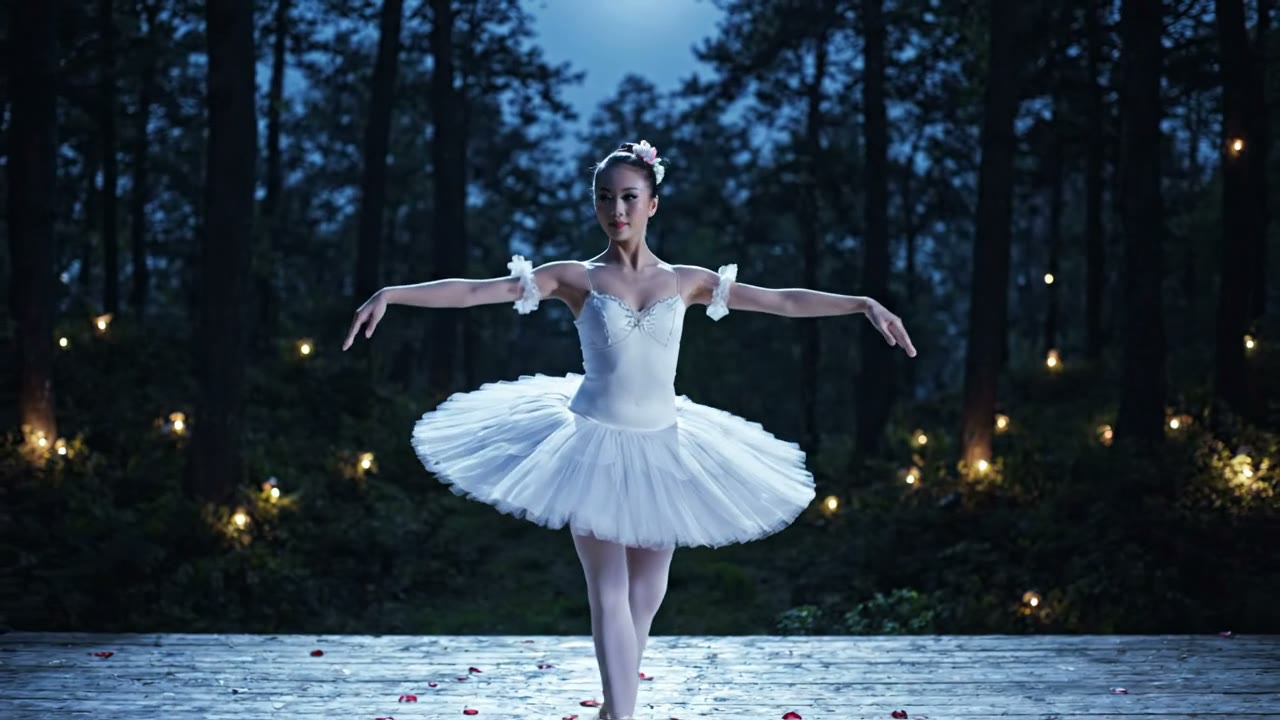
Original model creator
Lower-cost Veo drafts, 720p tests, and short cinematic clips that do not need 4K or references.
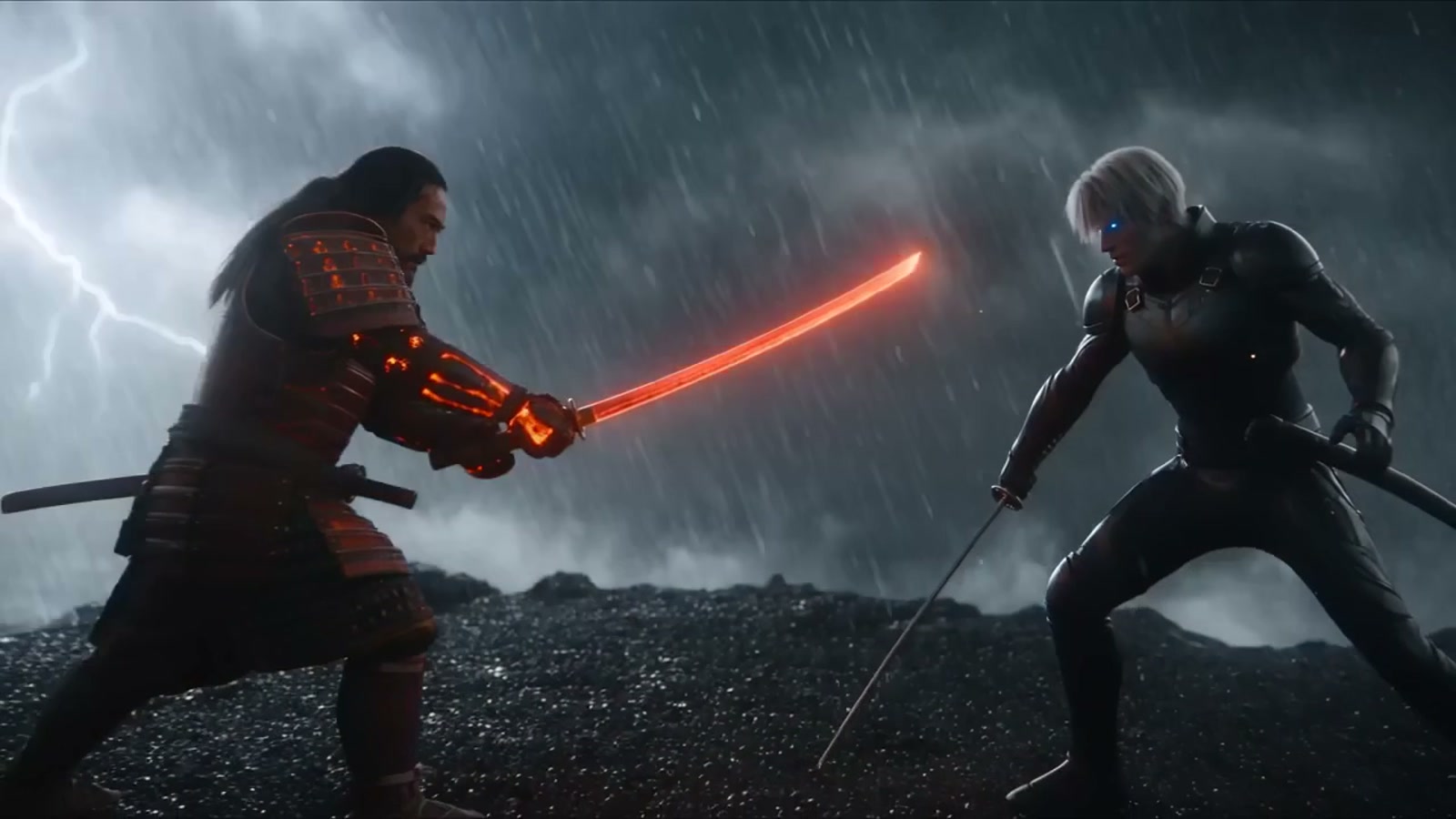

ByteDance
Original model creator
Long-form ad concepts, cinematic one-takes, reference-led brand work, and scenes where sound drives action.
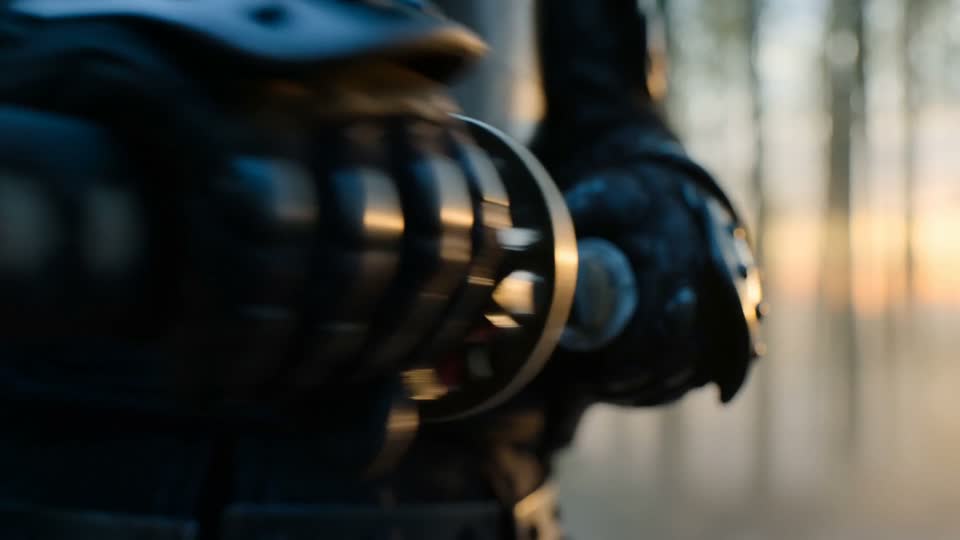
ByteDance
Original model creator
Multi-format ad concepts, longer social shots, and creative teams testing several delivery formats.
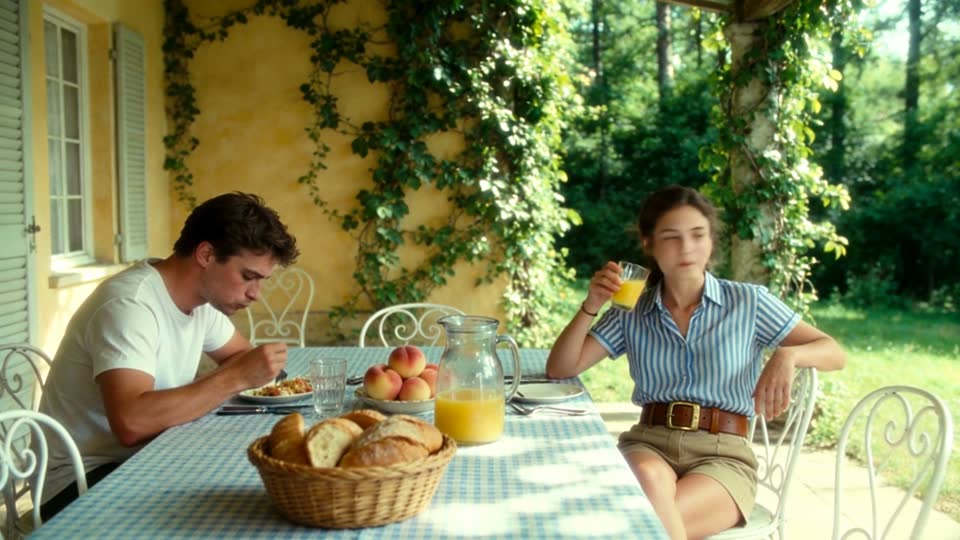

Kuaishou
Original model creator
Movement-led product shots, character action, and sequences that benefit from explicit shot direction.
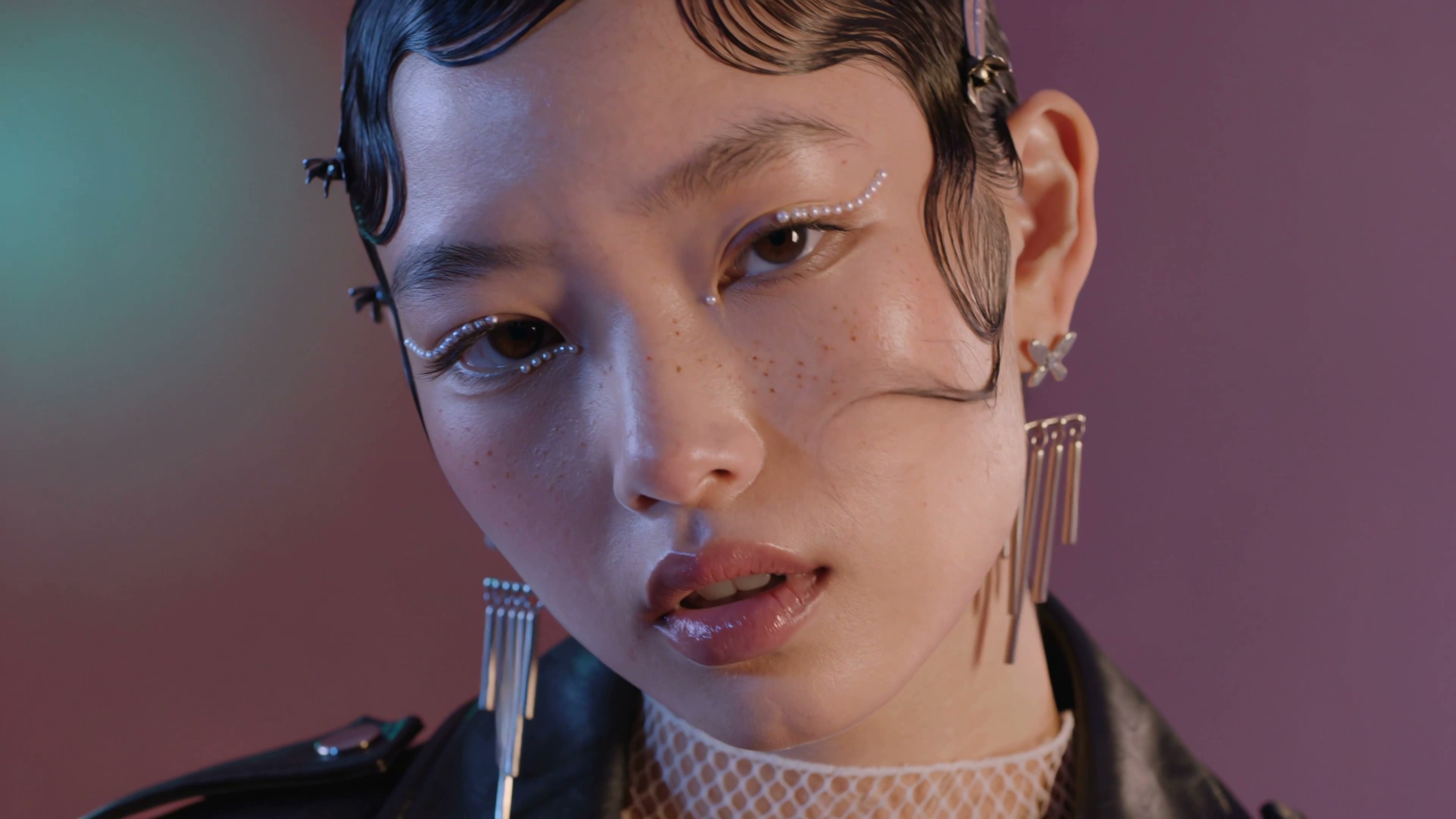
Kuaishou
Original model creator
Native 4K delivery, movement-led product shots, and sequences that need Kling 3 subject elements at 4K.
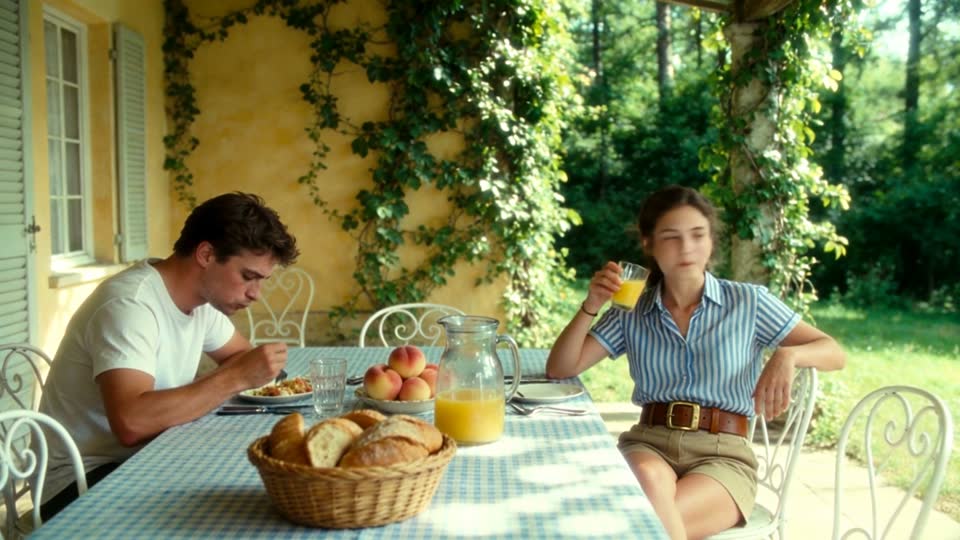
Kuaishou
Original model creator
Faster Kling 3 drafts, native-audio social clips, and 1080p shots that start from text or one still.
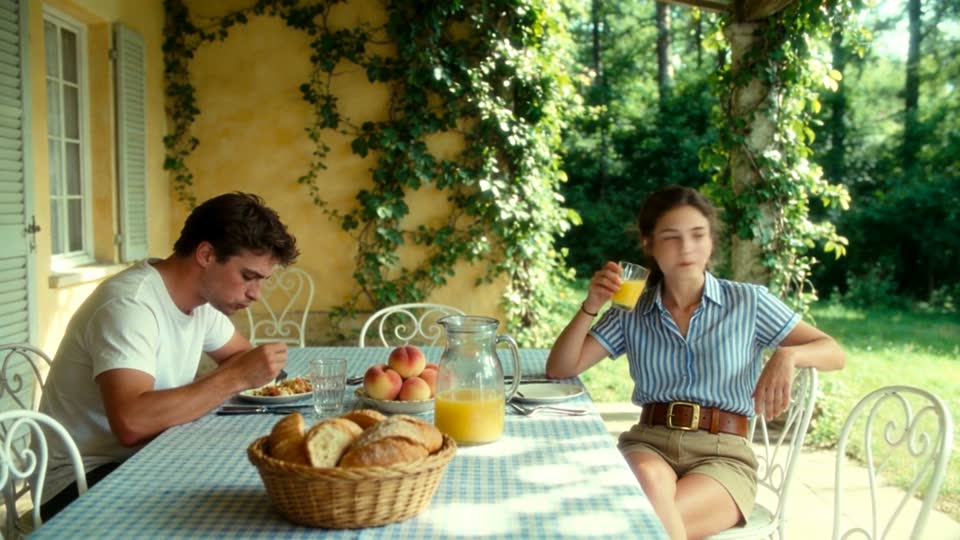
Kuaishou
Original model creator
Realistic motion at a lower Kling rate, first/last-frame direction, and multi-shot social clips.
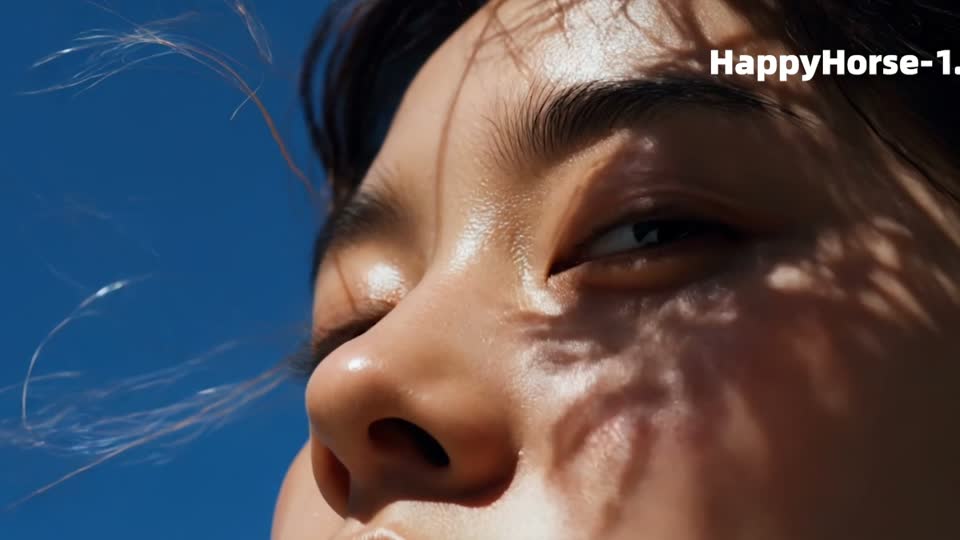

Alibaba
Original model creator
Social campaigns that need several aspect ratios, native audio, and straightforward high-resolution delivery.
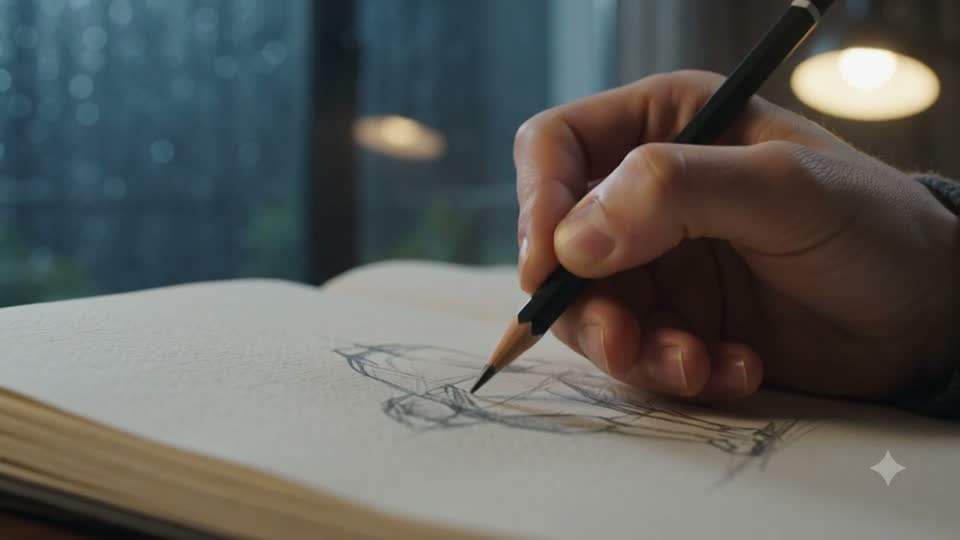
Original model creator
Rapid creative exploration, social hooks, and short audio-visual concepts that still need 1080p or 4K.
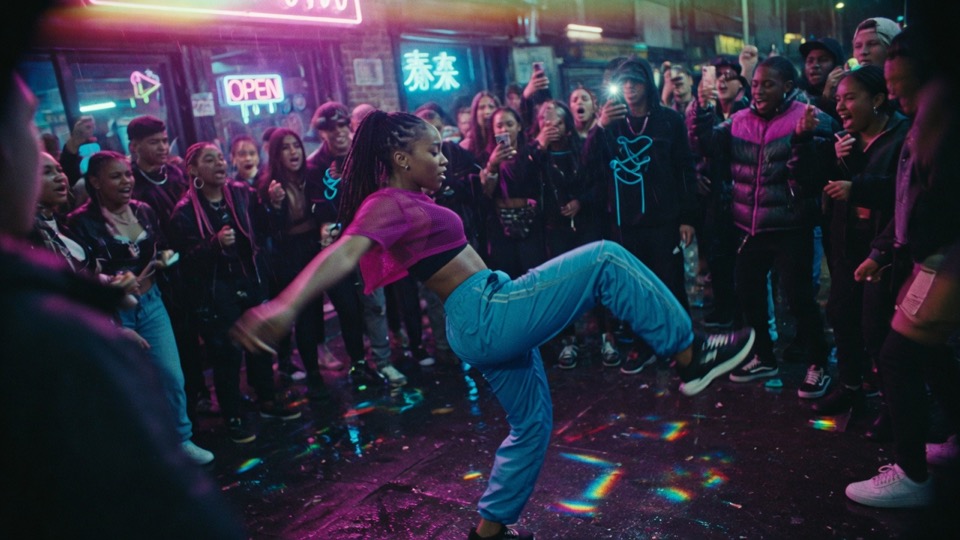
Alibaba
Original model creator
Longer 1080p campaign and social shots that need image direction and optional sound in one pass.

Alibaba
Original model creator
Faster long-form campaign and social shots that still need image direction and optional sound.
Alibaba
Original model creator
Repeatable social footage, product cutaways, and teams that value straightforward control.

MiniMax
Original model creator
Native-audio drafts, social clips, and image-led shots. Generation time varies with the model settings and provider queue.
MiniMax
Original model creator
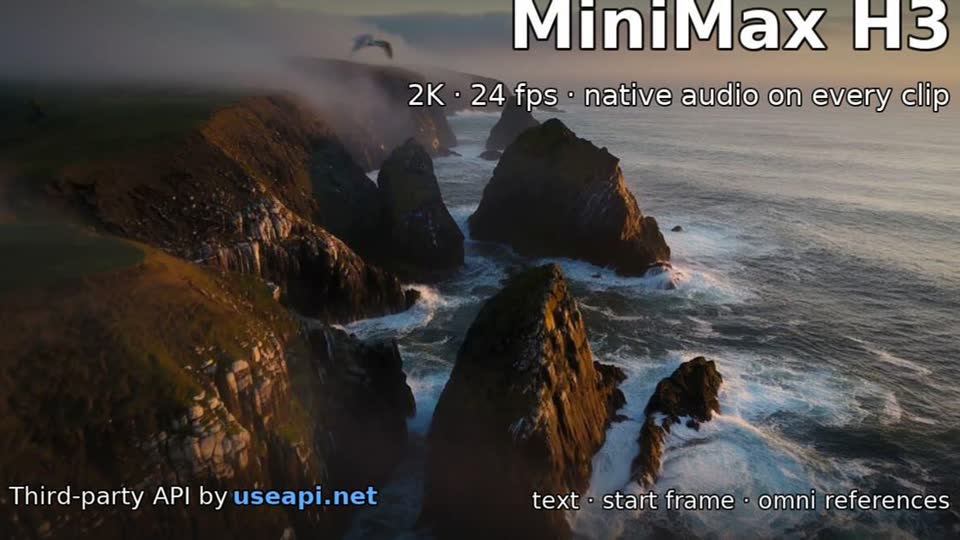
Faster MiniMax drafts, native-audio social clips, and image-led shots that need first/last frames without references.
MiniMax
Original model creator
High-detail hero shots, atmospheric sequences, and polished brand footage.


xAI
Original model creator
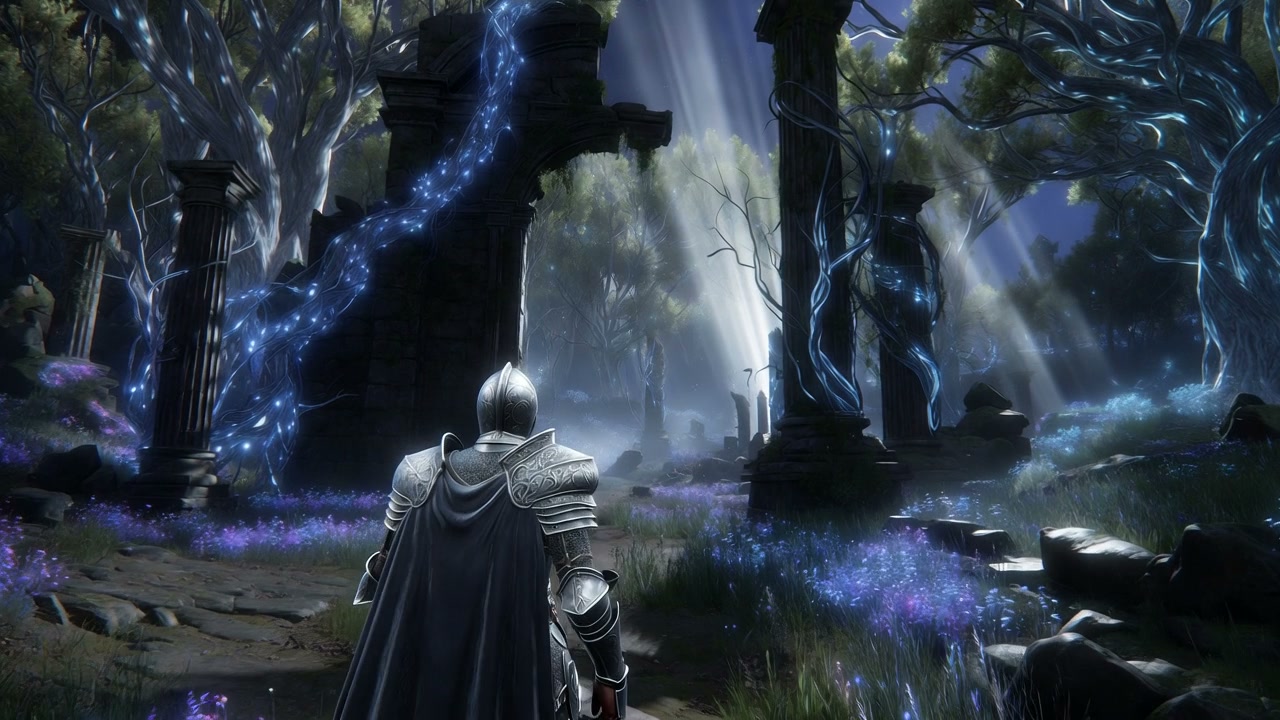
Draft-to-final iteration, native-audio social ideas, and teams comparing quality against cost.
xAI
Original model creator
Low-cost Grok drafts, quick social ideas, and native-audio tests before a final pass.

Black Forest Labs
Original model creator
Natural motion from text or a product still, plus restyling an existing clip when you already have motion you want to keep.


PixVerse
Original model creator
Film-grade PixVerse shots, identity-led references, and first/last transitions with optional audio.

PixVerse
Original model creator
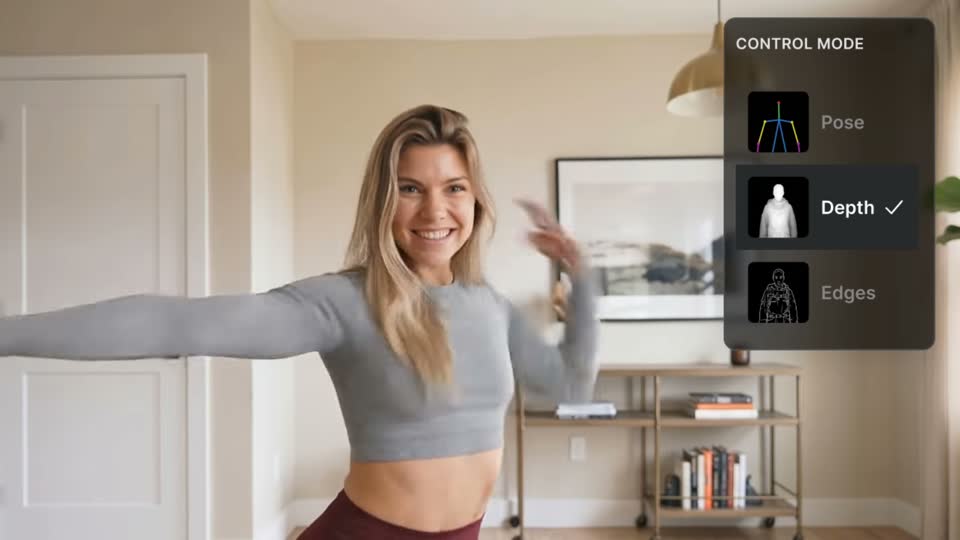
Style exploration, multi-clip concepts, social effects, and rapid draft-to-final workflows.

Lightricks
Original model creator
High-resolution brand footage, motion-conscious production, and shots destined for larger displays.

Kuaishou
Original model creator
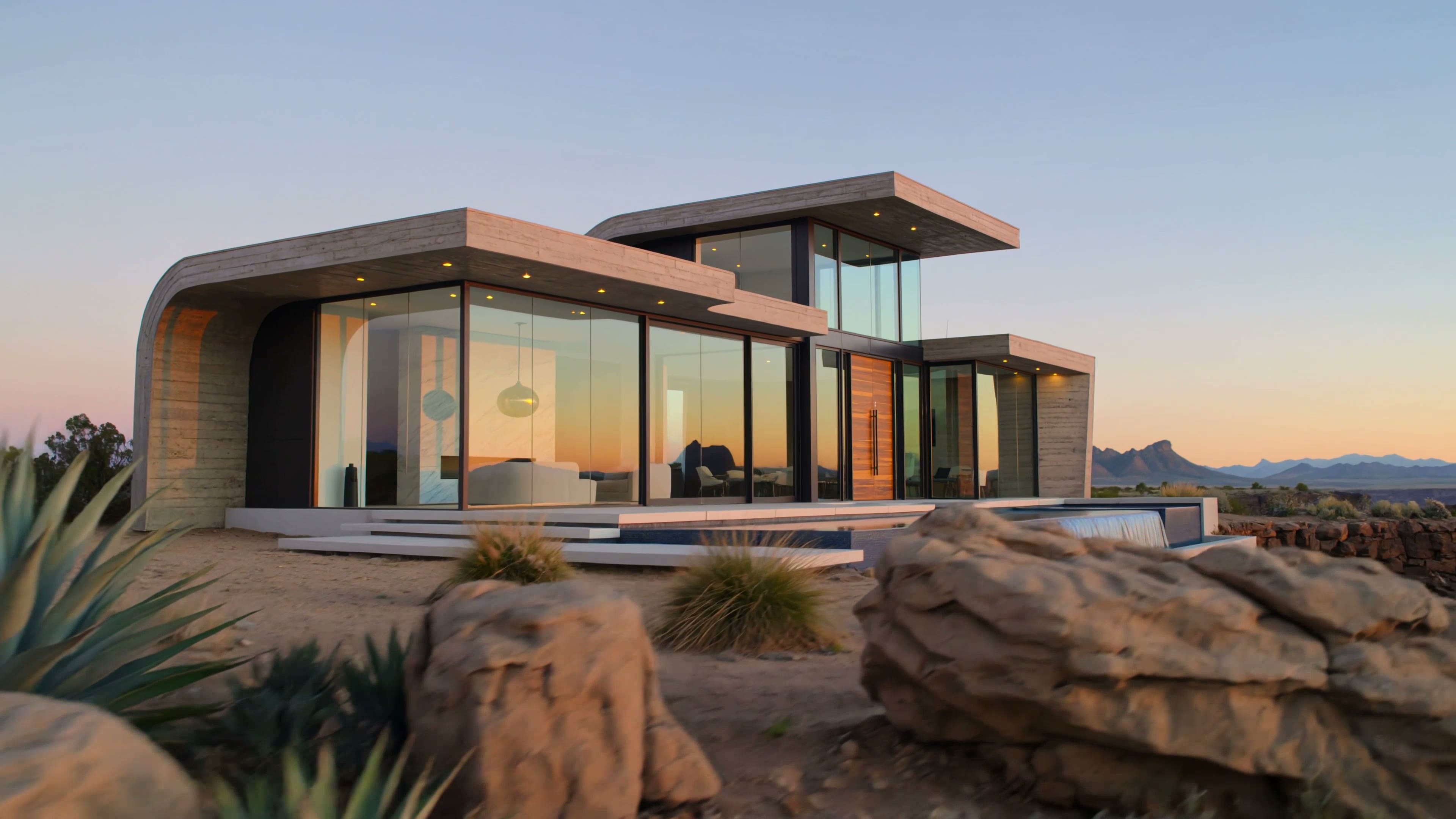
Realistic Kling O3 motion at the Pro rate, first/last-frame direction, and multi-shot social clips.
Kuaishou
Original model creator
Native 4K O3 motion, first/last-frame direction, and multi-shot social clips that need 4K delivery.

Lightricks
Original model creator
Newer LTX motion at 1080p, motion-conscious production, and shots that need 24, 25, or 50 fps.
Lightricks
Original model creator
Faster LTX drafts, 4K LTX 2.5 delivery, and shots that need 24, 25, 48, or 50 fps.


OpenAI
Original model creator
OpenAI motion, native-audio social clips, and 720p shots from text or a still.

OpenAI
Original model creator
True 1080p OpenAI motion, native-audio campaign clips, and premium Sora shots.
Head-to-head
Spec tables come from the live Video Lab catalog. No invented scores or reviews.
Same 2–30 second envelope, image modes, and optional native audio. Prime is the accelerated SKU at a higher per-second rate.
Open compareSame 5–15 second native-audio envelope and image modes. H3 Max tops out at 1080p; MiniMax H3 adds 2K and 4K.
Open compareH3 Max is a 5–15s native-audio 1080p MiniMax SKU. Seedance 2.5 stretches to 30 seconds with optional audio and up to 30 references.
Open compareBoth reach 30 seconds at up to 1080p with optional audio and first/last frames. Seedance 2.5 takes up to 30 references; Wan 3.0 Prime takes up to ten and adds seed control.
Open compareSeedance 2.5 is a long-form reference model. Kling 3 Turbo Pro is a faster 1080p Kling path from text or one still.
Open compareVeo 3.1 is a short cinematic Google SKU up to 4K. Sora 2 is OpenAI’s 720p native-audio model with longer duration steps.
Open compareVeo 3.1 is a short 4K cinematic SKU. Seedance 2.5 is a longer 1080p native-audio model with a large reference set.
Open compareTwo accelerated SKUs: Kling Turbo Pro is 1080p animate-only. Wan 3.0 Prime is a longer Wan envelope with first/last frames and references.
Open compareGrok is a 1–15s native-audio draft-to-1080p model. Seedance 2.5 is longer, with first/last frames and a much larger reference set.
Open compareFLUX 3 adds Edit clip and 5–20 second shots. PixVerse V6 is a 1–15s style toolkit without Edit clip or multi-image references.
Open compareLTX 2.3 Pro is a 6/8/10s 4K production SKU with fps control. Wan 2.7 is a 2–15s 1080p generalist with references and native audio.
Open compareTwo Google SKUs: Gemini Omni Flash is a fast 3–10s native-audio model. Veo 3.1 is a short cinematic SKU with optional audio and fewer references.
Open compareHappy Horse 1.1 is a 1080p social-format native-audio model. MiniMax H3 adds first/last frames and 2K/4K at a 5-second minimum.
Open compareLite is the lightest Veo 3.1 SKU at 720p/1080p. Fast adds 4K and up to three references on the same 4–8 second envelope.
Open compareKling 3 4K is the dedicated native-4K SKU. Kling 3 Pro lists 1080p or native 4K and routes 4K jobs to the same fal 4K endpoints.
Open compareO3 4K is native 4K only. O3 Pro is the higher-rate O3 SKU without a 4K output option. Workflows otherwise match.
Open compareFast is the quicker LTX 2.5 SKU with 1440p, 4K, and 48 fps. Pro stays 720p/1080p with 24, 25, or 50 fps.
Open compareSame 1–15 second native-audio envelope at 480p–1080p. Lite is the lower-rate tier; Grok Imagine 1.5 adds up to seven reference images.
Open compareOne production path
Compare duration, format, audio, resolution, and controls before choosing a model.
Write the prompt once, set supported controls, and generate.
Every successful clip lands in Video Lab history and your existing Clip Studio Library.
Ready before you generate
Model, duration, resolution, and audio all matter.
Video Lab quotes each setup against this month’s plan before you generate. If a generation fails without producing usable output, that usage is returned to the monthly limit.
Questions, answered
Video Lab is one workspace for generating videos with text prompts, source images, or an existing clip across 29 curated frontier models. Choose a model, add a prompt, image, or source MP4, generate, and keep the completed clip in your Clip Studio Library.
No objective cross-provider popularity ranking exists. This is an editorial selection of 29 frontier video models chosen for useful differences in quality, speed, control, format support, audio, and resolution.
Each plan includes a monthly generation limit. Model, duration, resolution, and other settings use that allowance. Upgrade anytime for a higher monthly limit.
Yes. Generate with one model at a time, then use Try another model to preserve your prompt, compatible settings, and available source images while you select a different model.
Every Video Lab model can animate a starting image. Veo, Seedance, Kling 3 Pro, Kling 3 4K, Kling O3, Kling O3 Pro, Kling O3 4K, Wan, MiniMax, Gemini, PixVerse, LTX, and FLUX 3 also support first-to-last-frame direction, including MiniMax H3 Max Turbo. Kling 3 Turbo Pro is animate-only—no first/last frames. Veo 3.1 and Veo 3.1 Fast, Seedance, Happy Horse, Gemini, Wan, MiniMax H3, MiniMax H3 Max, Kling O3, Kling O3 Pro, Kling O3 4K, PixVerse C1 (up to 4), and Grok offer multi-image reference workflows. Veo 3.1 Lite is text, animate, and first/last only—no references or 4K. Kling 3 Pro and Kling 3 4K use subject reference elements inside the image workflow. H3 Max Turbo has first/last like H3 Max but no references. Sora 2 and Sora 2 Pro animate a starting image; they do not take first-to-last frames or references. FLUX 3 can also restyle an existing MP4 with Edit clip (up to 15 seconds and 50 MB).
Yes, on FLUX 3. Choose Edit clip, pick a library clip or upload an MP4. Clips must be MP4, under 15 seconds and 50 MB. Lip sync follows new dialogue, including translations. Duration and aspect follow the source. Output is 720p and keeps the source clip’s audio unless you rewrite or translate the dialogue. Other Video Lab models generate from text or images.
The prompt is ready
Start with one model. Keep the prompt. Try another. Every successful result stays in your Clip Studio Library.
Open Video Lab