
Head-to-head · Video Lab
Veo 3.1 vs Sora 2
Veo 3.1 is a short cinematic Google SKU up to 4K. Sora 2 is OpenAI’s 720p native-audio model with longer duration steps.
Specs from the live Video Lab catalog · Last reviewed 20 September 2026. No invented scores.
Sourced output
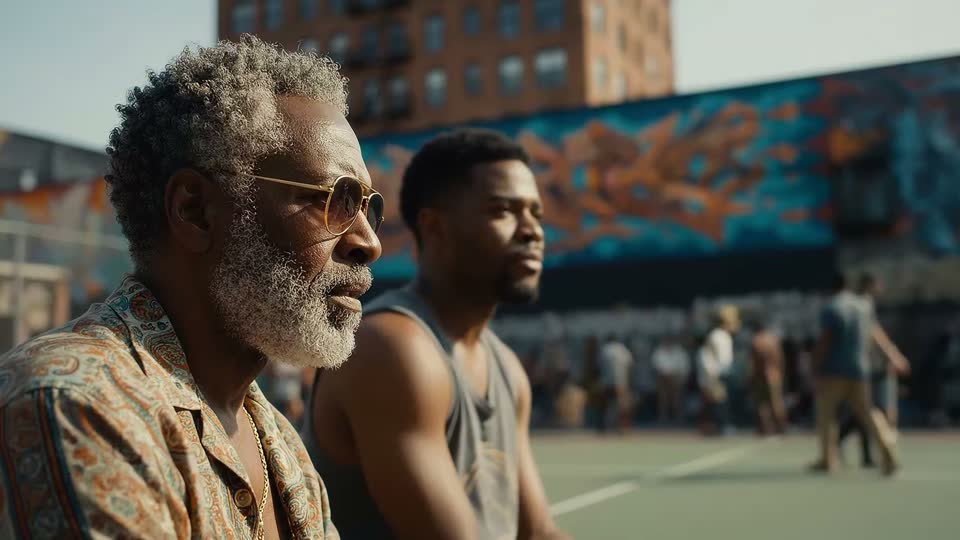
Sample frames from each model.


Catalog specs
Side-by-side from Video Lab.
Duration, resolution, aspect ratios, audio, modes, and controls come from the live model catalog—not from a ranked shoot-out.
Spec
Veo 3.1
Sora 2
Duration
Veo 3.1
4, 6, or 8 seconds
Sora 2
4, 8, 12, 16, or 20 seconds
Resolution
Veo 3.1
720p, 1080p, 4K
Sora 2
720p
Aspect ratios
Veo 3.1
16:9, 9:16
Sora 2
16:9, 9:16
Audio
Veo 3.1
Optional generated audio
Sora 2
Native audio
Modes
Veo 3.1
Text prompt, Animate image, First → last, References
Sora 2
Text prompt, Animate image
References
Veo 3.1
Up to 3
Sora 2
Not available
Advanced controls
Veo 3.1
Negative prompt, Seed
Sora 2
None listed
Verdict
Which one should you try?
Veo 3.1 generates 4, 6, or 8 second shots at 720p, 1080p, or 4K with optional audio, first/last frames, and up to three references (reference mode is an 8-second shot). Sora 2 generates 4, 8, 12, 16, or 20 second 720p clips with native audio always on, from text or one starting image—no first/last frames or references. Choose Veo when resolution and frame control matter; choose Sora 2 when you want longer OpenAI native-audio clips at 720p.
Questions, answered
Veo 3.1 vs Sora 2 FAQ
Does Sora 2 go to 4K like Veo 3.1?
No. Sora 2 is 720p in Video Lab. Veo 3.1 lists 720p, 1080p, or 4K. Sora 2 Pro adds true 1080p on the OpenAI side.
Which model generates longer clips?
Sora 2 lists 4–20 seconds. Veo 3.1 lists 4, 6, or 8 seconds.
Can both animate a still?
Yes. Both can animate a starting image. Only Veo 3.1 adds first/last frames and reference images.
Can I try Veo 3.1 and Sora 2 online?
Yes. Open either model in Clip Studio Video Lab. Sign in to generate.
More compares
Related head-to-heads.
Google · ByteDance
Veo 3.1 vs Seedance 2.5
Veo 3.1 is a short 4K cinematic SKU. Seedance 2.5 is a longer 1080p native-audio model with a large reference set.
Open compareGoogle · Google
Gemini Omni Flash vs Veo 3.1
Two Google SKUs: Gemini Omni Flash is a fast 3–10s native-audio model. Veo 3.1 is a short cinematic SKU with optional audio and fewer references.
Open compareMiniMax · ByteDance
MiniMax H3 Max vs Seedance 2.5
H3 Max is a 5–15s native-audio 1080p MiniMax SKU. Seedance 2.5 stretches to 30 seconds with optional audio and up to 30 references.
Open comparexAI · ByteDance
Grok Imagine 1.5 vs Seedance 2.5
Grok is a 1–15s native-audio draft-to-1080p model. Seedance 2.5 is longer, with first/last frames and a much larger reference set.
Open compare