
Head-to-head · Video Lab
Grok Imagine 1.5 vs Seedance 2.5
Grok is a 1–15s native-audio draft-to-1080p model. Seedance 2.5 is longer, with first/last frames and a much larger reference set.
Runs online, no installIncluded in plans from $19/moSpecs checked 4 October 2026 from the live Video Lab catalog
Sourced output
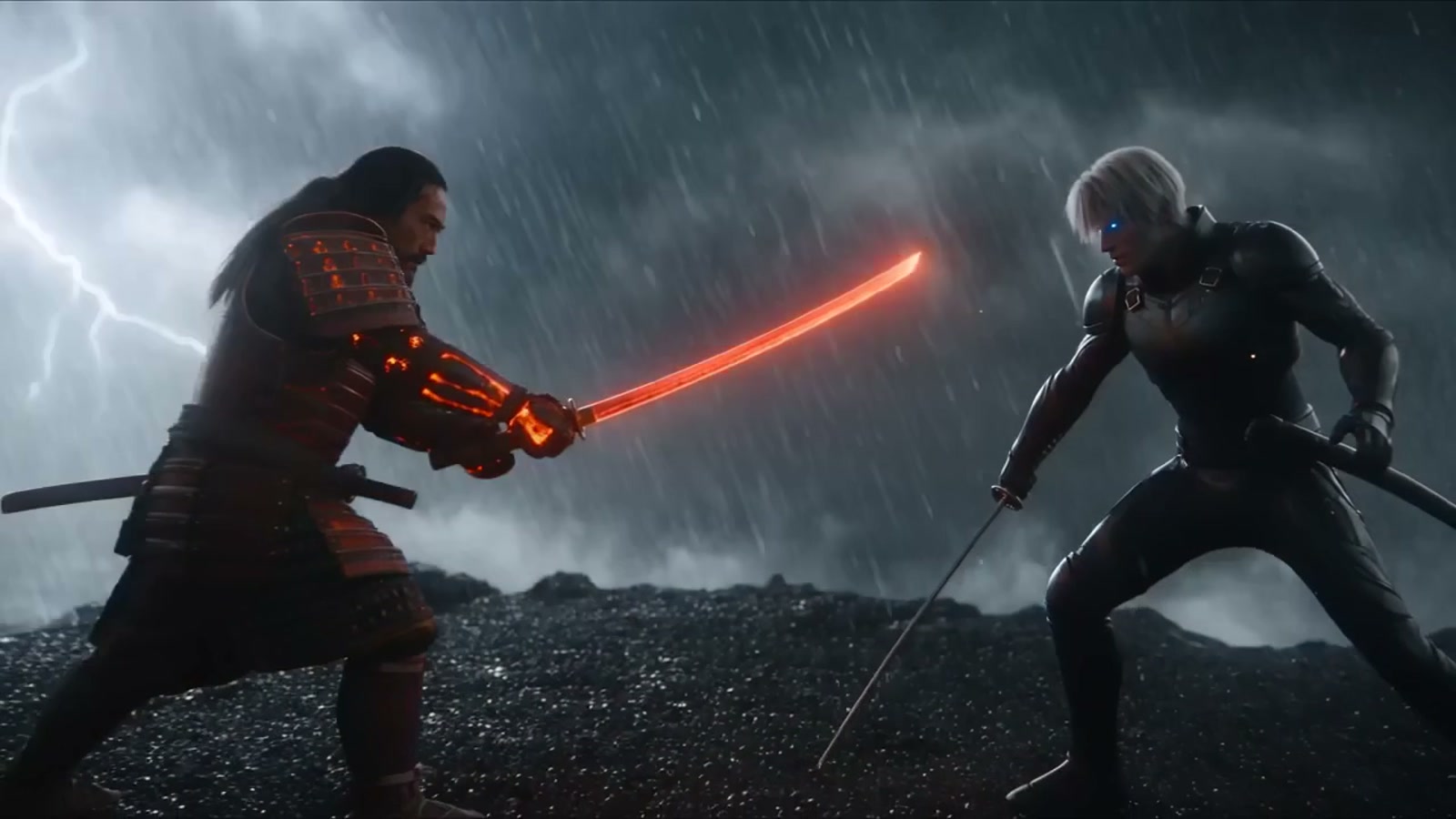
Sample frames from each model.



Catalog specs
Side-by-side from Video Lab.
Duration, resolution, aspect ratios, audio, modes, and controls come from the live model catalog—not from a ranked shoot-out.
Spec
Grok Imagine Video 1.5
Seedance 2.5
Duration
Grok Imagine Video 1.5
1–15 seconds
Seedance 2.5
4–30 seconds
Resolution
Grok Imagine Video 1.5
480p, 720p, 1080p
Seedance 2.5
480p, 720p, 1080p
Aspect ratios
Grok Imagine Video 1.5
16:9, 4:3, 3:2, 1:1, 2:3, 3:4, 9:16
Seedance 2.5
21:9, 16:9, 4:3, 1:1, 3:4, 9:16
Audio
Grok Imagine Video 1.5
Native audio
Seedance 2.5
Optional generated audio
Modes
Grok Imagine Video 1.5
Text prompt, Animate image, References
Seedance 2.5
Text prompt, Animate image, First → last, References
References
Grok Imagine Video 1.5
Up to 7
Seedance 2.5
Up to 30
Advanced controls
Grok Imagine Video 1.5
None listed
Seedance 2.5
None listed
Verdict
Which one should you try?
Grok Imagine Video 1.5 lists 1–15 seconds at 480p–1080p with native audio, single-image animation, and up to seven references—no first/last frames. Seedance 2.5 lists 4–30 seconds at 480p–1080p with optional audio, first/last frames, and up to 30 references. Choose Grok to explore a direction at lower resolution; choose Seedance 2.5 when the shot needs length, endpoint frames, or a large reference set.
Questions, answered
Grok Imagine 1.5 vs Seedance 2.5 FAQ
Can Grok Imagine use first and last frames?
No. Grok animates a starting image or uses up to seven references. First/last frames are on Seedance 2.5 and several other Video Lab models.
Which model is shorter on the low end?
Grok lists a 1-second minimum. Seedance 2.5 lists a 4-second minimum.
Do failed Grok generations use allowance?
Clip Studio returns that usage to this month’s limit when a generation produces no usable output, including provider or safety failures.
Can I try both online?
Yes. Open Grok Imagine Video 1.5 or Seedance 2.5 in Clip Studio Video Lab.
How are Grok Imagine Video 1.5 and Seedance 2.5 priced?
Neither is free. Both are included in every Clip Studio plan and use the plan’s monthly generation allowance, and each setup is quoted before you generate. At each model’s default setup (Grok Imagine Video 1.5: 6 seconds at 720p with audio; Seedance 2.5: 5 seconds at 720p with audio), Clip Pro’s monthly allowance covers about 7 Grok Imagine Video 1.5 clips or about 2 Seedance 2.5 clips. Plan details live on the pricing page.
More compares
Related head-to-heads.
xAI · xAI
Grok Imagine 1.5 Lite vs Grok Imagine 1.5
Same 1–15 second native-audio envelope at 480p–1080p. Lite is the lower-rate tier; Grok Imagine 1.5 adds up to seven reference images.
Open compareMiniMax · ByteDance
MiniMax H3 Max vs Seedance 2.5
H3 Max is a 5–15s native-audio 1080p MiniMax SKU. Seedance 2.5 stretches to 30 seconds with optional audio and up to 30 references.
Open compareGoogle · ByteDance
Veo 3.1 vs Seedance 2.5
Veo 3.1 is a short 4K cinematic SKU. Seedance 2.5 is a longer 1080p native-audio model with a large reference set.
Open compareByteDance · Kuaishou
Seedance 2.5 vs Kling 3 Turbo Pro
Seedance 2.5 is a long-form reference model. Kling 3 Turbo Pro is a faster 1080p Kling path from text or one still.
Open compare