

Original model creator
Microsoft
MAI Image 2.5
Microsoft photoreal stills via fal, including edits from a source image.
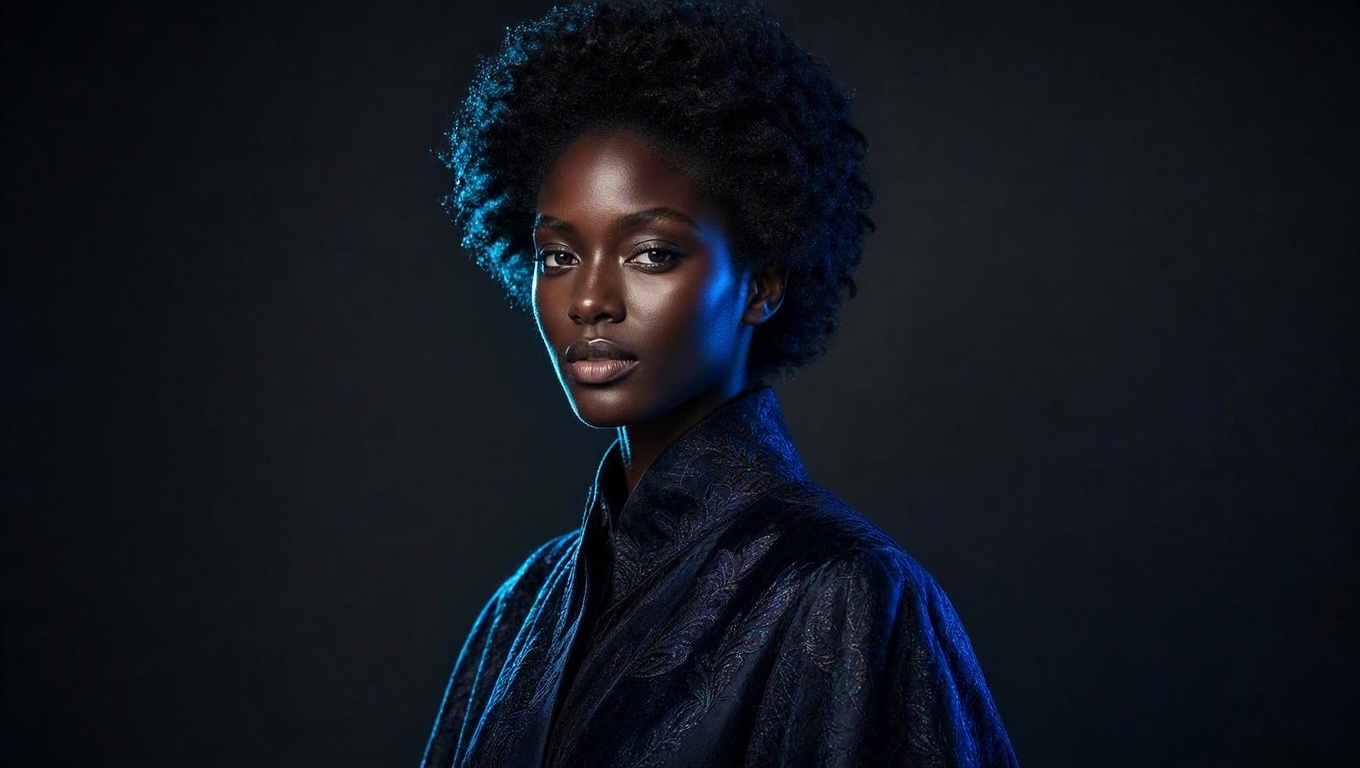
Clip Studio testClip Studio test
Clip Studio test · Results vary by prompt and settings
Design-ready photoreal portrait
Direct answer
When should you use MAI Image 2.5?
Microsoft photoreal stills via fal, including edits from a source image.
Best for
Design-ready photoreal stills and image-to-image edits.
Technical readout
The supported still envelope.
- Modes
- Text to image · Image to image
- Aspect ratio
- 16:9, 1:1, 9:16, 4:3, 3:4, 3:2, 2:3
- Output
- Still
- Provider
- Microsoft
Questions, answered
MAI Image 2.5 FAQ
Does MAI Image 2.5 support image-to-image?
Yes. Attach a source still to run image-to-image. Prompt-only jobs stay text-to-image.
Which aspect ratios does MAI Image 2.5 accept?
Image Lab lists 16:9, 1:1, 9:16, 4:3, 3:4, 3:2, and 2:3 for MAI Image 2.5. Pick a listed ratio before you generate.
Change the lens
Compare MAI Image 2.5 with another model.
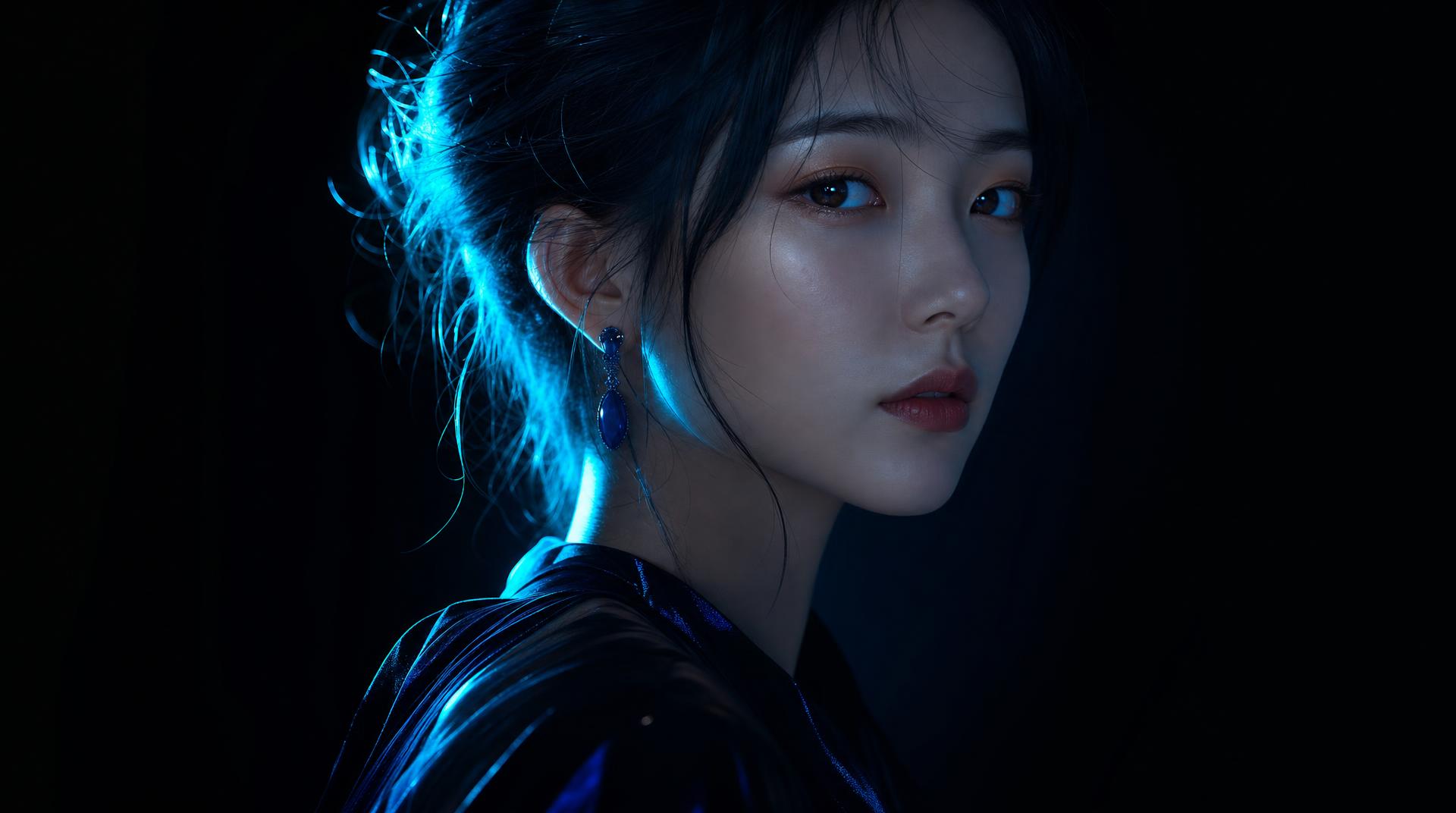 Clip Studio test
 OpenAIOriginal model creator
ChatGPT Image 2.5
OpenAI ChatGPT Image 2.5 stills via fal, including edits from a source image.See model Clip Studio test
 GoogleOriginal model creator
Nano Banana
Google Nano Banana stills on fal. Flat per-image price.See model Clip Studio testGoogleOriginal model creator
Nano Banana 2
Google Nano Banana 2 stills and edits on fal. Quoted at 1K.See modelNewNano Banana 2.1Sample still coming soon
NewGoogleOriginal model creatorNano Banana 2.1
Google Nano Banana 2.1 stills and edits on fal. Quoted at 1K.See model Clip Studio testGoogleOriginal model creator
Nano Banana Pro
Google Nano Banana Pro stills and edits on fal. Quoted at 1K.See model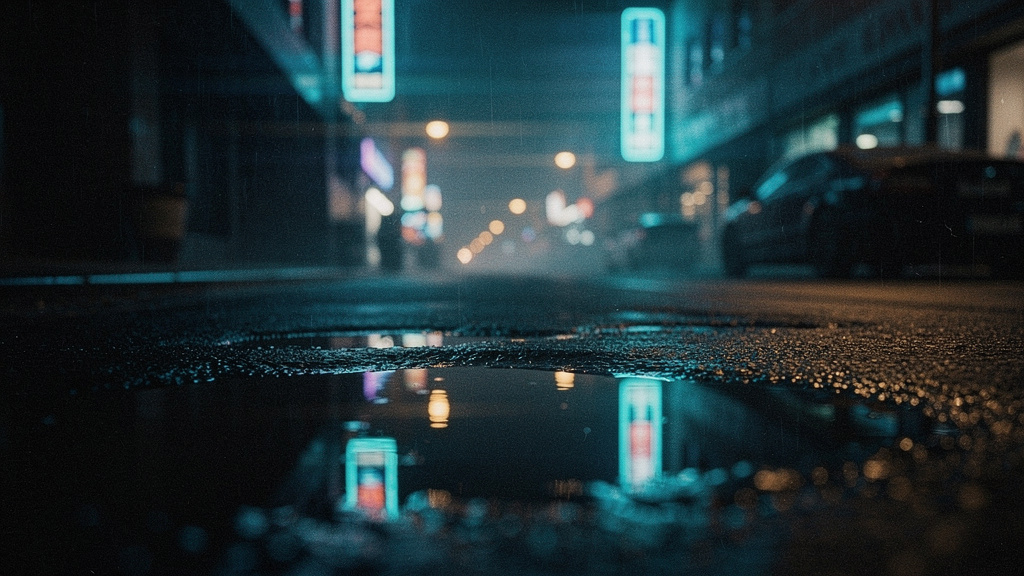 Clip Studio test
 Black Forest LabsOriginal model creator
FLUX.2 Pro
Black Forest Labs production stills, billed by output megapixels.See model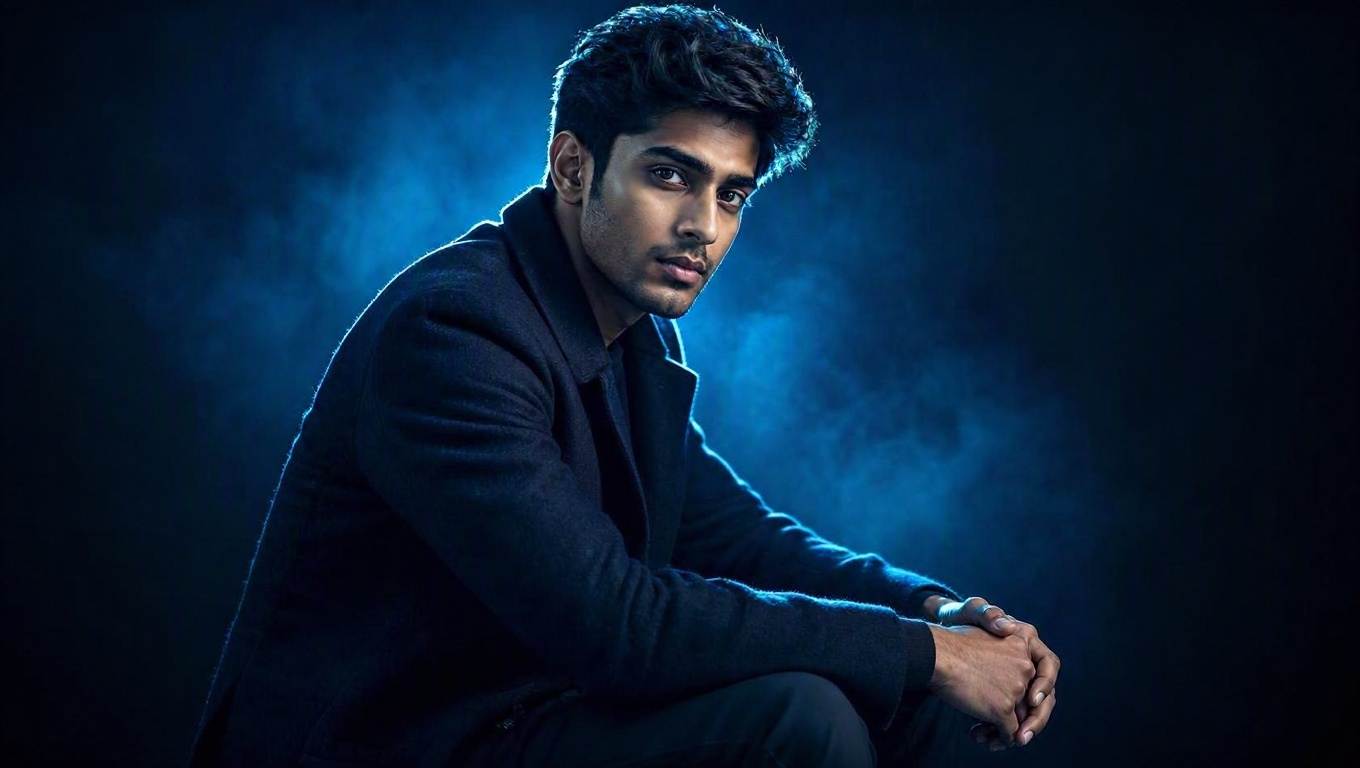 Clip Studio testMicrosoftOriginal model creator
MAI Image 2.5 Pro
Microsoft flagship stills via fal, including edits from a source image.See model Clip Studio test
 ByteDanceOriginal model creator
Seedream 5 Lite
ByteDance Seedream 5 Lite stills and edits via fal. Aspect maps to a 2K-band size.See model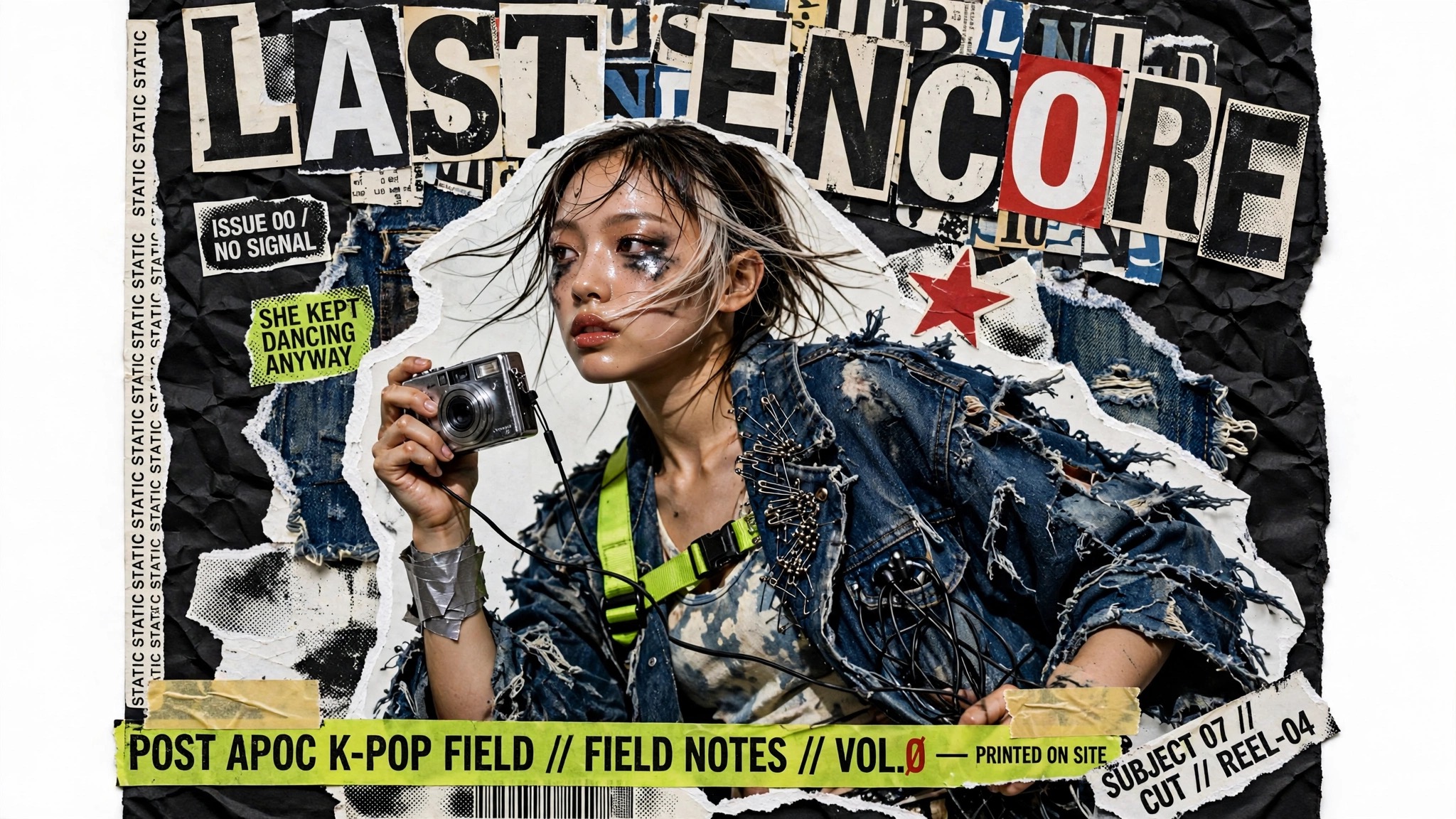 Clip Studio test
 MetaOriginal model creator
Muse Image
Meta Muse Image stills and instruction edits via fal. Around 2.5MP, with custom aspect strings.See model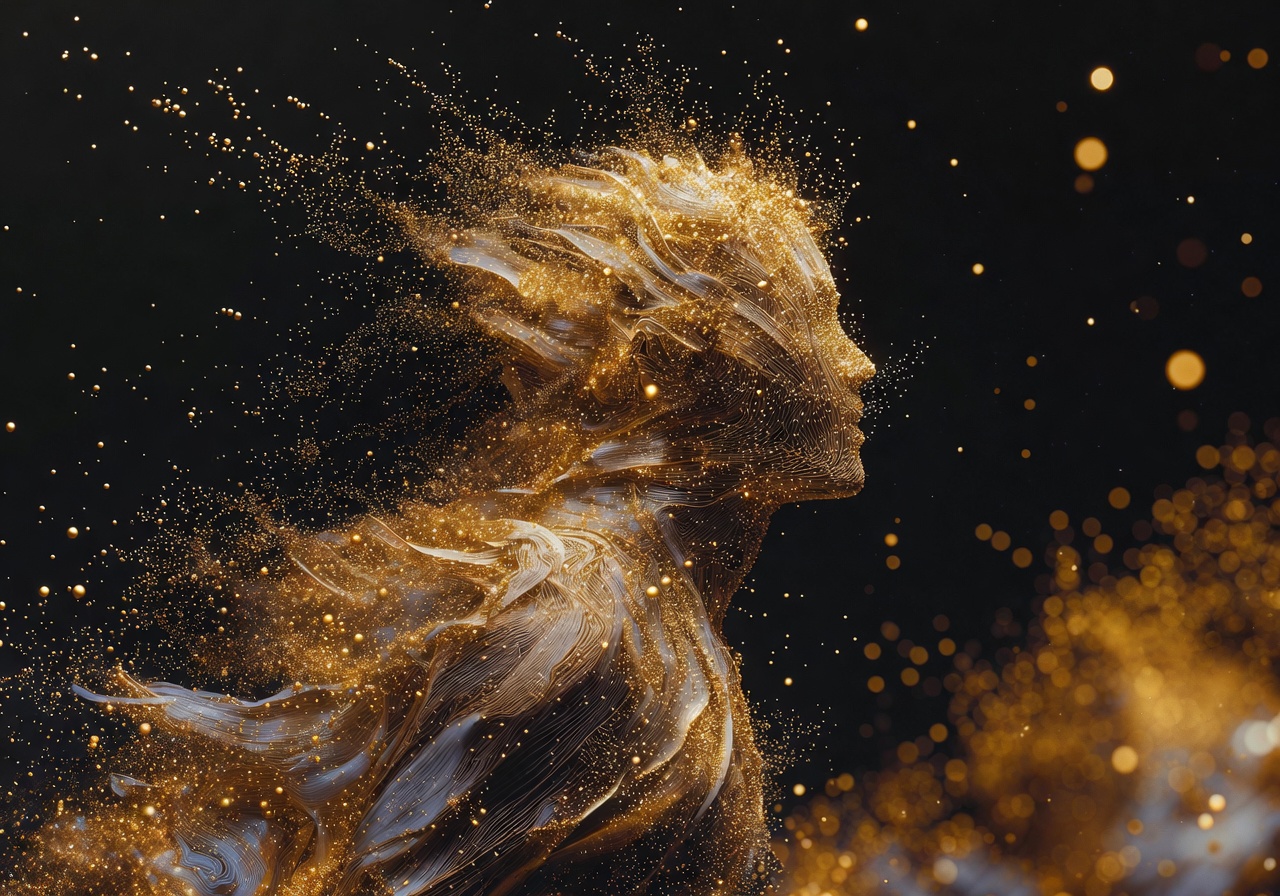 Clip Studio test
 xAIOriginal model creator
Grok Imagine Image 2.0
xAI Grok Imagine Image 2.0 stills and edits via fal on listed aspects.See model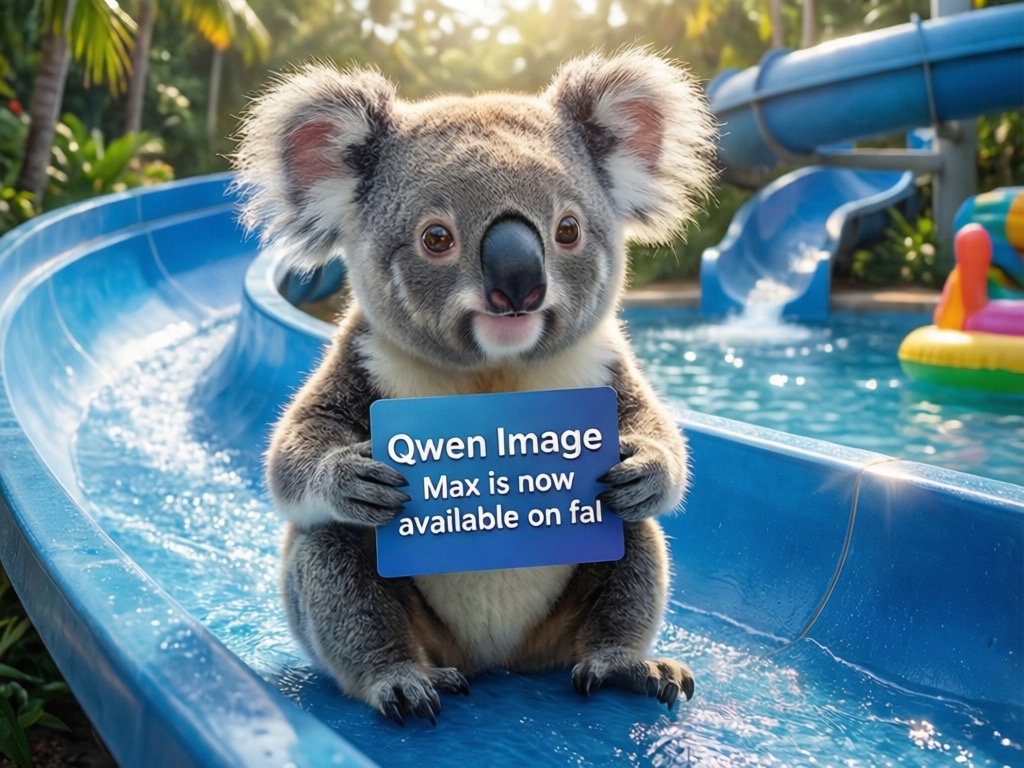 Clip Studio test
 AlibabaOriginal model creator
Qwen Image 3
Alibaba Qwen Image 3 stills and edits via fal. Quoted at 1K, with strong typography and CJK.See model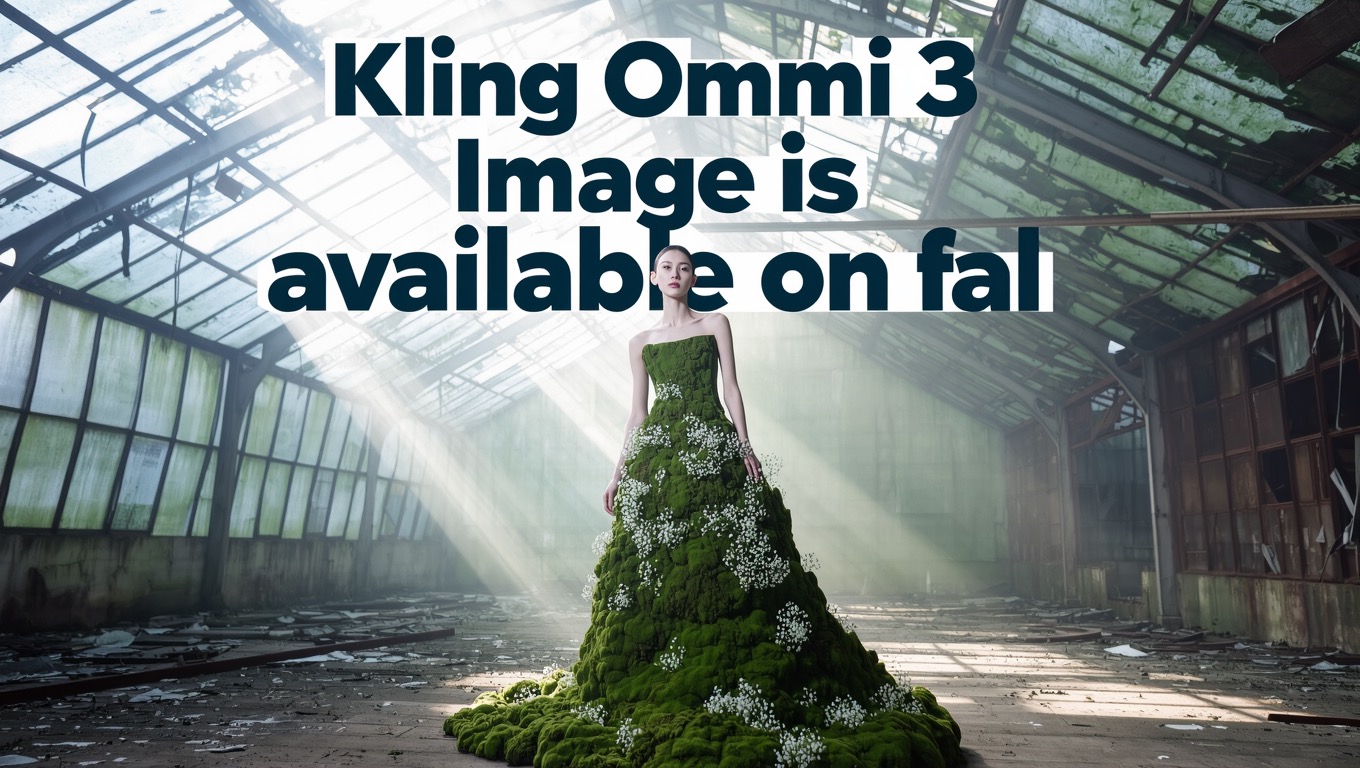 Clip Studio test
 KuaishouOriginal model creator
Kling Omni 3
Kuaishou Kling Omni 3 stills and edits via fal. Quoted at 1K on listed Kling aspects.See model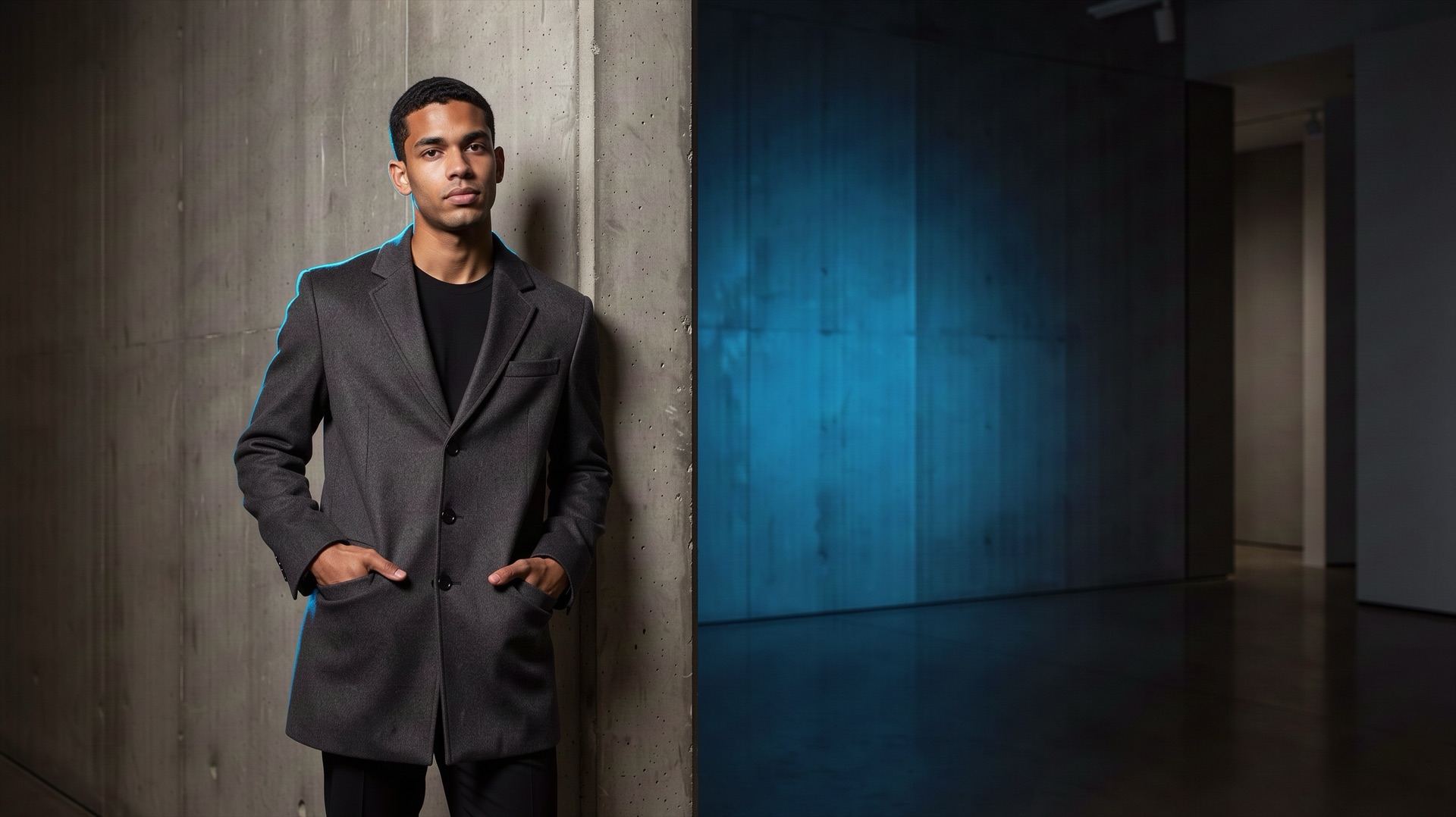 Clip Studio testBlack Forest LabsOriginal model creator
FLUX 3 Image
Black Forest Labs FLUX 3 stills and precise local edits via fal. Quoted at 1K.See model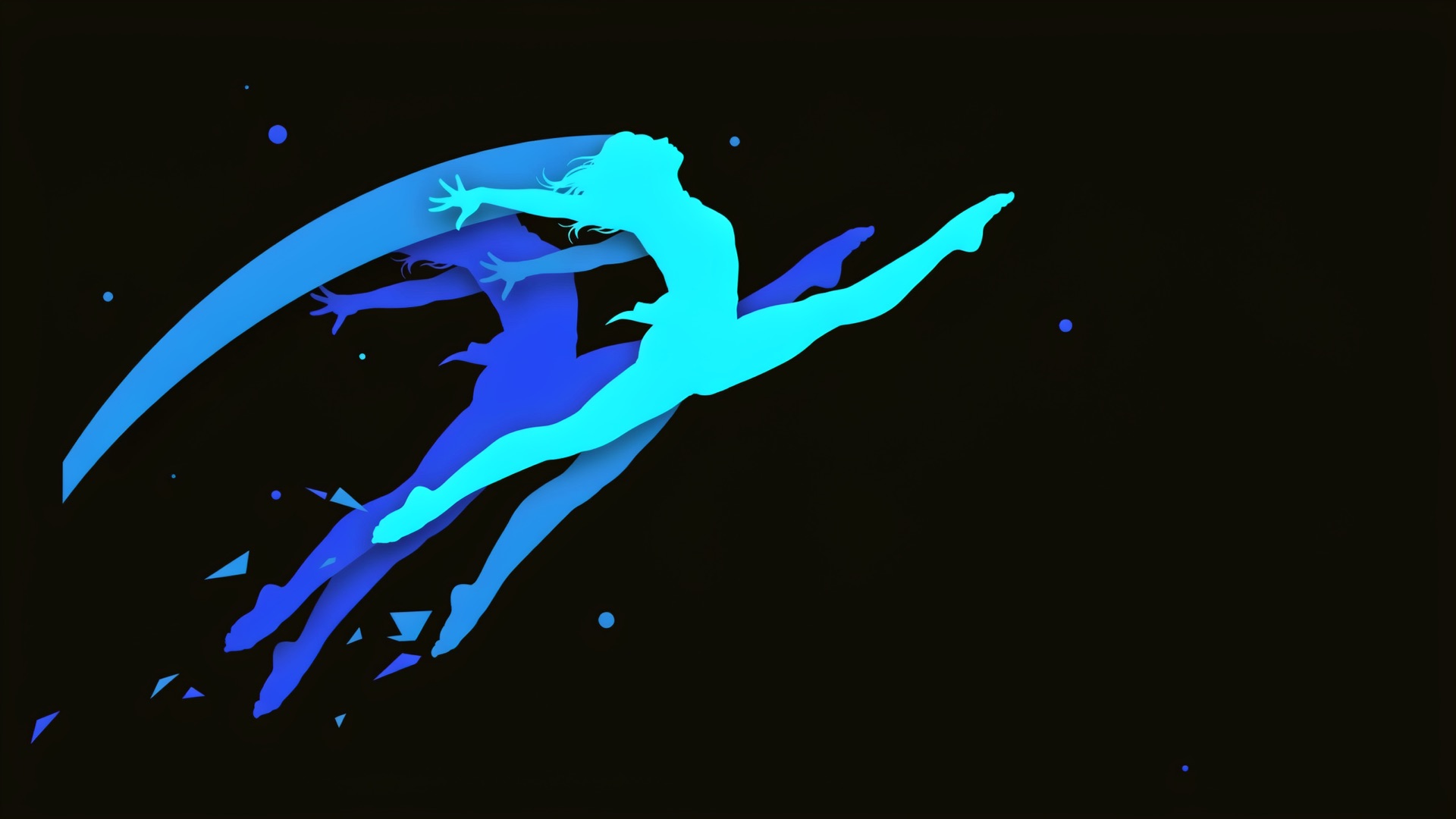 Clip Studio test
 IdeogramOriginal model creator
Ideogram V4.5
Ideogram V4.5 design-ready stills and edits via fal, with accurate typography.See model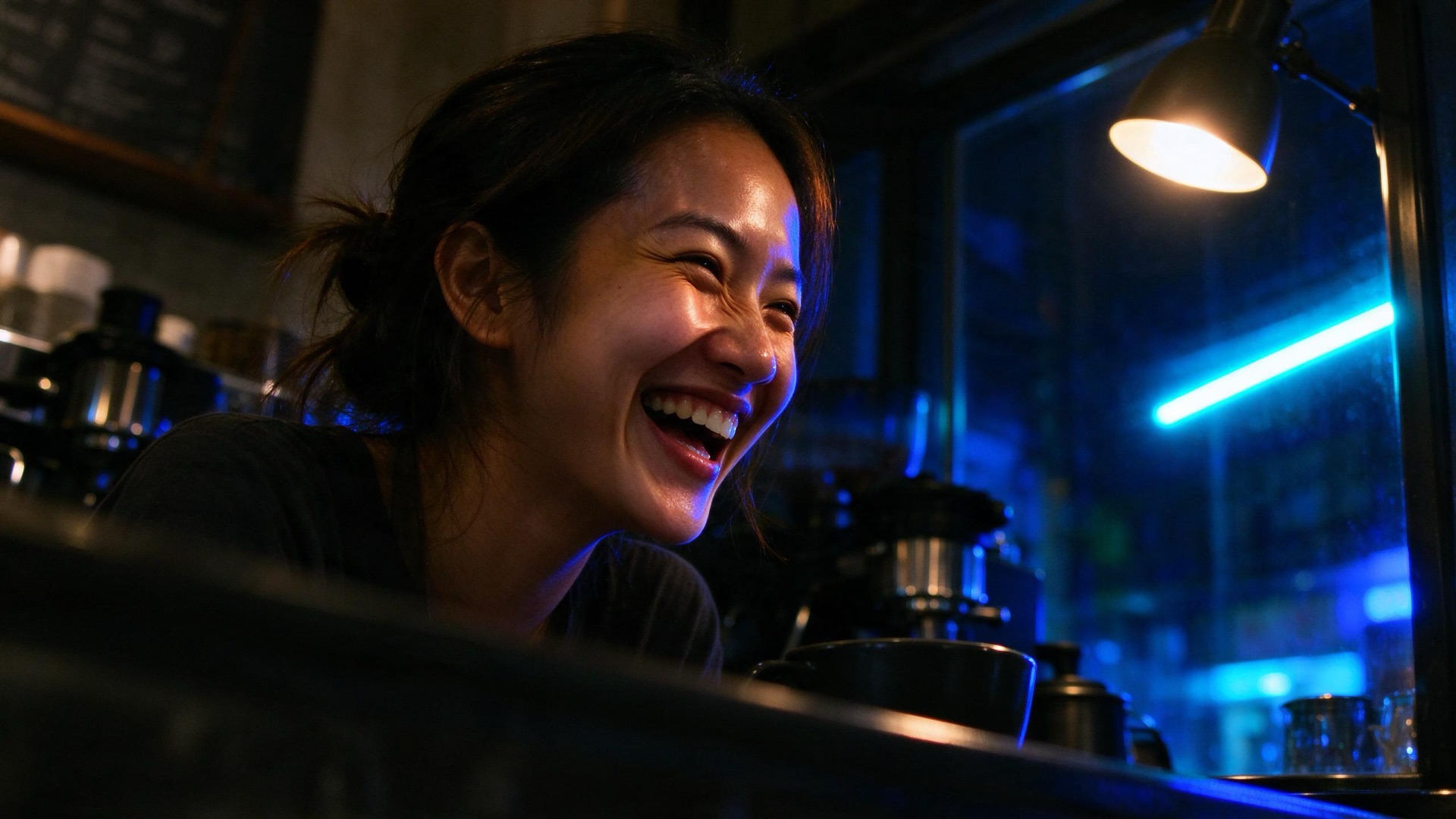 Clip Studio testByteDanceOriginal model creator
Seedream 5 Flash
ByteDance Seedream 5 Flash fast stills and edits via fal. Aspect maps to a 2K-band size.See model Clip Studio test
 RecraftOriginal model creator
Recraft V4.1 Flash
Recraft V4.1 Flash low-cost photos and illustrations via fal. Flat per-image price.See modelMicrosoft lens selected
Direct your first MAI Image 2.5 still.
Write the prompt, choose a supported aspect, and generate.
Open MAI Image 2.5 in Image Lab