
Original model creator
ByteDance
Seedream 5 Lite
ByteDance Seedream 5 Lite stills and edits via fal. Aspect maps to a 2K-band size.

Clip Studio test · Results vary by prompt and settings
Restaurant interior
Direct answer
When should you use Seedream 5 Lite?
ByteDance Seedream 5 Lite stills and edits via fal. Aspect maps to a 2K-band size.
Best for
Fast ByteDance stills and image-to-image edits.
Technical readout
The supported still envelope.
- Modes
- Text to image · Image to image
- Aspect ratio
- 21:9, 16:9, 3:2, 4:3, 5:4, 1:1, 4:5, 3:4, 2:3, 9:16
- Output
- Still
- Provider
- ByteDance
Questions, answered
Seedream 5 Lite FAQ
Does Seedream 5 Lite support image-to-image?
Yes. Attach a source still to run image-to-image. Prompt-only jobs stay text-to-image.
How does Seedream 5 Lite pick size?
Image Lab maps the listed aspect ratio to a 2K-band width and height that fal accepts. You pick the aspect; the lab sends the matching size.
Is Seedream 5 Lite free?
No. Seedream 5 Lite runs in Image Lab, which is included in every Clip Studio plan, and every plan opens every Image Lab model. Eligible new accounts get one free Topic Short, which is a separate studio. Each Seedream 5 Lite still is quoted before you generate, so you see what it uses first.
How much does Seedream 5 Lite cost?
There is no separate Seedream 5 Lite subscription. Plans are Clip Pro at $19, Studio Elite at $39, and Studio Scale at $99 a month (Clip Pro is $9 for the first month if you have never subscribed, and annual billing is about 20% less). Each plan includes a monthly generation allowance shared across every studio. Each Seedream 5 Lite still uses part of it. The model, the aspect ratio, and whether you attach a source still can change how much, and Image Lab shows the quote before you generate. Plan details are on the pricing page.
How do I use Seedream 5 Lite online?
Open Seedream 5 Lite in Image Lab from this page (it opens with Seedream 5 Lite selected) and sign in. Write a prompt, pick an aspect ratio Seedream 5 Lite accepts, and attach a source still if you want an edit. Check the quote, then generate. The finished still lands in your Clip Studio Library to download. Nothing to install.
Change the lens
Compare Seedream 5 Lite with another model.
 Clip Studio test
 OpenAIOriginal model creator
ChatGPT Image 2.5
OpenAI ChatGPT Image 2.5 stills via fal, including edits from a source image.See model Clip Studio test
 GoogleOriginal model creator
Nano Banana
Google Nano Banana stills on fal. Flat per-image price.See model Clip Studio testGoogleOriginal model creator
Nano Banana 2
Google Nano Banana 2 stills and edits on fal. Quoted at 1K.See model Clip Studio testGoogleOriginal model creator
Nano Banana 2.1
Google Nano Banana 2.1 stills and edits on fal. Quoted at 1K.See model Clip Studio testGoogleOriginal model creator
Nano Banana Pro
Google Nano Banana Pro stills and edits on fal. Quoted at 1K.See model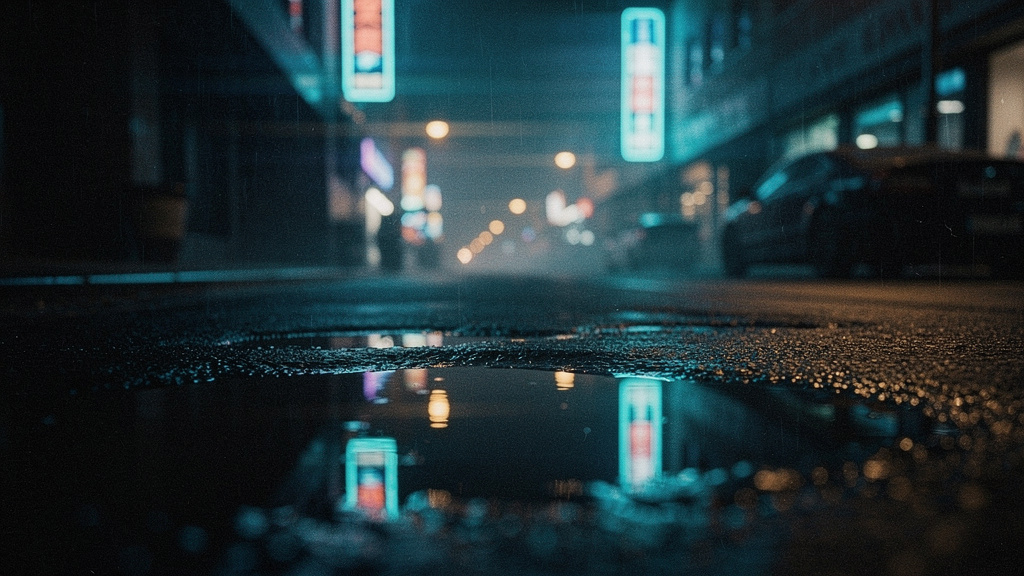 Clip Studio test
 Black Forest LabsOriginal model creator
FLUX.2 Pro
Black Forest Labs production stills, billed by output megapixels.See model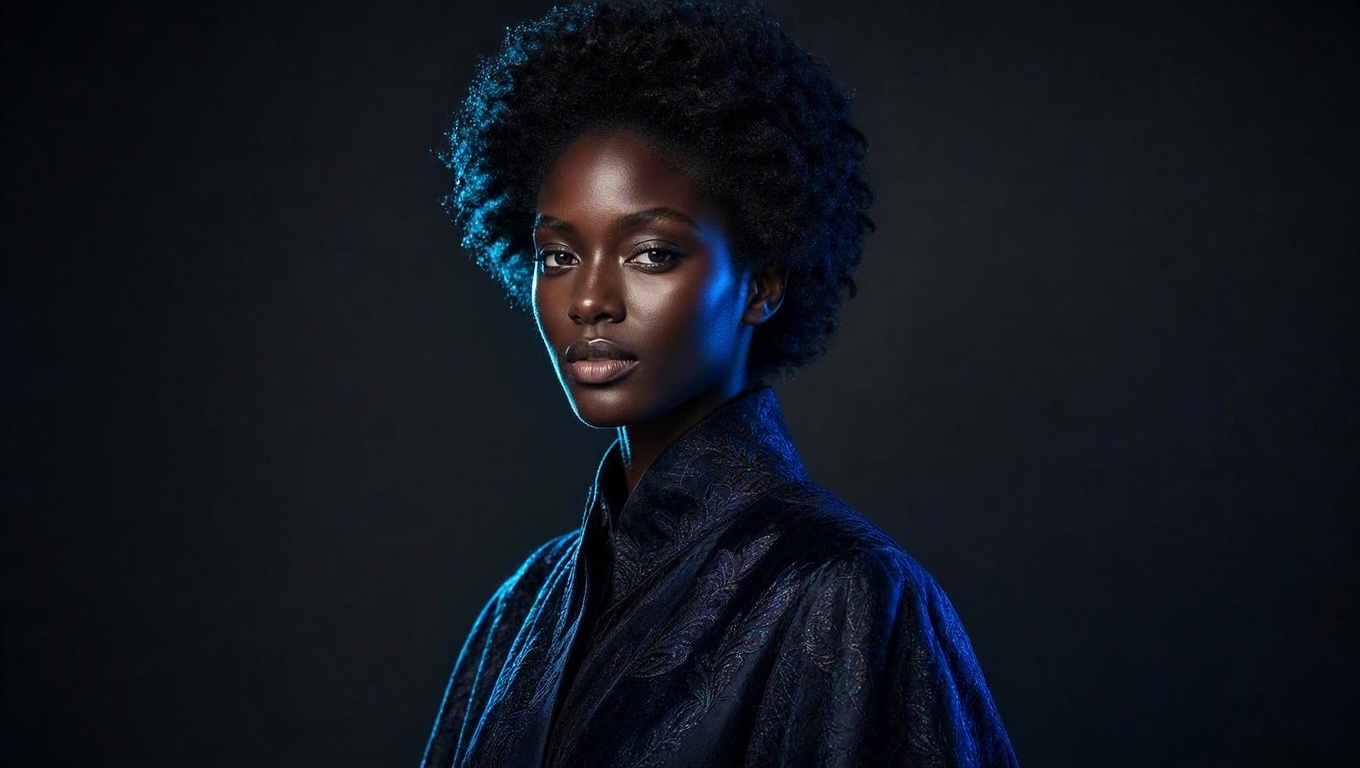 Clip Studio test
 MicrosoftOriginal model creator
MAI Image 2.5
Microsoft photoreal stills via fal, including edits from a source image.See model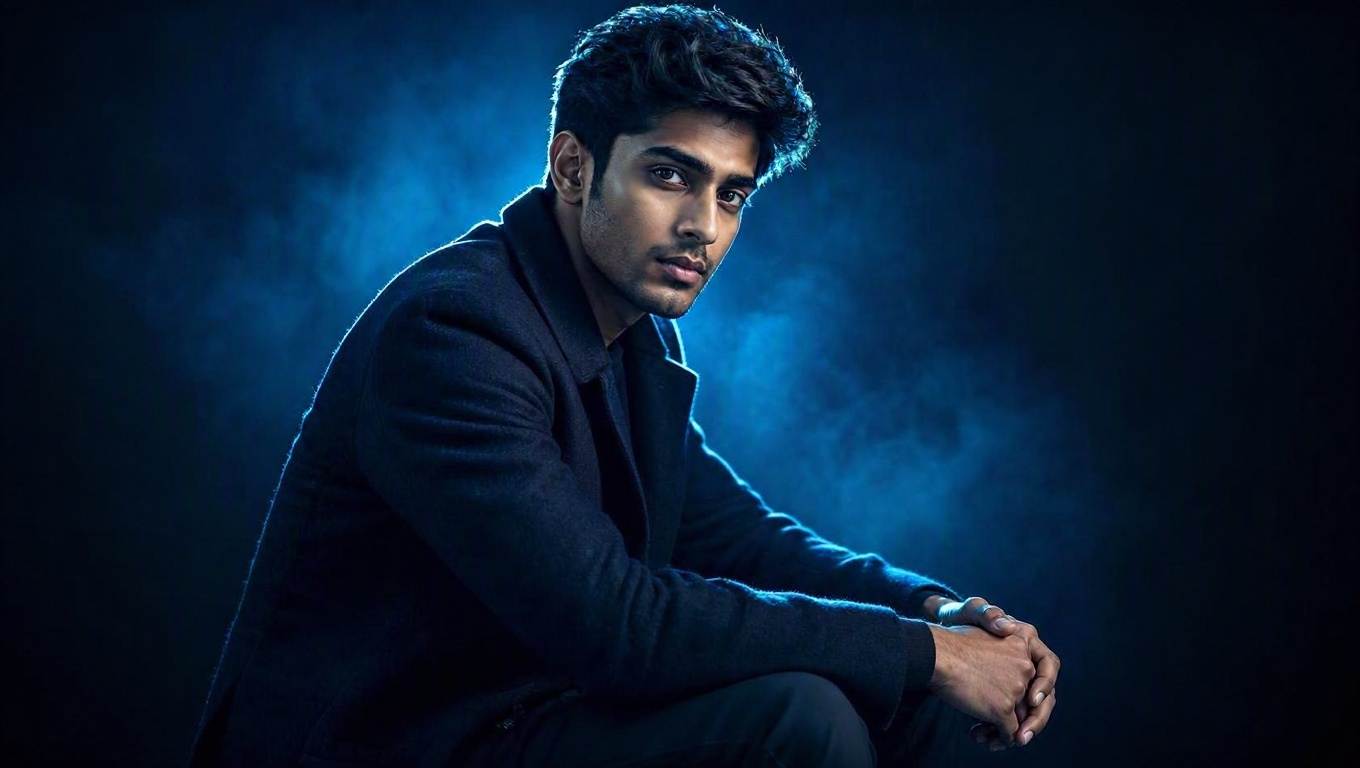 Clip Studio testMicrosoftOriginal model creator
MAI Image 2.5 Pro
Microsoft flagship stills via fal, including edits from a source image.See model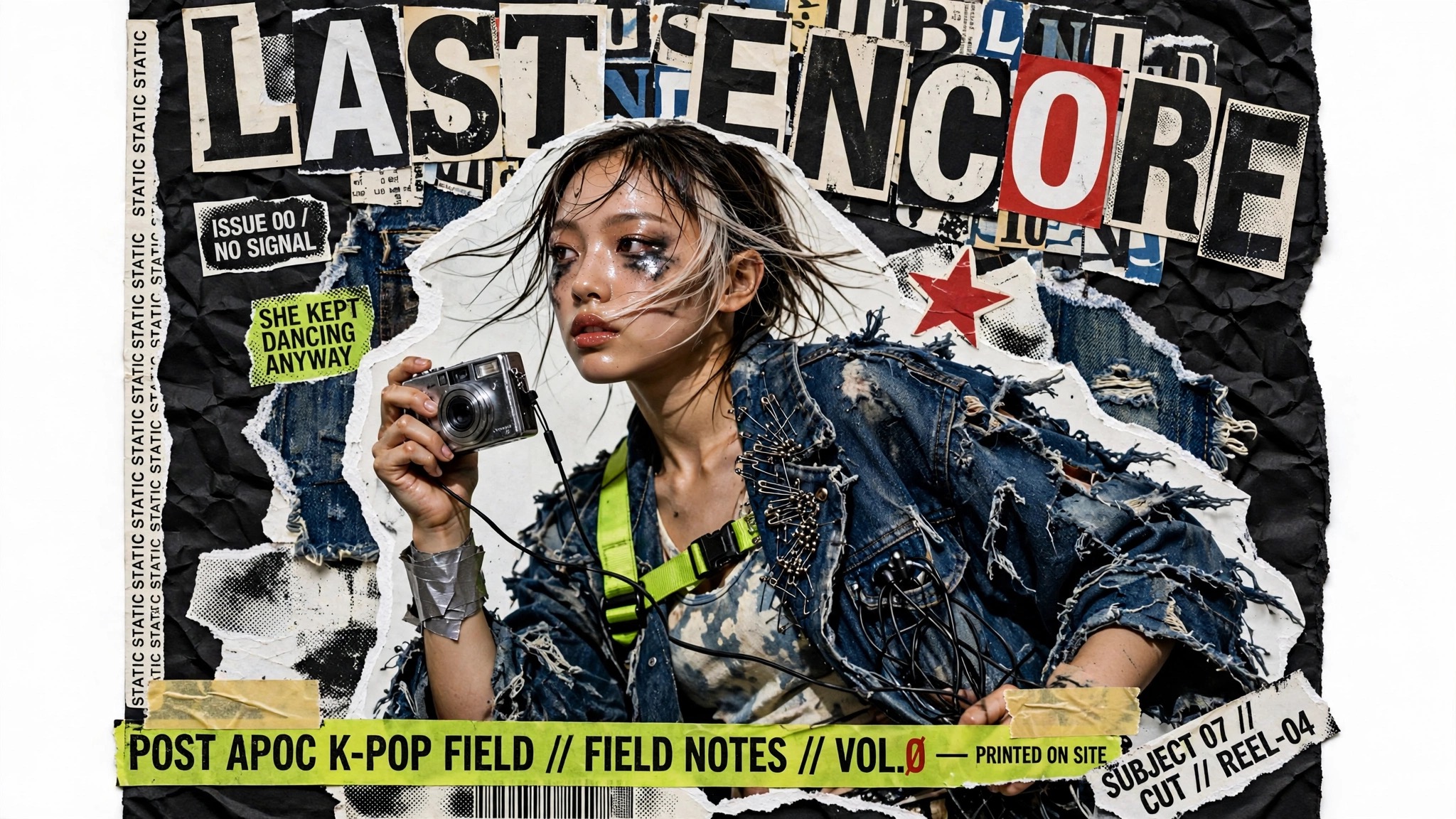 Clip Studio test
 MetaOriginal model creator
Muse Image
Meta Muse Image stills and instruction edits via fal. Around 2.5MP, with custom aspect strings.See model Clip Studio test
 xAIOriginal model creator
Grok Imagine Image 2.0
xAI Grok Imagine Image 2.0 stills and edits via fal on listed aspects.See model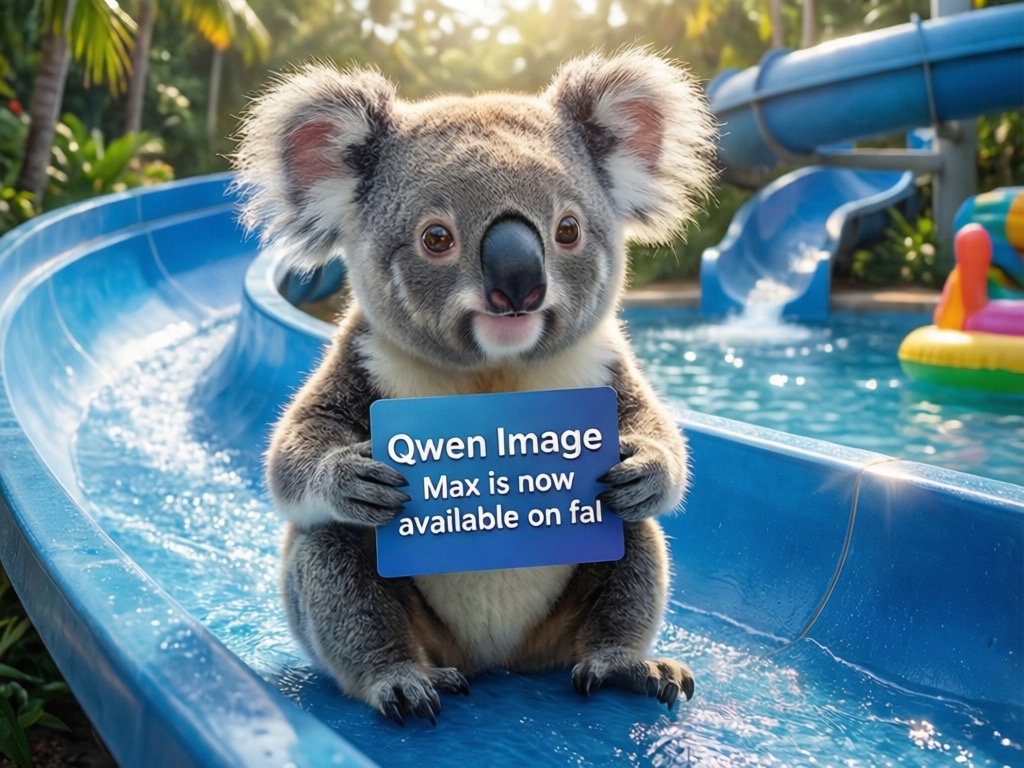 Clip Studio test
 AlibabaOriginal model creator
Qwen Image 3
Alibaba Qwen Image 3 stills and edits via fal. Quoted at 1K, with strong typography and CJK.See model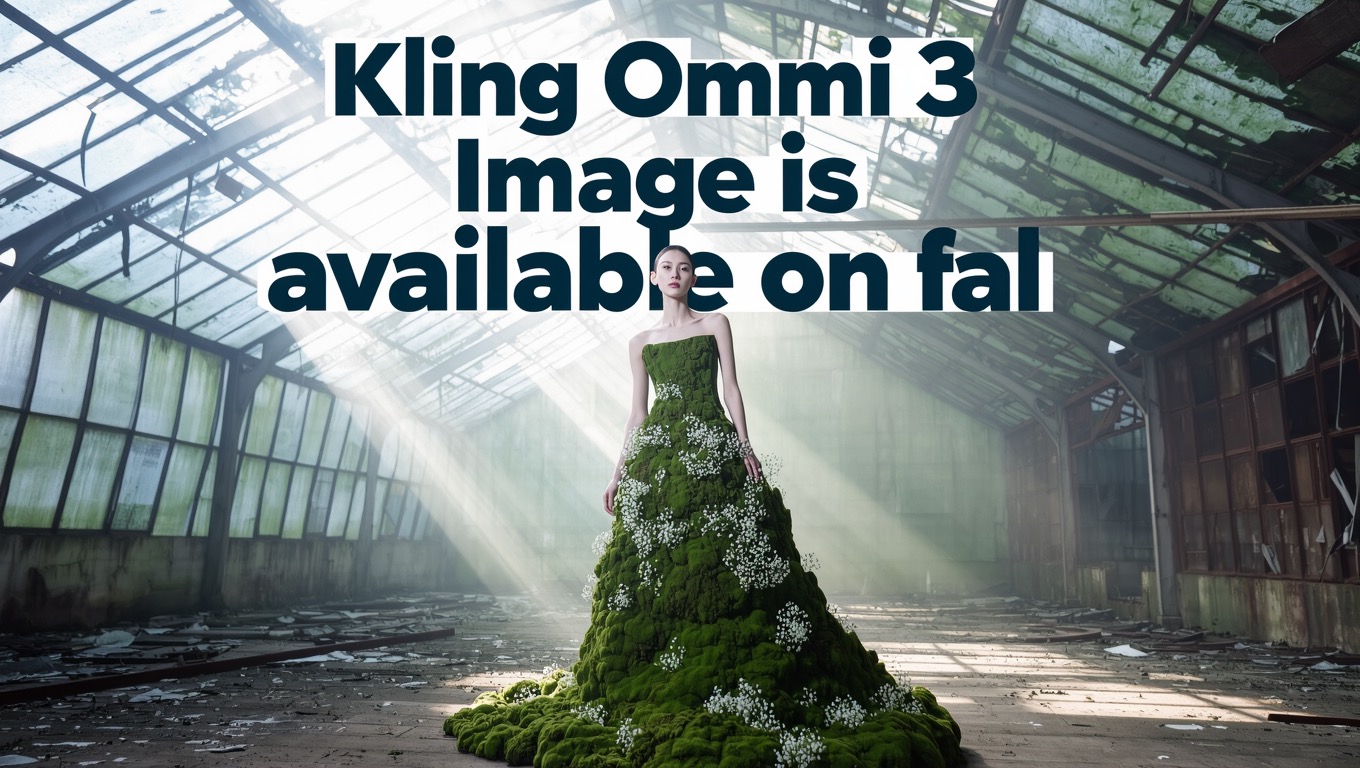 Clip Studio test
 KuaishouOriginal model creator
Kling Omni 3
Kuaishou Kling Omni 3 stills and edits via fal. Quoted at 1K on listed Kling aspects.See model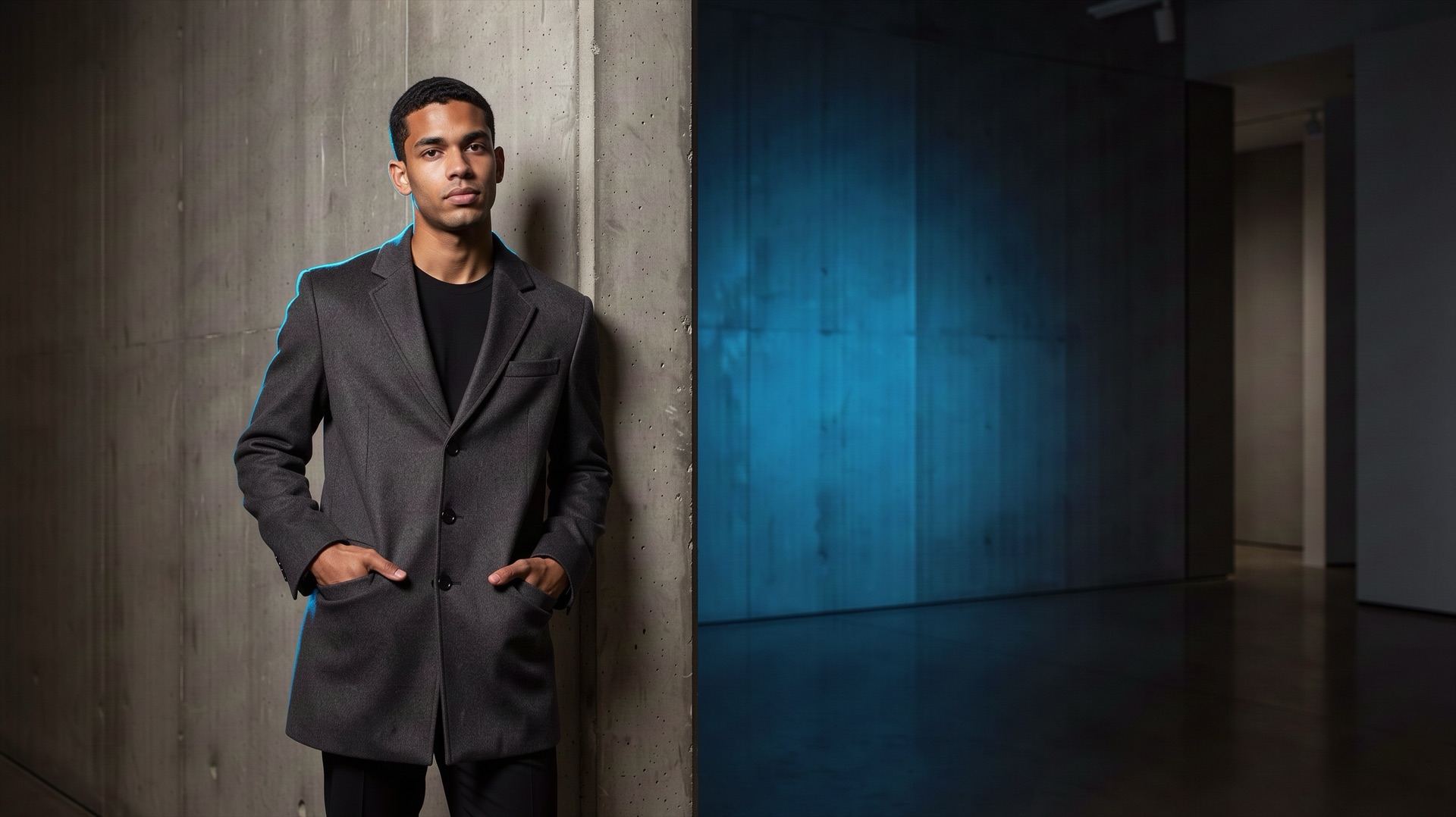 Clip Studio testBlack Forest LabsOriginal model creator
FLUX 3 Image
Black Forest Labs FLUX 3 stills and precise local edits via fal. Quoted at 1K.See model Clip Studio test
 IdeogramOriginal model creator
Ideogram V4.5
Ideogram V4.5 design-ready stills and edits via fal, with accurate typography.See model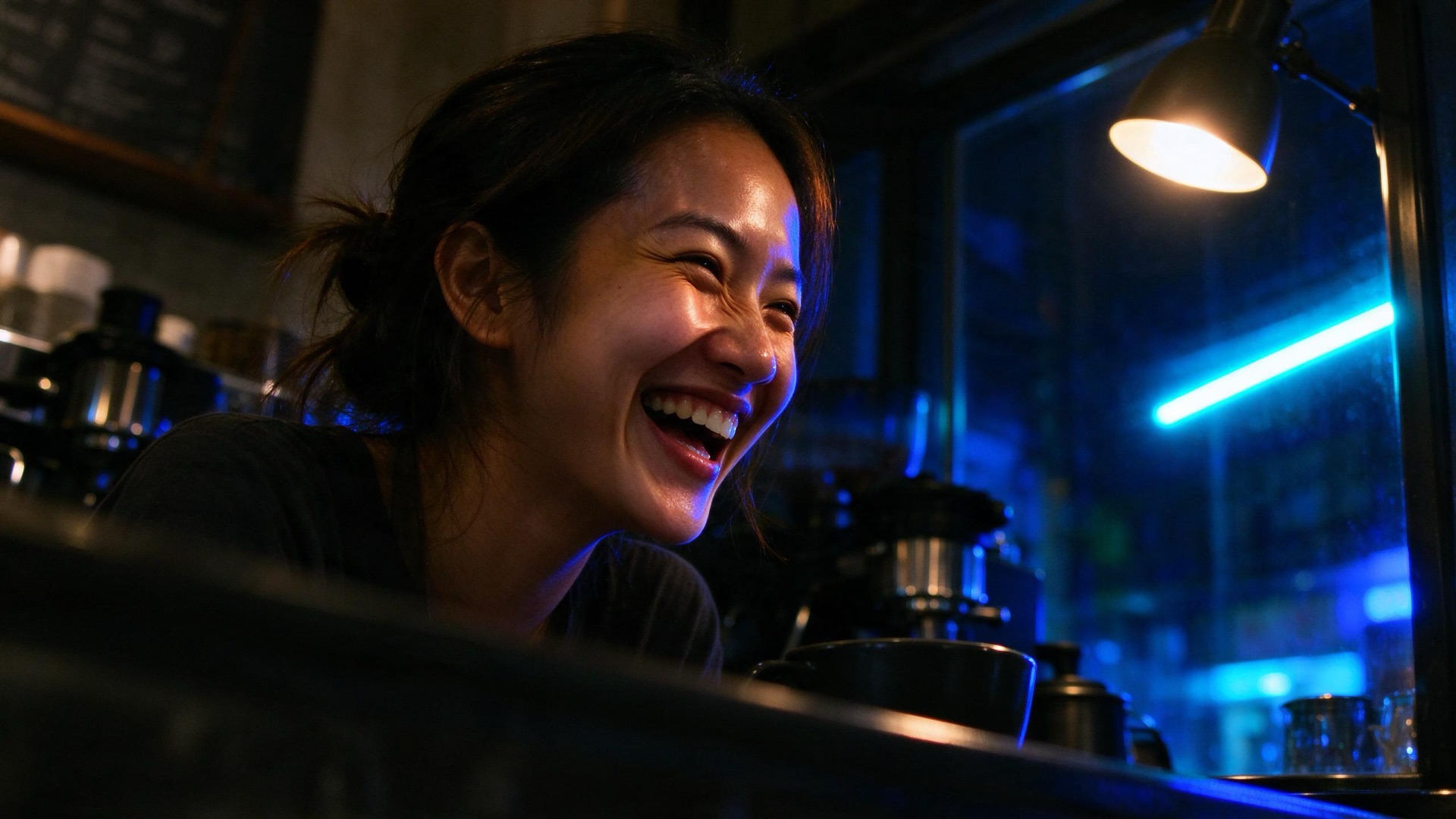 Clip Studio testByteDanceOriginal model creator
Seedream 5 Flash
ByteDance Seedream 5 Flash fast stills and edits via fal. Aspect maps to a 2K-band size.See model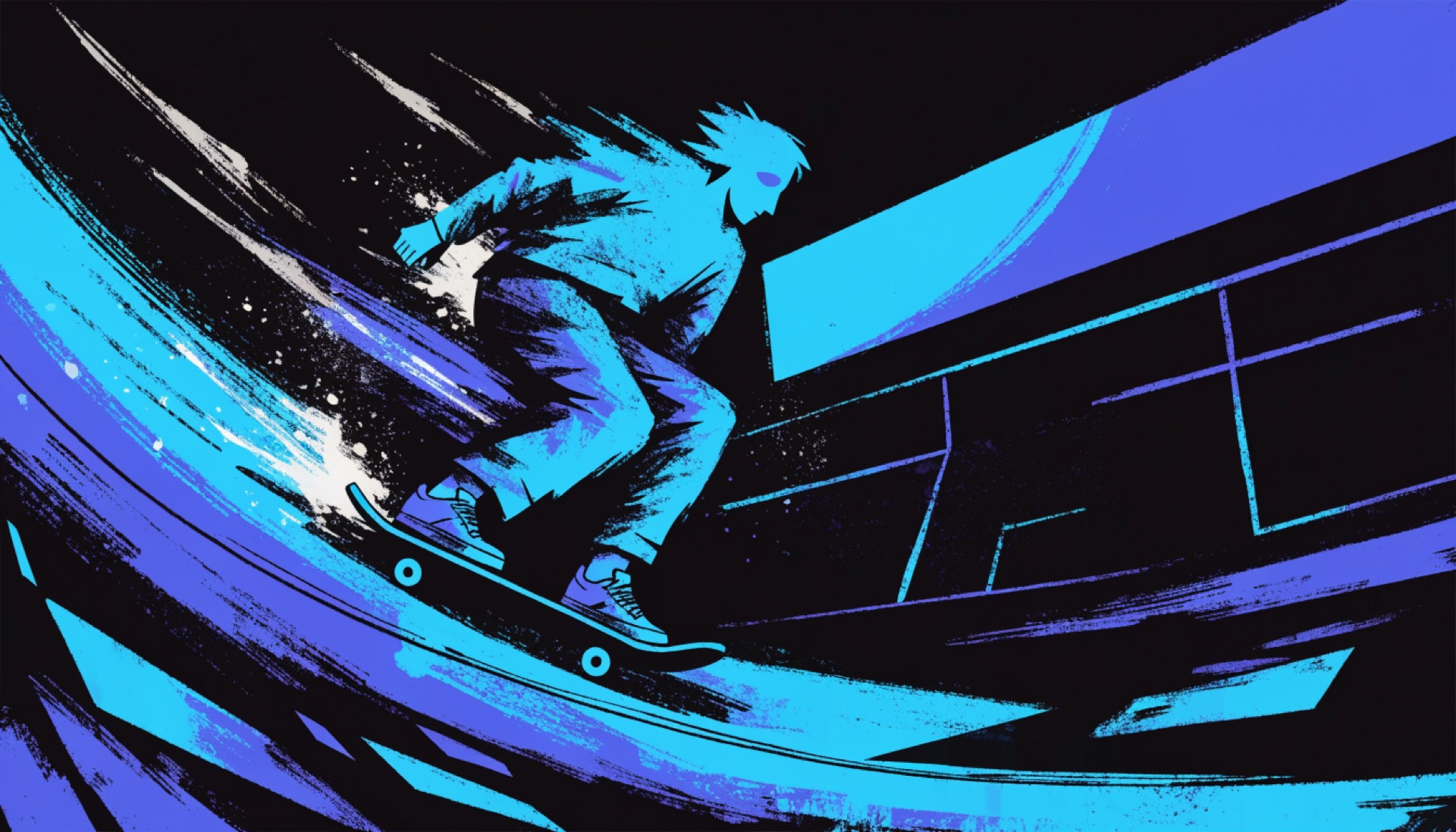 Clip Studio test
 RecraftOriginal model creator
Recraft V4.1 Flash
Recraft V4.1 Flash low-cost photos and illustrations via fal. Flat per-image price.See model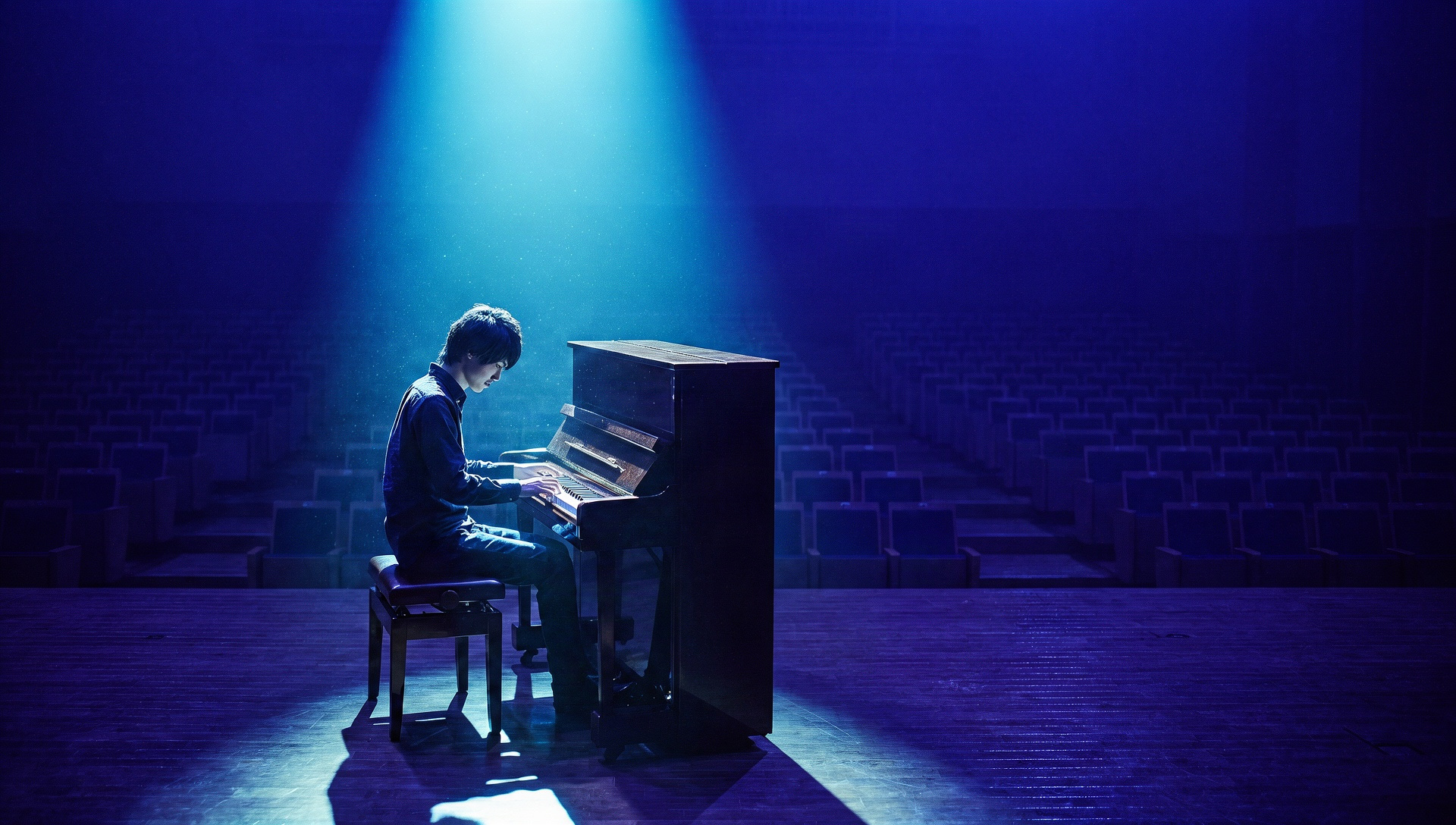 Clip Studio testKreaOriginal model creator
Krea 3
Krea 3 stills and edits via fal, with prompt expansion. Aspect maps to a 2-megapixel size.See model Clip Studio testBlack Forest LabsOriginal model creator
FLUX.3 Klein
Black Forest Labs FLUX.3 Klein fast, low-cost stills and edits via fal. Quoted at 1K.See model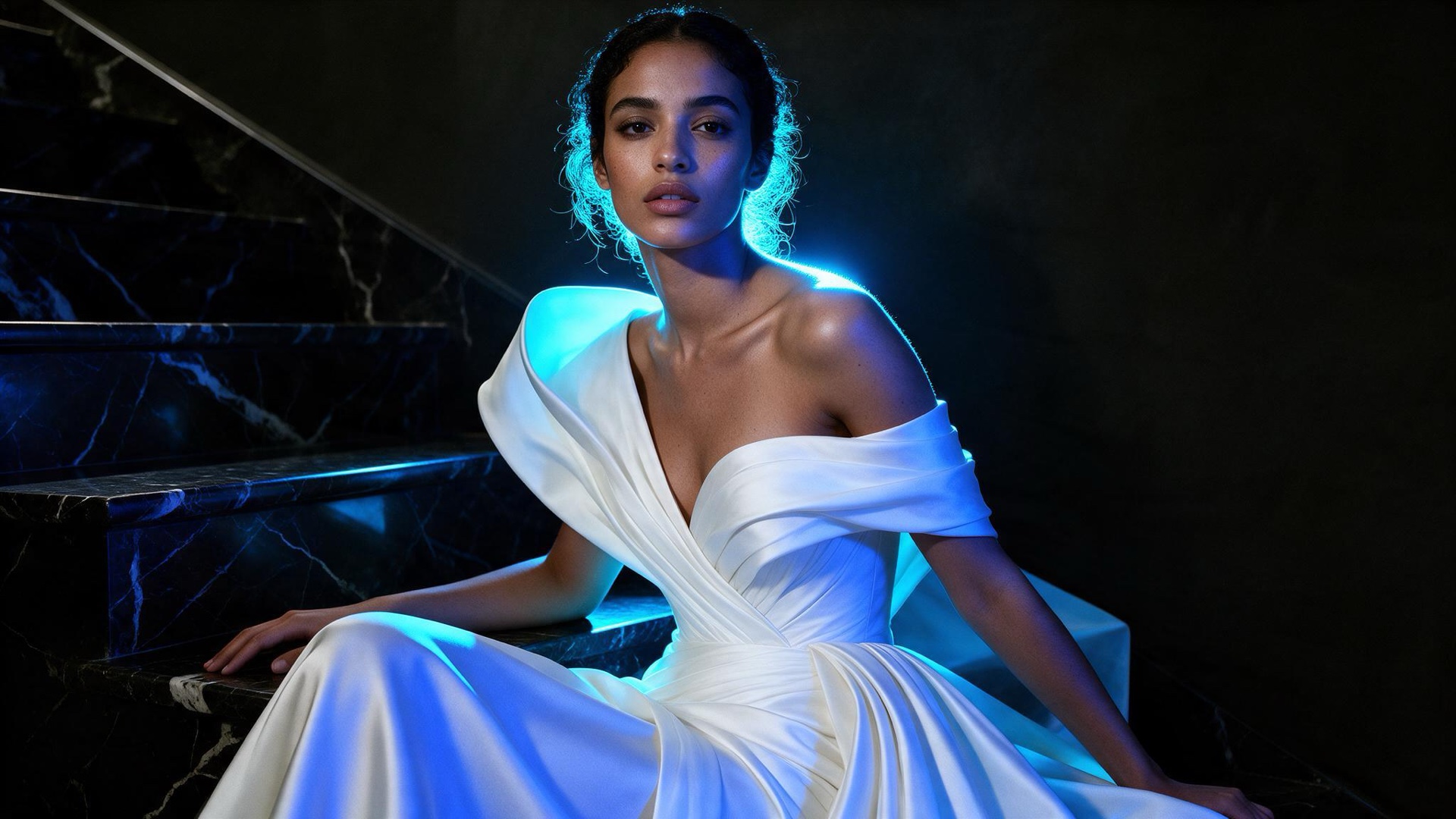 Clip Studio testByteDanceOriginal model creator
Seedream 5 Pro
ByteDance Seedream 5 Pro stills and edits via fal. Aspect maps to a size up to 1536 × 1536 pixels.See model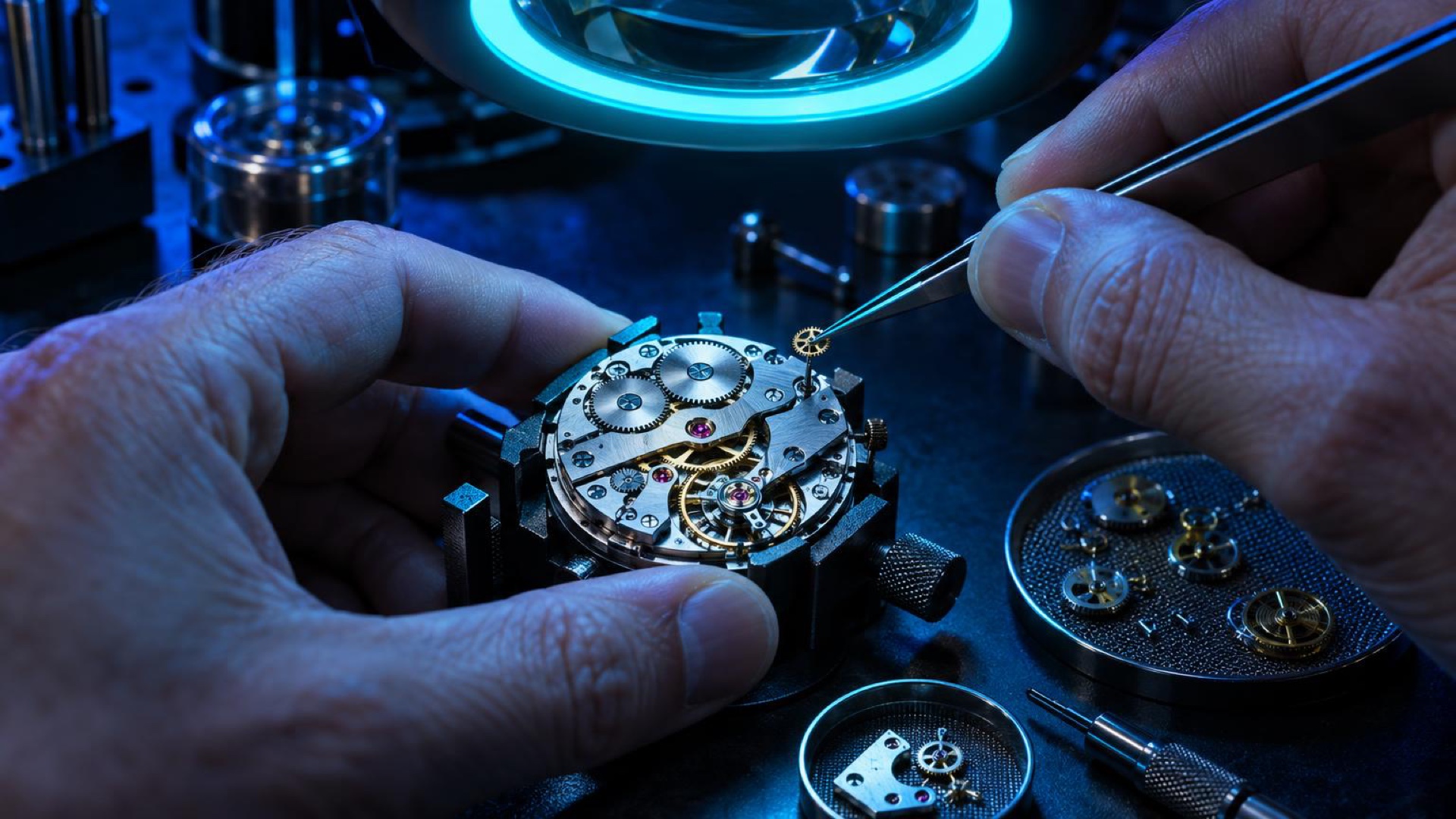 Clip Studio testOpenAIOriginal model creator
ChatGPT Image 2.5 Sunburst
OpenAI ChatGPT Image 2.5 Sunburst precision stills and tightly scoped edits via fal, at high quality.See model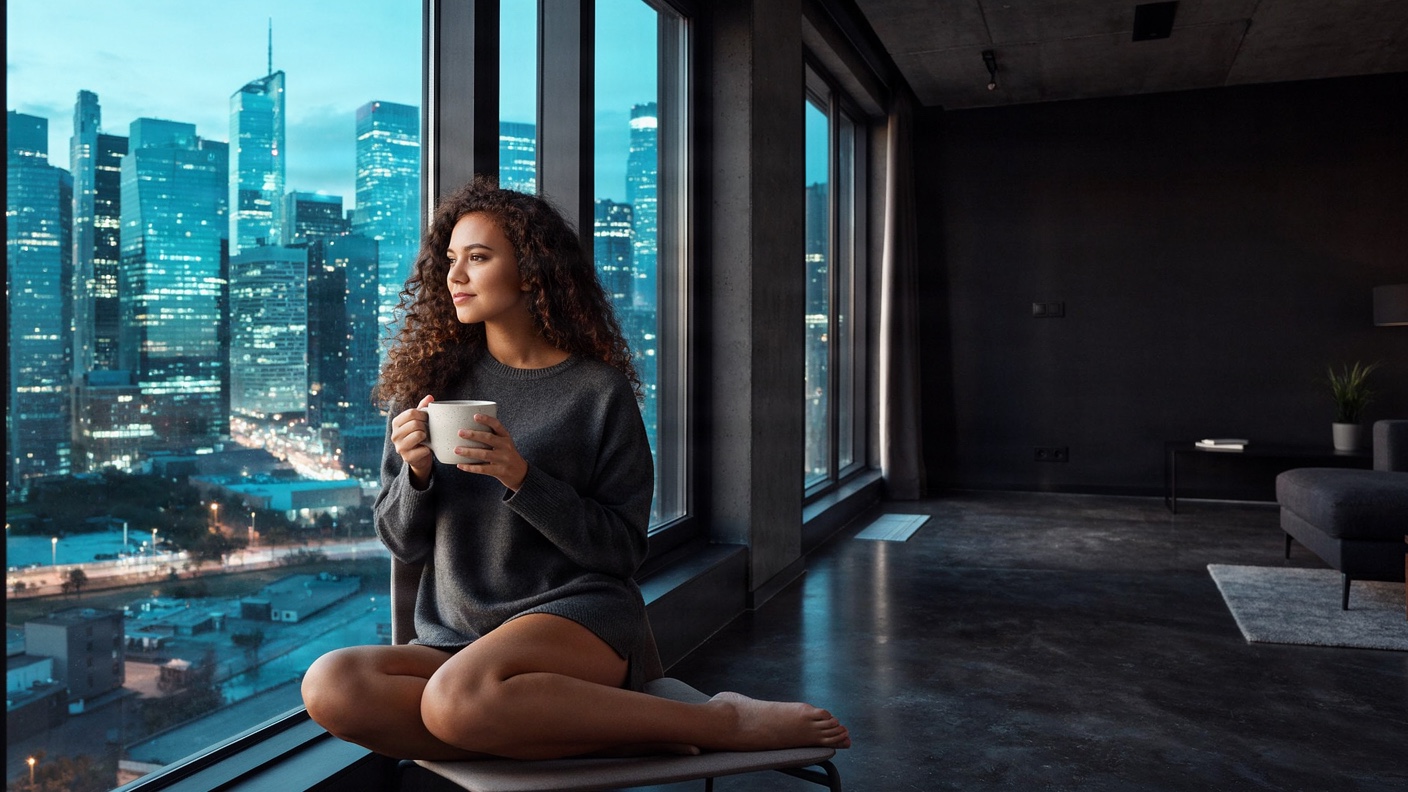 Clip Studio testBriaOriginal model creator
Fibo 2.0
Bria Fibo 2.0 stills and instruction edits via fal, trained on licensed data. About one megapixel.See model Clip Studio testIdeogramOriginal model creator
Ideogram Vector
Ideogram Vector editable SVG graphics via fal, from a prompt or a reference still. Medium quality.See modelByteDance lens selected
Direct your first Seedream 5 Lite still.
Write the prompt, choose a supported aspect, and generate.
Open Seedream 5 Lite in Image Lab