

Why choose it
- Animate and first/last frames
- 720p or 1080p
- 24, 25, or 50 fps

Original model creator
Lightricks
Lightricks’ newer Pro SKU for 720p and 1080p clips with first/last frames, optional audio, and 24, 25, or 50 fps.
Runs online, no installIncluded in plans from $19/mo
Official sample · Results vary by prompt and settings
See the model move.
Story
Turn a written story into a narrated multi-shot film. LTX 2.5 Pro is the shot language on this page — start a story after signup, then come back here when you want a single directed take.
Example output
Story arc
Direct answer
LTX 2.5 Pro is the current Lightricks Pro generation in Video Lab. Generate from text, animate a source frame, or define both ends of a shot at 720p or 1080p with selectable frame rates and optional audio. LTX 2.3 Pro remains available when you need 1440p or 4K.
Best for
Newer LTX motion at 1080p, motion-conscious production, and shots that need 24, 25, or 50 fps.
Technical readout
Catalog modes: Text prompt · Animate image · First → last. Advanced controls: Frame rate. References: Not available.
Catalog delta
Differences below are from the live Video Lab catalog—duration, resolution, audio, modes, and controls—not from a ranked shoot-out.
How it compares
Side-by-side from the Video Lab catalog. Try both with the same prompt when the modes overlap.
Spec
LTX 2.5 Pro
LTX 2.3 Pro
Duration
LTX 2.5 Pro
6, 8, or 10 seconds
LTX 2.3 Pro
6, 8, or 10 seconds
Resolution
LTX 2.5 Pro
720p, 1080p
LTX 2.3 Pro
1080p, 1440p, 4K
Aspect ratios
LTX 2.5 Pro
16:9, 9:16
LTX 2.3 Pro
16:9, 9:16
Audio
LTX 2.5 Pro
Optional generated audio
LTX 2.3 Pro
Optional generated audio
Modes
LTX 2.5 Pro
Text prompt, Animate image, First → last
LTX 2.3 Pro
Text prompt, Animate image, First → last
References
LTX 2.5 Pro
Not available
LTX 2.3 Pro
Not available
Advanced controls
LTX 2.5 Pro
Frame rate
LTX 2.3 Pro
Frame rate
Frame rate
LTX 2.5 Pro
24 fps, 25 fps, 50 fps
LTX 2.3 Pro
24 fps, 25 fps, 48 fps, 50 fps
Prompt direction
Choose frame rate for the intended motion feel first, then describe camera velocity and subject movement in language that matches it.
Prompts that work
Questions, answered
LTX 2.5 Pro is the newer Lightricks Pro SKU for 720p and 1080p clips with first/last frames and selectable frame rates.
Yes. Video Lab supports a single source image or both first and last frames at 720p or 1080p.
2.5 Pro is 720p or 1080p with 24, 25, or 50 fps. LTX 2.3 Pro still covers 1080p, 1440p, and 4K including 48 fps.
The supported choices are 24, 25, and 50 frames per second.
No. LTX 2.5 Pro runs on a paid monthly plan. Eligible new accounts get one free Topic Short, which is a separate studio from Video Lab. Every monthly plan opens every Video Lab model, including LTX 2.5 Pro, and every generation is quoted before you generate.
LTX 2.5 Pro uses the monthly generation allowance that comes with every Clip Studio plan. Clip Pro is $19/mo ($9 for the first month if you have never subscribed). How much of the allowance a clip uses depends on its length, resolution, and audio, and the exact amount is quoted before you generate. At the default setup (6 seconds at 720p with audio), Clip Pro’s monthly allowance covers about 8 LTX 2.5 Pro clips, roughly 48 seconds of video, if you spend it all on LTX 2.5 Pro. A different length or resolution changes that number, and Studio Elite and Studio Scale have larger allowances. Plan details live on the pricing page.
Open Video Lab at /video-lab?model=ltx-2-5 with LTX 2.5 Pro already selected. Sign in, write a prompt or add a source image, set the length and format, check the quote, then generate. Generate 6, 8, or 10 second clips at 720p or 1080p with first/last frames and optional audio. The finished clip lands in your Clip Studio Library.
Change the lens
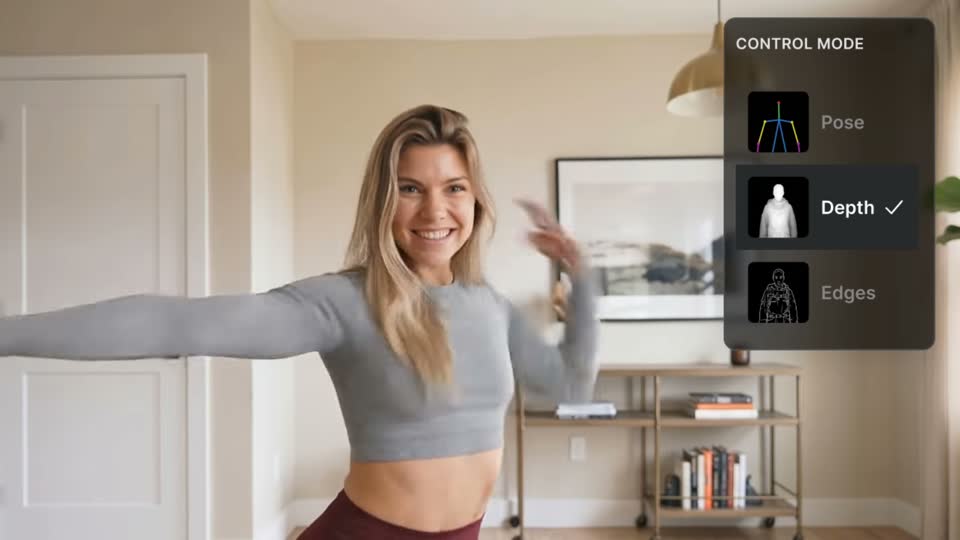 Official sampleLightricksOriginal model creator
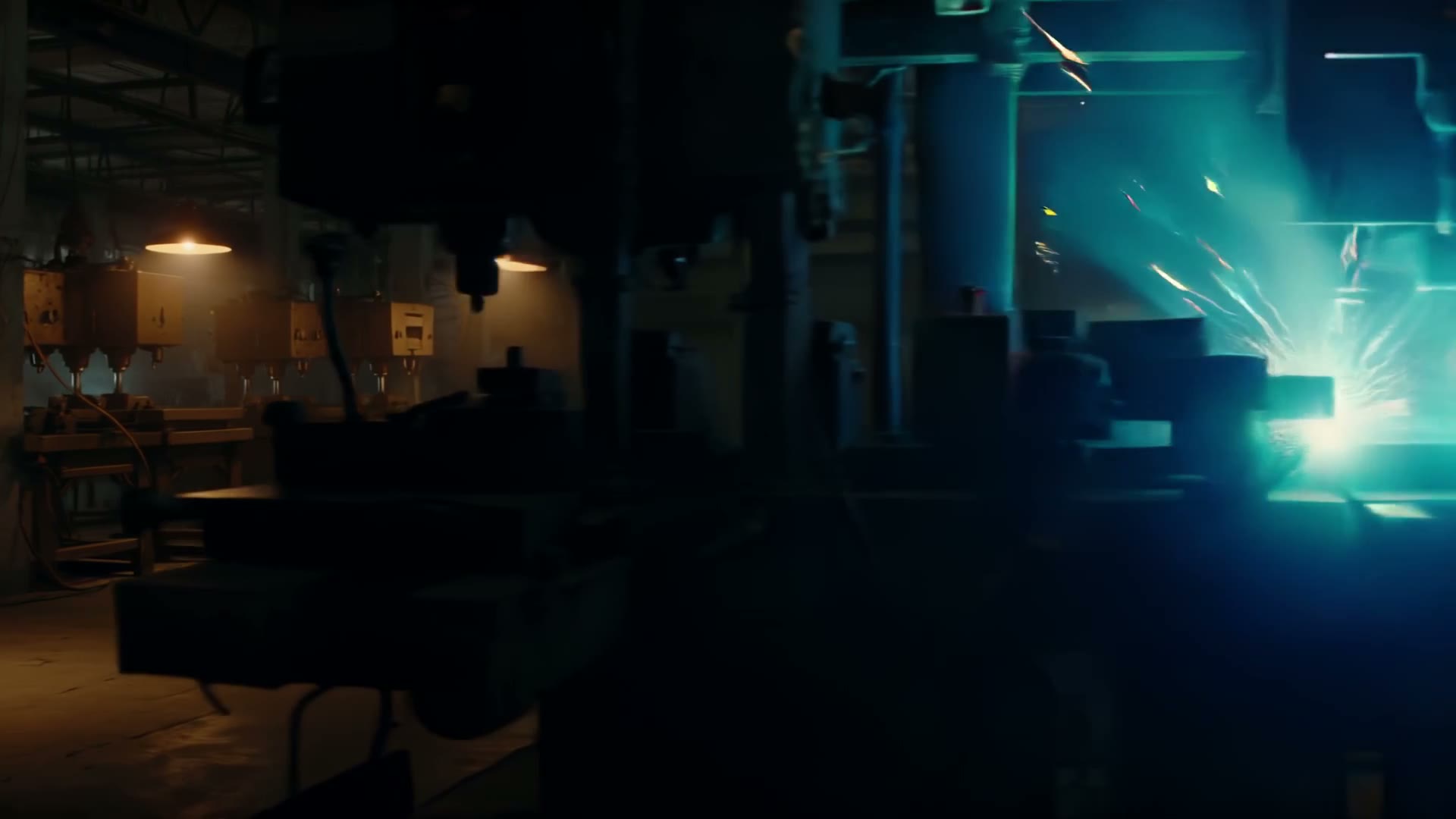 Official sampleLightricksOriginal model creator
 Official sample
 GoogleOriginal model creator
 Official sampleGoogleOriginal model creator
Lightricks lens selected
Paste a story or script. Clip Studio plans cinematic shots, narrates them, and renders a film you can download.
