Topic Shorts channels
Turn one topic into a short-form series.
A Topic Shorts channel holds a series together. It keeps one voice, caption look, format, and language, proposes five episode ideas at a time, and turns each episode you approve into a faceless short for TikTok, Reels, or Shorts. You post each one yourself.
Topic Shorts runs on a monthly plan. Clip Pro from $19/mo.
- Five episode ideas at a time
- One style for every episode
- You post it yourself
How a series runs
Set it up once. Make the next episode when you want.
01
Start a channel from one topic
Type what the series is about. Clip Studio sets up a channel for it with a narration voice, a caption look, a format, and a language.
02
Check the channel style
Keep the suggested style or change it. Every episode in the channel uses it, so the series stays recognisable.
03
Approve episode ideas
The channel proposes five episode ideas at a time. Approve the ones that fit, skip the others, or add an episode you wrote yourself.
04
Make an episode
Tap Make on an approved episode. It renders as a normal Topic Short from your monthly allowance: story, stock footage, voiceover, and burned-in captions.
05
Post it and tick it off
Download the short with its title, caption, hashtags, and cover, upload it yourself, then mark it Posted on your board for the week.
Real episodes
Six shorts, one format.
These six History POV shorts were made with Topic Shorts. A channel keeps the same format, voice, and caption look from one episode to the next.
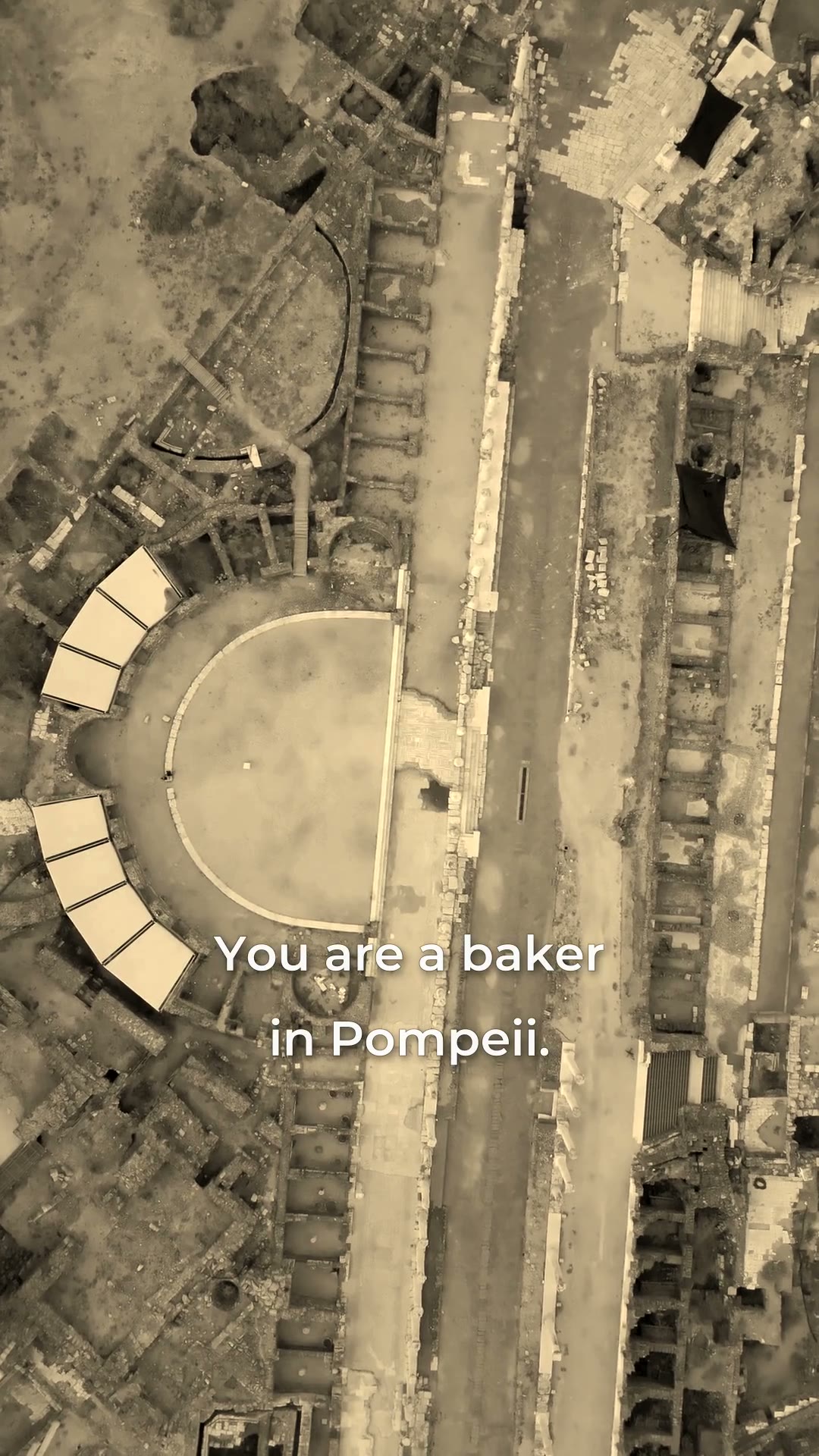
Titanic third class, 11:40 pm

Apollo 11 mission control
London, September 1666

Berlin Wall, border opening
San Francisco, 1849
What a channel keeps
A series that stays one series.
The same voice and look every time
Voice, caption look, format, and language are set on the channel, not per video. Change the channel style and the next episodes follow it.
Ideas that wait for your yes
Proposed episodes sit in a list until you approve or skip them. Nothing is generated, and nothing uses your allowance, until you tap Make.
A week you can see
The board shows what is Queued, Rendering, Ready, and Posted by me. Posted is your own checklist: Clip Studio does not post or schedule.
Ready for each platform
Every finished episode has a title, caption, hashtags, and cover to copy, free caption and music changes, and exports without music or without captions.
Before you start
Questions about running a series.
A series is a Topic Shorts channel: one topic, one channel style (voice, caption look, format, and language), and a queue of episodes. Each episode is a faceless short with stock footage, voiceover, and burned-in captions.
No. Clip Studio does not post, schedule, or generate episodes on its own. You tap Make for each episode, download it, and upload it yourself. The Posted lane on your board is a checklist you tick.
As many as your monthly allowance covers. Ideas arrive five at a time, and each episode you make is a normal generation, quoted before it starts.
Yes. Approve or skip the proposed ideas, or add an episode you wrote yourself to the same queue. It is made in the channel style like any other episode.
Yes. Start another channel for a different topic. Each channel has its own style and its own queue of episodes. You can also make a one-off short with no channel.
There is no separate price for a channel. Topic Shorts runs on a monthly plan. Clip Pro from $19/mo. The same allowance works in every studio.
Last reviewed 11 November 2026
Explore more
Keep going
Pick the topic.Start the series.
Set up your channel, approve the first ideas, and make episode one.
