

Why choose it
- Animate, first/last, and references
- 360p through 1080p
- Optional audio and seed

Original model creator
PixVerse
A film-grade PixVerse generation for text, image animation, first/last transitions, and up to seven reference images, from 360p to 1080p.
Runs online, no installIncluded in plans from $19/mo
Video Lab runs on a monthly plan. Clip Pro is $9 for your first month, then $19/mo.
Official sample · Results vary by prompt and settings
See the model move.
Story
Story to Video turns a written story into a narrated multi-shot film with its own shot models. Use PixVerse C1 here when you want a single directed take.
Example output
Story arc
Direct answer
PixVerse C1 is the reference-capable PixVerse SKU in Video Lab. Generate from text, animate a still, transition between first and last frames, or guide identity with up to seven references. Optional audio and a seed sit alongside 1–15 second clips at 360p through 1080p.
Best for
Film-grade PixVerse shots, identity-led references, and first/last transitions with optional audio.
Technical readout
Catalog modes: Text prompt · Animate image · First → last · References. Advanced controls: Seed. References: Up to 7.
Catalog delta
Differences below are from the live Video Lab catalog—duration, resolution, audio, modes, and controls—not from a ranked shoot-out.
How it compares
Side-by-side from the Video Lab catalog. Try both with the same prompt when the modes overlap.
Spec
PixVerse C1
PixVerse V6
Duration
PixVerse C1
1–15 seconds
PixVerse V6
1–15 seconds
Resolution
PixVerse C1
360p, 540p, 720p, 1080p
PixVerse V6
360p, 540p, 720p, 1080p
Aspect ratios
PixVerse C1
21:9, 16:9, 4:3, 3:2, 1:1, 2:3, 3:4, 9:16
PixVerse V6
21:9, 16:9, 4:3, 3:2, 1:1, 2:3, 3:4, 9:16
Audio
PixVerse C1
Optional generated audio
PixVerse V6
Optional generated audio
Modes
PixVerse C1
Text prompt, Animate image, First → last, References
PixVerse V6
Text prompt, Animate image, First → last
References
PixVerse C1
Up to 7
PixVerse V6
Not available
Advanced controls
PixVerse C1
Seed
PixVerse V6
Negative prompt, Seed, Style, Multi-shot, Prompt enhancement
Prompt direction
Name the subject, action, and camera path; use the seed when you want a repeatable take, and references when identity has to hold.
Prompts that work
01Name the subject, action, and camera path; add a seed when you want a repeatable take.
Try this prompt02Seven-reference identity hold through a 10-second dialogue-free walk.
Try this prompt03First-to-last transition between two stills of a storefront at noon and dusk.
Try this prompt04Optional audio: room tone only, 720p draft then 1080p.
Try this promptQuestions, answered
PixVerse C1 is well suited to film-grade clips that need a starting image, a first-to-last transition, or up to seven reference images.
Yes. Video Lab supports up to seven reference images, plus single-image animation and first-to-last-frame transitions.
C1 adds multi-image references and keeps optional audio, seed, and 360p–1080p. Style presets and multi-clip controls stay on PixVerse V6.
No. PixVerse C1 runs on a paid monthly plan. Every monthly plan opens every Video Lab model, including PixVerse C1, and every generation is quoted before you generate.
PixVerse C1 uses the monthly generation allowance that comes with every Clip Studio plan. Clip Pro is $19/mo ($9 for the first month if you have never subscribed). How much of the allowance a clip uses depends on its length, resolution, and audio, and the exact amount is quoted before you generate. At the default setup (5 seconds at 720p), Clip Pro’s monthly allowance covers about 25 PixVerse C1 clips, roughly 125 seconds of video, if you spend it all on PixVerse C1. A different length or resolution changes that number, and Studio Elite and Studio Scale have larger allowances. Plan details live on the pricing page.
Open Video Lab at /video-lab?model=pixverse-c1 with PixVerse C1 already selected. Sign in, write a prompt or add a source image, set the length and format, check the quote, then generate. Generate 1–15 second clips at 360p to 1080p from text, a start image, first/last frames, or up to seven references. The finished clip lands in your Clip Studio Library.
Change the lens
 Official samplePixVerseOriginal model creator
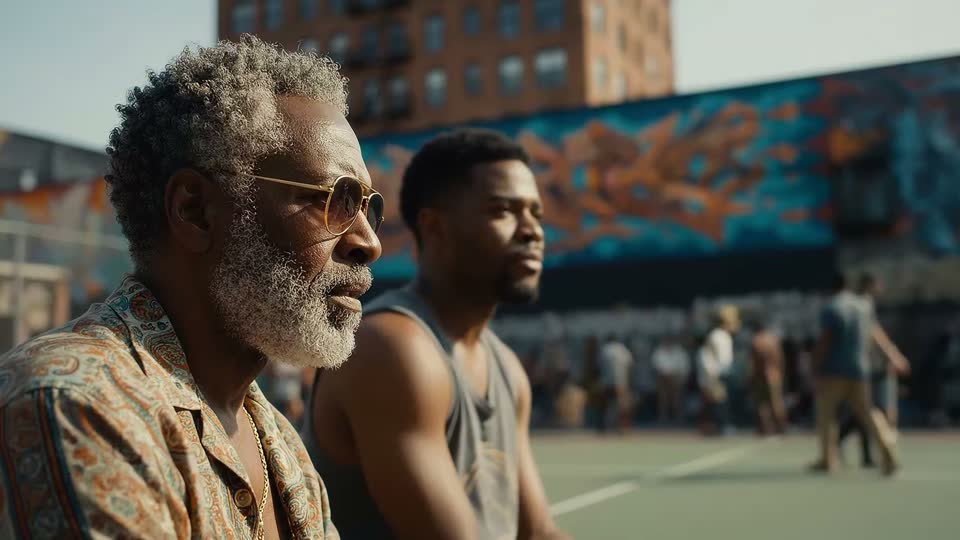 Official sample
 GoogleOriginal model creator
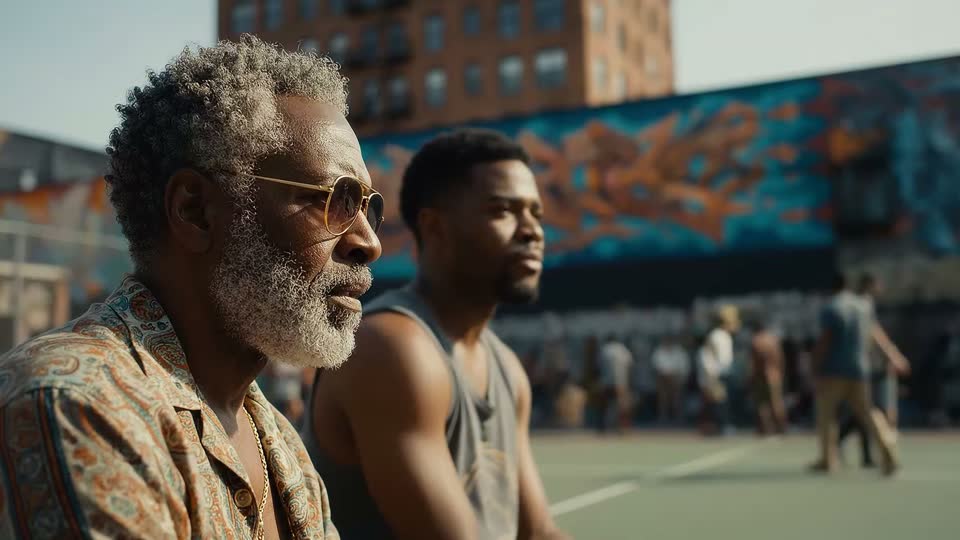 Official sampleGoogleOriginal model creator
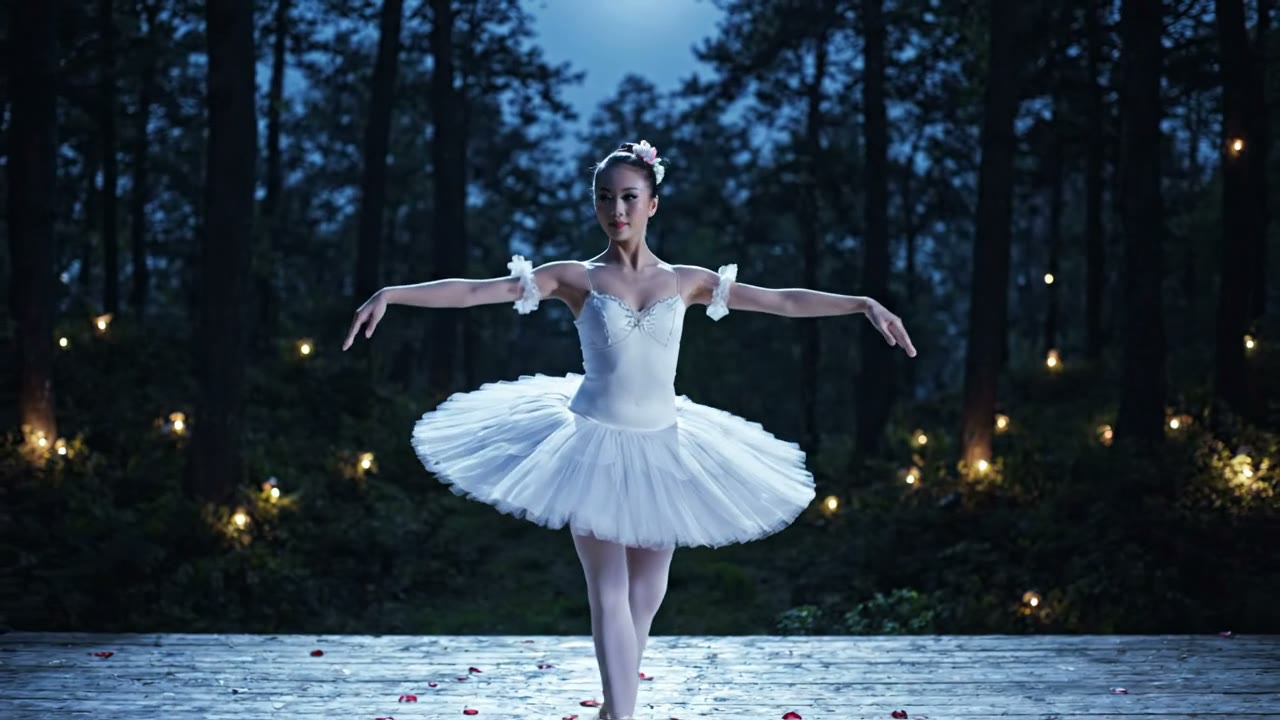 Official sampleGoogleOriginal model creator
PixVerse lens selected
Write a prompt or bring a still. Video Lab quotes the setup before you generate, and the clip lands in your library.
