Showcase
AI video examples made with Clip Studio.
Open a watch page for each example, then recreate it in the matching studio. Your prompt and settings shape a new result.
6 examples
Video Lab
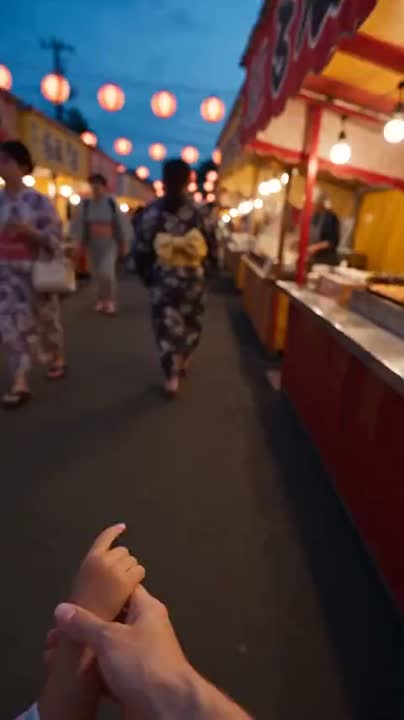
An evening at the food stall
A generated scene with food, movement, and a festival atmosphere.
Topic Shorts
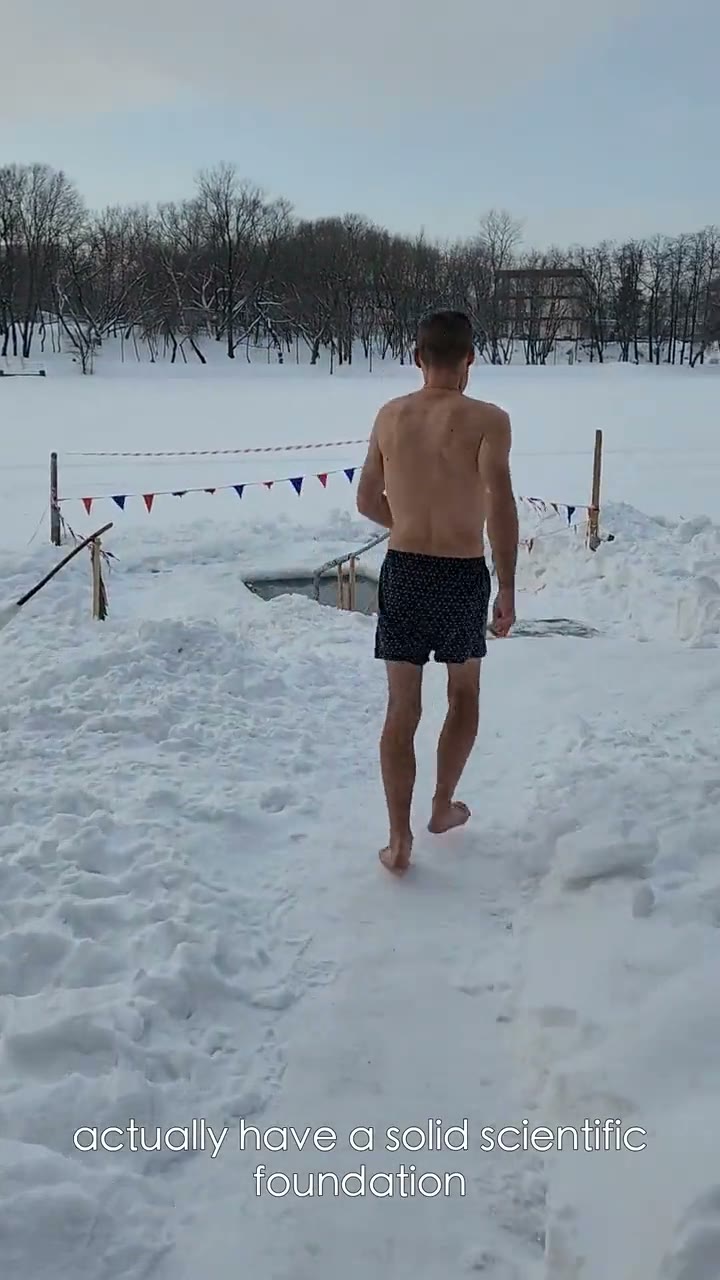
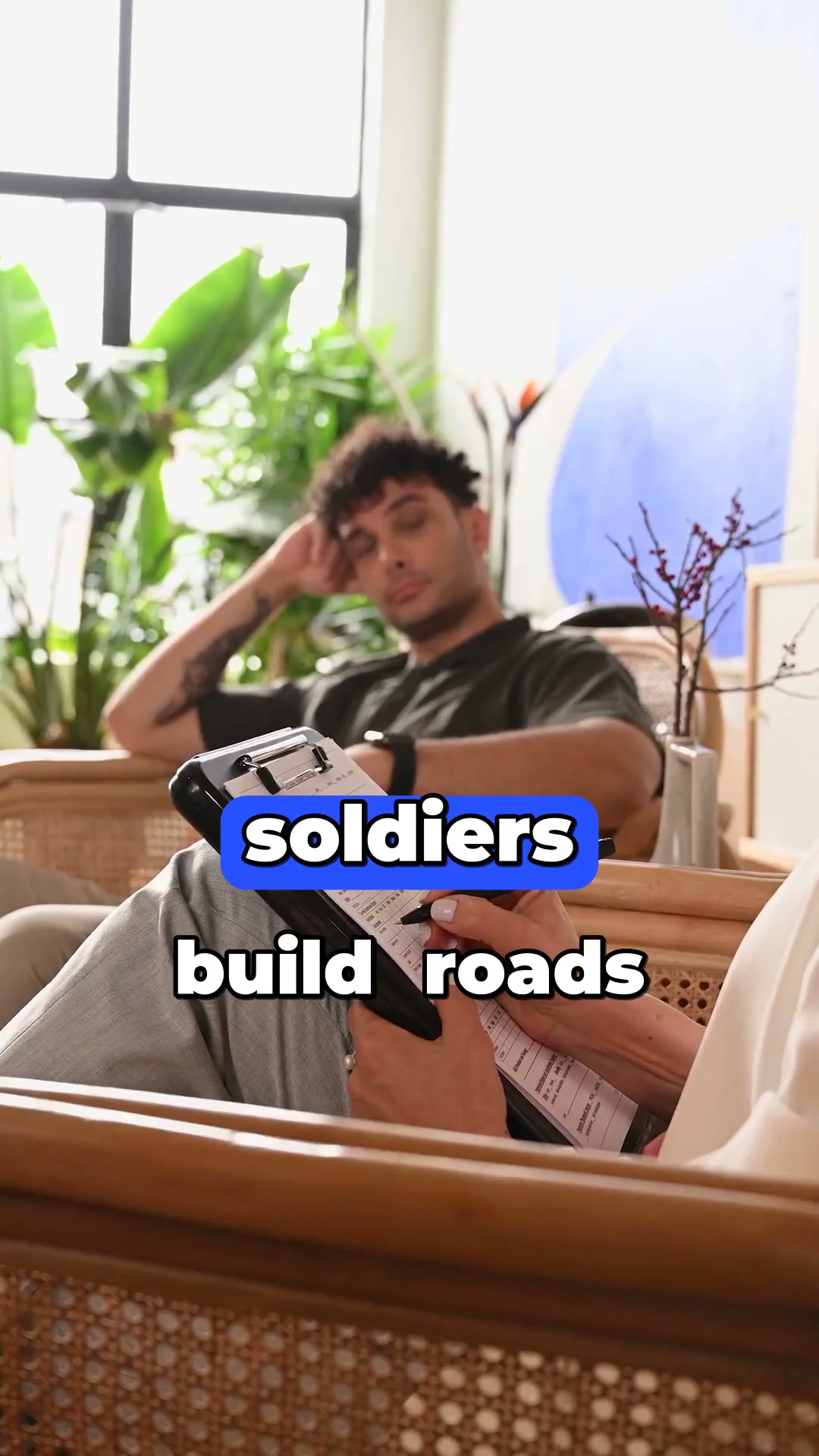
The cold-plunge explainer
A topic becomes a stock-footage short with narration and captions.
Last Frame
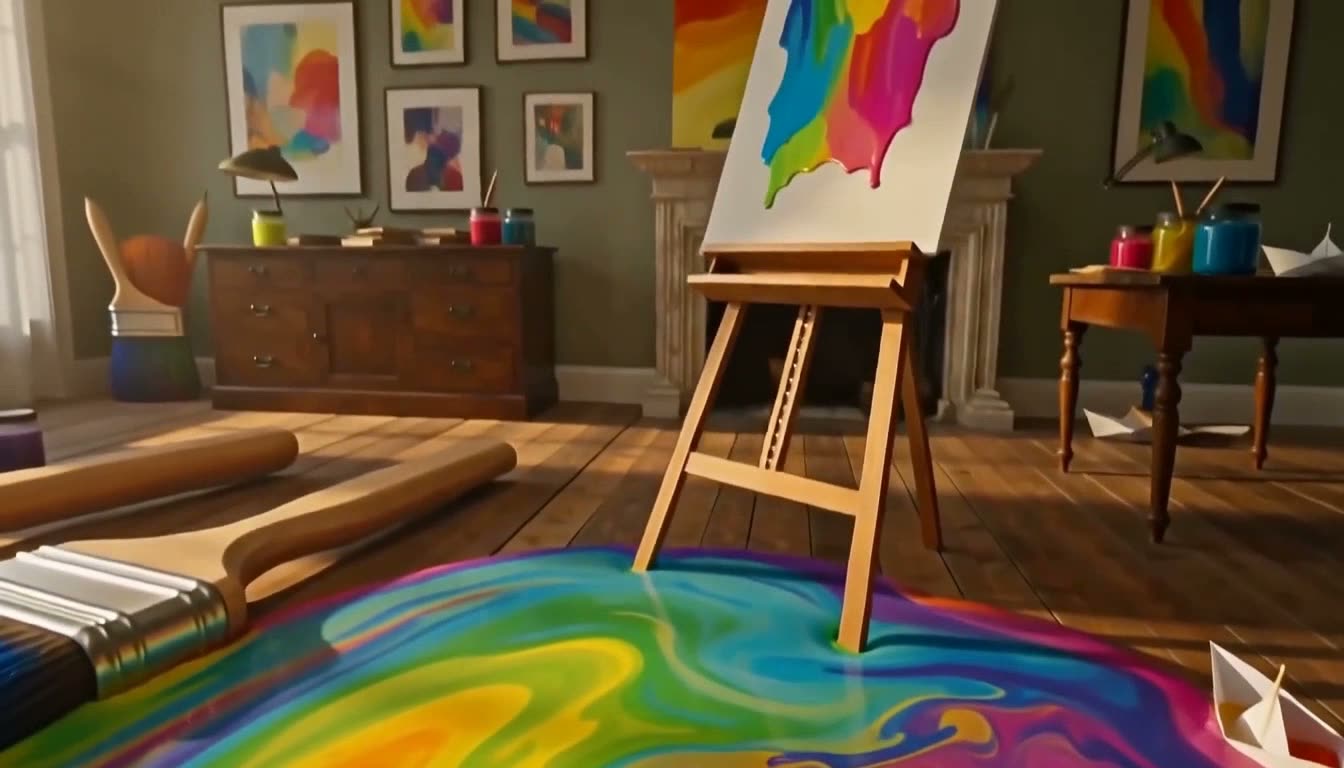
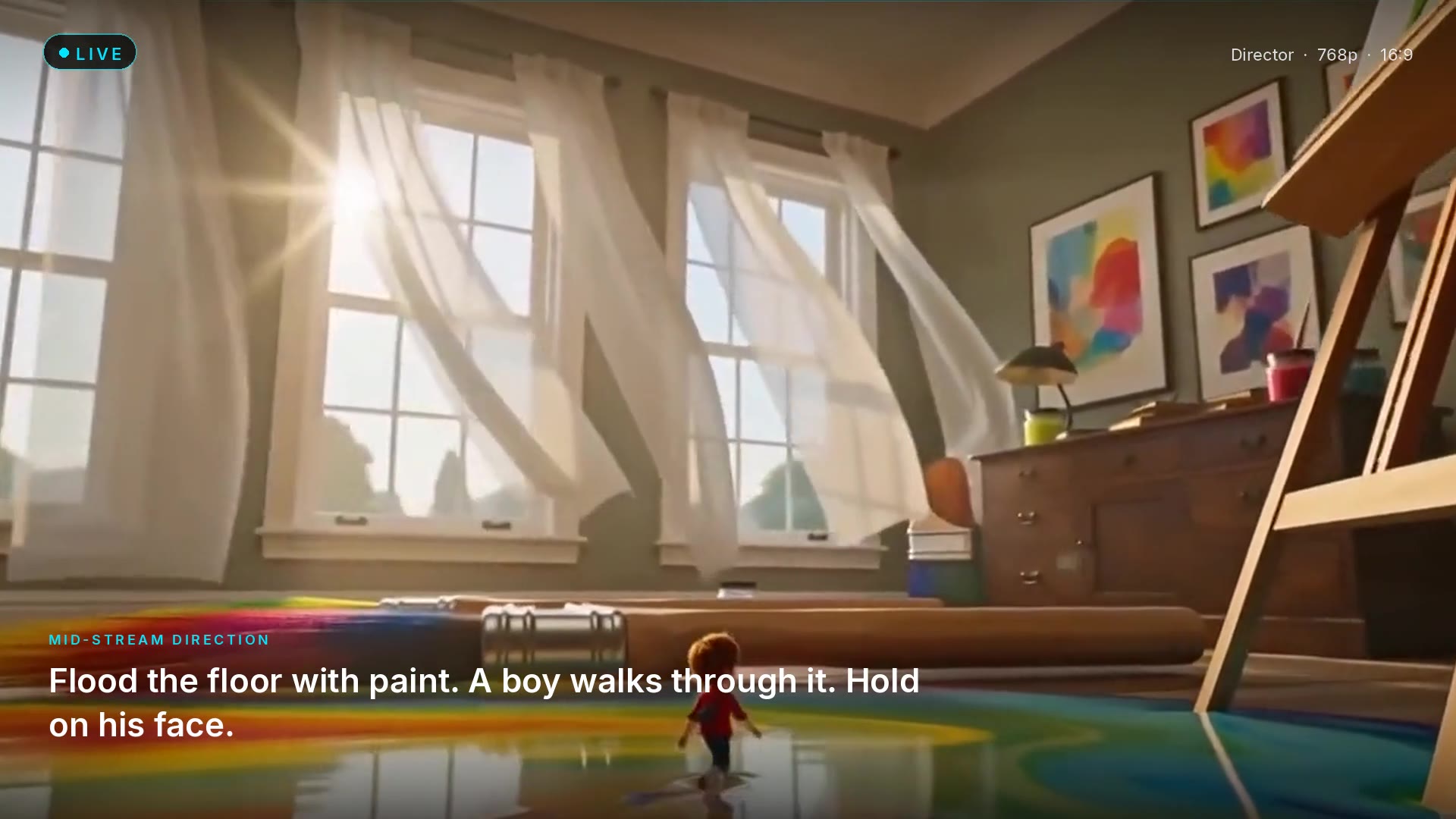
The atelier takes a turn
A generated shot from a playable film, where the final frame shapes what happens next.
Start with your own topic.
Eligible new accounts get one free story part. Topic Shorts are a secondary one-shot. No card required.
FAQ
Showcase questions.
Are these real Clip Studio outputs?+
Yes. The showcase plays clips generated in Clip Studio products such as Video Lab, Topic Shorts, and Last Frame — not stock placeholders.
Can I recreate an example?+
Each example has its own watch page. From there, Create opens the matching studio. Your prompt, still, and settings shape a new result — not a duplicate download of that exact file.
Which studio made a given clip?+
Every card names the product. Use the filter row to show one studio at a time, or All to browse the full set.
Do examples use the same models I get in Video Lab?+
Showcase clips were made in Clip Studio. Video Lab still lets you pick the live model for your own shot; the card is an example of the kind of output, not a locked model replay.
Can I download a showcase file as my ad?+
Use Create in that product to generate your own clip. The showcase is for watching examples, not for republishing those files as your campaign.