Earth stops spinning
Topic Short · Impact captions
Live previews of the six looks on a sample frame. Upload a video and every tile shows your own clip and your own words.
MP4, MOV or WebM, up to 3 minutes and 300 MB. Vertical, square or wide: the captions follow its shape.
Every word gets its timing. Words we weren’t sure about are marked, and you can fix any word before you download.
See the same moment in six looks, pick one, and download the video with the captions burned in.
Three words at a time. The word being said lights up in blue.
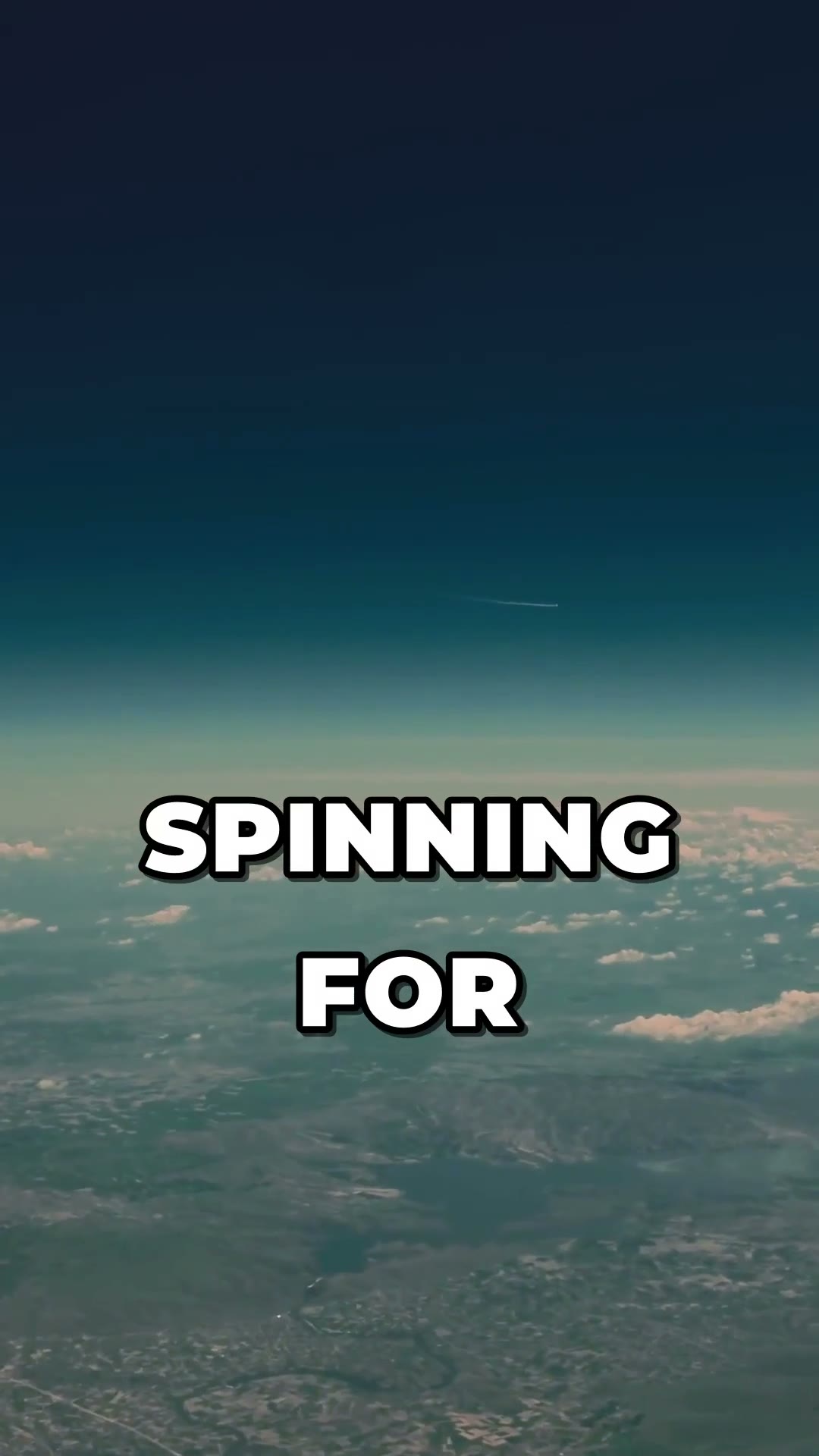
Big outlined capitals, two words at a time.
Capitals, with the key word in yellow.
A quiet sentence-case line at the bottom.
Each phrase on a rounded black pill.
A short line up top with one big cyan word.
Topic Short · Impact captions
Topic Short · Spotlight captions
Names, brand words and slang get marked when we weren’t sure. Tap a word to change it, and every look updates.
Captions are burned into a new MP4. The video you uploaded is never changed.
Download up to 4 versions of the same video: another look, or the same look after you fix a word.
The download is your video with your captions, nothing added on top.
Caption Lab adds captions to your own video. Upload it, we write down every word with its timing, you see your clip in six caption looks (Spotlight, Impact, Highlighter, Editorial, Boxed, Kicker), fix any word, and download an MP4 with the captions burned in.
MP4, MOV or WebM files up to 3 minutes long and 300 MB. The video needs a sound track with speech in it. Vertical, square and wide videos all work, and the download keeps your video's shape.
Captions work for languages written in the Latin alphabet, such as English, Spanish, Portuguese, French and German, and for Hindi in Devanagari. We detect the language from your video.
Yes. Open Fix words, tap any word and change it. Words we weren’t sure about are marked so you can check them first. Fixing words costs nothing, and every look updates.
The captions are burned into the video, so they show on every app without a separate file. Each video includes 4 downloads, and the video you uploaded stays as it was. There is no watermark.
Adding captions to a video is quoted from its length before anything runs and uses your monthly generation allowance. That one step covers writing down the words and 4 downloads; fixing words and trying looks cost nothing.
Last reviewed 19 November 2026
Caption Lab runs on a monthly plan. Clip Pro from $19/mo.