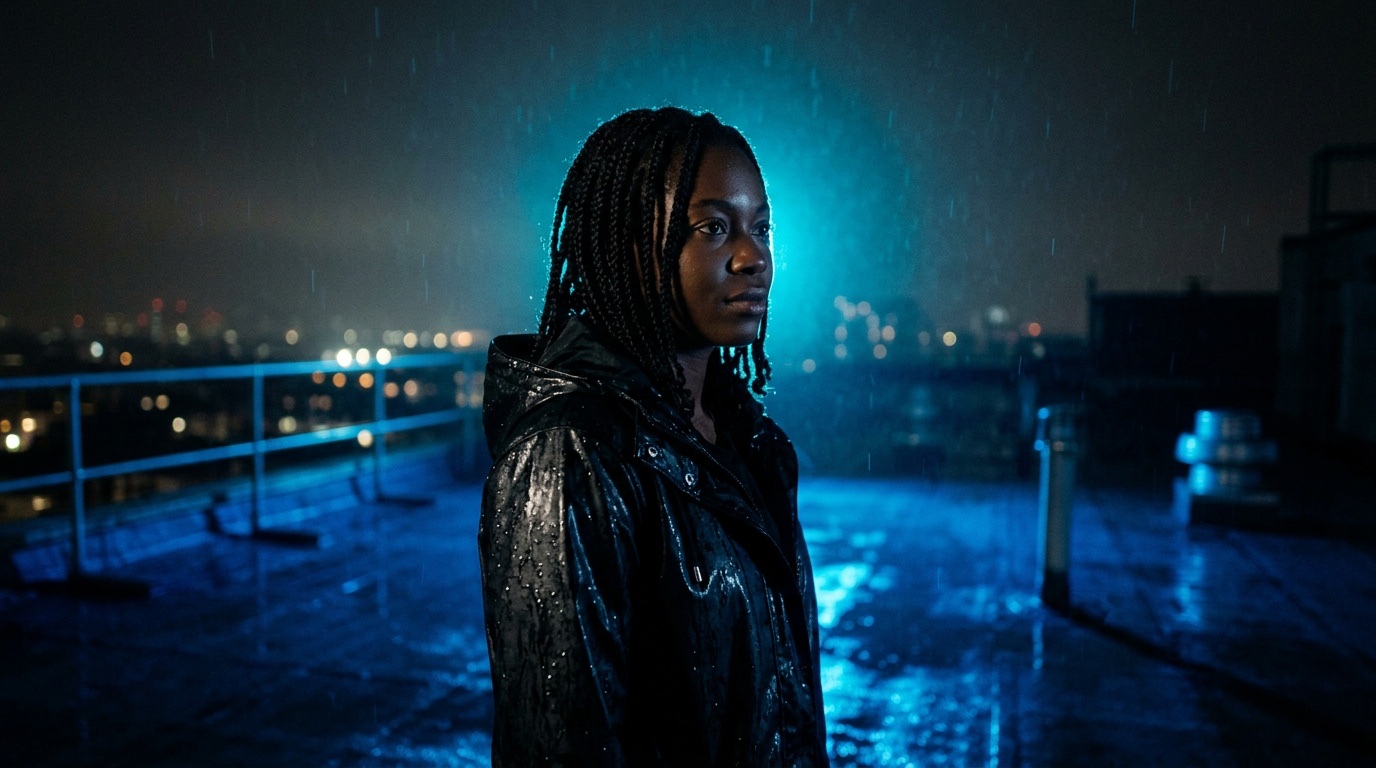
Head-to-head · Image Lab
Nano Banana 2.1 vs Nano Banana Pro
Two Google stills models with the same ten aspect ratios, the same 1K output, and edits from one source still. Pro is the higher-fidelity path and uses more of your allowance per still.
Runs online, no install · Included in plans from $19/mo · Specs checked 5 November 2026 from the live Image Lab catalog
The two models
Open either model page.
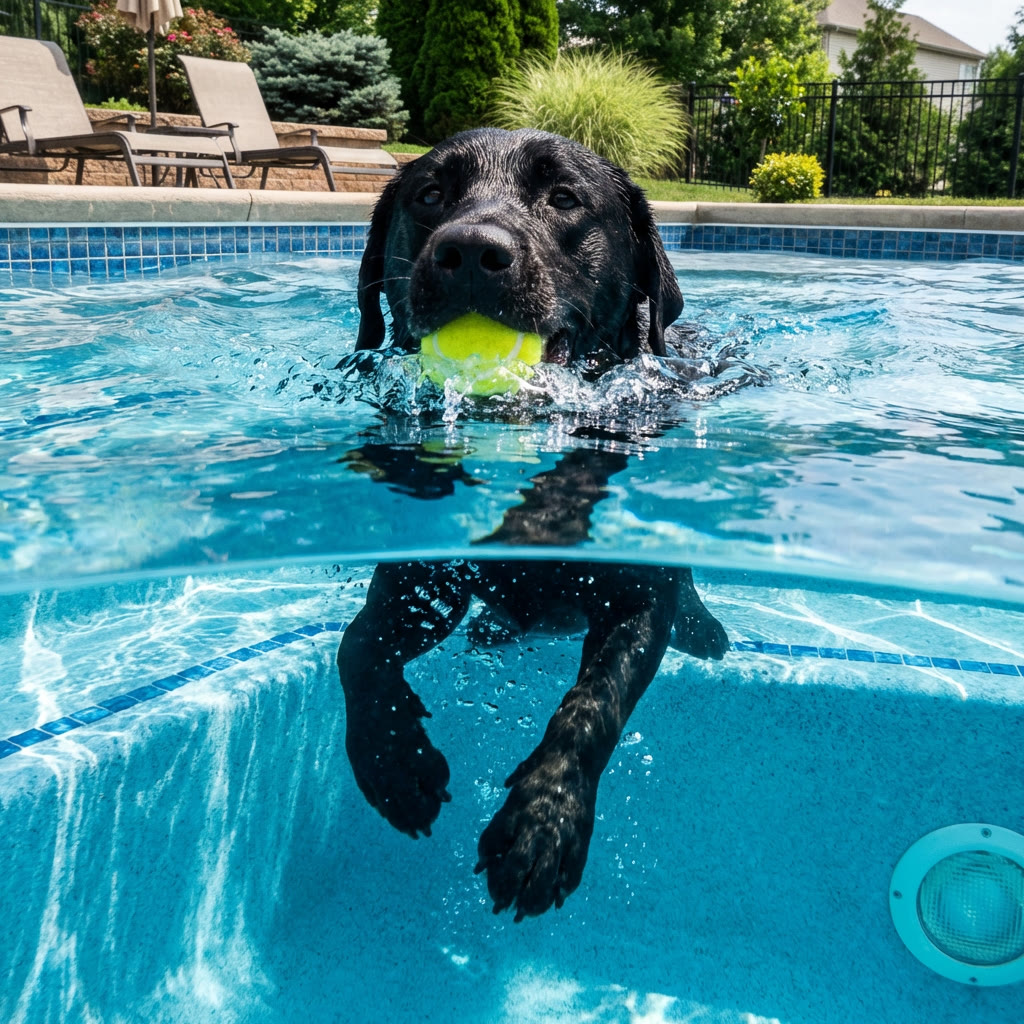
Catalog specs
Side by side in Image Lab.
Modes, edits, aspect ratios, size, and output come from the live Image Lab catalog, not from a ranked shoot-out.
| Spec | Nano Banana 2.1 | Nano Banana Pro |
|---|---|---|
| Provider | ||
| Modes | Text to image · Image to image | Text to image · Image to image |
| Edit from a still | Yes, one source still | Yes, one source still |
| Aspect ratios | 10: 16:9, 1:1, 9:16, 4:5, 4:3, 3:2, 21:9, 5:4, 3:4, 2:3 | 10: 16:9, 1:1, 9:16, 4:5, 4:3, 3:2, 21:9, 5:4, 3:4, 2:3 |
| Size in Image Lab | 1K | 1K |
| Output | Raster still | Raster still |
| Prompt length | Up to 8 KB | Up to 8 KB |
| Large source stills | No extra scaling | No extra scaling |
| Best for | The newest Nano Banana stills and image-to-image edits. | Higher-fidelity Nano Banana stills and edits. |
Which to pick
Which one should you use?
In Image Lab, Nano Banana 2.1 and Nano Banana Pro share the same envelope: ten aspect ratios, 1K output, text-to-image, and edits from one source still. Nano Banana 2.1 is the newer model. Nano Banana Pro is Google’s higher-fidelity Nano Banana path and uses more of your monthly allowance per still. Draft with 2.1, then run the keeper through Pro if the extra fidelity matters for that image.
Nano Banana 2.1
Pick Nano Banana 2.1 for drafts and volume: it is the newest Nano Banana model and uses less of your allowance per still.
Nano Banana Pro
Pick Nano Banana Pro for a final still where you want Google’s higher-fidelity Nano Banana path.
FAQ
Nano Banana 2.1 vs Nano Banana Pro FAQ
The Image Lab envelope matches: ten aspect ratios, 1K output, and edits from one source still. Nano Banana 2.1 is the newer model; Nano Banana Pro is the higher-fidelity path.
Nano Banana 2.1 uses less of the monthly allowance per still than Nano Banana Pro. Both are included in every Clip Studio plan and use the same monthly generation allowance, and each setup is quoted in Image Lab before you generate. Plan details live on the pricing page.
Yes. Both accept the same aspect ratios in Image Lab, so you can keep the prompt and aspect and switch the model.
No. Both run in Image Lab, which is included in every Clip Studio plan, and every plan opens every Image Lab model. Clip Pro from $19/mo.
