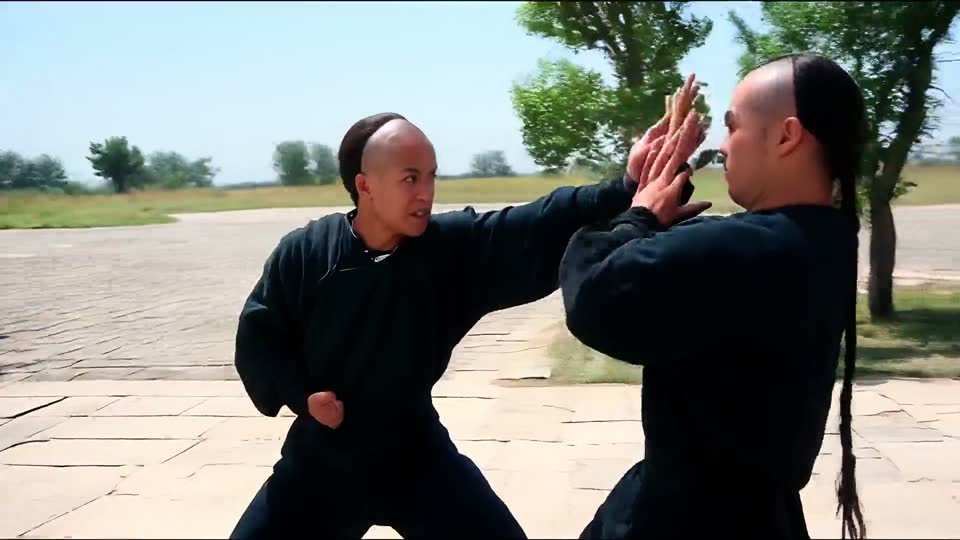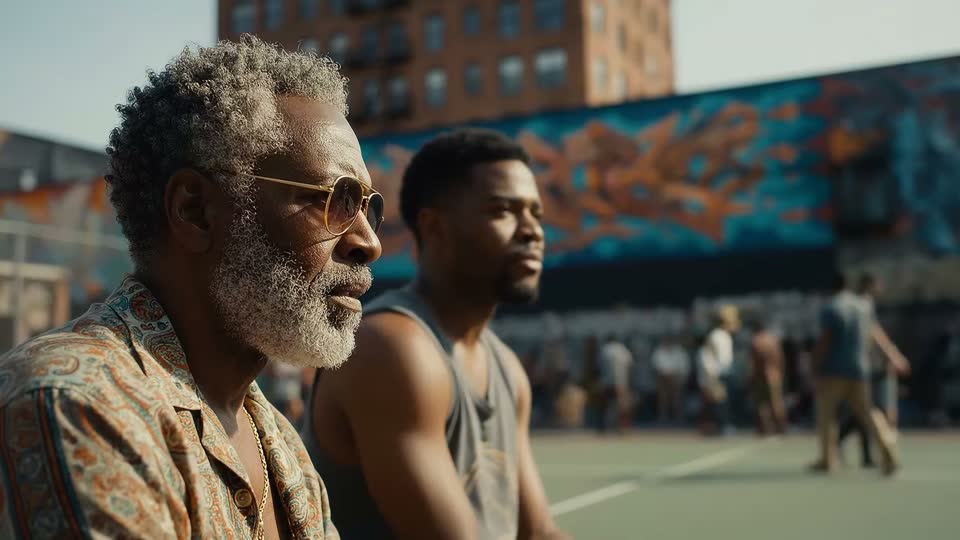
Happy Horse 1.1
Alibaba · A native-audio text-and-image model with source-image animation, multi-image references, and broad social formats.

| Model record | Alibaba |
|---|---|
| Inference | Served via fal.ai |
| Reviewed | 3 October 2026 |
| Endpoint | alibaba/wan-3.0-prime/text-to-video |
A written story → a multi-shot film · MP4
Wan 3.0 Prime keeps the same long-form control as Wan 3.0 and accelerates generation. Use it when you want 2–30 second one-pass shots, image animation, first and last frames, or up to ten references, and you would rather pay a higher per-second rate to iterate faster.
Best for Faster long-form campaign and social shots that still need image direction and optional sound.
| Spec | Wan 3.0 Prime |
|---|---|
| Duration | 2–30 seconds |
| Resolution | 480p, 720p, or 1080p |
| Aspect ratio | Landscape, portrait, square, and social formats |
| Audio | Optional native audio |
Catalog modes: Text prompt · Animate image · First → last · References. Advanced controls: Seed, Prompt enhancement. References: Up to 10.
Wan 3.0 Prime keeps the same listed duration (2–30 seconds), resolution (480p, 720p, 1080p), audio (optional generated audio), and modes as Wan 3.0.
Prime is the accelerated Wan 3.0 SKU at a higher per-second rate. Duration, resolution, audio, first/last frames, and the ten-reference cap match Wan 3.0.
| Spec | Wan 3.0 Prime | Wan 3.0 |
|---|---|---|
| Duration | 2–30 seconds | 2–30 seconds |
| Resolution | 480p, 720p, 1080p | 480p, 720p, 1080p |
| Aspect ratios | 16:9, 4:3, 1:1, 3:4, 9:16 | 16:9, 4:3, 1:1, 3:4, 9:16 |
| Audio | Optional generated audio | Optional generated audio |
| Modes | Text prompt, Animate image, First → last, References | Text prompt, Animate image, First → last, References |
| References | Up to 10 | Up to 10 |
| Advanced controls | Seed, Prompt enhancement | Seed, Prompt enhancement |
Why choose it
Accelerated Wan 3.0 generation
2–30 second one-pass clips
Animate, first/last, and up to ten references
What to consider
Costs more per second than standard Wan 3.0
Negative prompt and multi-shot controls are not available
01 Same long-form prompt you would use on Wan 3.0: one continuous 30-second market walk, optional native audio.
Try this prompt02 Iterate faster: lock a seed, change only the time of day, keep first and last frames.
Try this prompt03 Ten-reference identity hold on a 12-second product demo at 1080p.
Try this prompt04 Portrait social: 9:16 unbox with optional paper-tear audio for the full duration.
Try this promptWan 3.0 Prime is Alibaba’s accelerated Wan 3.0 SKU. It makes 2–30 second clips at 480p, 720p, or 1080p with optional native audio, from text, a start image, first/last frames, or up to ten references.
Wan 3.0 Prime is best when you want Wan 3.0’s 2–30 second control and optional audio, but need faster generation than the standard SKU.
Prime is the faster Wan 3.0 SKU. It keeps the same 2–30 second 480p–1080p generation, optional native audio, first/last frames, and up to 10 references, at a higher per-second rate.
Video Lab supports single-image animation, first-to-last-frame direction, and up to ten reference images with Wan 3.0 Prime.
No. Wan 3.0 Prime runs on a paid monthly plan. Every monthly plan opens every Video Lab model, including Wan 3.0 Prime, and every generation is quoted before you generate.
Wan 3.0 Prime uses the monthly generation allowance that comes with every Clip Studio plan. Clip Pro is $19/mo. How much of the allowance a clip uses depends on its length, resolution, and audio, and the exact amount is quoted before you generate. At the default setup (5 seconds at 720p with audio), Clip Pro’s monthly allowance covers about 9 Wan 3.0 Prime clips, roughly 45 seconds of video, if you spend it all on Wan 3.0 Prime. A different length or resolution changes that number, and Studio Elite and Studio Scale have larger allowances. Plan details live on the pricing page.
Open Video Lab at /video-lab?model=wan-3-0-prime with Wan 3.0 Prime already selected. Sign in, write a prompt or add a source image, set the length and format, check the quote, then generate. Generate 2–30 second 480p–1080p shots with optional native audio, first/last frames, and up to ten references. The finished clip lands in your Clip Studio Library.
Alibaba · A native-audio text-and-image model with source-image animation, multi-image references, and broad social formats.
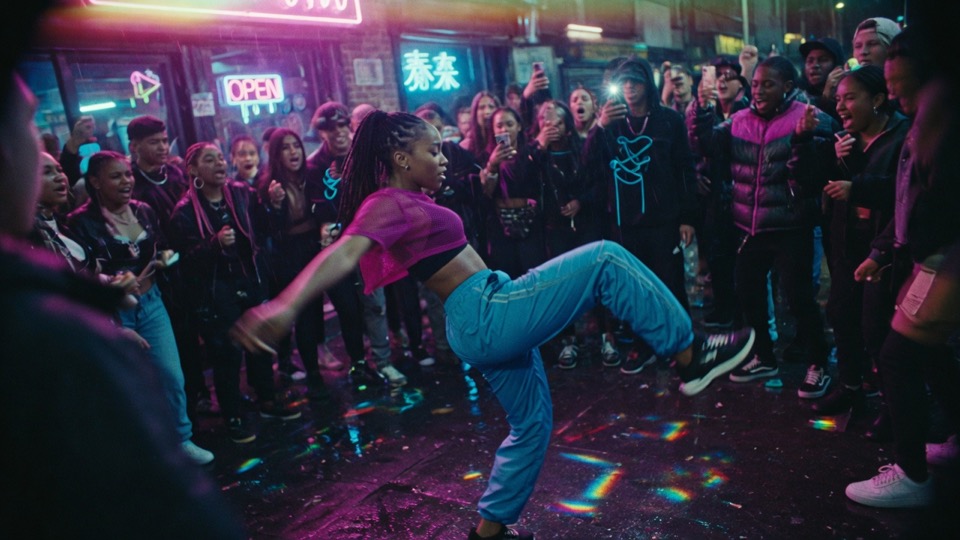
Alibaba · A longer 1080p one-pass text-and-image model with optional native audio, first/last frames, and up to ten references.
Write a prompt or bring a still. Video Lab quotes the setup before you generate, and the clip lands in your library.
Wan 3.0 Prime is provided by Alibaba and served in Clip Studio through fal.ai. Product names and trademarks belong to their respective owners. Model capabilities and availability can change.