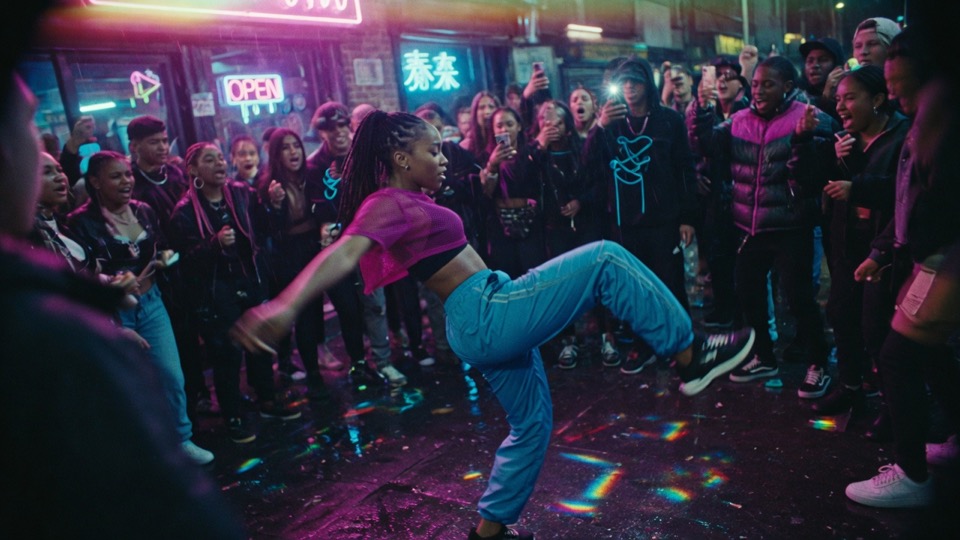
Wan 3.0
Alibaba
| Spec | Wan 3.0 | Seedance 2.5 |
|---|---|---|
| Duration | 2–30 seconds | 4–30 seconds |
| Resolution | 480p, 720p, 1080p | 480p, 720p, 1080p |
| Aspect ratios | 16:9, 4:3, 1:1, 3:4, 9:16 | 21:9, 16:9, 4:3, 1:1, 3:4, 9:16 |
| Audio | Optional generated audio | Optional generated audio |
| Modes | Text prompt, Animate image, First → last, References | Text prompt, Animate image, First → last, References |
| References | Up to 10 | Up to 30 |
| Advanced controls | Seed, Prompt enhancement | None listed |
Both reach 30 seconds. Wan 3.0 starts at 2 seconds and Seedance 2.5 starts at 4 seconds.
Wan 3.0 supports up to ten. Seedance 2.5 supports up to 30 in Clip Studio Video Lab.
Yes. Audio is optional on both models, so you can turn it off for a silent clip.
Prime has the same listed duration, resolutions, audio, and image modes. It is the faster Wan 3.0 SKU at a higher per-second rate.
Neither is free. Both are included in every Clip Studio plan and use the plan’s monthly generation allowance, and each setup is quoted before you generate. At each model’s default setup (Wan 3.0: 5 seconds at 720p with audio; Seedance 2.5: 5 seconds at 720p with audio), Clip Pro’s monthly allowance covers about 12 Wan 3.0 clips or about 2 Seedance 2.5 clips. Plan details live on the pricing page.
Wan 3.0 is provided by Alibaba and Seedance 2.5 is provided by ByteDance. Both are served in Clip Studio through fal.ai. Product names and trademarks belong to their respective owners. Model capabilities and availability can change.