Name a topic. Get a channel of shorts.
- One plan for every studio
- Five episode ideas at a time
- Faceless stock footage
- Voiceover and captions included
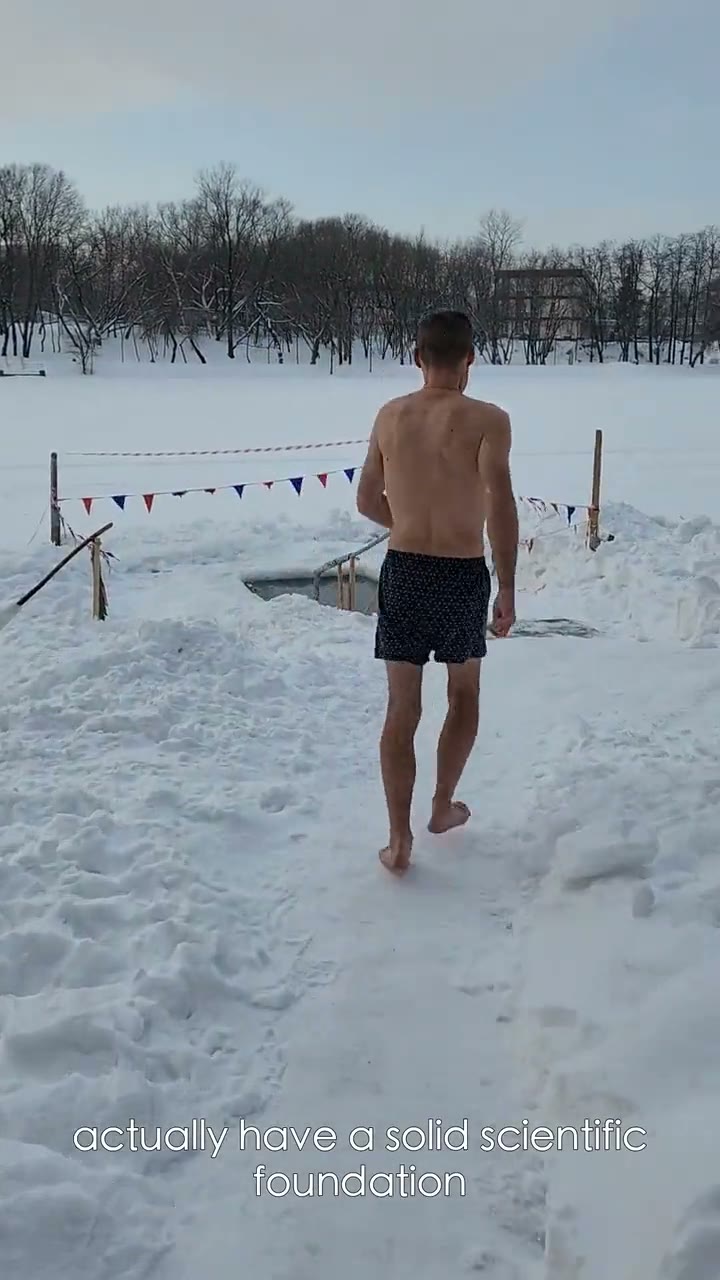
“Why cold plunges actually work”
Your nervous system is not guessing.
Script
Drafted
Stock
Matched
Captions
Timed
One topic. A channel you run.
- 01
Type one topic
Say what the channel is about, like ocean animal facts or five-minute history. That one line is all the setup needs.
- 02
Get your channel
Clip Studio sets the channel style: a narration voice, a caption look, one of ten formats, and a language. Change any of it whenever you like.
- 03
Pick from five ideas
Five episode ideas arrive at a time. Approve the ones you want, skip the rest, or write your own. Nothing is made until you say so.
- 04
Make each episode with one tap
Tap Make on an approved episode and it becomes a finished short: a planned story, stock footage, voiceover, and burned-in captions. Each one is a normal generation from your monthly allowance.
- 05
Post it yourself, then tick it off
Download the MP4 with its title, caption, hashtags, and cover, and upload it to TikTok, Reels, or Shorts. Mark it Posted so your board for the week stays current.
Built for faceless channels.
One style for every episode
The channel keeps one voice, one caption look, one format, and one language, so episode twelve looks and sounds like episode one. Edit the channel style at any time.
Five ideas, your call
Ideas are proposed five at a time for your topic. Approve, skip, or write your own episode. No episode is generated until you tap Make, so nothing uses your allowance without you.
Ten ways to tell it
Mini documentary, Myth check, Story with a twist, How it works, Top 5, Quiz, Scary story, History POV, Post story, and What if. Each format gives the script its own structure, caption look, and music mood.
A board for your week
See every episode in four lanes: Queued, Rendering, Ready, and Posted by me. Posted is a checklist you tick after you upload the short yourself. Clip Studio does not post or schedule for you.
Everything you need to post
Every finished episode comes with a title, caption, hashtags, and a cover frame. Change the caption look or the music for free, and export a version without music, a version without captions, or SRT and VTT subtitles.
Six languages, three frames
Narration and captions in English, Spanish, Portuguese, German, French, or Hindi, in 9:16, 16:9, or 1:1. You can also build a script from a link or an article, with a Sources card on the finished short.
See what people made.
Then generate this.
Questions about your channel.
A channel is where your Topic Shorts live. You type one topic and Clip Studio sets up a channel with its own voice, caption look, format, and language, then proposes episode ideas for it. Each episode you make is a faceless short: a planned story with stock footage, voiceover, and burned-in captions. You never film or appear on camera.
Clip Studio proposes five episode ideas at a time for your channel. Approve the ones you like, skip the rest, or write your own. Nothing is generated until you tap Make on an episode, and each one is a normal generation from your monthly allowance, quoted before it starts.
No. You download each episode and upload it yourself. The channel board has four lanes, Queued, Rendering, Ready, and Posted by me, and Posted is a checklist you tick after you post. There is no scheduling and no automatic posting. Every finished episode comes with a ready title, caption, hashtags, and cover frame to copy.
Yes. The channel style is editable: pick another narration voice, one of six caption looks or no captions, one of ten formats, and one of six languages (English, Spanish, Portuguese, German, French, Hindi). On a finished episode you can switch the caption look or swap or remove the music for free. Each change saves a new version without re-voicing the short.
Yes. Make a one-off short from a topic, your own script, or a link or article, in 9:16, 16:9, or 1:1, and review the story before you generate if you want. Topic Shorts use stock footage, so check the source footage terms and any rights you need for your intended use.
Not for new accounts. Topic Shorts runs on a monthly plan that opens every studio, and each episode is quoted before it generates. Clip Pro from $19/mo.
Last reviewed 11 November 2026
Keep going
Bring one topic.Leave with a channel.
Name what your channel is about, approve the first ideas, and make episode one: a voiced, captioned short ready for you to post.
