Seedream 5 Pro
| Model record | ByteDance |
|---|---|
| Inference | Served via fal.ai |
| Reviewed | 5 November 2026 |
| Endpoint | bytedance/seedream/v5/pro/text-to-image |
When should you use Seedream 5 Pro?
ByteDance Seedream 5 Pro stills and edits via fal. Aspect maps to a size up to 1536 × 1536 pixels.
Best for High-detail stills and reference edits.
The supported still envelope.
| Spec | Seedream 5 Pro |
|---|---|
| Modes | Text to image · Image to image |
| Aspect ratio | 21:9, 16:9, 3:2, 4:3, 5:4, 1:1, 4:5, 3:4, 2:3, 9:16 |
| Output | Still |
| Provider | ByteDance |
Seedream 5 Pro FAQ
All three generate and edit stills at the same listed aspects. Pro is the top Seedream 5 option, Flash is the faster one, and Lite is the earlier Seedream 5 stills path.
Yes. Attach a source still to run image-to-image. Prompt-only jobs stay text-to-image.
No. Seedream 5 Pro runs in Image Lab, which is included in every Clip Studio plan, and every plan opens every Image Lab model. Each Seedream 5 Pro still is quoted before you generate, so you see what it uses first.
There is no separate Seedream 5 Pro subscription. Plans are Clip Pro at $19, Studio Elite at $39, and Studio Scale at $99 a month (annual billing is about 20% less). Each plan includes a monthly generation allowance shared across every studio. Each Seedream 5 Pro still uses part of it. The model, the aspect ratio, and whether you attach a source still can change how much, and Image Lab shows the quote before you generate. Plan details are on the pricing page.
Open Seedream 5 Pro in Image Lab from this page (it opens with Seedream 5 Pro selected) and sign in. Write a prompt, pick an aspect ratio Seedream 5 Pro accepts, and attach a source still if you want an edit. Check the quote, then generate. The finished still lands in your Clip Studio Library to download. Nothing to install.
Seedream 5 Pro compared.
Compare Seedream 5 Pro with another model.
OpenAI · Original model creator
ChatGPT Image 2.5
OpenAI ChatGPT Image 2.5 stills via fal, including edits from a source image.
Google · Original model creator
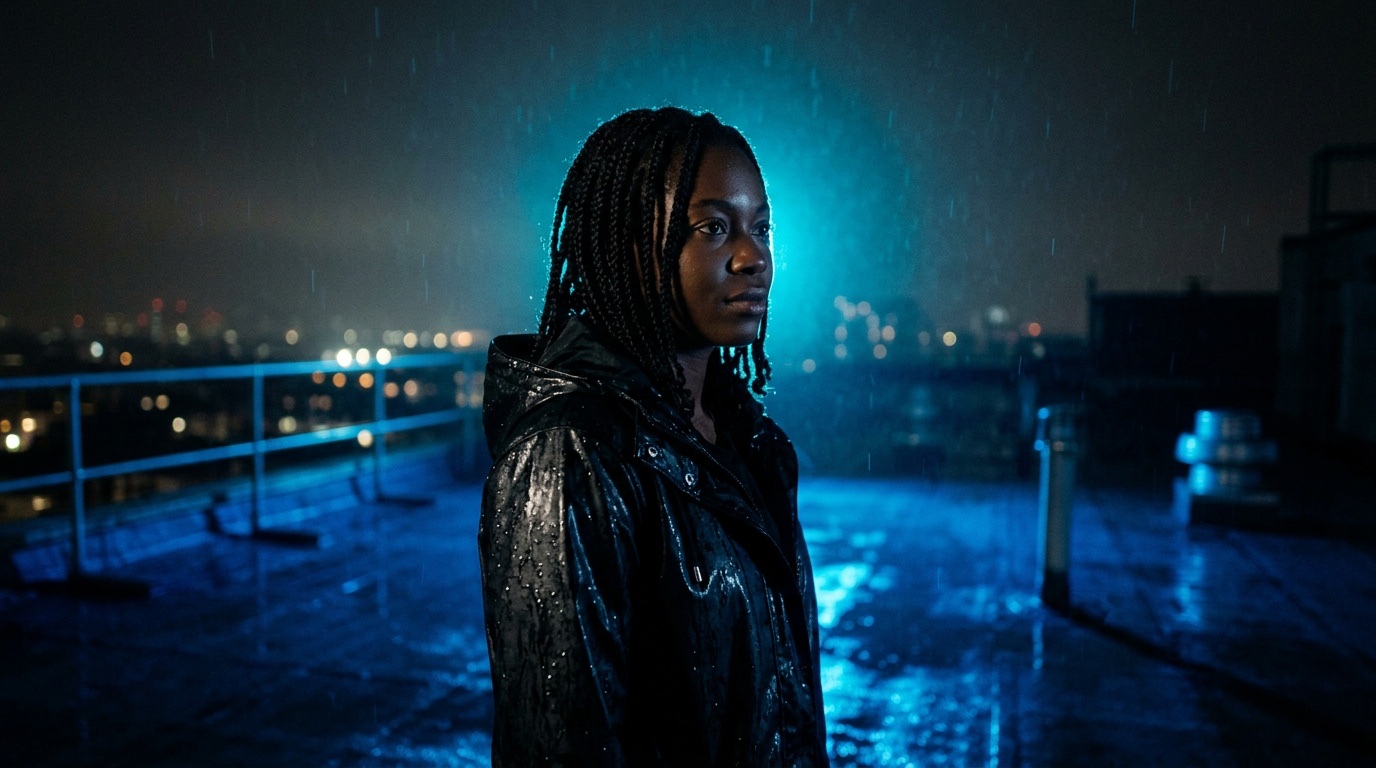
Nano Banana 2
Google Nano Banana 2 stills and edits on fal. Quoted at 1K.
Google · Original model creator
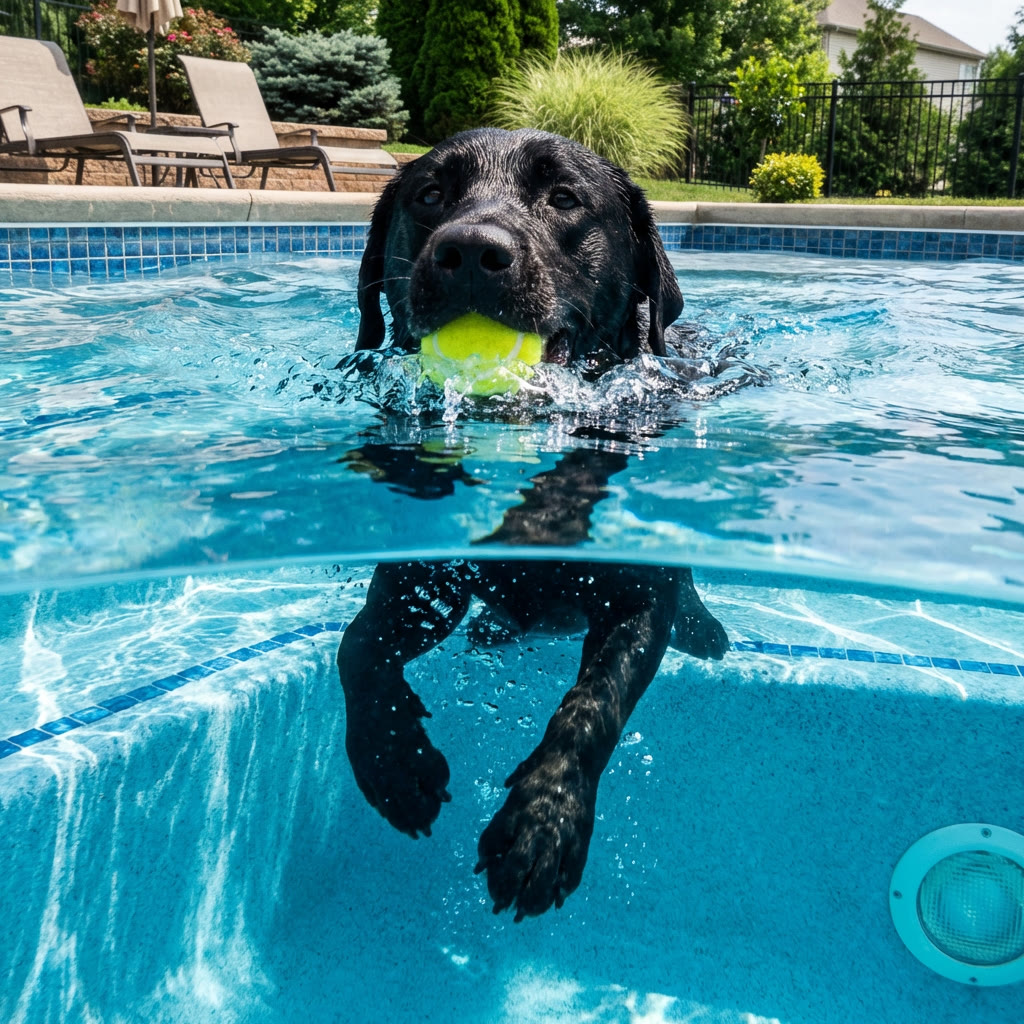
Nano Banana 2.1
Google Nano Banana 2.1 stills and edits on fal. Quoted at 1K.
Google · Original model creator
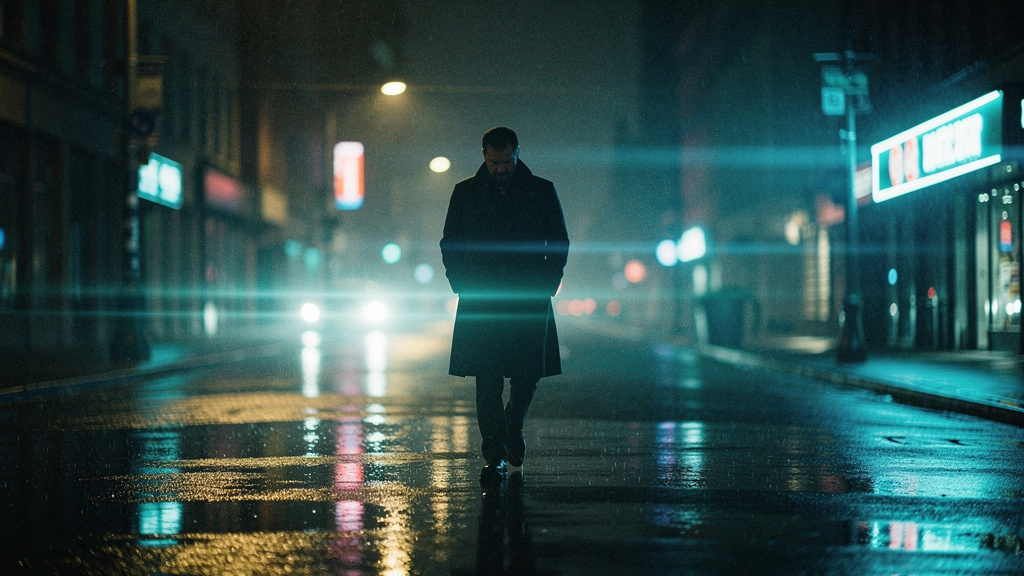
Nano Banana Pro
Google Nano Banana Pro stills and edits on fal. Quoted at 1K.
Black Forest Labs · Original model creator
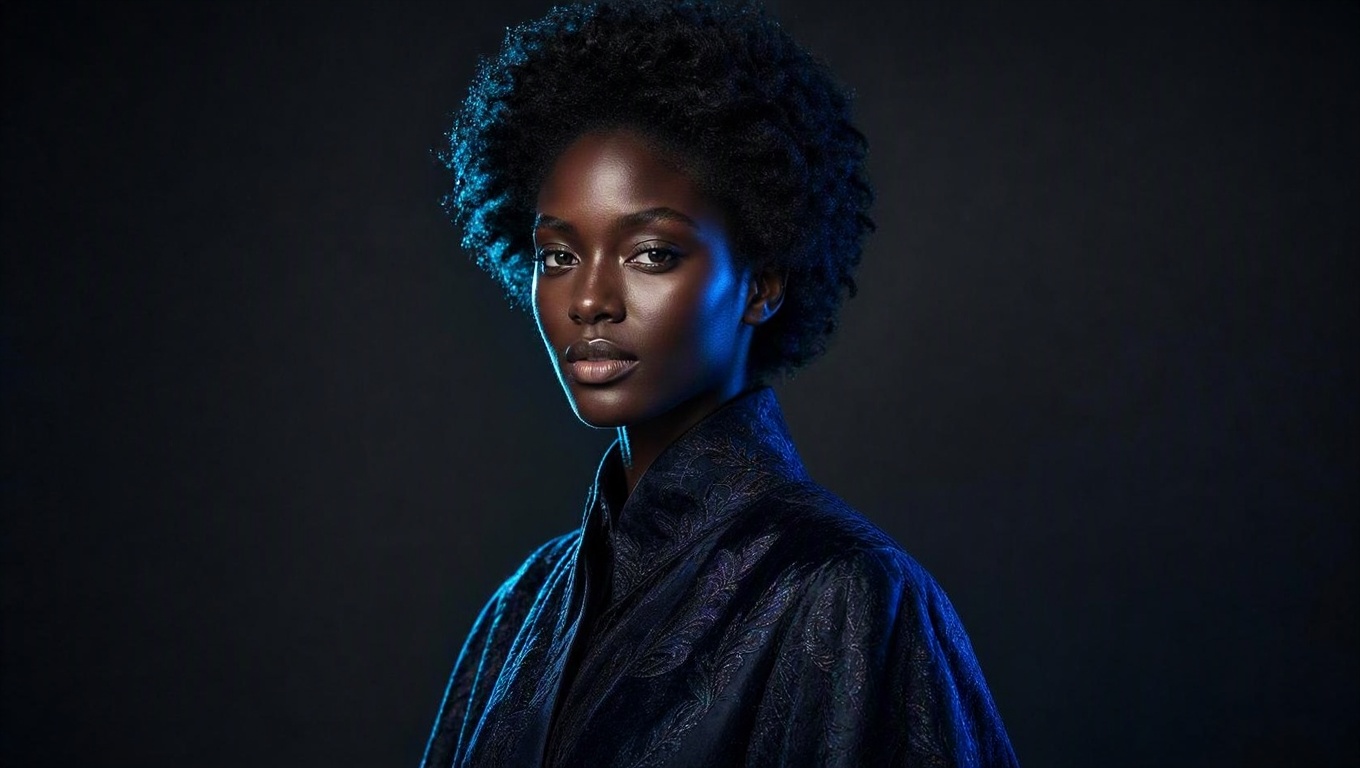
FLUX.2 Pro
Black Forest Labs production stills, billed by output megapixels.
Microsoft · Original model creator
MAI Image 2.5
Microsoft photoreal stills via fal, including edits from a source image.
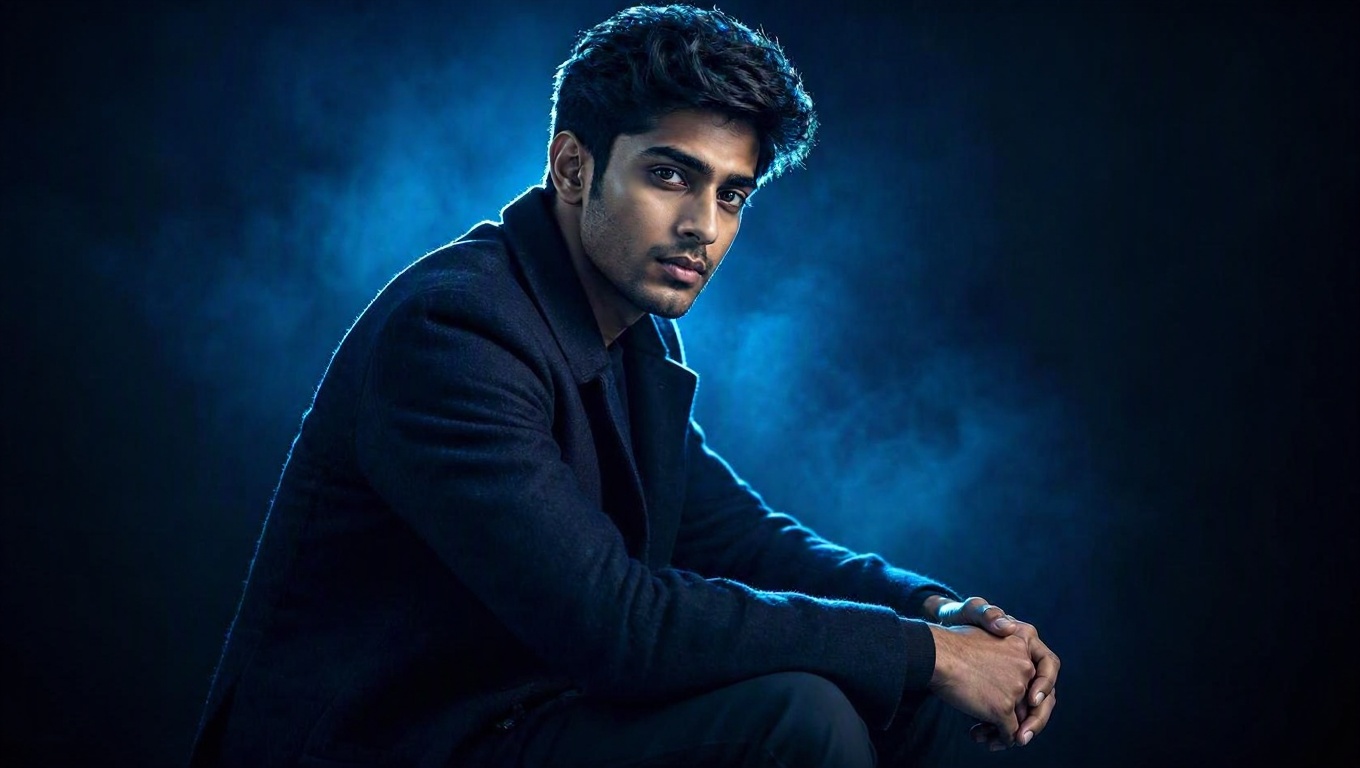
Microsoft · Original model creator
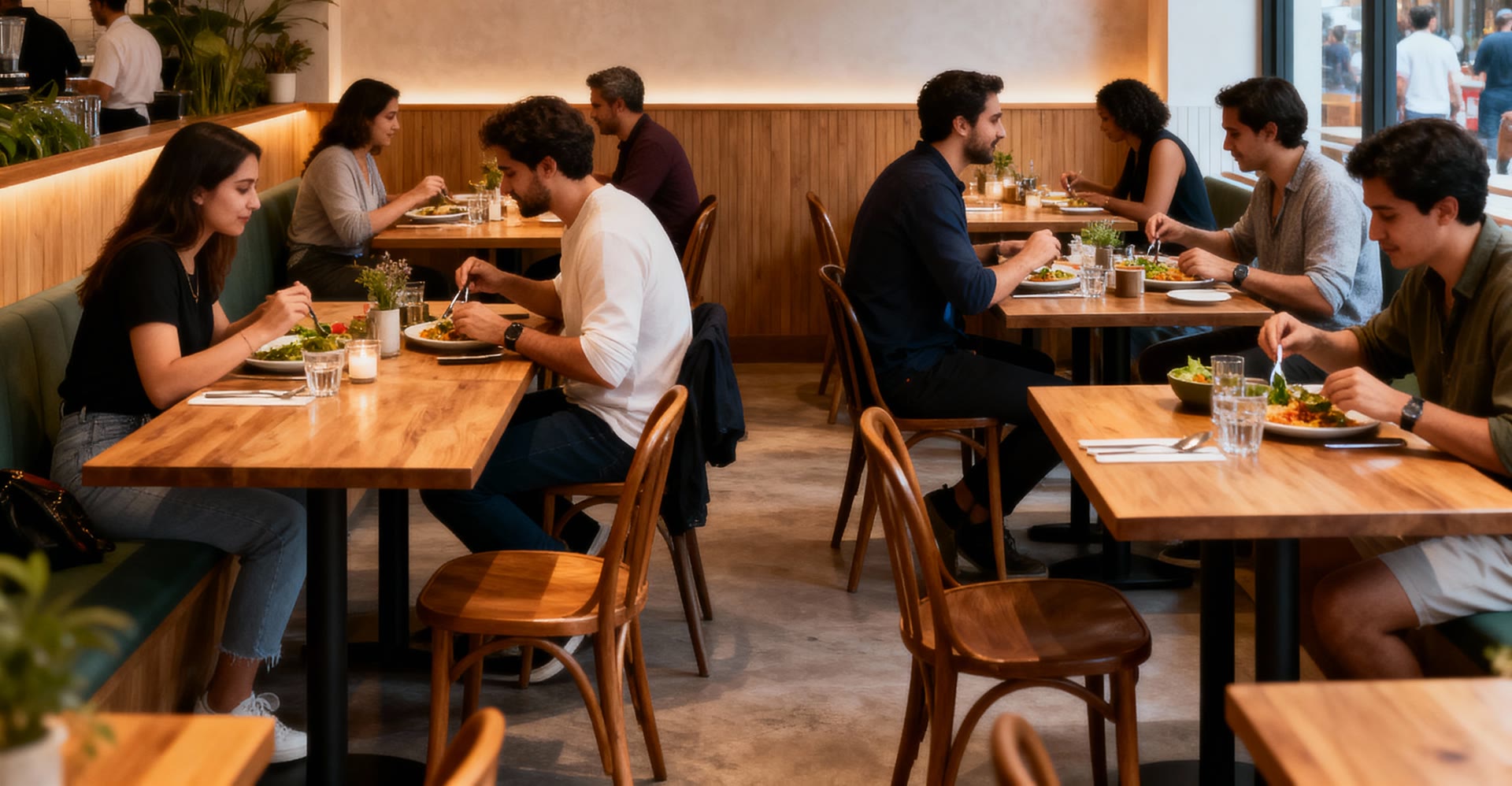
MAI Image 2.5 Pro
Microsoft flagship stills via fal, including edits from a source image.
ByteDance · Original model creator
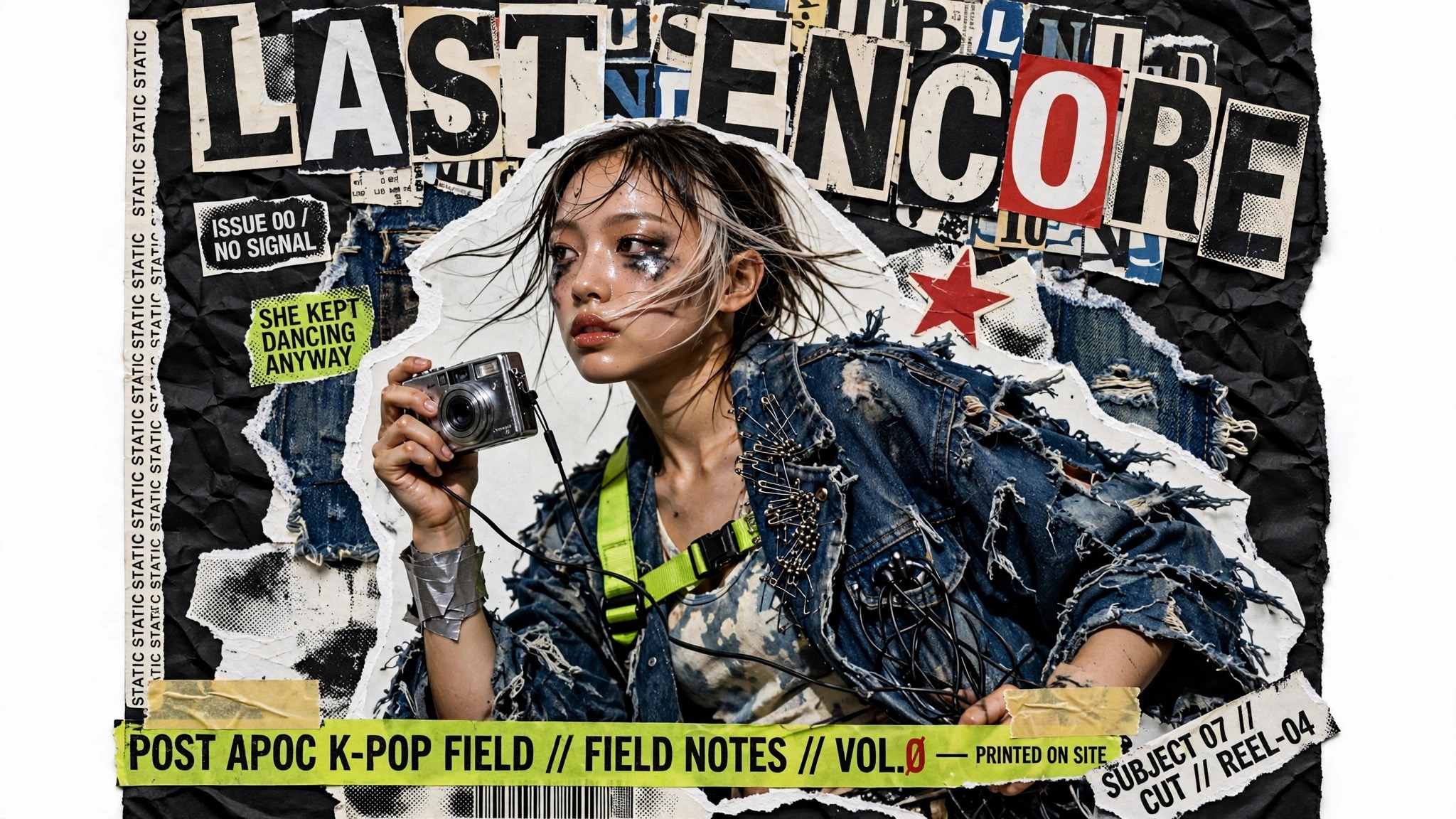
Seedream 5 Lite
ByteDance Seedream 5 Lite stills and edits via fal. Aspect maps to a 2K-band size.
Meta · Original model creator
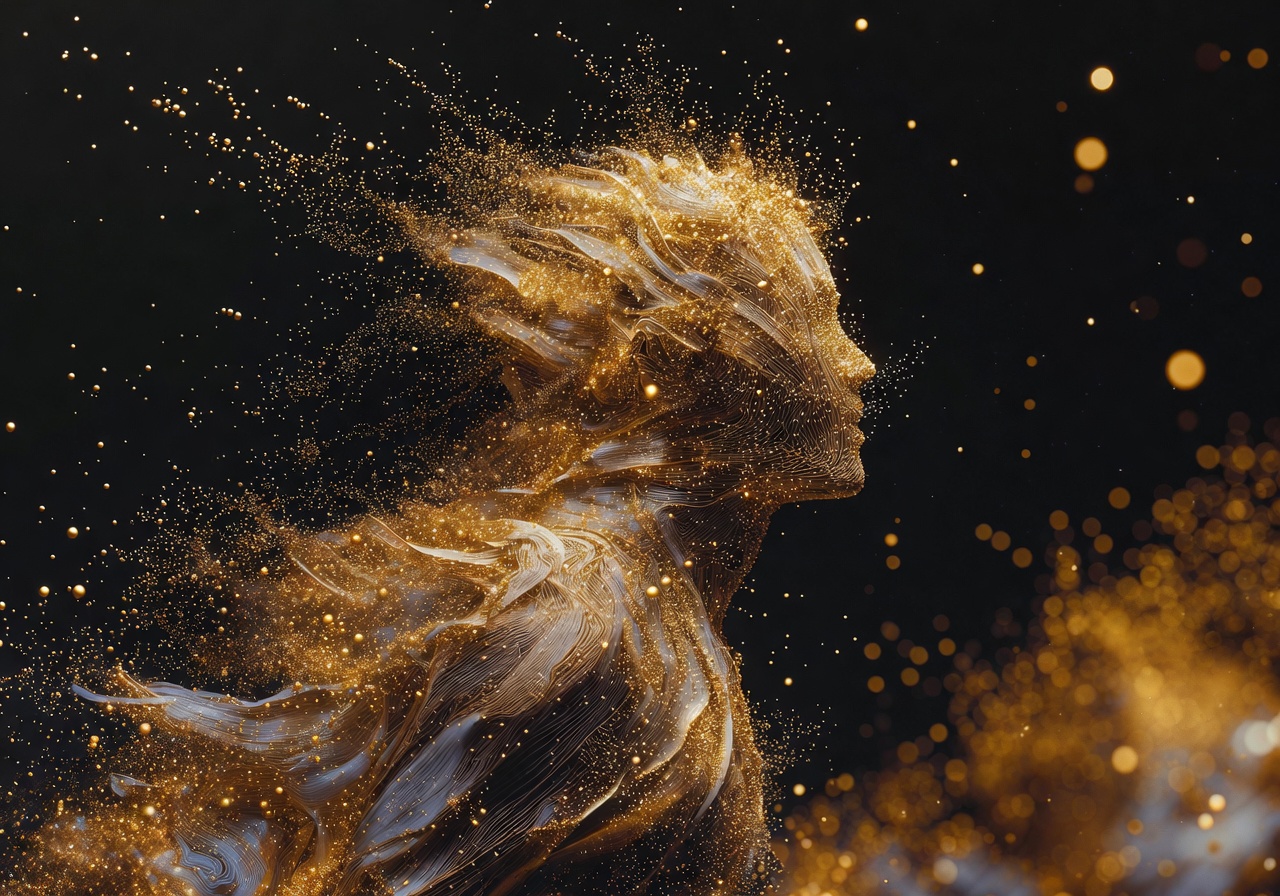
Muse Image
Meta Muse Image stills and instruction edits via fal. Around 2.5MP, with custom aspect strings.
xAI · Original model creator
Grok Imagine Image 2.0
xAI Grok Imagine Image 2.0 stills and edits via fal on listed aspects.
Alibaba · Original model creator
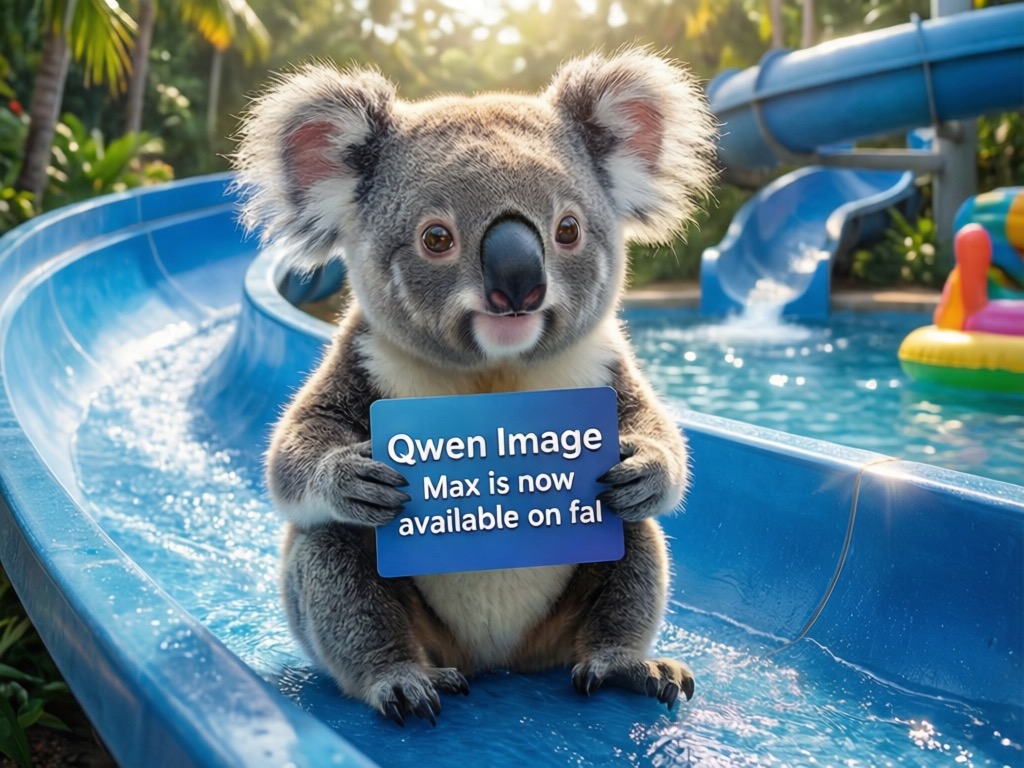
Qwen Image 3
Alibaba Qwen Image 3 stills and edits via fal. Quoted at 1K, with strong typography and CJK.
Kuaishou · Original model creator
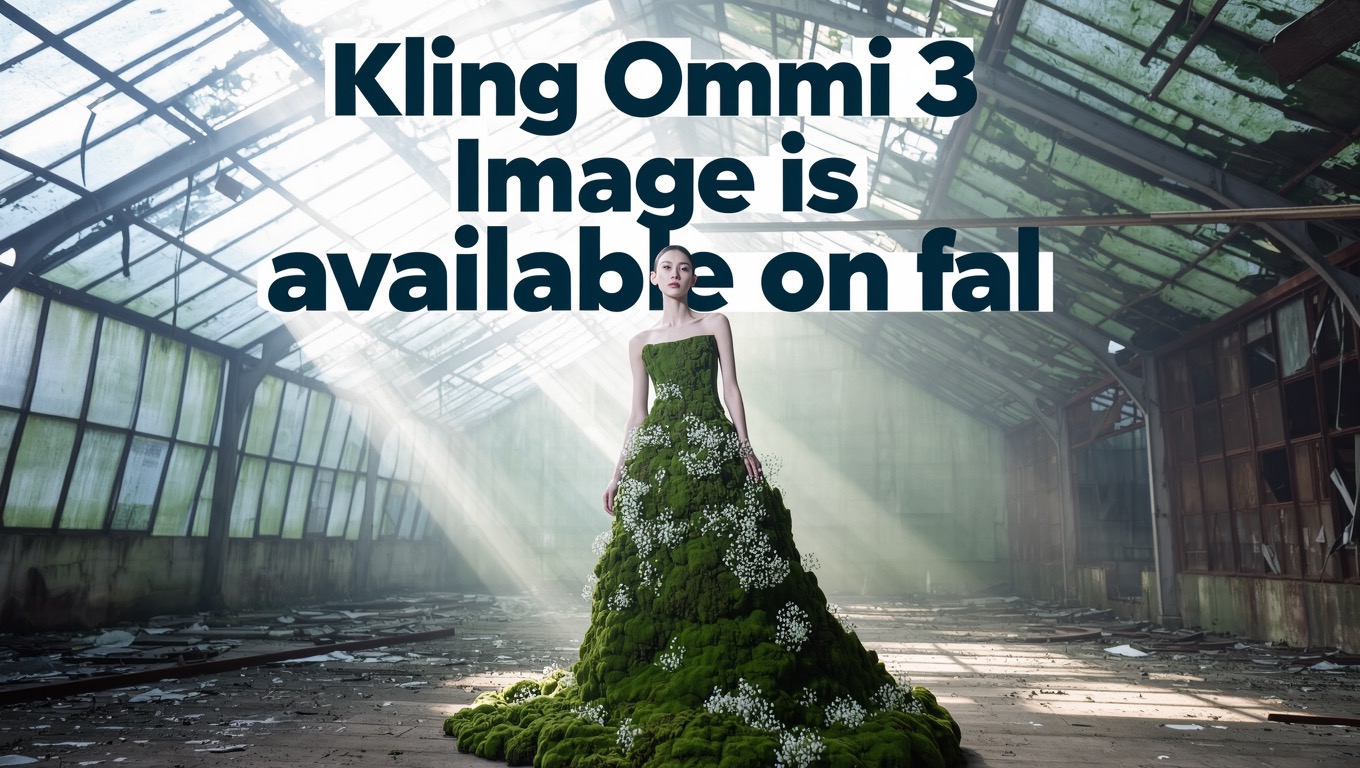
Kling Omni 3
Kuaishou Kling Omni 3 stills and edits via fal. Quoted at 1K on listed Kling aspects.
Black Forest Labs · Original model creator
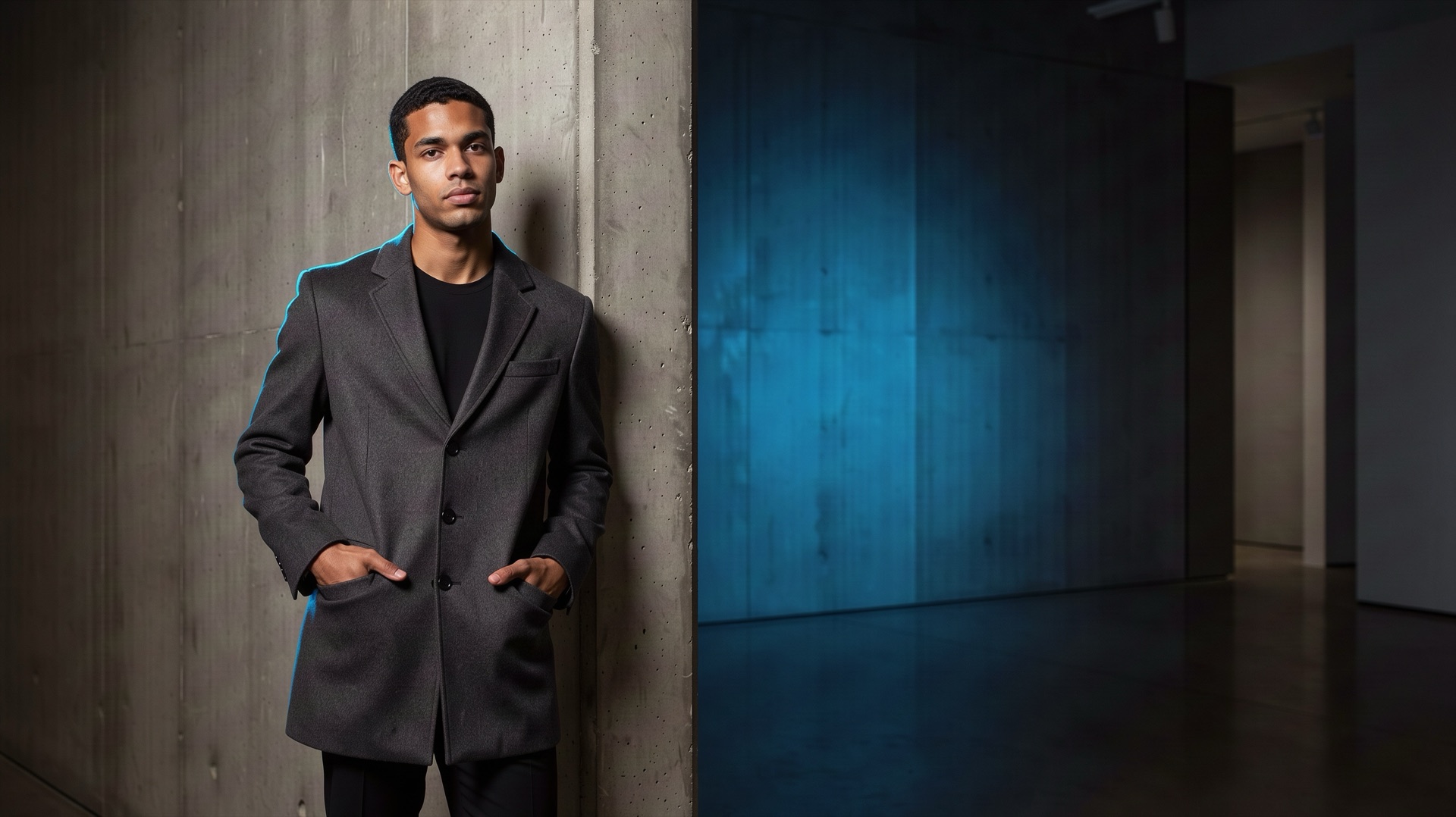
FLUX 3 Image
Black Forest Labs FLUX 3 stills and precise local edits via fal. Quoted at 1K.
Ideogram · Original model creator
Ideogram V4.5
Ideogram V4.5 design-ready stills and edits via fal, with accurate typography.
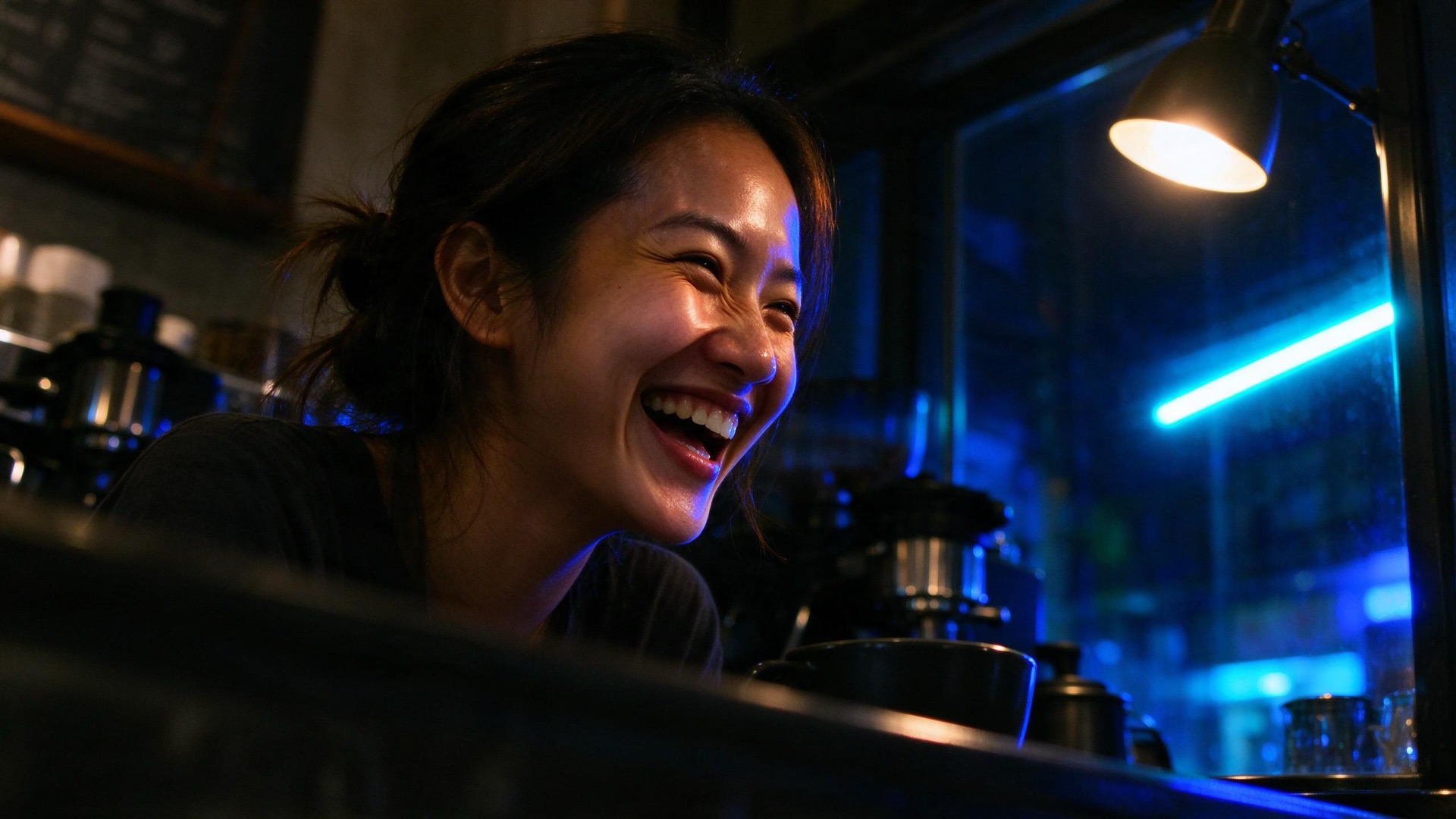
ByteDance · Original model creator
Seedream 5 Flash
ByteDance Seedream 5 Flash fast stills and edits via fal. Aspect maps to a 2K-band size.
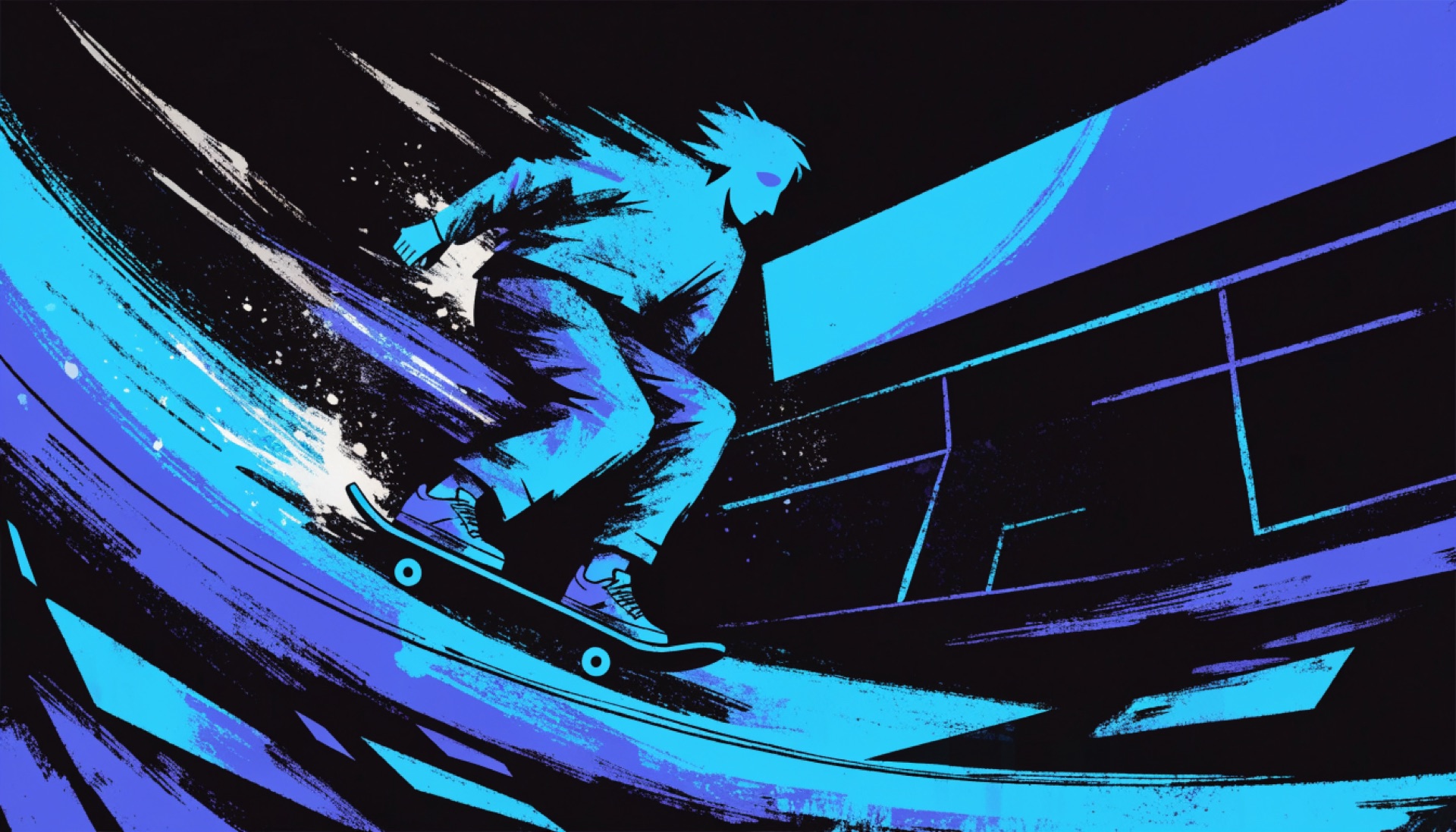
Recraft · Original model creator
Recraft V4.1 Flash
Recraft V4.1 Flash low-cost photos and illustrations via fal. Flat per-image price.
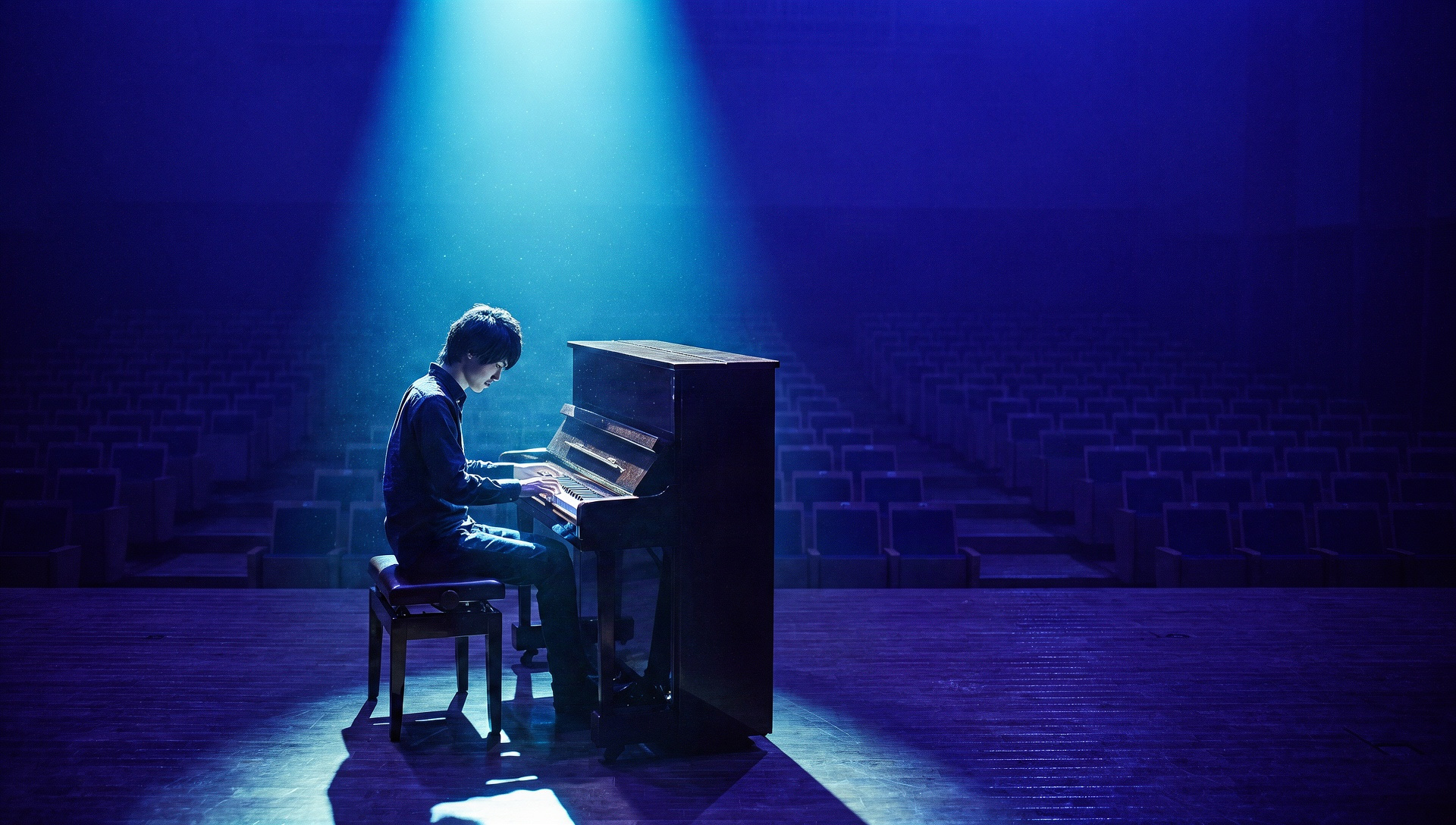
Krea · Original model creator
Krea 3
Krea 3 stills and edits via fal, with prompt expansion. Aspect maps to a 2-megapixel size.
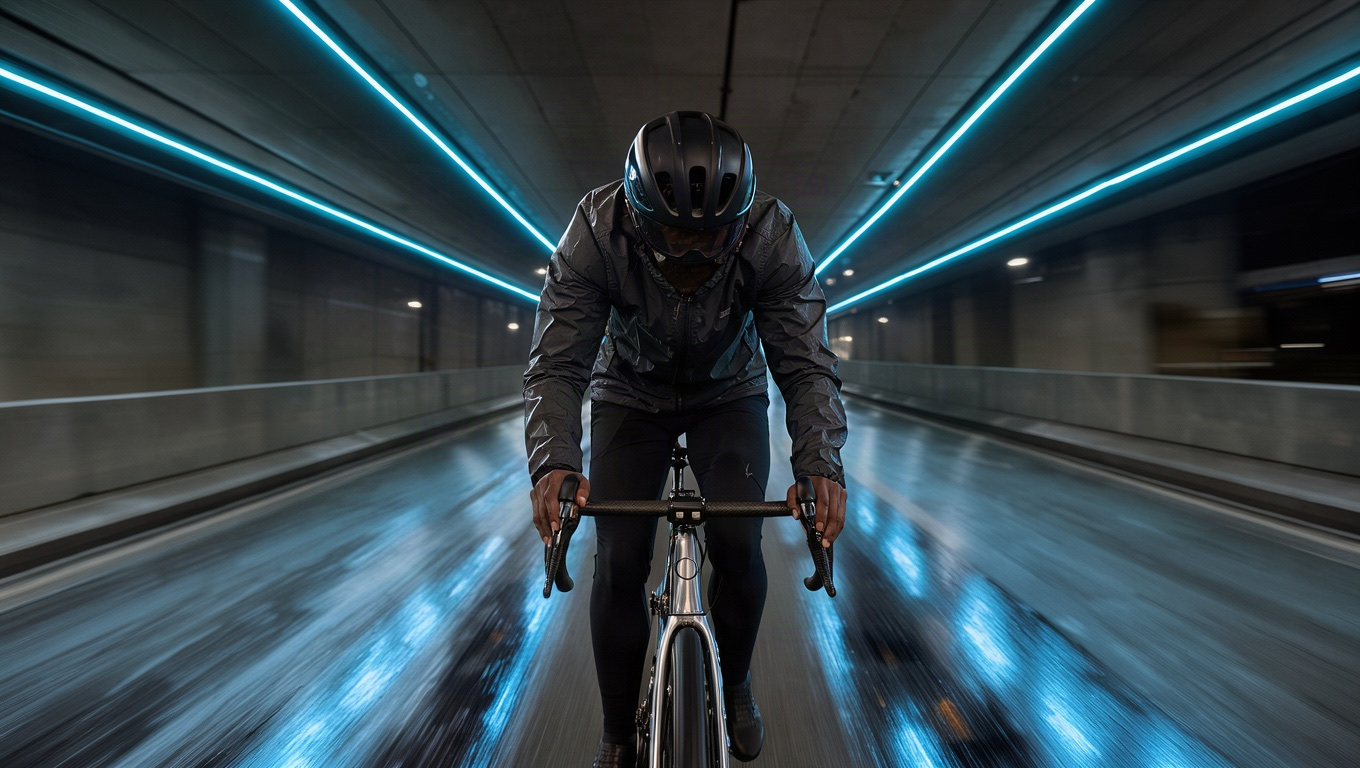
Black Forest Labs · Original model creator
FLUX.3 Klein
Black Forest Labs FLUX.3 Klein fast, low-cost stills and edits via fal. Quoted at 1K.
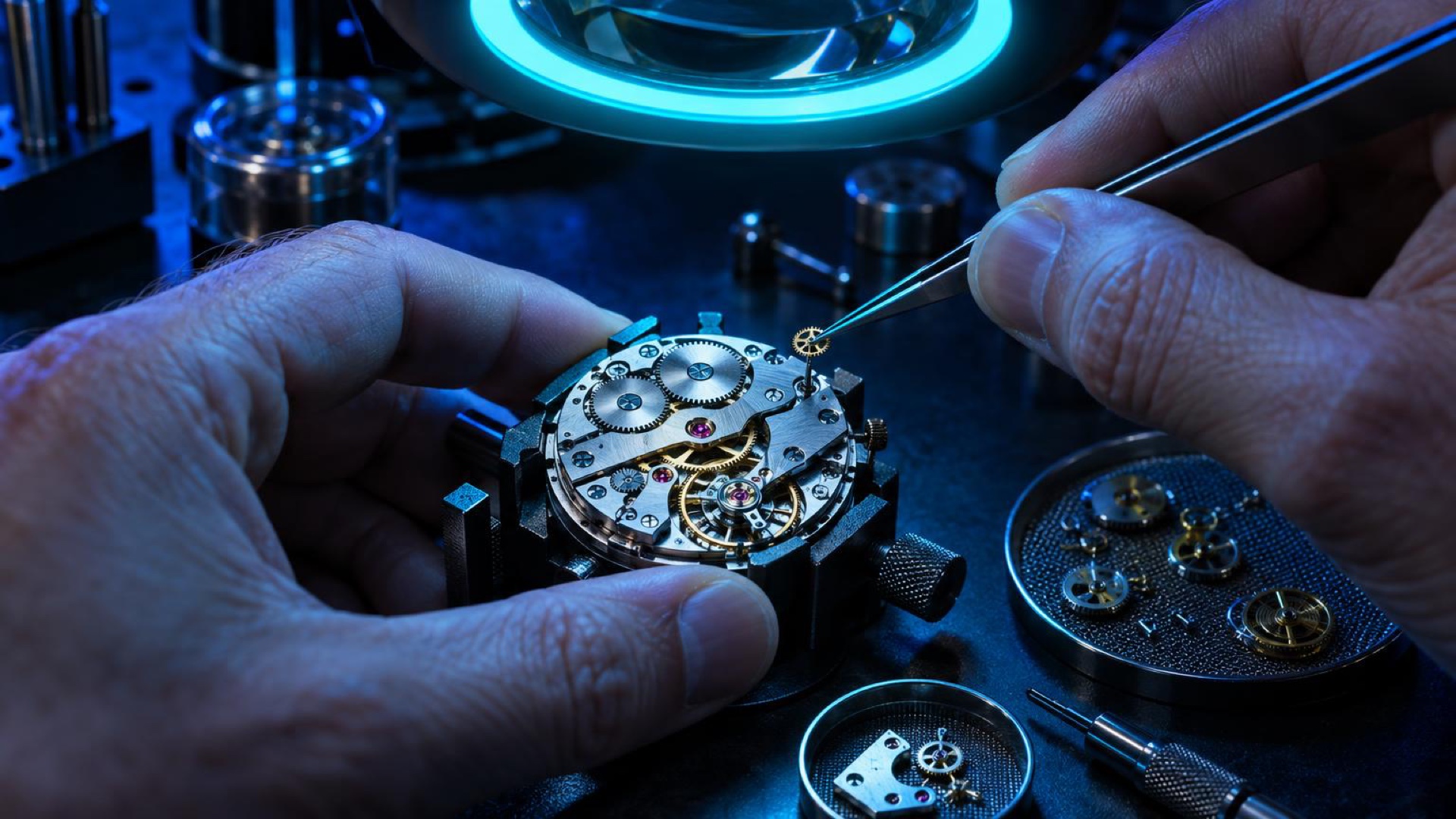
OpenAI · Original model creator
ChatGPT Image 2.5 Sunburst
OpenAI ChatGPT Image 2.5 Sunburst precision stills and tightly scoped edits via fal, at high quality.
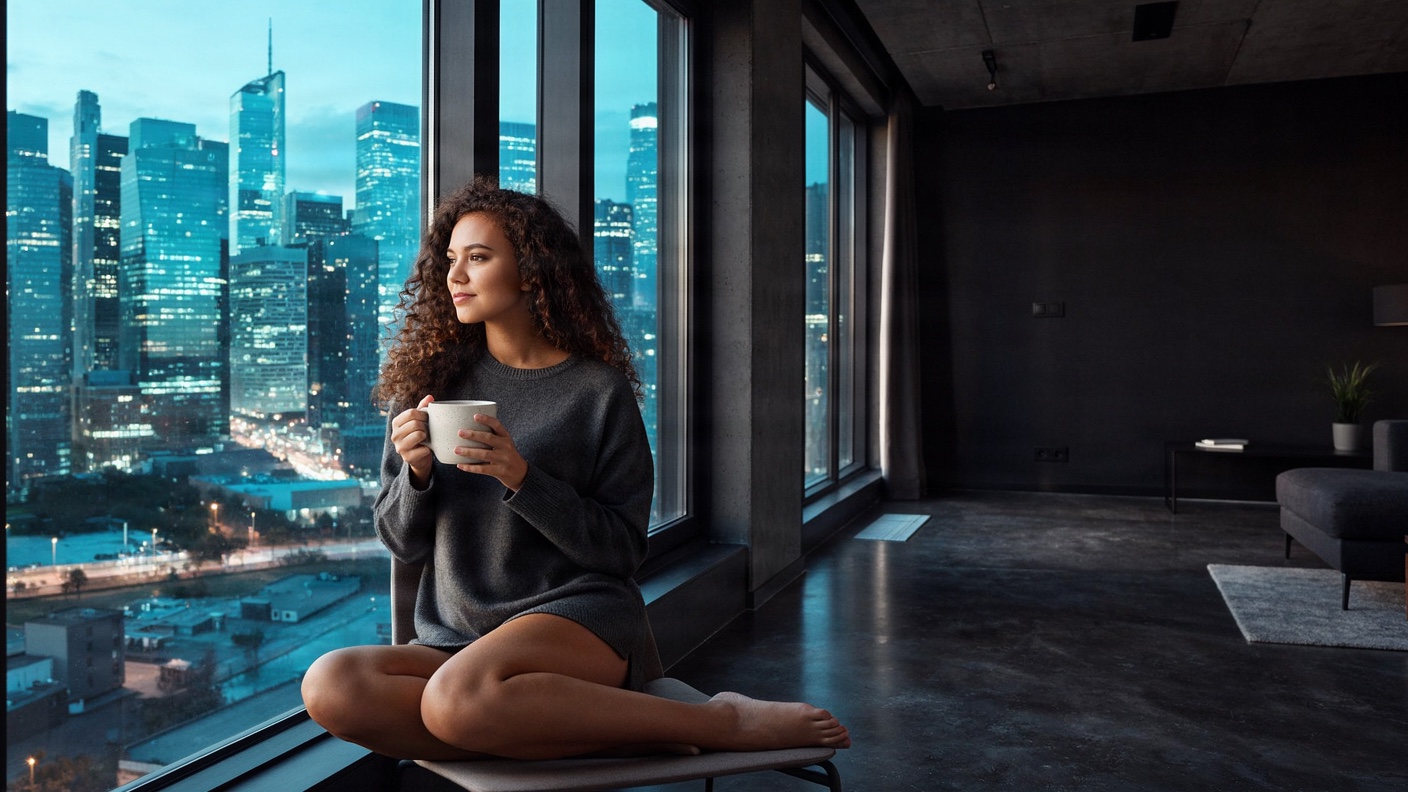
Bria · Original model creator
Fibo 2.0
Bria Fibo 2.0 stills and instruction edits via fal, trained on licensed data. About one megapixel.
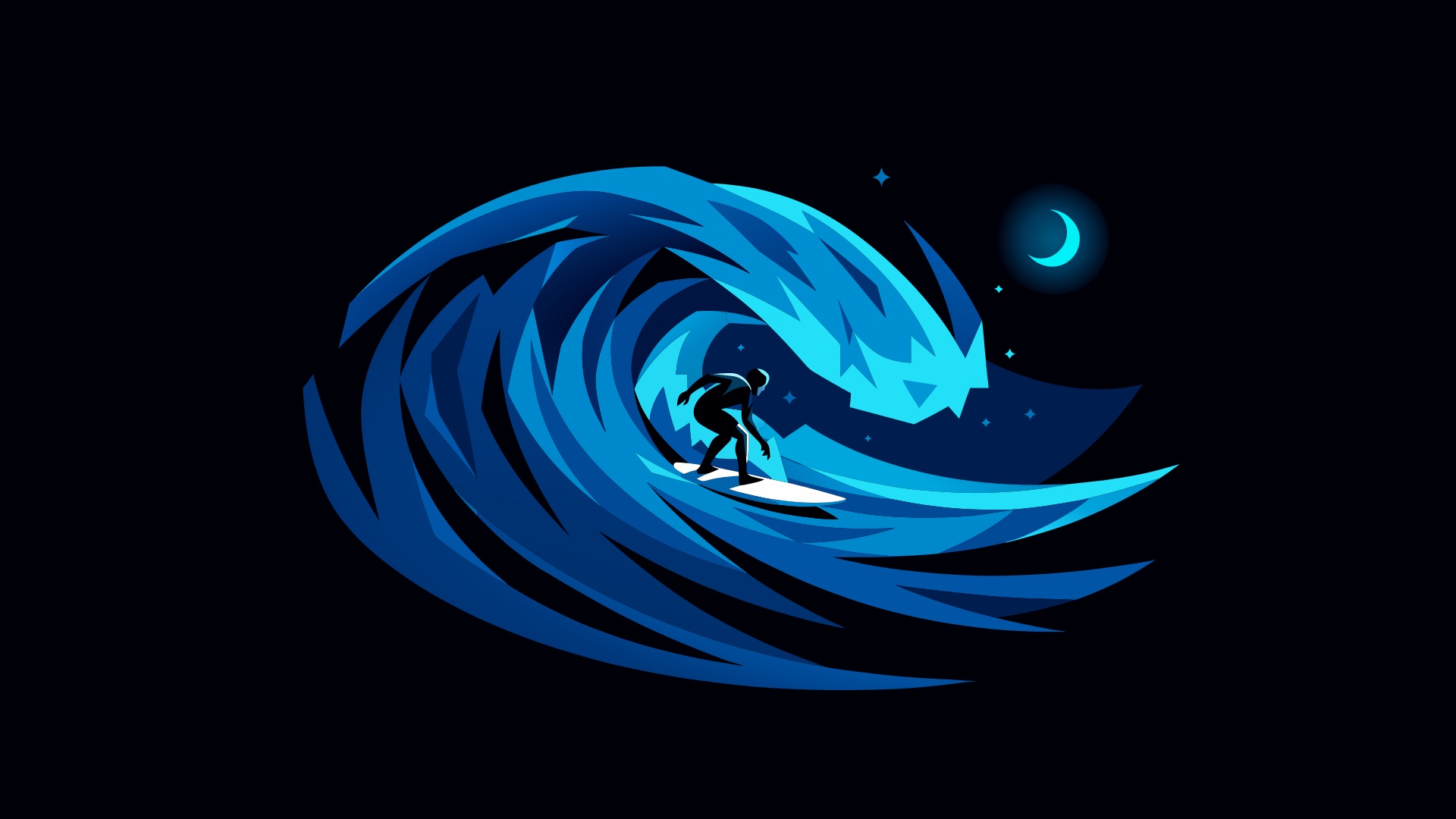
Ideogram · Original model creator
Ideogram Vector
Ideogram Vector editable SVG graphics via fal, from a prompt or a reference still. Medium quality.
OpenMOSS · Original model creator
MOSS Image
OpenMOSS MOSS Image stills via fal, with Chinese and English text rendering and layout control. About one megapixel.
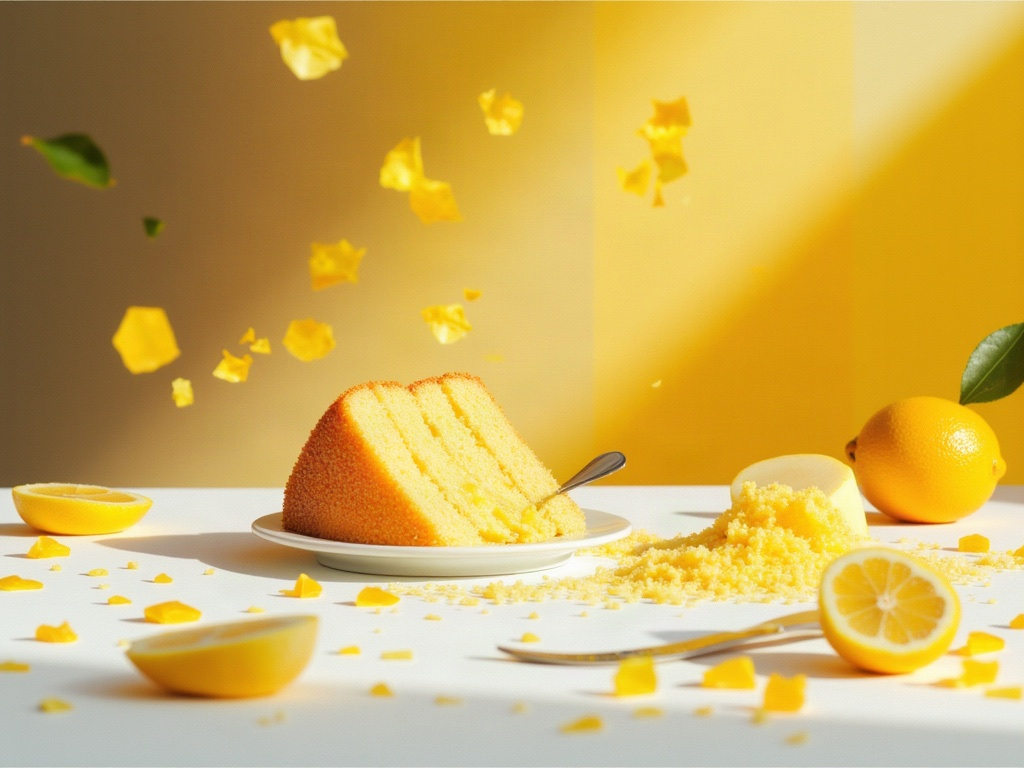
Direct your first Seedream 5 Pro still.
Write the prompt, choose a supported aspect, and generate.
Seedream 5 Pro is provided by ByteDance and served in Clip Studio through fal.ai. Product names and trademarks belong to their respective owners. Model capabilities and availability can change.
