
MCP guide · Cursor
How to make AI videos in Cursor with Clip Studio MCP
Last updated
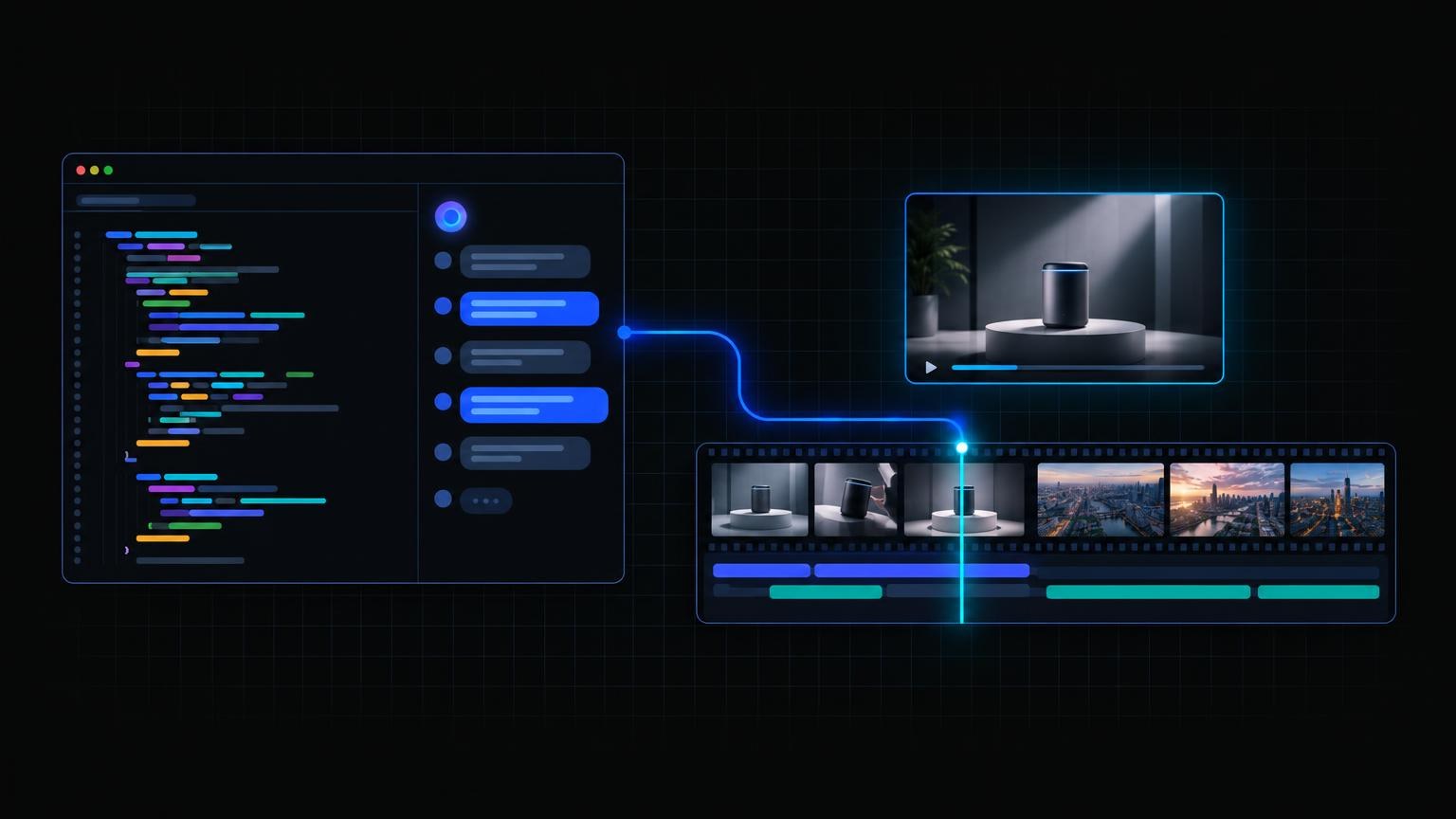
Cursor's agent can call tools from any Model Context Protocol (MCP) server. Point it at Clip Studio and the same agent that edits your code can make a launch video in Video Lab, a faceless explainer in Topic Shorts, a hero still in Image Lab, or a voiceover in Audio Lab, on your Clip Studio plan.
The server URL is https://clipstudio.ai/api/mcp. This guide covers Cursor. For chat apps, see the Claude guide and the ChatGPT guide. The connector overview is on Clip Studio MCP.
Key takeaways
- Three lines of JSON in
~/.cursor/mcp.json(every project) or.cursor/mcp.json(this project). - No key in the file. Cursor signs in with OAuth and dynamic client registration; you approve once on Clip Studio.
- Same jobs as the website, quoted before they run, rendered in the background, then polled.
- Results come back as links to MP4, PNG, or audio files you can download into the repo.
- Out of allowance? The agent gets a Stripe Checkout link. It never handles card details.
How do I add Clip Studio to Cursor?
Per Cursor's MCP docs, remote servers use a url entry. Add this to ~/.cursor/mcp.json to use Clip Studio in every project, or to .cursor/mcp.json in a repo to share it with that project:
{
  "mcpServers": {
    "clipstudio": {
      "url": "https://clipstudio.ai/api/mcp"
    }
  }
}
If the file already has other servers, add the clipstudio entry inside the existing mcpServers object. Then open Cursor's Customize page from the sidebar, where MCP servers are listed, and make sure clipstudio is enabled.
How does Cursor sign in to Clip Studio?
Cursor supports OAuth for remote servers and, by default, registers itself with dynamic client registration using the authorization code flow with PKCE. Clip Studio supports exactly that, so you do not add a client id, a secret, or an Authorization header. The first time the agent uses the server, Cursor opens clipstudio.ai: log in (or sign up) and click Approve. Do not commit an API key to mcp.json; you do not need one.
Which Clip Studio jobs can Cursor's agent run?
Every public job a signed-in person can run on clipstudio.ai:
- Video Lab: text-to-video and image-to-video on the current model catalog (
list_video_lab_models). Useful for product demos and landing-page loops. - Topic Shorts: a topic, script, or link becomes a voiced, captioned faceless short, with ten story formats, six languages, and three frame sizes.
- Image Lab: stills for hero images, thumbnails, and docs (
list_image_lab_models). - Audio Lab: narration, music beds, and sound effects.
- Character Films, Talking Shorts, Ad Studio, Story, Ad Lab, and Last Frame.
- Paint Lab: upload a drawing with
presign_generation_assetandcomplete_generation_asset, then finish, edit, fill, colorize, upscale, or remove its background. - Library and free tools: list past clips, publish one to a public page, and run the copy and planning tools.
How does the agent run a job?
The same three steps on every paid job:
- Quote with the job's
quote_*tool. Nothing runs and nothing is spent. - Generate with
generate_*and that quote. The call returns as soon as the render starts. - Poll the matching
get_*tool until the status is completed, then use the file URL.
Because renders take minutes, ask the agent to keep working on code and check back, rather than waiting in one call.
What happens when my monthly allowance runs out?
The generate tool refuses before anything runs and says the job is over this month's generation limit. The agent can call create_checkout_url for a Stripe Checkout link to a plan such as Clip Pro or Studio Elite. You pay on Stripe in the browser; the agent never sees card data. Current plans are on Pricing. Eligible new accounts also get one free Topic Short, and every account gets one free Paint Lab Finish sketch, through MCP as on the website.
What can I ask Cursor to make?
Paste one of these into Cursor's agent chat:
Read our README, write a 30-second Topic Short script that explains what this library does, and generate it in 16:9.
Make a 5-second 16:9 Video Lab clip of a laptop on a desk with a glowing code editor, slow push-in. Download the MP4 to public/media when it is ready.
Generate a hero still for the landing page: a minimal dark desk scene with a single blue light. Save it to public/images.
Turn docs/launch-script.md into narration in Audio Lab and save the audio file next to it.
Why doesn't Cursor show the Clip Studio tools?
Check that mcp.json is valid JSON and that the entry uses url, not command. Make sure the server is enabled on the Customize page, then start a new agent chat. If a call fails with a sign-in error, reconnect the server so Cursor runs the Clip Studio sign-in again. A failed call never spends allowance.
