
MCP guide · ChatGPT
How to make AI videos from ChatGPT with Clip Studio MCP
Last updated
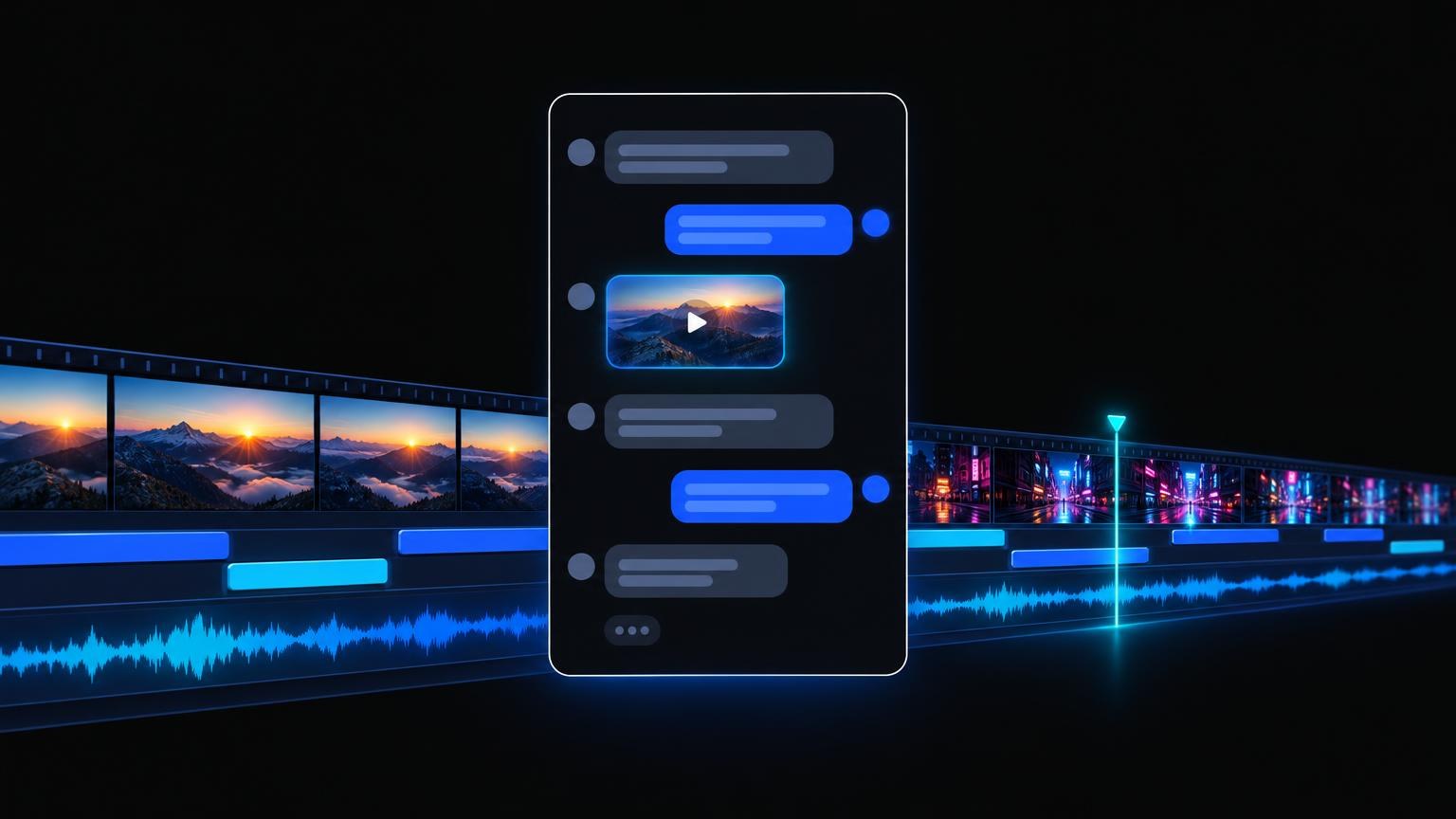
ChatGPT can call outside tools through the Model Context Protocol (MCP). Add Clip Studio as a custom MCP server and ChatGPT can make Topic Shorts, Video Lab clips, Image Lab stills, Audio Lab narration, Character Films, and the rest of the public Clip Studio studio, as your account and on your plan.
The server URL is the same for every client: https://clipstudio.ai/api/mcp. This guide covers the ChatGPT steps. For other clients, see the Claude guide and the Cursor guide, or the overview on Clip Studio MCP.
Key takeaways
- Paste one URL into ChatGPT's custom MCP server form:
https://clipstudio.ai/api/mcp. - Choose OAuth and approve on Clip Studio. There is no API key to create.
- Mention the connector in a chat (type
@and pick Clip Studio), then ask for the job in plain English. - Every paid job is quoted first, then started, then polled until the file is ready.
- Out of allowance? ChatGPT gets a Stripe Checkout link to hand you. It never handles card details.
How do I add Clip Studio to ChatGPT?
Per OpenAI's guide to connecting an MCP server to ChatGPT:
- Open the ChatGPT plugins page at chatgpt.com/plugins.
- Select the + button, then Add custom MCP server.
- Enter a name (
Clip Studio) and a short description, such as "Make videos, stills, and voiceovers". - Under Connection, enter the public server URL:
https://clipstudio.ai/api/mcp
- Set authentication to OAuth, read the risk warning, and select I understand and want to continue.
- Select Create as a plugin. ChatGPT reads the Clip Studio tool list, and Clip Studio opens so you can log in and click Approve.
OpenAI notes that account and workspace policies apply to custom MCP servers, so on a work or school account an admin may need to allow them first. Menu labels have moved between ChatGPT releases; on some plans the same form sits under Settings → Apps with developer mode turned on. The URL and the OAuth choice are the same either way.
How do I use Clip Studio in a ChatGPT conversation?
Install the plugin you just created, start a new conversation, type @ in the message box, and pick Clip Studio. Then ask for the job. ChatGPT shows each tool call it makes, so you can see the quote before it starts a paid render. After Clip Studio adds new tools, open the connection on the plugins page and select Refresh.
How does the Clip Studio sign-in work in ChatGPT?
Clip Studio supports OAuth 2.1 with PKCE and dynamic client registration, so ChatGPT registers itself and you only approve the connection. You log in with your normal Clip Studio login (email code or Google), or sign up on the same screen. ChatGPT gets a token for your account; it never sees your password, and Clip Studio stores only token hashes. API keys are not needed for ChatGPT.
Which Clip Studio jobs can ChatGPT run?
The same public jobs a signed-in person can run on clipstudio.ai:
- Topic Shorts: faceless, voiced, captioned shorts from a topic, script, or link, in ten story formats and six narration languages, with free caption, music, and shot edits afterwards.
- Video Lab: text-to-video and image-to-video on the current model catalog (
list_video_lab_models). - Image Lab: stills on the current image model catalog (
list_image_lab_models). - Audio Lab: voiceovers, music, and sound effects.
- Character Films: a narrator character explains a topic; ChatGPT plans the film, films the opening, then continues it.
- Paint Lab: finish, edit, fill, colorize, upscale, or cut out an uploaded drawing.
- Talking Shorts and Ad Studio: talking-head and UGC-style ads from a product URL or brief.
- Story, Ad Lab, Last Frame, your library, and the free tools.
There are no social posting tools. To share a result, ChatGPT can publish a finished clip to a public Clip Studio page.
Why does ChatGPT quote before it generates?
Video renders cost real provider time, so every paid job is priced first. ChatGPT calls the job's quote_* tool (nothing runs and nothing is spent), then generate_* with that quote, which starts the render and returns at once. It then calls the matching get_* tool until the job is completed and shares the file link. The result is also saved in your Clip Studio library.
What happens if my monthly allowance runs out?
The generate tool stops before anything runs and explains that the job is over this month's generation limit. ChatGPT can call create_checkout_url to get a Stripe Checkout link for a plan such as Clip Pro or Studio Elite. You finish payment on Stripe; ChatGPT never asks for or sees card data. Then ask it to run the same job again. Plans are listed on Pricing.
Can I try Clip Studio from ChatGPT for free?
Eligible new accounts get one free Topic Short, and every account gets one free Paint Lab Finish sketch. Both apply through MCP exactly as on the website. Ask ChatGPT to call get_account to see your plan and remaining allowance.
What can I ask ChatGPT to make?
Try one of these after you mention Clip Studio with @:
Make a 30-second Topic Short about the history of the paperclip in the Myth check format. Show me the plan first.
List the Image Lab models, then make a still of a ceramic mug on a sunlit windowsill with the one you recommend.
Turn this paragraph into a calm narration in Audio Lab and give me the download link.
Make a Topic Short in Spanish about how bees make honey, 9:16, with the Impact caption look.
Show my last five clips and publish the newest finished one to a public page.
Why can't ChatGPT find the Clip Studio tools?
Make sure the conversation mentions the plugin (type @ and pick Clip Studio) and that you started a new chat after creating it. If a tool asks you to sign in again, open the connection on the plugins page and reconnect. If your workspace blocks custom MCP servers, ask an admin to allow https://clipstudio.ai/api/mcp.
Related reading
- Clip Studio MCP: connector overview and the full tool list
- How to make AI videos from Claude with Clip Studio MCP
- How to make AI videos in Cursor with Clip Studio MCP
- How to make faceless videos with AI
- How to write AI video prompts
