
MCP guide · Claude
How to make AI videos from Claude with Clip Studio MCP
Last updated
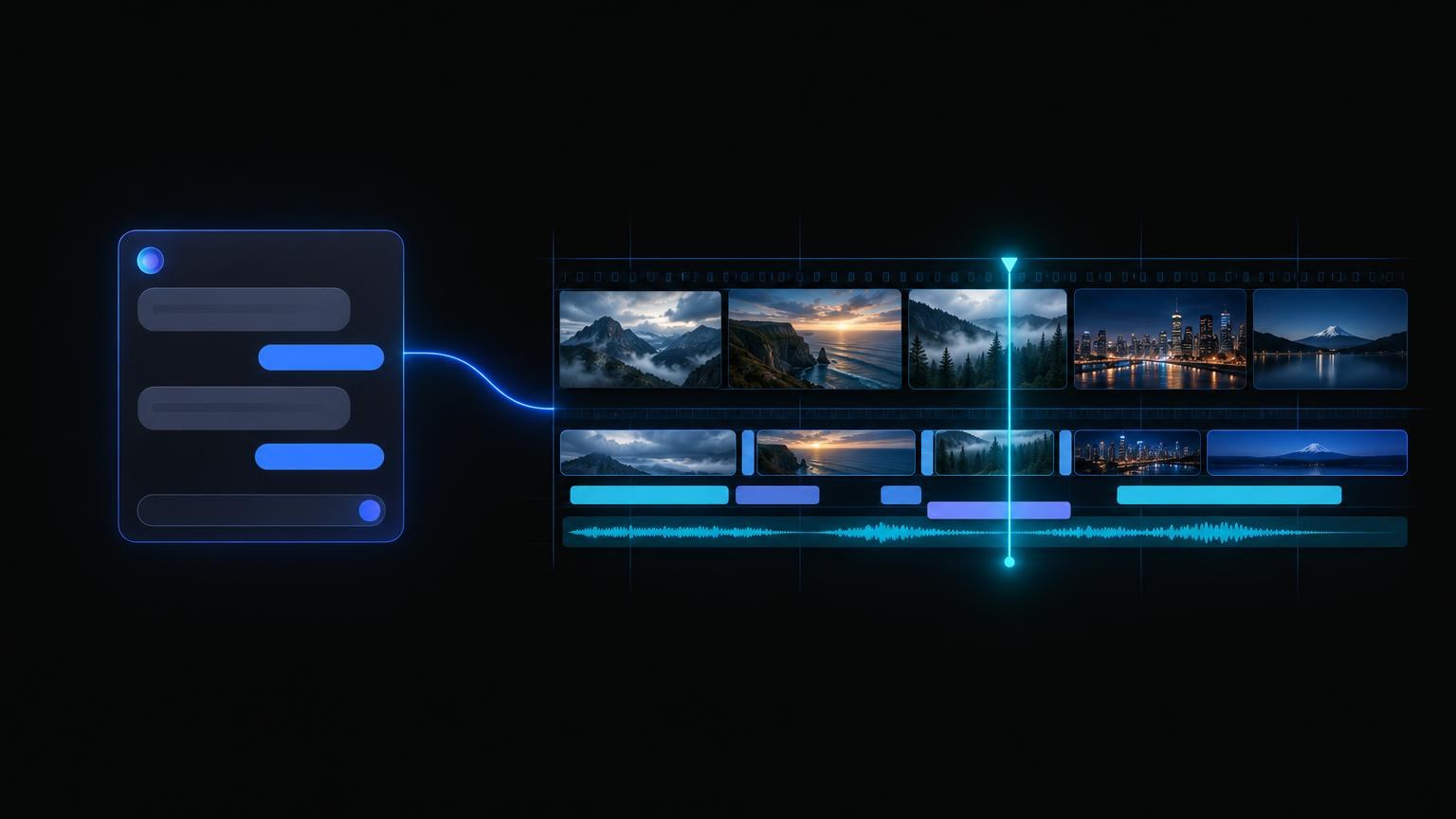
Clip Studio MCP lets Claude run the same public jobs you can run on clipstudio.ai: faceless Topic Shorts, Video Lab clips, Image Lab stills, Audio Lab voiceovers, Character Films, and more. You add one URL as a custom connector, approve it once on Clip Studio, then ask in plain English. Claude quotes the job, starts it, and checks back until the file is ready.
This guide covers Claude on the web and desktop, and Claude Code in the terminal. For other clients, see the ChatGPT guide and the Cursor guide. The connector overview lives on Clip Studio MCP.
Key takeaways
- One URL:
https://clipstudio.ai/api/mcp. No client id, no API key to paste. - One sign-in. The first call opens Clip Studio. Log in (or sign up), then click Approve.
- Same jobs as the website. If you can do it on clipstudio.ai, Claude can do it through the connector, and nothing more.
- Quote, generate, poll. Paid jobs are priced before anything runs. Renders run in the background; Claude polls for the result.
- Same plan, same monthly allowance. When the allowance runs out, Claude can hand you a Stripe Checkout link. It never sees card details.
What is Clip Studio MCP?
It is a hosted Model Context Protocol server at https://clipstudio.ai/api/mcp. MCP is the open standard Claude uses to call outside tools. Clip Studio's server exposes its public studio as tools, such as quote_topic_short, generate_video_lab, and get_character_film, so Claude can make media for you as your signed-in account.
How do I add Clip Studio to Claude?
On Claude (web or desktop), per Anthropic's custom connector guide:
- Open Customize → Connectors (claude.ai/settings/connectors).
- Click + Add, then Add custom connector.
- Name it
Clip Studio. - Paste the server URL and click Continue:
https://clipstudio.ai/api/mcp
- Keep the detected sign-in settings. Leave the OAuth client id empty and the request headers blank; Claude registers itself.
- Click Add, then Connect. Clip Studio opens: log in if needed and click Approve.
To use it in a chat, click + at the lower left of the message box, open Connectors, and switch Clip Studio on. On Team and Enterprise plans an owner adds the connector under Organization settings → Connectors, and members click Connect to sign in. Anthropic's guide says custom connectors are available on Free, Pro, Max, Team, and Enterprise, with Free limited to one custom connector.
How do I add Clip Studio to Claude Code?
Run this in your terminal, per the Claude Code MCP docs:
claude mcp add --transport http clipstudio https://clipstudio.ai/api/mcp
Then start Claude Code, run /mcp, pick clipstudio, and sign in on Clip Studio in the browser. Add --scope user to make the connector available in every project, or --scope project to share it with your team through .mcp.json.
How does the sign-in work?
Clip Studio uses OAuth 2.1 with PKCE and dynamic client registration. Claude registers itself, opens clipstudio.ai, and you approve the connection with your normal Clip Studio login (email code or Google). Your password never reaches Claude, and Clip Studio stores only hashes of the tokens it issues. If you do not have an account yet, the same screen lets you sign up.
What can Claude make with Clip Studio?
Every public Clip Studio job, as the signed-in account:
- Topic Shorts: a topic, script, or link becomes a voiced, captioned faceless short. Ten story formats, six narration languages, 9:16, 16:9, or 1:1, and free caption, music, and shot edits after generate.
- Video Lab: text-to-video and image-to-video on the models listed by
list_video_lab_models. - Image Lab: stills on the models listed by
list_image_lab_models. - Audio Lab: narration, music, and sound effects.
- Character Films: a narrator character explains your topic in an animated film. Claude plans it, films the opening, then continues the rest.
- Paint Lab: finish a sketch, edit with words, fill a masked area, color line art, upscale, or remove a background. You upload the drawing; the drawing canvas itself stays on the website.
- Talking Shorts and Ad Studio: talking-head and UGC-style ads from a product URL or brief.
- Story, Ad Lab, Last Frame, your library, and the free tools. Claude can also publish a finished clip to a public Clip Studio page.
It cannot post to TikTok, Instagram, or YouTube, and it cannot reach admin tools or other accounts.
How does a job run: quote, generate, poll?
Paid jobs follow three steps:
- Quote. Claude calls the job's
quote_*tool. Nothing runs and nothing is spent. - Generate. Claude calls
generate_*with that quote. The render starts on your plan and the call returns right away. - Poll. Claude calls the matching
get_*tool until the status is completed, then shares the link to the file.
Renders take minutes, not seconds, so Claude checks back rather than holding one long request open. Every finished job also lands in your Clip Studio library.
What happens when my monthly allowance runs out?
The generate tool stops before anything runs and says the job is over this month's generation limit. Claude can then call create_checkout_url, which returns a Stripe Checkout link for a plan such as Clip Pro or Studio Elite. You open the link and pay on Stripe. Claude never asks for or sees card details. Once the plan is active, ask Claude to run the same job again. Current plans are on Pricing.
Is there a free way to try it from Claude?
Yes. Eligible new accounts get one free Topic Short, and every account gets one free Paint Lab Finish sketch. Both work through the connector the same way they work on the website. Ask Claude to call get_account to see your plan and what is left this month.
What should I ask Claude?
Copy one of these into a chat with the Clip Studio connector on:
Make a 30-second Topic Short about why octopuses have three hearts. Show me the story plan before you generate.
Quote a 5-second Video Lab clip of a paper boat drifting down a rainy street at night, 9:16, then generate it if the quote looks fine.
Make Part 2 of my last Topic Short with the same voice and caption look.
Write a 20-second voiceover script for my coffee shop's spring menu and turn it into narration in Audio Lab.
Plan a Character Film that explains how vaccines train the immune system, film the opening, and tell me when it is ready.
Why does Claude say it cannot see the Clip Studio tools?
Check three things. The connector must be switched on for this chat (+ → Connectors). The connection must be signed in: open Customize → Connectors, find Clip Studio, and click Connect again if it shows as disconnected. In Claude Code, run /mcp and sign in. If a tool call fails with a sign-in error, reconnecting fixes it; nothing is charged on a failed call.
Related reading
- Clip Studio MCP: connector overview and the full tool list
- How to make AI videos from ChatGPT with Clip Studio MCP
- How to make AI videos in Cursor with Clip Studio MCP
- How to make faceless videos with AI
- How to write AI video prompts
