MOSS Image
| Model record | OpenMOSS |
|---|---|
| Inference | Served via fal.ai |
| Reviewed | 5 November 2026 |
| Endpoint | fal-ai/moss-image |
When should you use MOSS Image?
OpenMOSS MOSS Image stills via fal, with Chinese and English text rendering and layout control. About one megapixel.
Best for Posters, signs, and layouts with Chinese or English text in the image.
The supported still envelope.
| Spec | MOSS Image |
|---|---|
| Modes | Text to image |
| Aspect ratio | 21:9, 16:9, 3:2, 4:3, 5:4, 1:1, 4:5, 3:4, 2:3, 9:16 |
| Output | Still |
| Provider | OpenMOSS |
MOSS Image FAQ
Rendering Chinese and English text inside the image, and placing text and objects where you ask. Write the prompt in plain language, as a list of tags, or as a JSON layout.
Not in this workspace. MOSS Image is text-to-image here. Use FLUX 3 Image, Ideogram V4.5, Seedream 5 Flash, or another model that lists image-to-image for edits.
Image Lab maps each of the ten listed aspects to a size of about 1 megapixel, for example 992 × 992 at 1:1 and 1328 × 752 at 16:9.
No. MOSS Image runs in Image Lab, which is included in every Clip Studio plan, and every plan opens every Image Lab model. Each MOSS Image still is quoted before you generate, so you see what it uses first.
There is no separate MOSS Image subscription. Plans are Clip Pro at $19, Studio Elite at $39, and Studio Scale at $99 a month (annual billing is about 20% less). Each plan includes a monthly generation allowance shared across every studio. Each MOSS Image still uses part of it. The model, the aspect ratio can change how much, and Image Lab shows the quote before you generate. Plan details are on the pricing page.
Open MOSS Image in Image Lab from this page (it opens with MOSS Image selected) and sign in. Write a prompt, pick an aspect ratio MOSS Image accepts. Check the quote, then generate. The finished still lands in your Clip Studio Library to download. Nothing to install.
Compare MOSS Image with another model.
OpenAI · Original model creator
ChatGPT Image 2.5
OpenAI ChatGPT Image 2.5 stills via fal, including edits from a source image.
Google · Original model creator
Nano Banana 2
Google Nano Banana 2 stills and edits on fal. Quoted at 1K.
Google · Original model creator
Nano Banana 2.1
Google Nano Banana 2.1 stills and edits on fal. Quoted at 1K.
Google · Original model creator
Nano Banana Pro
Google Nano Banana Pro stills and edits on fal. Quoted at 1K.
Black Forest Labs · Original model creator
FLUX.2 Pro
Black Forest Labs production stills, billed by output megapixels.
Microsoft · Original model creator
MAI Image 2.5
Microsoft photoreal stills via fal, including edits from a source image.
Microsoft · Original model creator
MAI Image 2.5 Pro
Microsoft flagship stills via fal, including edits from a source image.
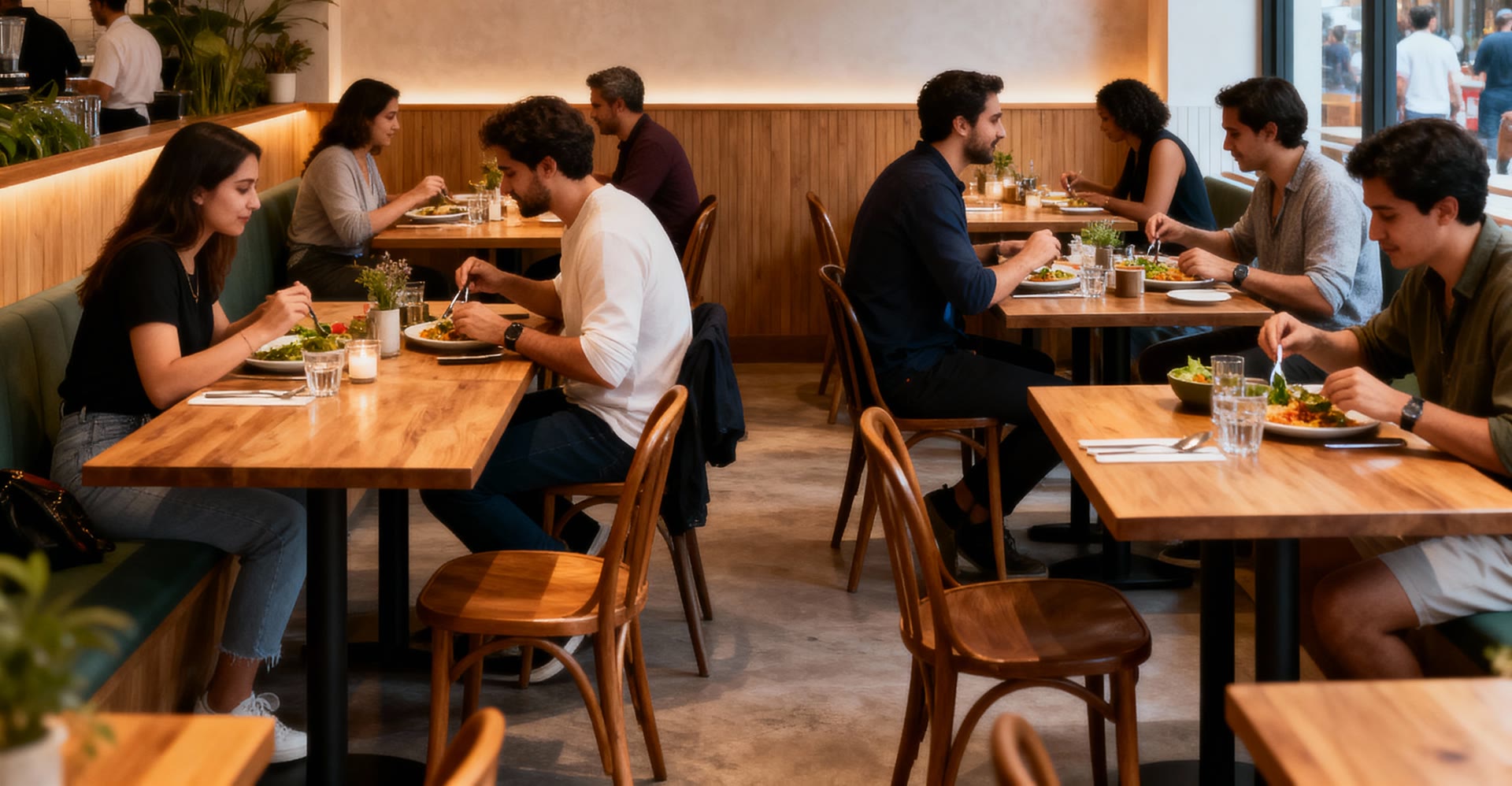
ByteDance · Original model creator
Seedream 5 Lite
ByteDance Seedream 5 Lite stills and edits via fal. Aspect maps to a 2K-band size.
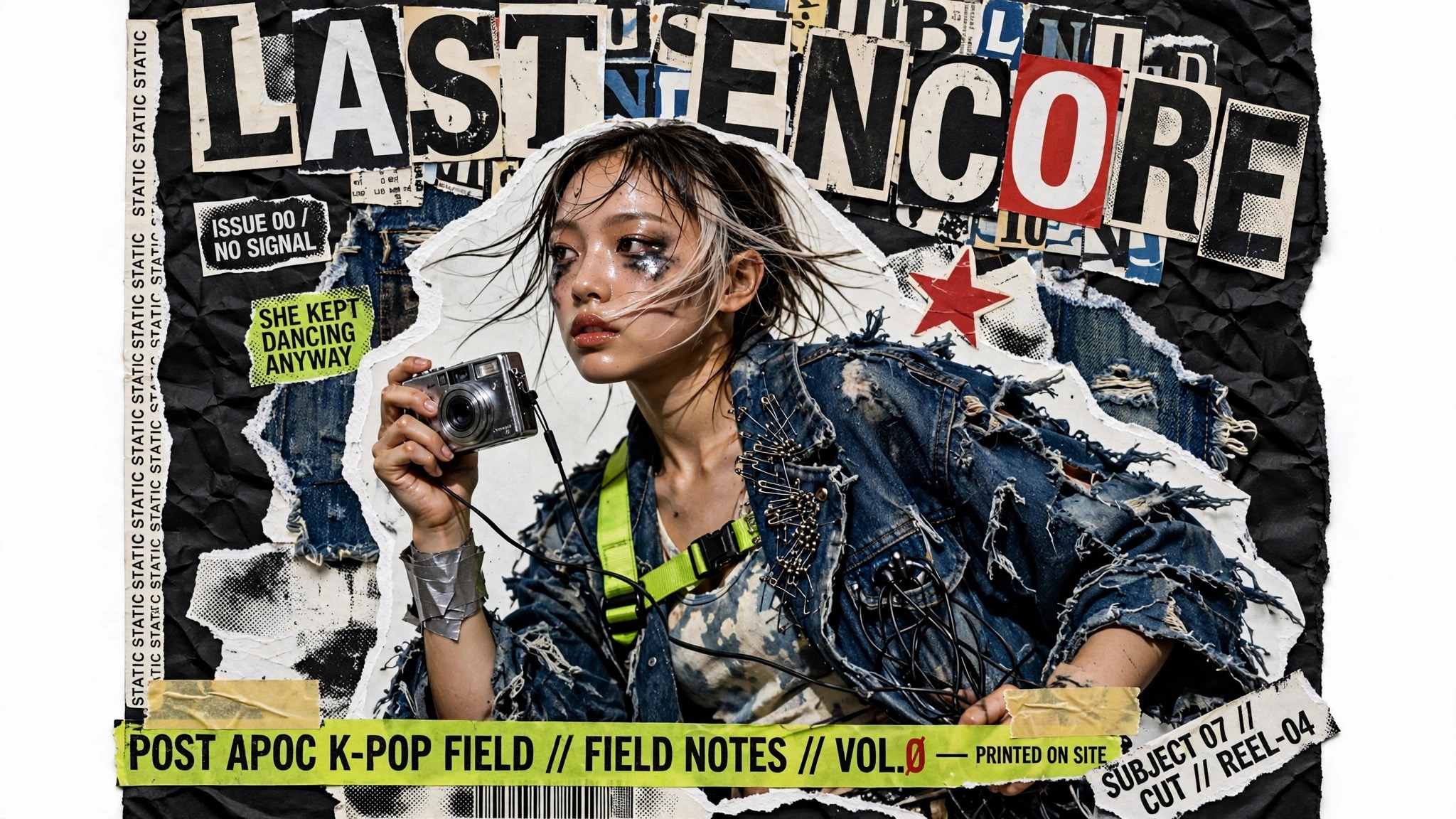
Meta · Original model creator
Muse Image
Meta Muse Image stills and instruction edits via fal. Around 2.5MP, with custom aspect strings.
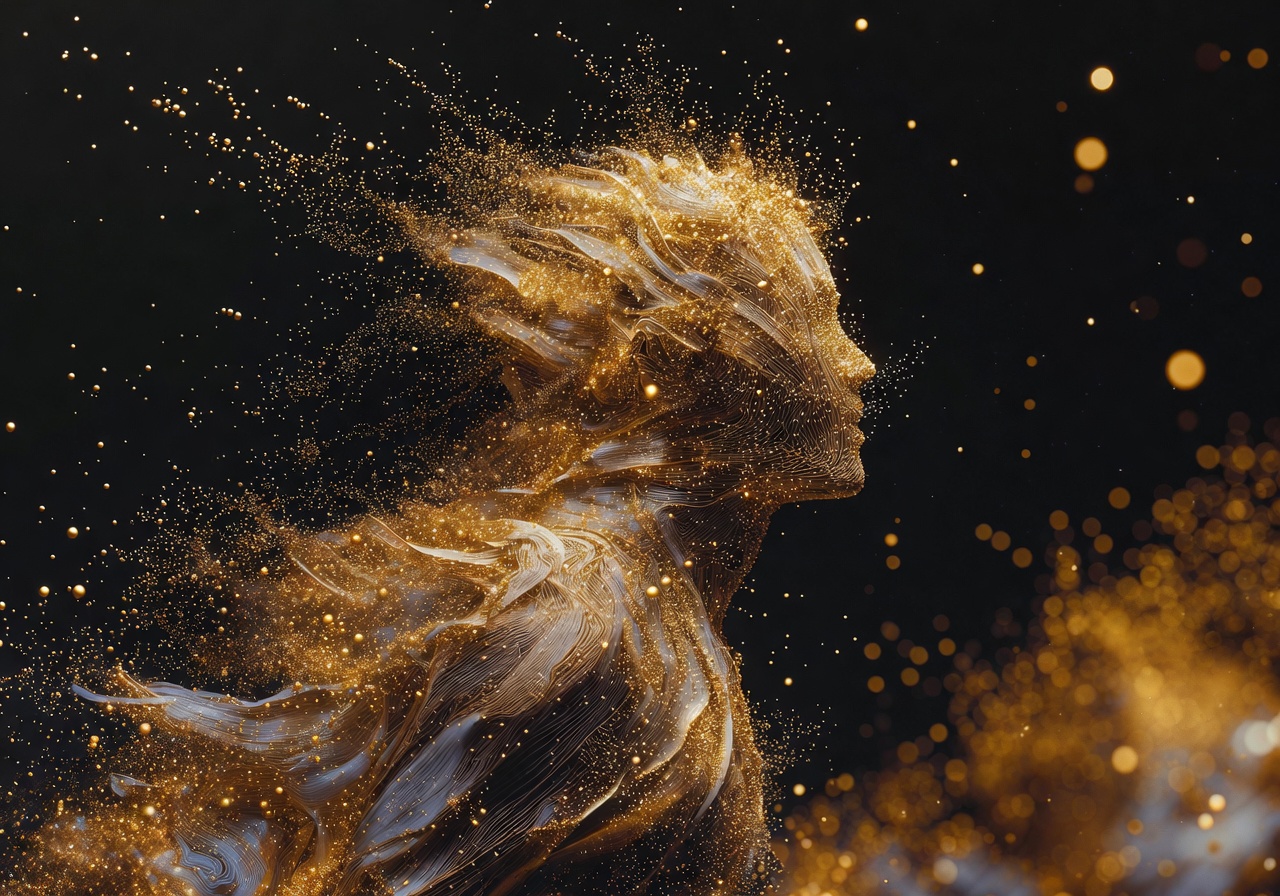
xAI · Original model creator
Grok Imagine Image 2.0
xAI Grok Imagine Image 2.0 stills and edits via fal on listed aspects.
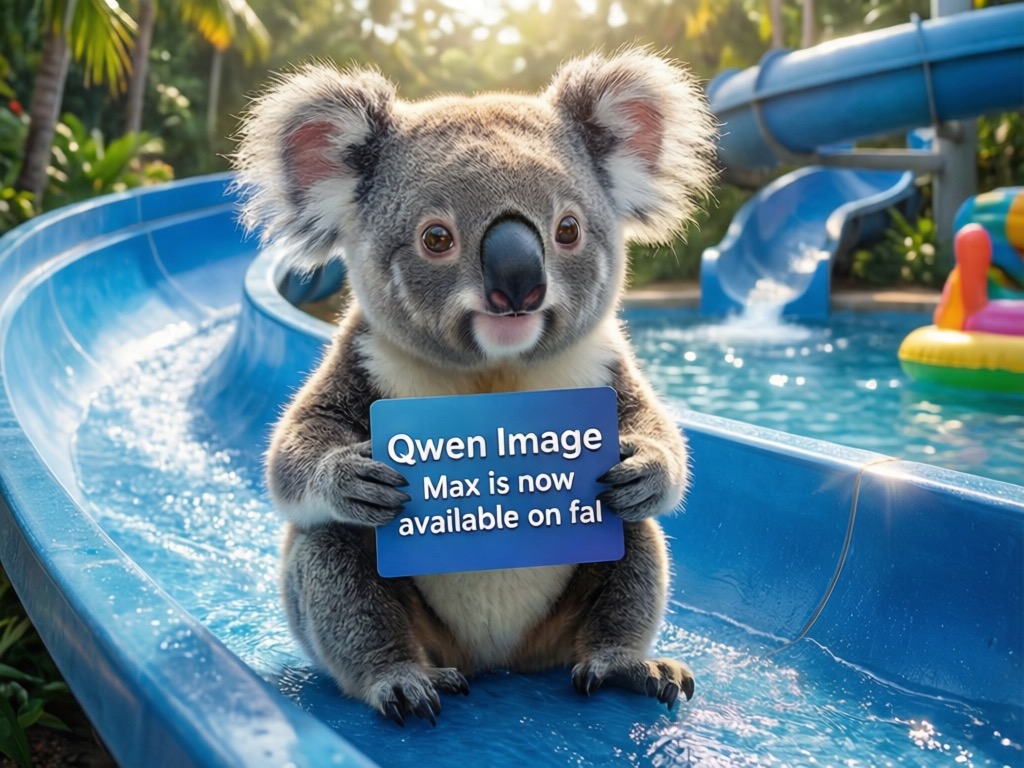
Alibaba · Original model creator
Qwen Image 3
Alibaba Qwen Image 3 stills and edits via fal. Quoted at 1K, with strong typography and CJK.
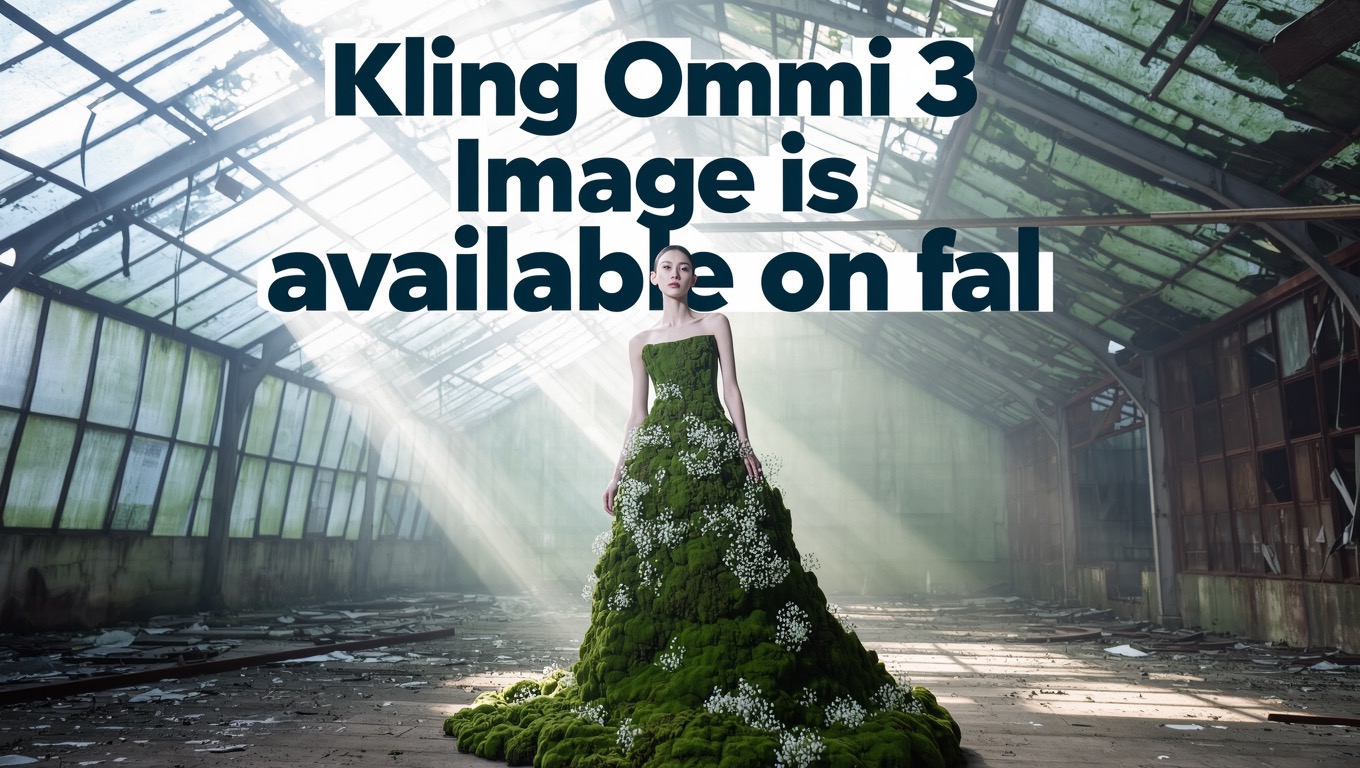
Kuaishou · Original model creator
Kling Omni 3
Kuaishou Kling Omni 3 stills and edits via fal. Quoted at 1K on listed Kling aspects.
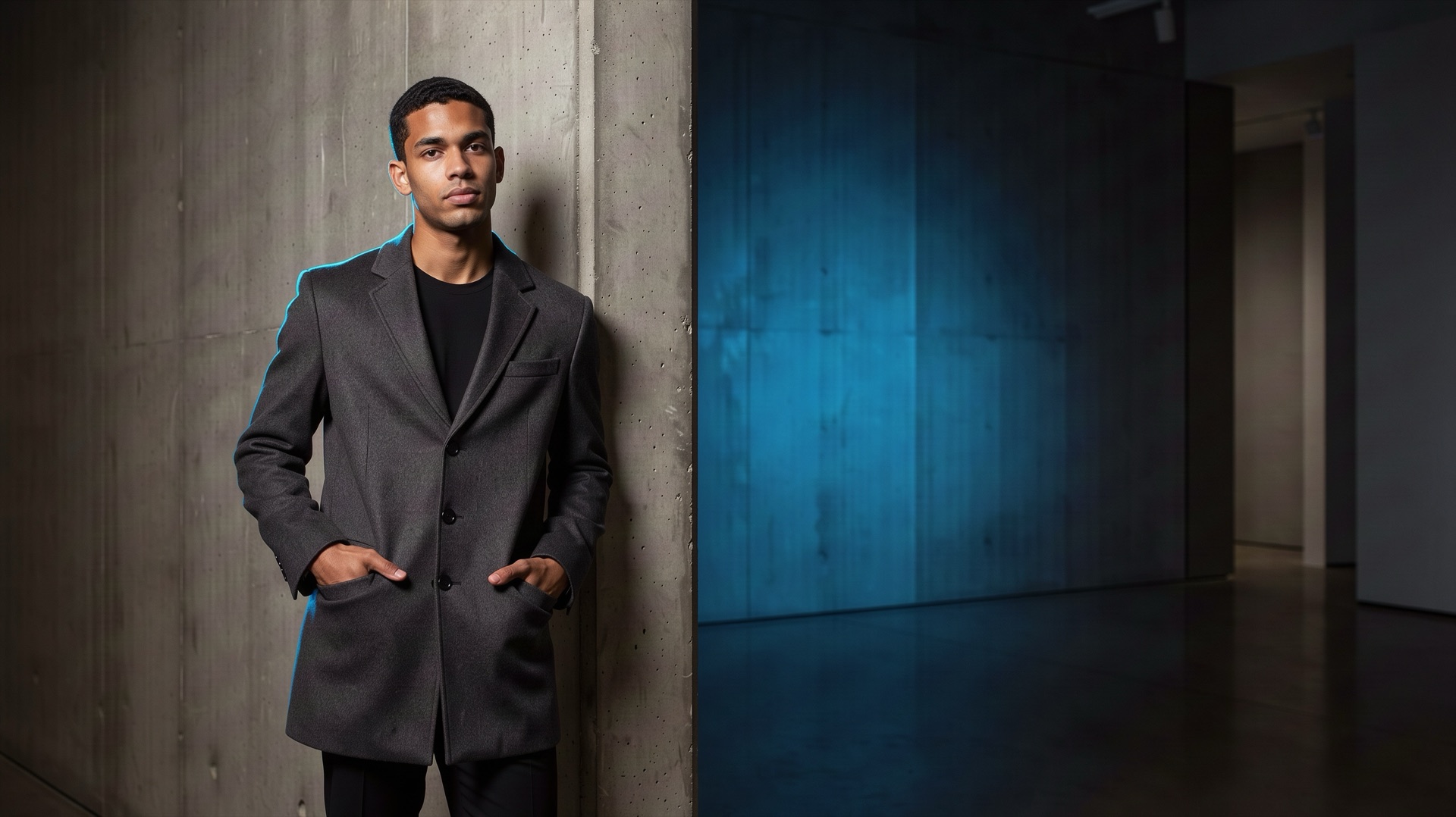
Black Forest Labs · Original model creator
FLUX 3 Image
Black Forest Labs FLUX 3 stills and precise local edits via fal. Quoted at 1K.
Ideogram · Original model creator
Ideogram V4.5
Ideogram V4.5 design-ready stills and edits via fal, with accurate typography.
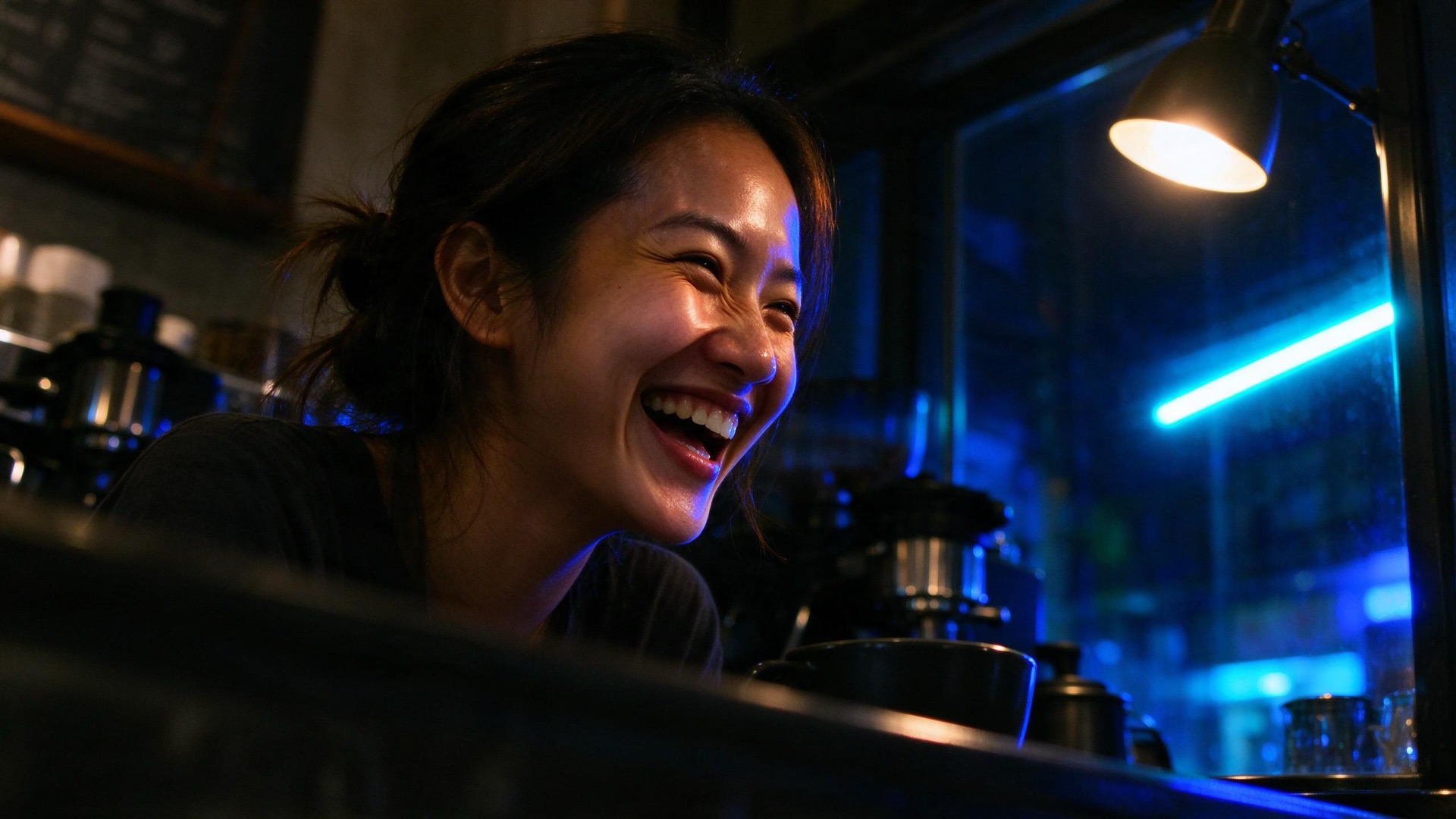
ByteDance · Original model creator
Seedream 5 Flash
ByteDance Seedream 5 Flash fast stills and edits via fal. Aspect maps to a 2K-band size.
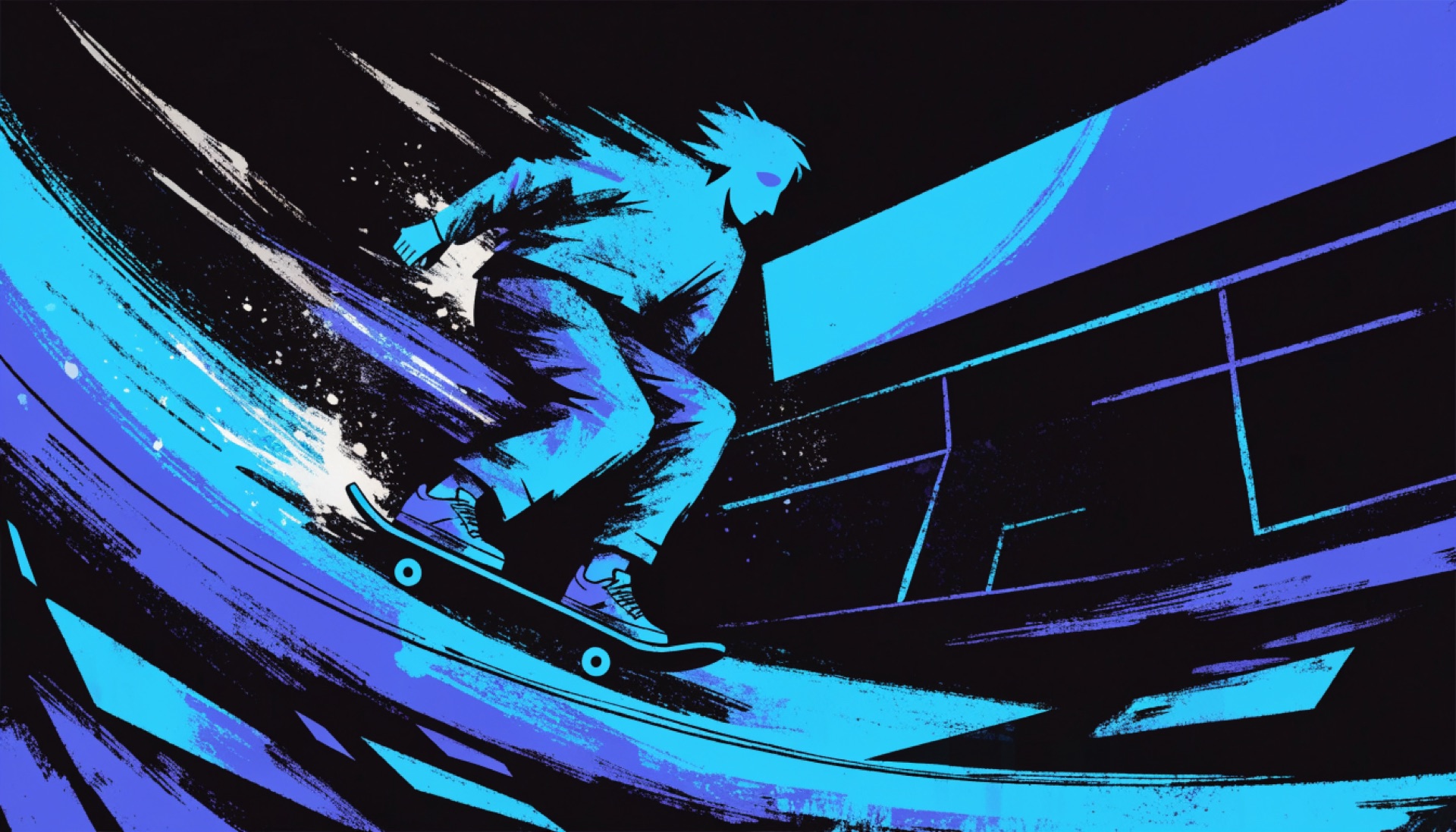
Recraft · Original model creator
Recraft V4.1 Flash
Recraft V4.1 Flash low-cost photos and illustrations via fal. Flat per-image price.
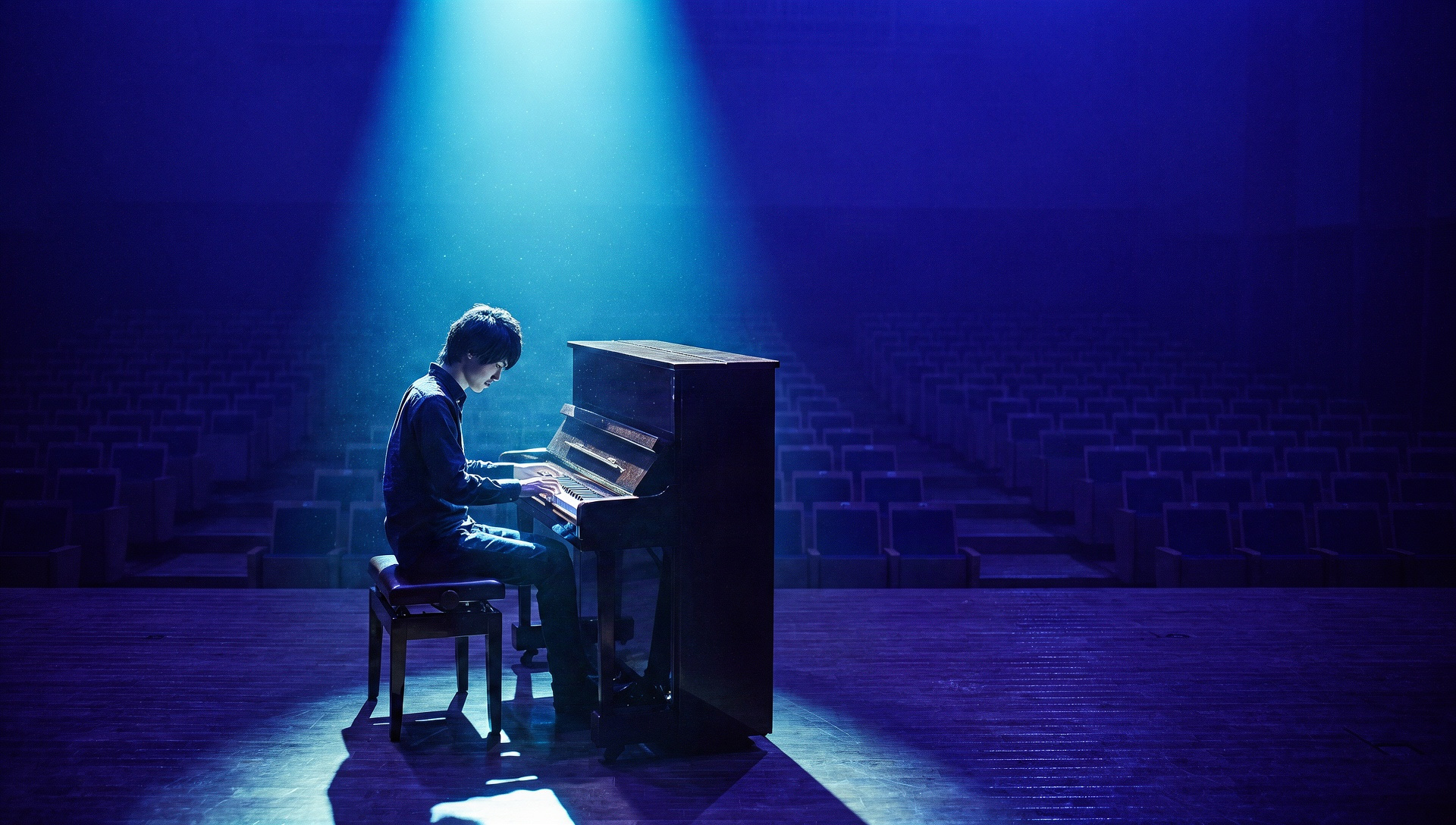
Krea · Original model creator
Krea 3
Krea 3 stills and edits via fal, with prompt expansion. Aspect maps to a 2-megapixel size.
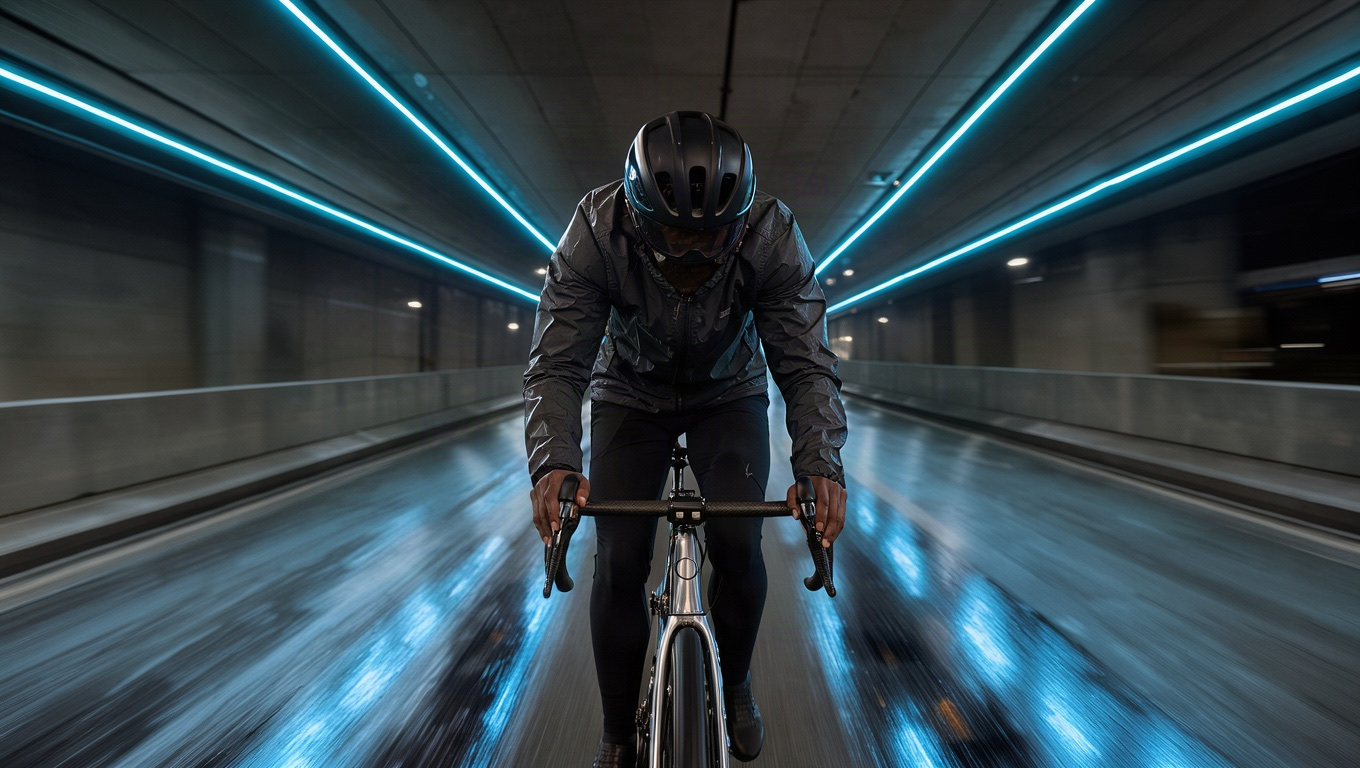
Black Forest Labs · Original model creator
FLUX.3 Klein
Black Forest Labs FLUX.3 Klein fast, low-cost stills and edits via fal. Quoted at 1K.
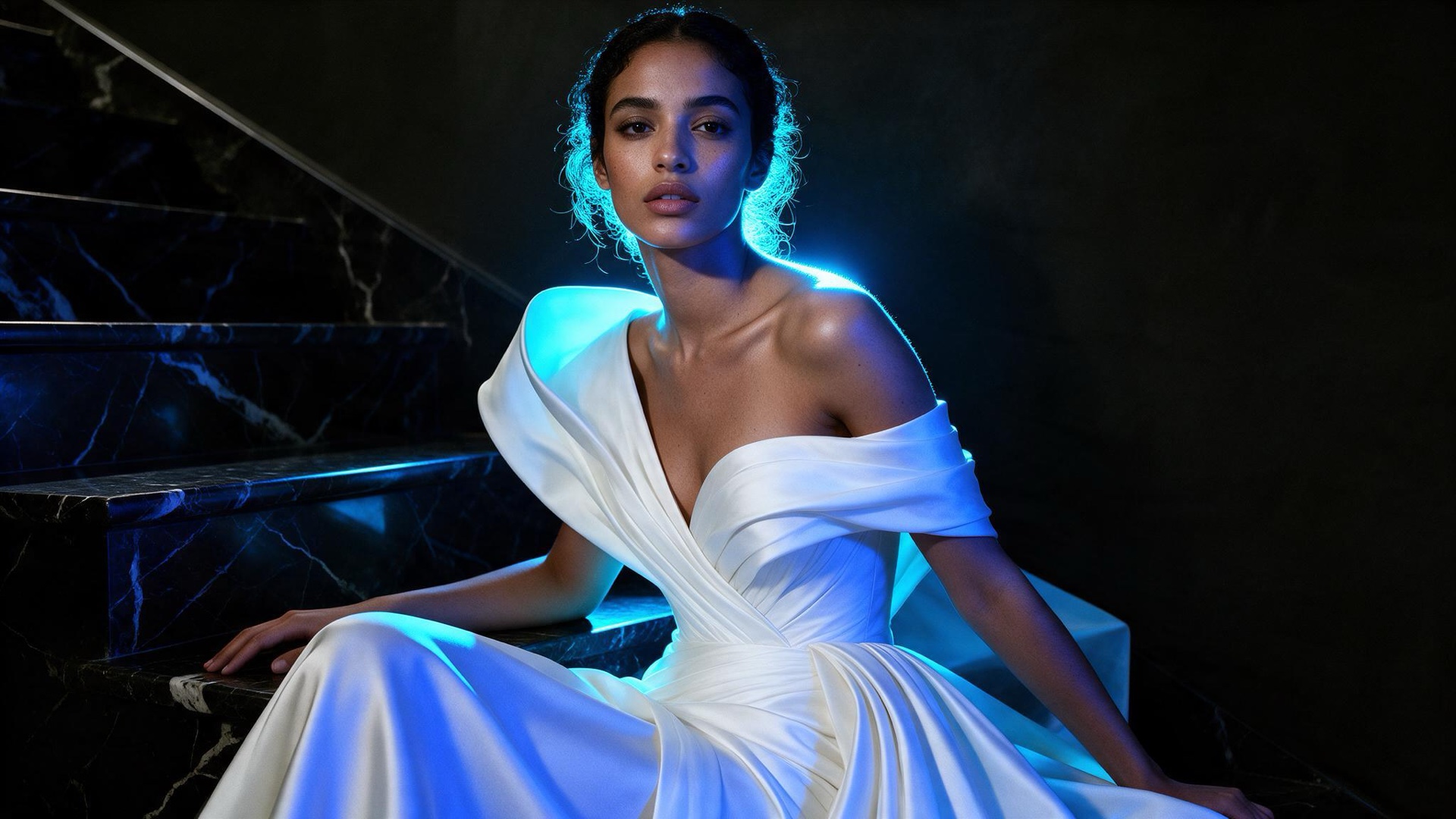
ByteDance · Original model creator
Seedream 5 Pro
ByteDance Seedream 5 Pro stills and edits via fal. Aspect maps to a size up to 1536 × 1536 pixels.
OpenAI · Original model creator
ChatGPT Image 2.5 Sunburst
OpenAI ChatGPT Image 2.5 Sunburst precision stills and tightly scoped edits via fal, at high quality.
Bria · Original model creator
Fibo 2.0
Bria Fibo 2.0 stills and instruction edits via fal, trained on licensed data. About one megapixel.
Ideogram · Original model creator
Ideogram Vector
Ideogram Vector editable SVG graphics via fal, from a prompt or a reference still. Medium quality.
Direct your first MOSS Image still.
Write the prompt, choose a supported aspect, and generate.
MOSS Image is provided by OpenMOSS and served in Clip Studio through fal.ai. Product names and trademarks belong to their respective owners. Model capabilities and availability can change.
