
01
Choose the source
Begin with text, animate a frame, direct a transition, restyle an existing MP4 with FLUX 3 Edit clip, or use references when the selected model supports them.
Frontier video direction
Start from a prompt, animate one image, direct first and last frames, restyle an existing MP4 with FLUX 3, or guide a shot with references. Change the model—not your production process.
 Original model creatorGoogle
Sourced model output / Lens 01
Director note
Describe the subject, action, camera move, lighting, and sound as separate beats in one concise shot direction.
Sample credited to official sample. Results vary with prompt, settings, and provider updates.
From the community
Open a real generation, then Generate this in Video Lab.
A better control surface
Every frontier model has a different motion language. Video Lab keeps prompts, source images, source clips, frame roles, format, duration, resolution, audio, and cost in one consistent directing room.
Begin with text, animate a frame, direct a transition, restyle an existing MP4 with FLUX 3 Edit clip, or use references when the selected model supports them.
Set the model, duration, format, and controls before any generation is submitted.
Completed shots and their settings stay together in your history and Clip Studio Library.
The model slate
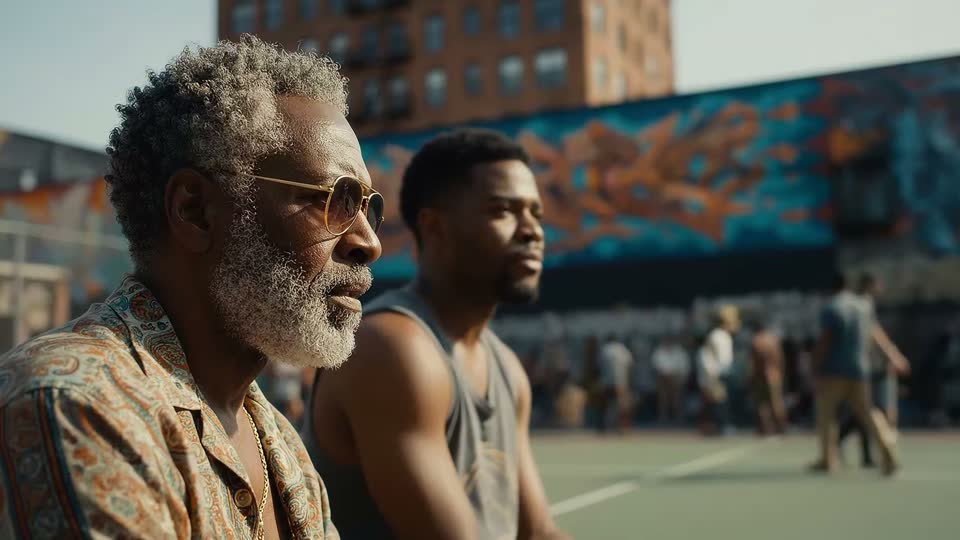 Official sample01GoogleVeo 3.1A premium text-and-image video model for cinematic shots, guided frames, references, optional audio, and up to 4K output.Text promptAnimate imageFirst → lastUp to 3 reference imagesSee model details
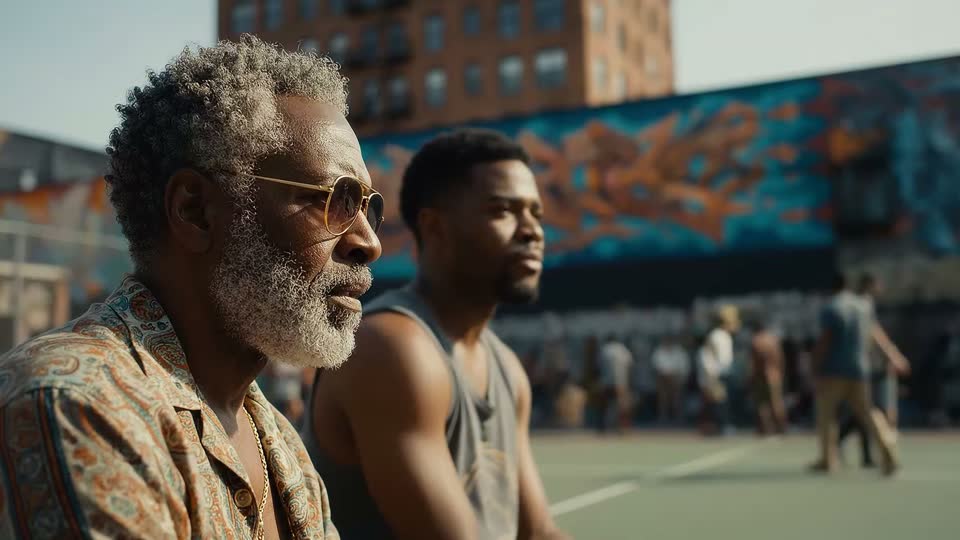 Official sample02GoogleVeo 3.1 FastA faster, lower-cost Veo 3.1 SKU for cinematic shots, guided frames, references, optional audio, and up to 4K.Text promptAnimate imageFirst → lastUp to 3 reference imagesSee model details
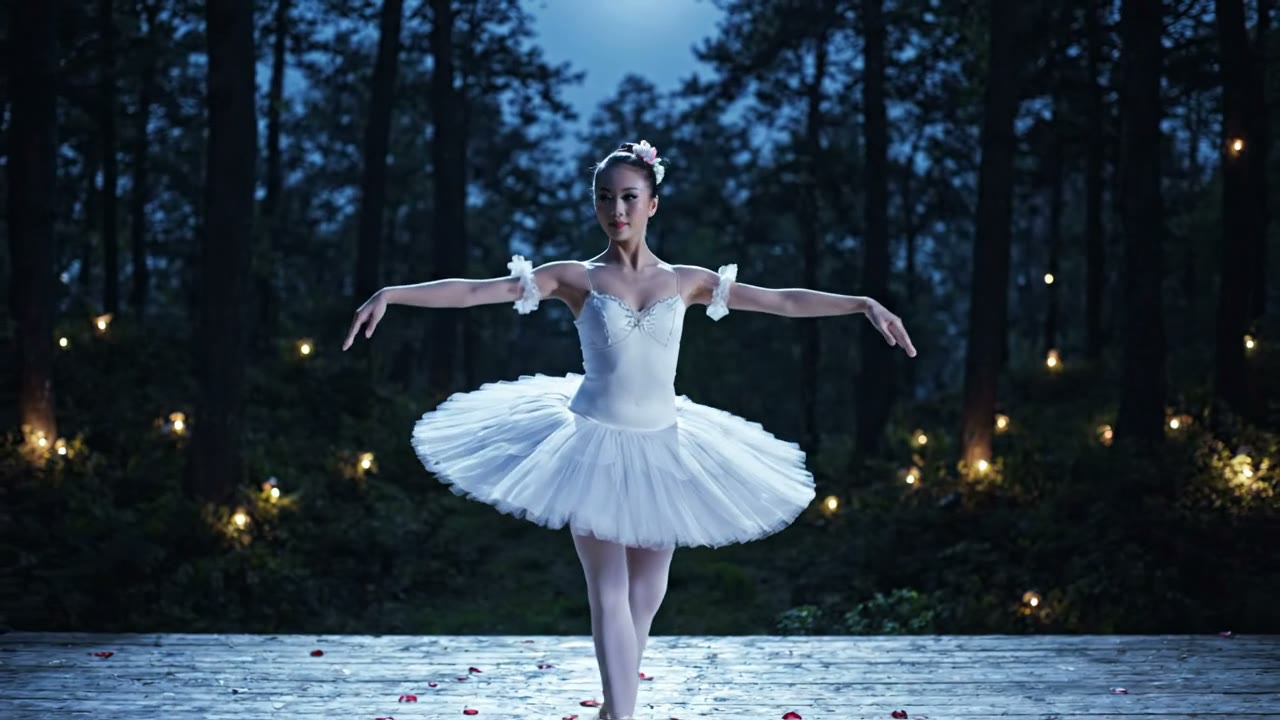 Official sample03GoogleVeo 3.1 LiteThe lightest Veo 3.1 SKU for 4–8 second 720p or 1080p cinematic clips from text, a still, or first and last frames.Text promptAnimate imageFirst → lastSee model details
 Official sample04
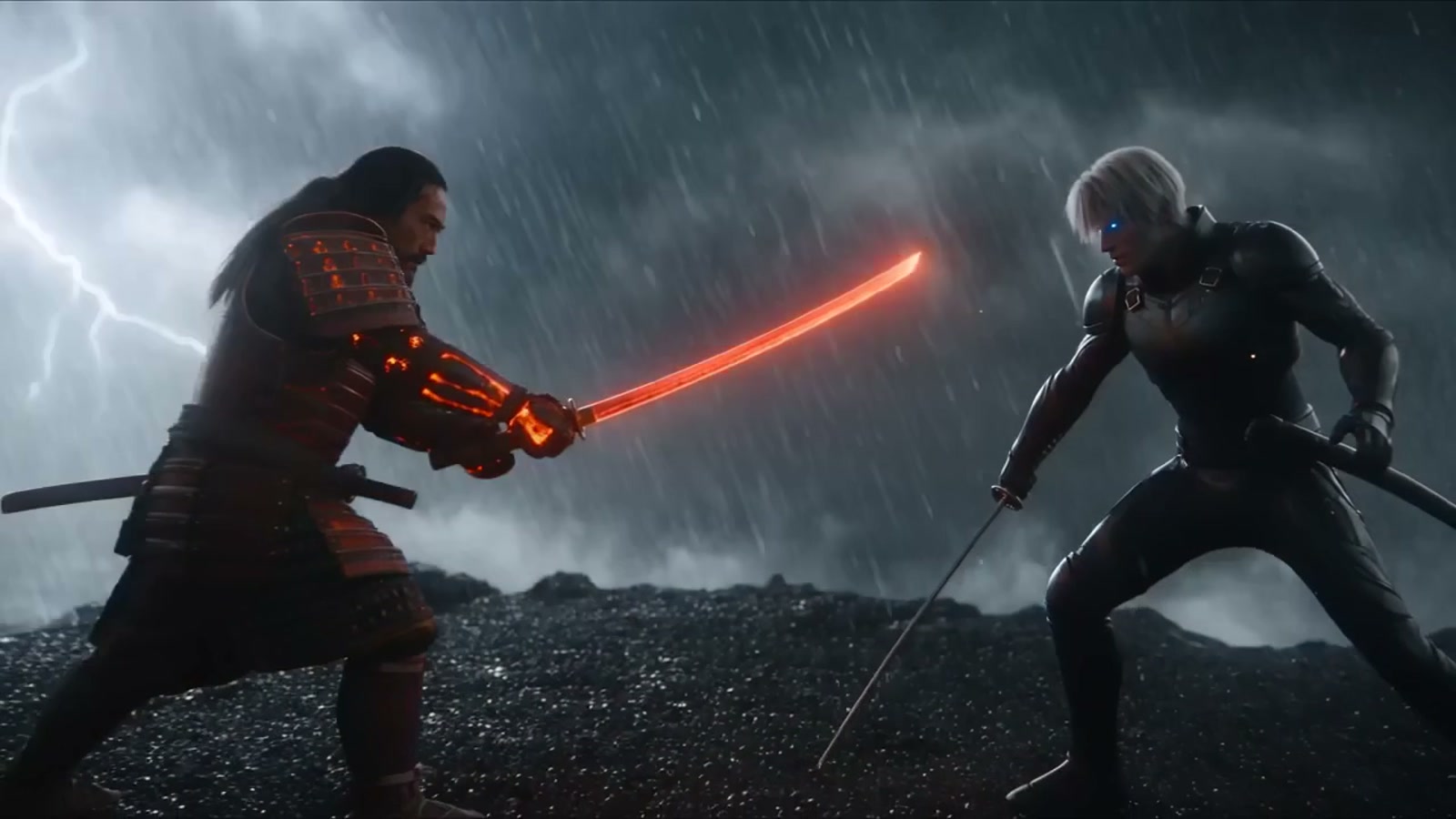
 ByteDanceSeedance 2.5A next-generation text-and-image video model with native audio, 30-second shots, first/last frames, and deep reference control.Text promptAnimate imageFirst → lastUp to 30 reference imagesSee model details
 Independent test05ByteDanceSeedance 2.0A flexible text-and-image model with first/last-frame direction, up to nine references, broad formats, and optional audio.Text promptAnimate imageFirst → lastUp to 9 reference imagesSee model details
 Official sample06ByteDanceSeedance 2.0 MiniByteDance’s faster, lower-cost Seedance 2.0 for 4–15 second drafts at 480p or 720p, with optional audio, first and last frames, and up to 9 references.Text promptAnimate imageFirst → lastUp to 9 referencesSee model details
 Official sample07
 KuaishouKling 4.0Kuaishou’s Kling 4.0 for 3–30 second clips with audio at 720p or 1080p, from text, a still, first and last frames, or up to 10 reference images.Text promptAnimate imageFirst → lastUp to 10 referencesSee model details
 Official sample08KuaishouKling 3 ProA controllable text-and-image model for expressive movement, first/last frames, subject references, and optional audio.Text promptAnimate imageFirst → lastUp to 3 subject elementsSee model details
 Official sample09KuaishouKling 3 4KKling 3’s dedicated native-4K SKU for 3–15 second clips with first/last frames, subject elements, and optional audio.Text promptAnimate imageFirst → lastUp to 3 subject elementsSee model details
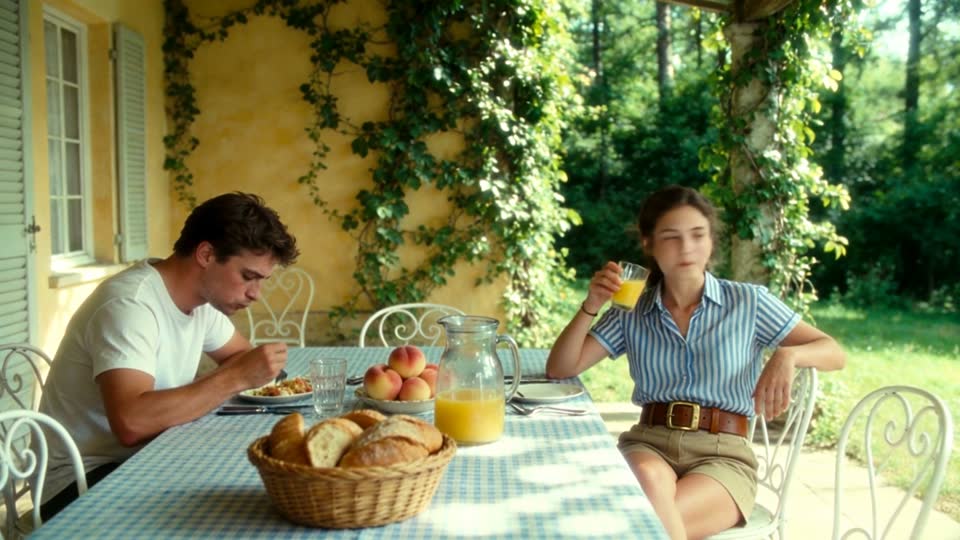 Official sample10KuaishouKling 3 Turbo ProA faster Kling 3 Pro SKU for native-audio 1080p clips from text or a starting image, without first/last frames or references.Text promptAnimate imageSee model details
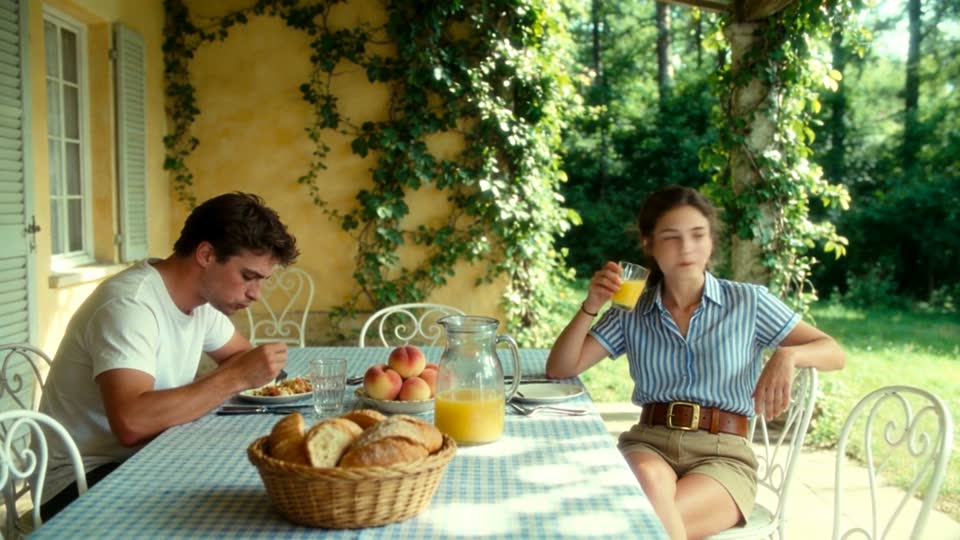 Official sample11KuaishouKling O3Kling’s newer O3 Standard generation for realistic motion, optional audio, intelligent multi-shot, first-to-last frames, and references.Text promptAnimate imageFirst → lastUp to 4 reference imagesSee model details
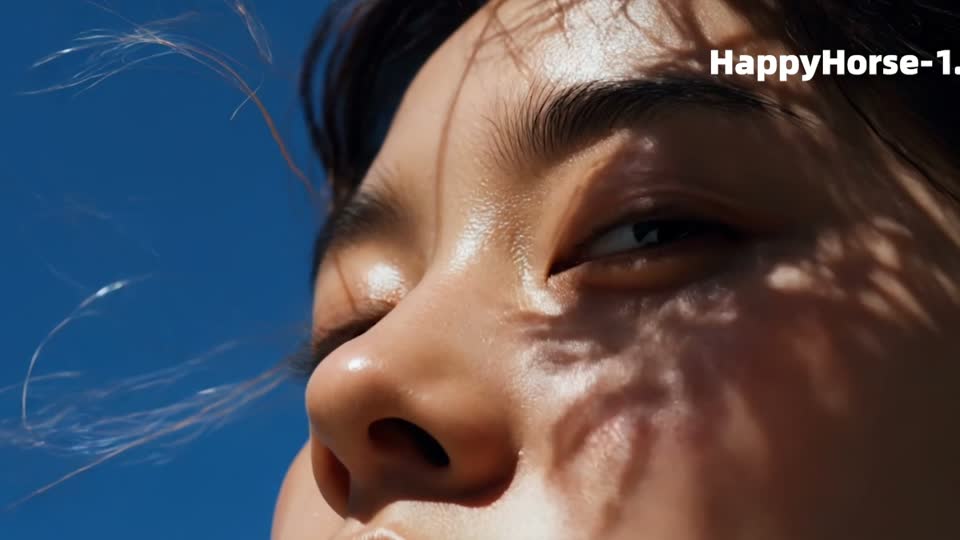 Official sample12
 AlibabaHappy Horse 1.1A native-audio text-and-image model with source-image animation, multi-image references, and broad social formats.Text promptAnimate imageUp to 9 reference imagesSee model details
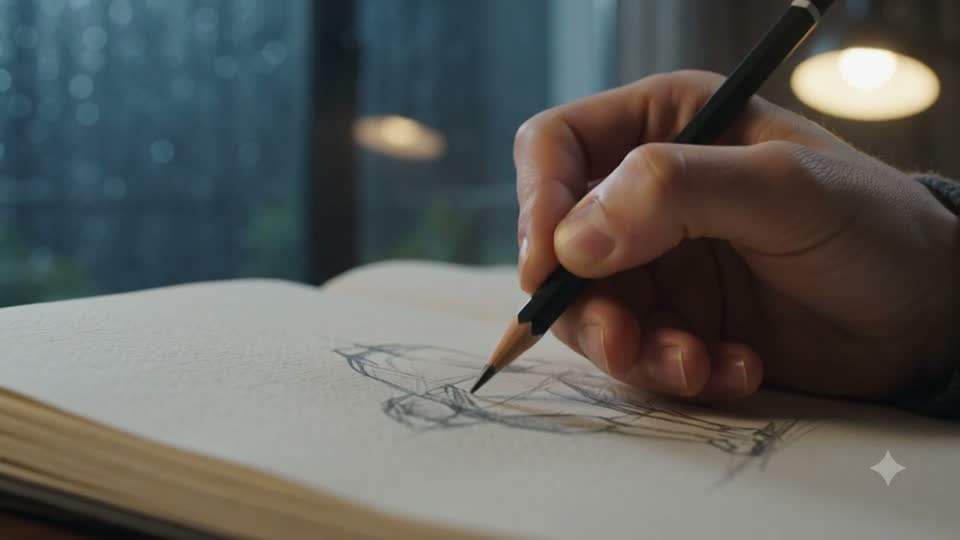 Independent test13GoogleGemini Omni FlashA fast multimodal 1.1 model for text, image animation, first/last frames, and references with native audio up to 4K.Text promptAnimate imageFirst → lastUp to 9 reference imagesSee model details
 Official sample14AlibabaWan 3.0A longer 1080p one-pass text-and-image model with optional native audio, first/last frames, and up to ten references.Text promptAnimate imageFirst → lastUp to 10 reference imagesSee model details
 Official sample15AlibabaWan 3.0 PrimeA faster Wan 3.0 SKU for 2–30 second 1080p shots with optional native audio, first/last frames, and up to ten references.Text promptAnimate imageFirst → lastUp to 10 reference imagesSee model details
 Official sample16AlibabaWan 2.7A practical text-and-image generator with first/last frames, multi-image references, 1080p, and repeatable controls.Text promptAnimate imageFirst → lastUp to 9 reference imagesSee model details
 Official sample17
 MiniMaxMiniMax H3 Maxfal’s post-trained MiniMax H3 variant for native-audio clips, image animation, first/last frames, and references at 480p, 768p, or 1080p.Text promptAnimate imageFirst → lastUp to 9 reference imagesSee model details
 Official sample18MiniMaxMiniMax H3 Max TurboA higher-throughput MiniMax H3 Max SKU for native-audio clips, image animation, and first/last frames at 480p, 768p, or 1080p.Text promptAnimate imageFirst → lastSee model details
 Official sample19MiniMaxMiniMax H3A high-detail native-audio model with first/last frames, references, and 480p through 4K output.Text promptAnimate imageFirst → lastUp to 9 reference imagesSee model details
 Official sample20HeyGenHeyGen VideoHeyGen Video, built on MiniMax H3 and post-trained by HeyGen, for 5–15 second clips with generated sound at 480p through 2K from text, a still, or up to 9 references.Text promptAnimate imageUp to 9 referencesSee model details
 Independent test21
 xAIGrok Imagine Video 1.5A flexible native-audio model for text, single-image animation, and multi-reference clips from 480p to 1080p.Text promptAnimate imageUp to 7 reference imagesSee model details
 Official sample22xAIGrok Imagine Video 1.5 LiteThe lighter Grok Imagine Video 1.5 tier for 1–15 second native-audio clips from text or one start still, at 480p to 1080p.Text promptAnimate imageSee model details
 Official sample23
 Black Forest LabsFLUX 3Black Forest Labs’ frontier video model for text, single-image motion, first-to-last frames, optional native audio, clips up to 20 seconds, and Edit clip restyles of an existing MP4.Text promptAnimate imageFirst → lastEdit clipSee model details
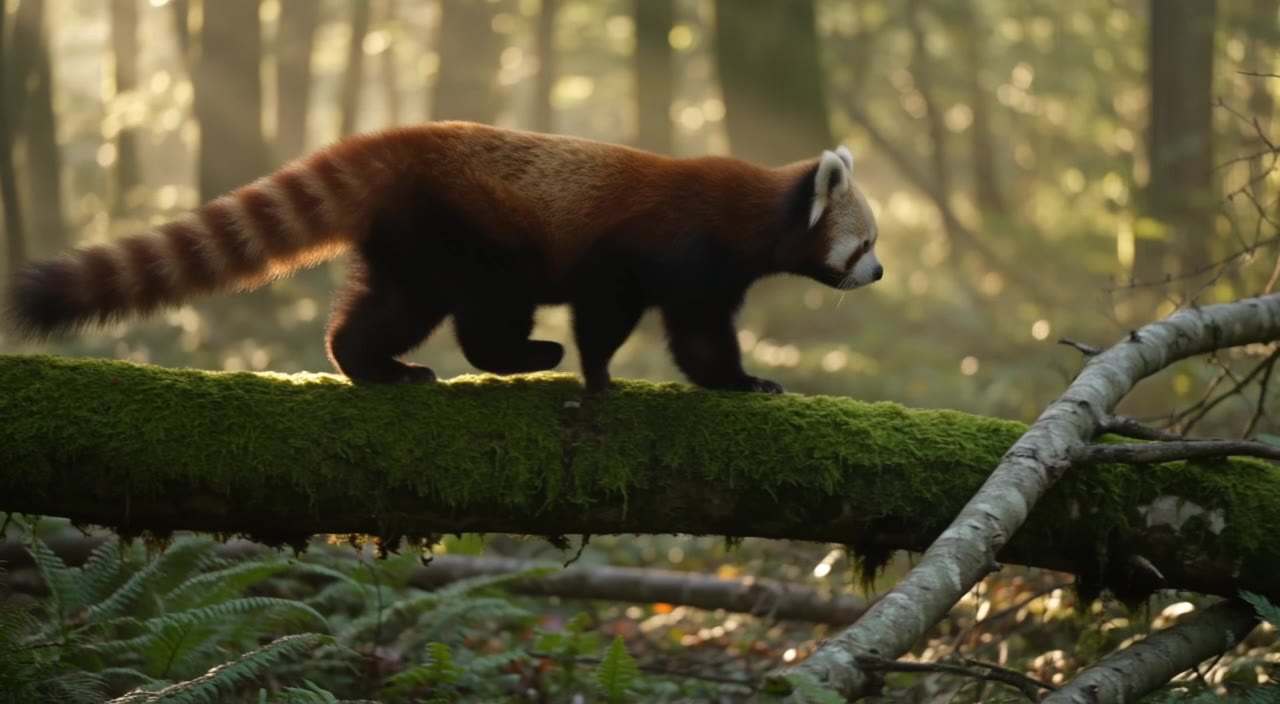 Official sample24Black Forest LabsFLUX 3 MaxBlack Forest Labs’ post-trained FLUX 3 Max for text, a start still, or first-to-last frames, with optional native audio and clips up to 20 seconds at 720p or 1080p.Text promptAnimate imageFirst → lastSee model details
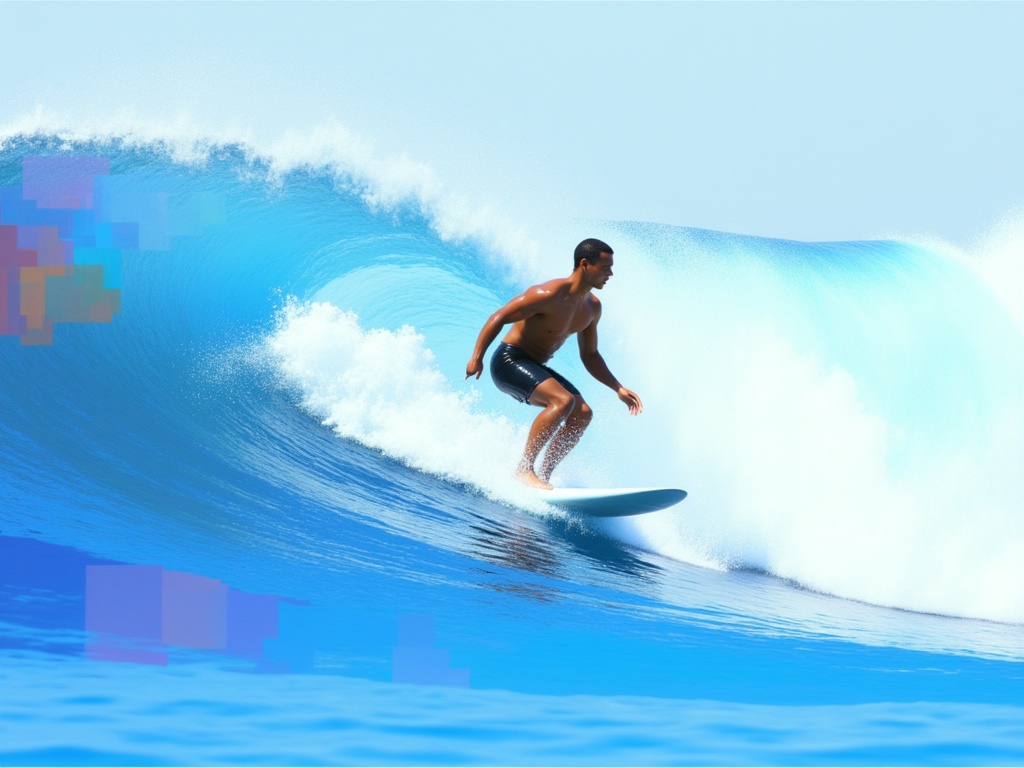 Official sample25Luma AILuma Ray 3.2Luma Ray 3.2 for cinematic, silent shots: 5 or 10 seconds from text, or 5 seconds from a still or first and last frames, at 540p, 720p, or 1080p.Text promptAnimate imageFirst → lastSee model details
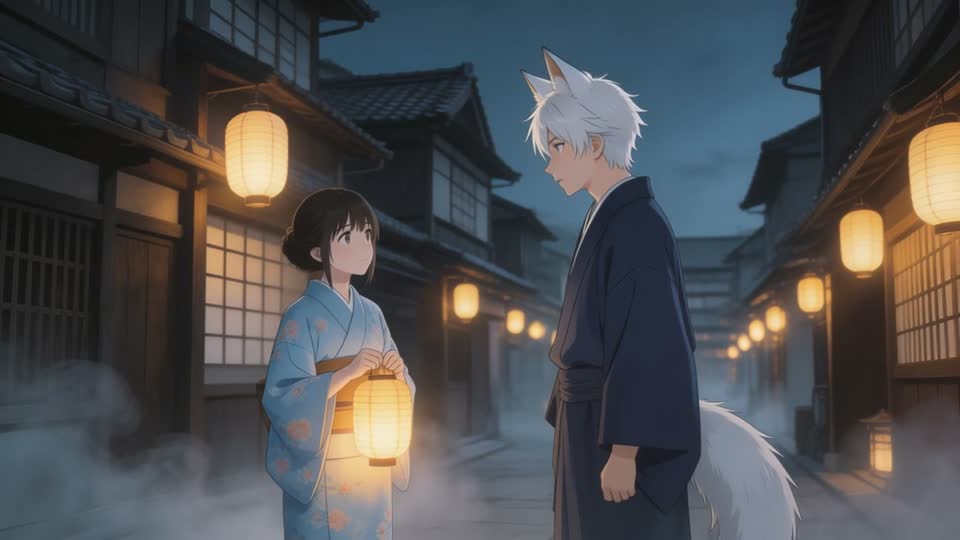 Official sample26
 PixVersePixVerse C1A film-grade PixVerse generation for text, image animation, first/last transitions, and up to four reference images, from 360p to 1080p.Text promptAnimate imageFirst → lastUp to 4 reference imagesSee model details
 Official sample27PixVersePixVerse V6A broad text-and-image toolkit with image animation, first/last transitions, four resolutions, and style controls.Text promptAnimate imageFirst → lastSee model details
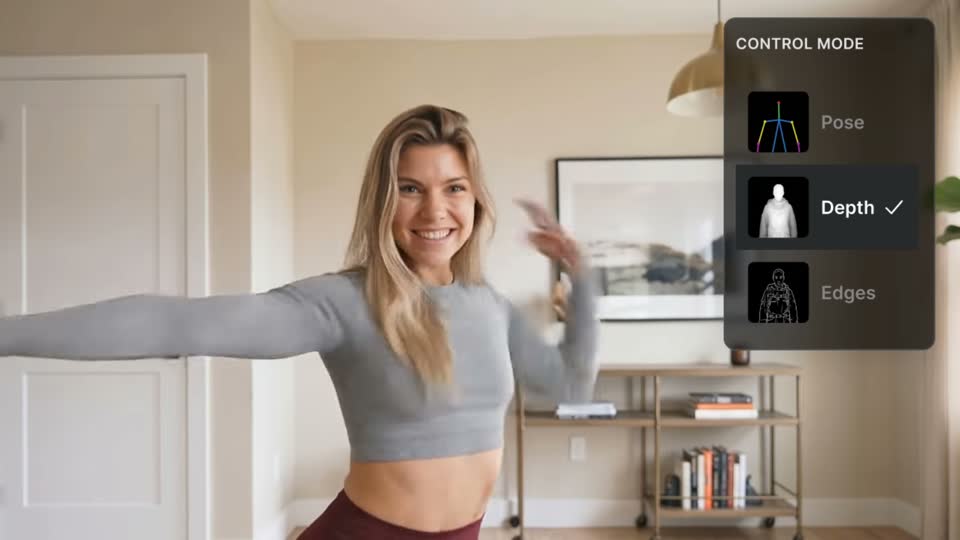 Official sample28
 LightricksLTX 2.3 ProA production-oriented text-and-image model with first/last frames, 1080p to 4K output, and frame-rate controls.Text promptAnimate imageFirst → lastSee model details
 Official sample29KuaishouKling O3 ProKling O3 Pro for realistic motion, optional audio, intelligent multi-shot, first-to-last frames, and references.Text promptAnimate imageFirst → lastUp to 4 reference imagesSee model details
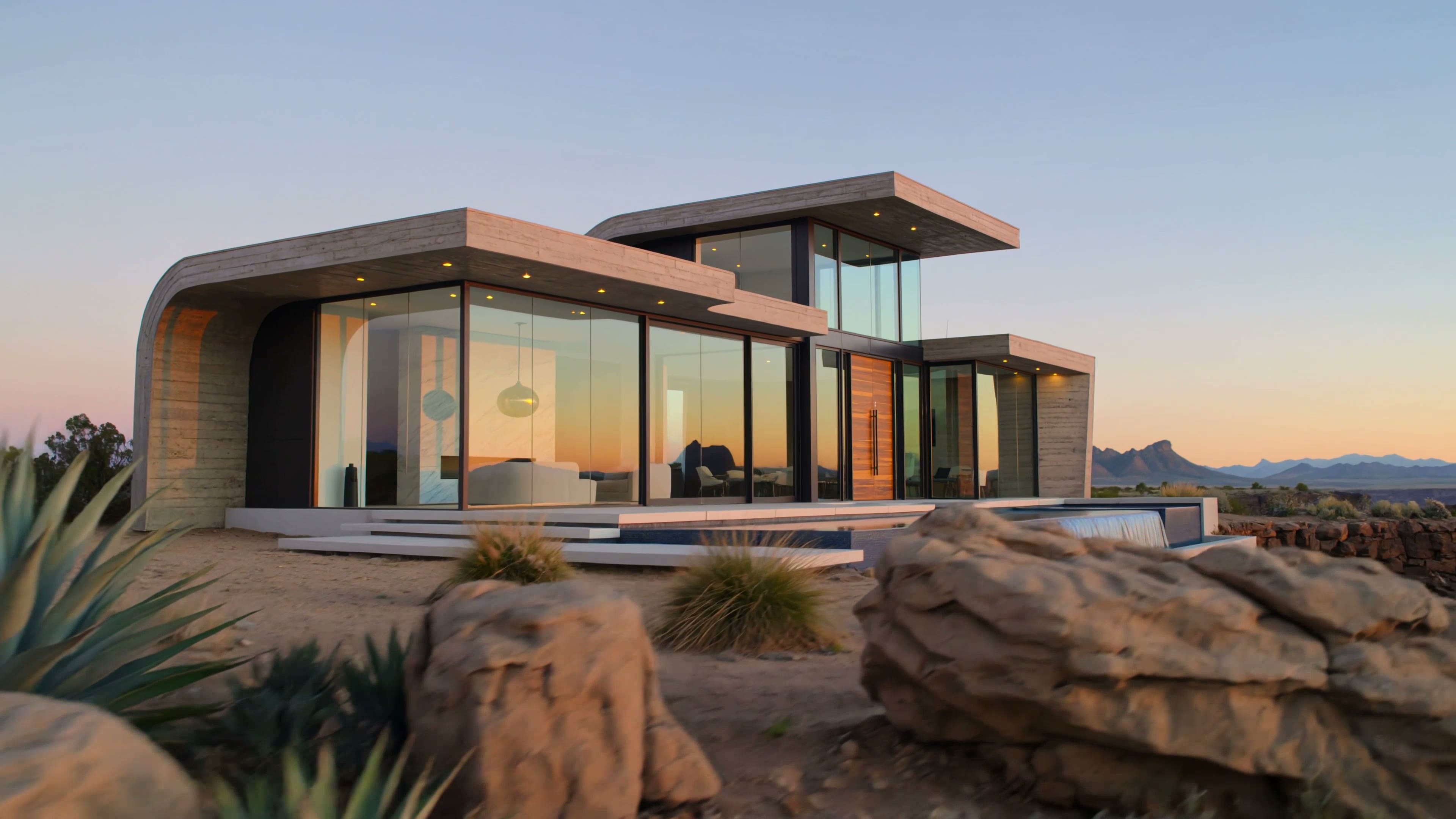 Official sample30KuaishouKling O3 4KKling O3’s native-4K SKU for realistic motion, optional audio, intelligent multi-shot, first-to-last frames, and references.Text promptAnimate imageFirst → lastUp to 4 reference imagesSee model details
 Official sample31LightricksLTX 2.5 ProLightricks’ newer Pro SKU for 720p and 1080p clips with first/last frames, optional audio, and 24, 25, or 50 fps.Text promptAnimate imageFirst → lastSee model details
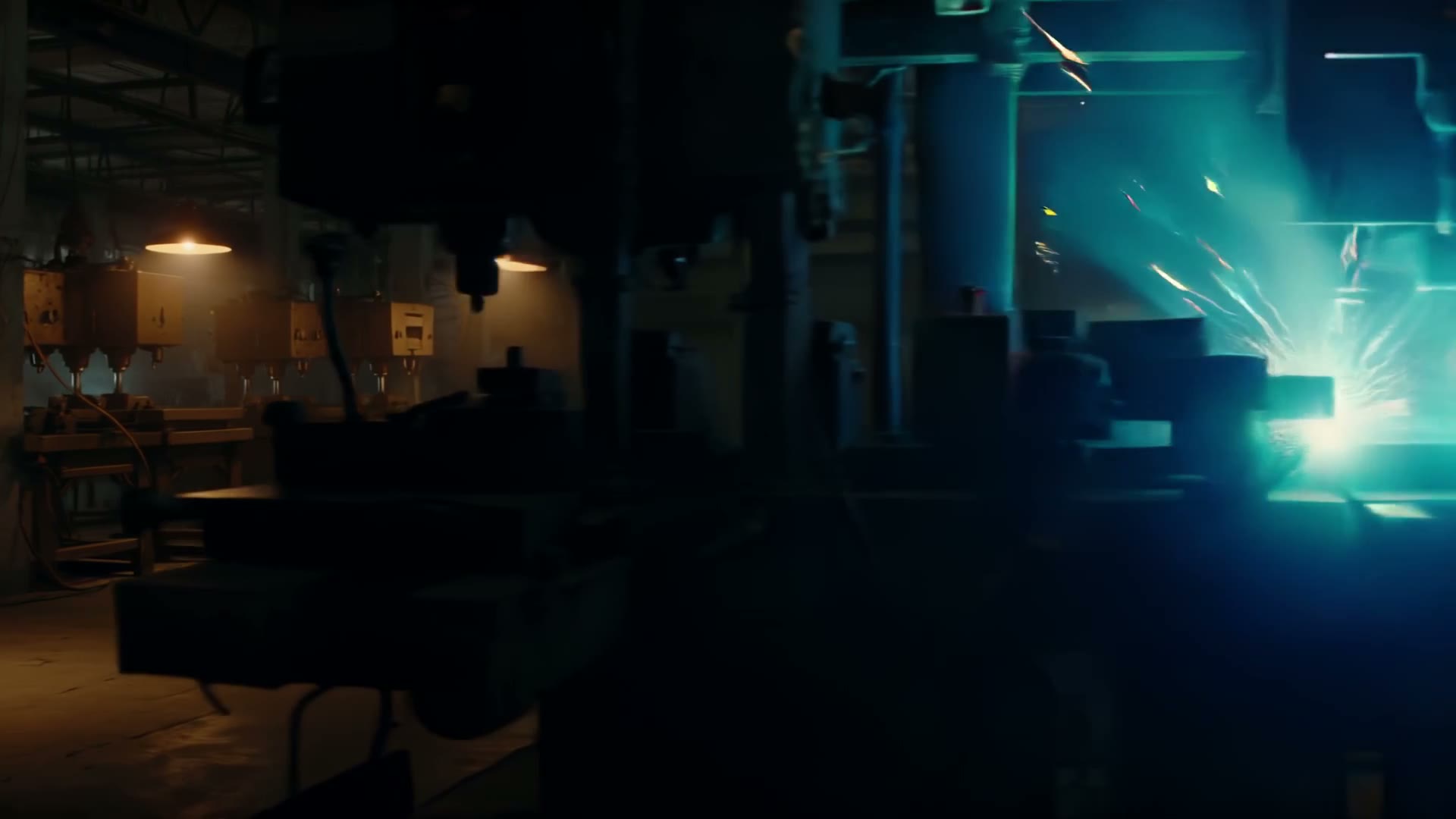 Official sample32LightricksLTX 2.5 FastThe quicker LTX 2.5 SKU for 6–10 second clips at 720p through 4K, with first/last frames, optional audio, and 24–50 fps.Text promptAnimate imageFirst → lastSee model details
Editorial selection · Last reviewed 3 October 2026
Before the first take
Video Lab is one workspace for generating videos with text prompts, source images, or an existing clip across 32 curated frontier models. Choose a model, add a prompt, image, or source MP4, generate, and keep the completed clip in your Clip Studio Library.
No objective cross-provider popularity ranking exists. This is an editorial selection of 32 frontier video models chosen for useful differences in quality, speed, control, format support, audio, and resolution.
Each plan includes a monthly generation limit. Model, duration, resolution, and other settings use that allowance. Upgrade anytime for a higher monthly limit.
Yes. Generate with one model at a time, then use Try another model to preserve your prompt, compatible settings, and available source images while you select a different model.
Every Video Lab model can animate a starting image. Veo, Seedance (including Seedance 2.0 Mini), Kling 4.0, Kling 3 Pro, Kling 3 4K, Kling O3, Kling O3 Pro, Kling O3 4K, Wan, MiniMax, Gemini, PixVerse, LTX, Luma Ray 3.2, FLUX 3, and FLUX 3 Max also support first-to-last-frame direction, including MiniMax H3 Max Turbo. Kling 3 Turbo Pro is animate-only—no first/last frames. Veo 3.1 and Veo 3.1 Fast, Seedance, Kling 4.0 (up to 10), HeyGen Video (up to 9), Happy Horse, Gemini, Wan, MiniMax H3, MiniMax H3 Max, Kling O3, Kling O3 Pro, Kling O3 4K, PixVerse C1 (up to 4), and Grok offer multi-image reference workflows. Veo 3.1 Lite is text, animate, and first/last only—no references or 4K. Kling 3 Pro and Kling 3 4K use subject reference elements inside the image workflow. H3 Max Turbo has first/last like H3 Max but no references. HeyGen Video takes a start image or references but no first/last frames. FLUX 3 can also restyle an existing MP4 with Edit clip (up to 15 seconds and 50 MB).
Yes, on FLUX 3. Choose Edit clip, pick a library clip or upload an MP4. Clips must be MP4, under 15 seconds and 50 MB. Lip sync follows new dialogue, including translations. Duration and aspect follow the source. Output is 720p and keeps the source clip’s audio unless you rewrite or translate the dialogue. Other Video Lab models generate from text or images.
Bring a prompt or source image, choose the right model, and generate.
Enter Video Lab